https://github.com/oscarmcm/calio
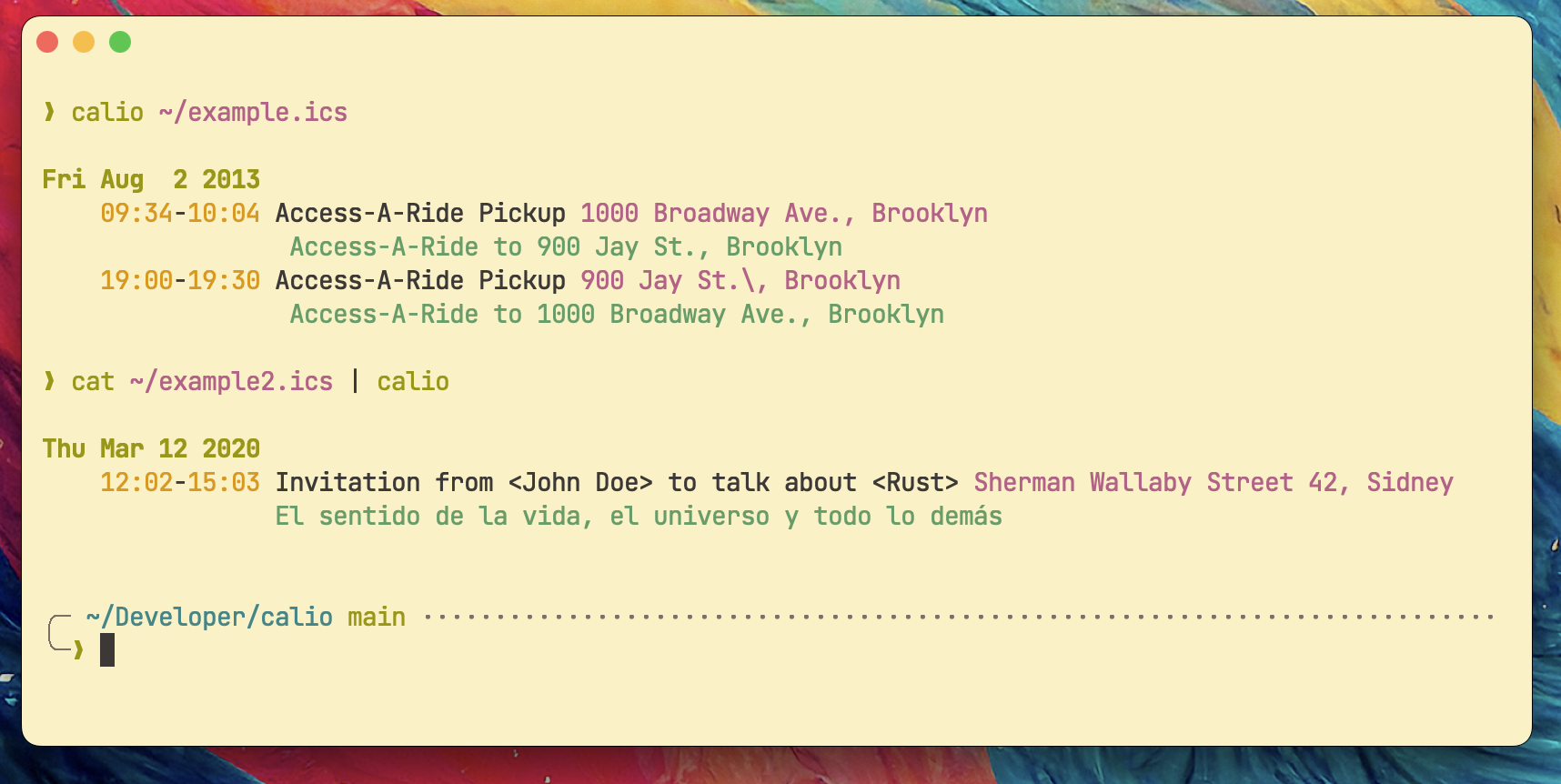
Tiny CLI tool that helps to visualize iCal file content in the terminal.
https://github.com/oscarmcm/calio
cli icalendar rust tui
Last synced: about 1 year ago
JSON representation
Tiny CLI tool that helps to visualize iCal file content in the terminal.
- Host: GitHub
- URL: https://github.com/oscarmcm/calio
- Owner: oscarmcm
- License: mit
- Created: 2023-06-01T22:40:47.000Z (about 3 years ago)
- Default Branch: main
- Last Pushed: 2023-06-13T15:21:26.000Z (about 3 years ago)
- Last Synced: 2024-10-31T11:40:51.708Z (over 1 year ago)
- Topics: cli, icalendar, rust, tui
- Language: Rust
- Homepage: https://oscarmcm.github.io/calio/
- Size: 438 KB
- Stars: 5
- Watchers: 2
- Forks: 0
- Open Issues: 0
-
Metadata Files:
- Readme: README.md
- License: LICENSE
Awesome Lists containing this project
README
# Calio
**Calio** is a tiny CLI tool that helps to visualize iCal file in the terminal.
## Installation
You can either install it via `cargo` or download the binaries from [GitHub releases](https://github.com/oscarmcm/calio/releases/).
If you go the `cargo` route, you need to have it installed (usually using [rustup](https://rustup.rs)). In a terminal, run this command to install `calio`:
```
cargo install calio
```
Then you'll be able to run `calio` from whichever directory you're in.
## How-To
**Calio** is easy to use, just provide a file path or stdin to read the
ics contents:
```
calio /some/file/path/cal.ics
calio https://gist.githubusercontent.com/DeMarko/6142417/raw/1cd301a5917141524b712f92c2e955e86a1add19/sample.ics
cat /some/file/path.cal.ics | calio
```
And also comes with the following options:
```
--keep-alive Keep the app running and do not exit on stdout.
--hide-desc Don't show the event's description.
-h, --help Print help information.
```
Run with `--help/-h` for detailed usage.