https://github.com/oskar-j/thresher
Thresher - THRESHold EvaluatoR for Python
https://github.com/oskar-j/thresher
automl fine-tuning machine-learning python scikit-learn
Last synced: about 2 months ago
JSON representation
Thresher - THRESHold EvaluatoR for Python
- Host: GitHub
- URL: https://github.com/oskar-j/thresher
- Owner: oskar-j
- License: mit
- Created: 2020-10-10T11:07:28.000Z (over 5 years ago)
- Default Branch: main
- Last Pushed: 2020-10-17T18:09:18.000Z (over 5 years ago)
- Last Synced: 2025-11-28T05:36:05.310Z (7 months ago)
- Topics: automl, fine-tuning, machine-learning, python, scikit-learn
- Language: Python
- Homepage:
- Size: 6.66 MB
- Stars: 2
- Watchers: 2
- Forks: 0
- Open Issues: 0
-
Metadata Files:
- Readme: README.md
- Contributing: CONTRIBUTING.md
- License: LICENSE
Awesome Lists containing this project
README
# Thresher - THRESHold EvaluatoR for Python
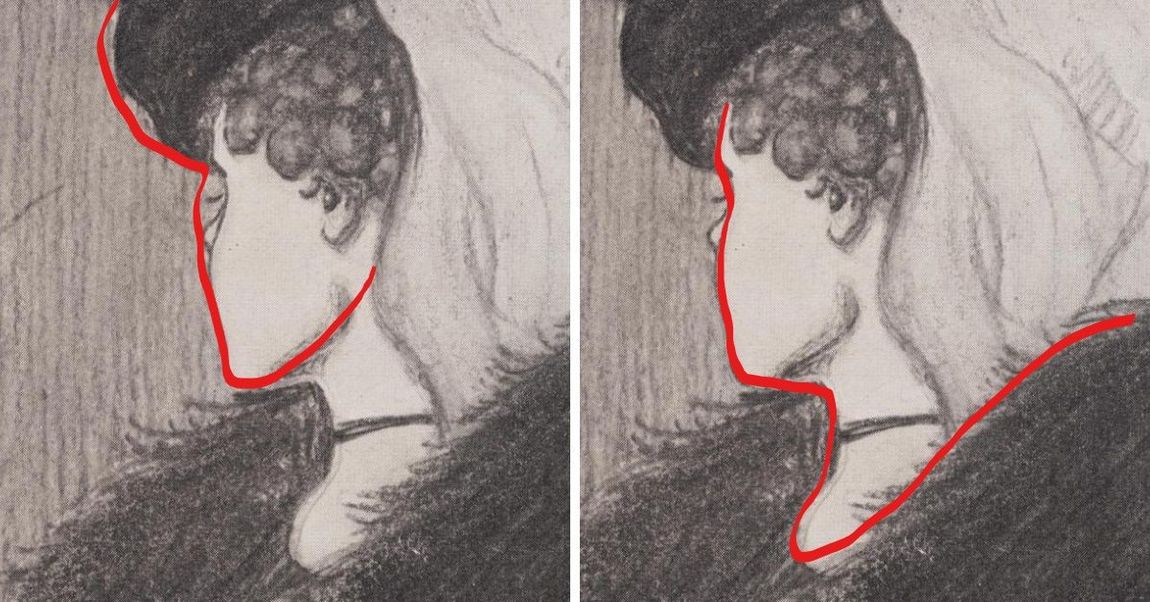
_That's either a young girl's head, or an old woman face - it all depends on what the brain chooses to see._
_Choose your cut-off point wise!_
## Project description
A bare pandas implementation of a tool for finding the threshold which maximizes accuracy
of `predict_proba` like-outputs (from e.g. `scikit-learn`), in regard to the provided ground truth (labels).
_Note: you can jump directly to the sample usage [here](https://github.com/oskar-j/thresher#sample-usage)._
Method interesting for the user is `optimize_threshold(scores, actual_classes)`, which is available
from the `Thresher` class. This method, for given _scores_ and _actual classes_,
returns a threshold that yields the _**highest fraction** of correctly classified_ samples.
```
optimize_threshold parameters:
scores:list
The list of scores.
actual_classes:list
The list of ground truth (correct) classes.
Classes are represented as -1 and 1.
returns:
threshold:float
The threshold value that yields the highest fraction of correctly classified
samples. If multiple thresholds give the optimal fraction, return any threshold.
```
### An oracle mechanism
We implemented a meta-optimizer - an 'oracle' mechanism, which chooses a proper algorithm in regard to the provided data. This is the default behaviour, and can be controlled by changing the `algorithm` param of the `Thresher` constructor. See the source code of [oracle.py](https://github.com/oskar-j/thresher/blob/main/thresher/oracle.py) and [interface.py](https://github.com/oskar-j/thresher/blob/main/thresher/interface.py) for more details.
### Implemented algorithms
### Linear search
This is the most basic, iterative approach. Recommended for smaller datasets. For every _threshold_ present in the input (in the _scores_ list), we evaluate it by calculating the exact accuracy of _split_ produced by such threshold. Then, return the threshold which produce the most accurate split.
List of parameters to customize:
* `n_jobs` (default: 1) - set to `-1` for using all available processors except one; any value of `2` or more
enables multiprocessing, while the default value of `1` disables multiprocessing
### 2-dim Stochastic Gradient Descent
This algorithm uses a naive implementation of the popular algorithm 'Stochastic Gradient Descent', which tries to converge over a function - in our case, it
is an error curve representing ratio of miss-classifies for a threshold. Using a gradient, algorithm follows the curve to find the optimal value, that is,
a threshold producing the smaller number of miss-classifies. The disadvantage of this algorithm is it's questionable robustness - it may happen
that it converges to a local optimum instead of a global one.
List of parameters to customize:
* `num_of_iters` (default: 200) - number of iterations during which algorithm tries to converge
* `stop_thresh` (default: 0.001) - minimal value of improvement, below which algorithm stops
* `alpha` (default: 0.01)
### Evolutionary algorithm
This is a simulation approach which uses an evolutionary algorithm. It works by simulating multiple generations of a "population" of candidate solutions. During every iteration of a single generation, algorithm stochasticly evaluates the candidate solution. After the end of a single generation, we remove the from the population least fit agents (solutions), and do the _crossover_ between the left solitions to produce new "offspring" candidate solutions. Moreover, they may mutate to provide additional random chance.
List of parameters to customize:
* `population_size` (default: 30) - number of agents in the simulation
* `number_of_generations` (default: 20) - number of generations
* `number_of_iterations` (default: 10) - number of iterations per a generation
* `sus_factor` (default: 2) - how many least-fit agents should be childless at the end of generation
* `stoch_ratio` (default: 0.02) - percentage of data to evaluate fit of a single agent per iteration
* `optimized_start` (default: True)
* `mutation_chance` (default: 0.05)
* `mutation_factor` (default: 0.10)
### Grid search
Added in version `0.1.2`. This algorithm works by generate a grid of possible solutions, with a granularity set
by parameter named `no_of_decimal_places`. All candidate solutions are evaluated thoroughly
and the best one is chosen at the end.
List of parameters to customize:
* `no_of_decimal_places` (default: 2) - generate the grid by rounding the number to the given number of decimal places
### Stochastic Grid search
Added in version `0.1.2`. This algorithm works similarly like the above-mentioned 'Grid search' method, with the difference, that
every single point generated by the grid is evaluated only partially (which can be controlled by the `stoch_ratio` parameter)
List of parameters to customize:
* `no_of_decimal_places` (default: 2) - generate the grid by rounding the number to the given number of decimal places
* `stoch_ratio` (default: 0.05) - percentage of data to evaluate fit of a candidate number in the grid
* `reshuffle` (default: False) - set whether the random projection should be calculated every step, or not
## How to setup?
The process is rather straightforward, you just need to just whether to install
from the sources (latest revision), or from the PyPI repository (stable release).
### Requirements
Tested with Python `3.7+`, on a standard Unix environment
### Installation
Installation from source:
```
pip install git+https://github.com/oskar-j/thresher.git
```
Stable release using the `pip` tool:
```
pip install thresher-py
```
## Custom parameters
It's possible to provide additional parameters in the `Thresher` constructor.
```python
Thresher(algorithm='auto',
allow_parallel=True,
verbose=False,
progress_bar=False,
labels=(0,1))
```
Here is a description of what does every particular parameter do:
* **algorithm** (default value: `'auto'`) - allows to manually choose the algorithm from the list of available algorithms.
Same effect can be achieved with running the method called `set_algorithm(algorithm_name)` on the `Thresher` instance.
The default value is 'auto', which means that the tool uses an oracle mechanism to manually choose a proper algorithm.
* **allow_parallel** (default value: `True`) - enables/disabled multiprocessing for algorithms
* **verbose** (default value: `False`) - enables verbosity
* **progress_bar** (default value: `False`) - shows a progress bar in the terminal (if supported by the algorithm)
* **labels** - necessary if your labels are different from `(-1, 1)` - first item from the tuple/list is a negative label,
and the second item is a positive label
### Control parameters for the algorithms
Some of the above-mentioned algorithms allow to change their parameters.
They should be provided in a dictionary, inside the `algorithm_params` parameter.
If no such customs parameters are provided, default values apply.
Examples:
```python
t = thresher.Thresher(algorithm_params={'n_jobs': 3})
```
```python
t = thresher.Thresher(algorithm_params={'no_of_decimal_places': 3,
'stoch_ratio': 0.10})
```
## Sample usage
```python
import thresher
t = thresher.Thresher()
print('Currently supported algorithms:')
print(t.get_supported_algorithms())
cases = [0.1, 0.3, 0.4, 0.7]
actual_labels = [-1, -1, 1, 1]
print(f'Optimization result: {t.optimize_threshold(cases, actual_labels)}')
```
See the [examples](https://github.com/oskar-j/thresher/tree/main/examples) directory for more sample code.
## Performance tests
A very basic performance test (with 10 repeats, on a real-world [anonymized data](https://github.com/oskar-j/thresher/blob/main/examples/performance_test/milion_samples.7z) consisting of `10^6` rows) can be found in the Notebook [located here](https://github.com/oskar-j/thresher/blob/main/examples/performance_test/TresherPerformanceTest.ipynb).
Similar experiment, but with more iterations, was conducted in the file [TresherPerformanceTestExtended.ipynb](https://github.com/oskar-j/thresher/blob/main/examples/performance_test/TresherPerformanceTestExtended.ipynb) to test the oracle.
## Future work
* adding more algorithms,
* publishing on conda,
* more heavy test loads,
* python docs,
* CI/CD pipeline for automated tests.