https://github.com/pablomm/brainfuck-art
Generator of ASCII art that is Brainfuck code to encode a text
https://github.com/pablomm/brainfuck-art
ascii-art brainfuck
Last synced: 4 months ago
JSON representation
Generator of ASCII art that is Brainfuck code to encode a text
- Host: GitHub
- URL: https://github.com/pablomm/brainfuck-art
- Owner: pablomm
- License: mit
- Created: 2024-08-11T13:34:08.000Z (almost 2 years ago)
- Default Branch: main
- Last Pushed: 2024-08-14T00:09:51.000Z (almost 2 years ago)
- Last Synced: 2026-01-04T02:57:04.251Z (6 months ago)
- Topics: ascii-art, brainfuck
- Language: Python
- Homepage:
- Size: 2.35 MB
- Stars: 0
- Watchers: 1
- Forks: 0
- Open Issues: 0
-
Metadata Files:
- Readme: README.md
- License: LICENSE
Awesome Lists containing this project
README
# Brainfuck Art


[](https://brainfuck-art.readthedocs.io/en/latest/?badge=latest)
[](https://pypi.org/project/brainfuck-art/)
Brainfuck Art is a Python library developed as a hobby project for generating images with hidden Brainfuck code. Inspired by htmlfuck, the library provides functionality to encode text into Brainfuck, convert images to ASCII art, and export the output in HTML, SVG, or PDF formats.
[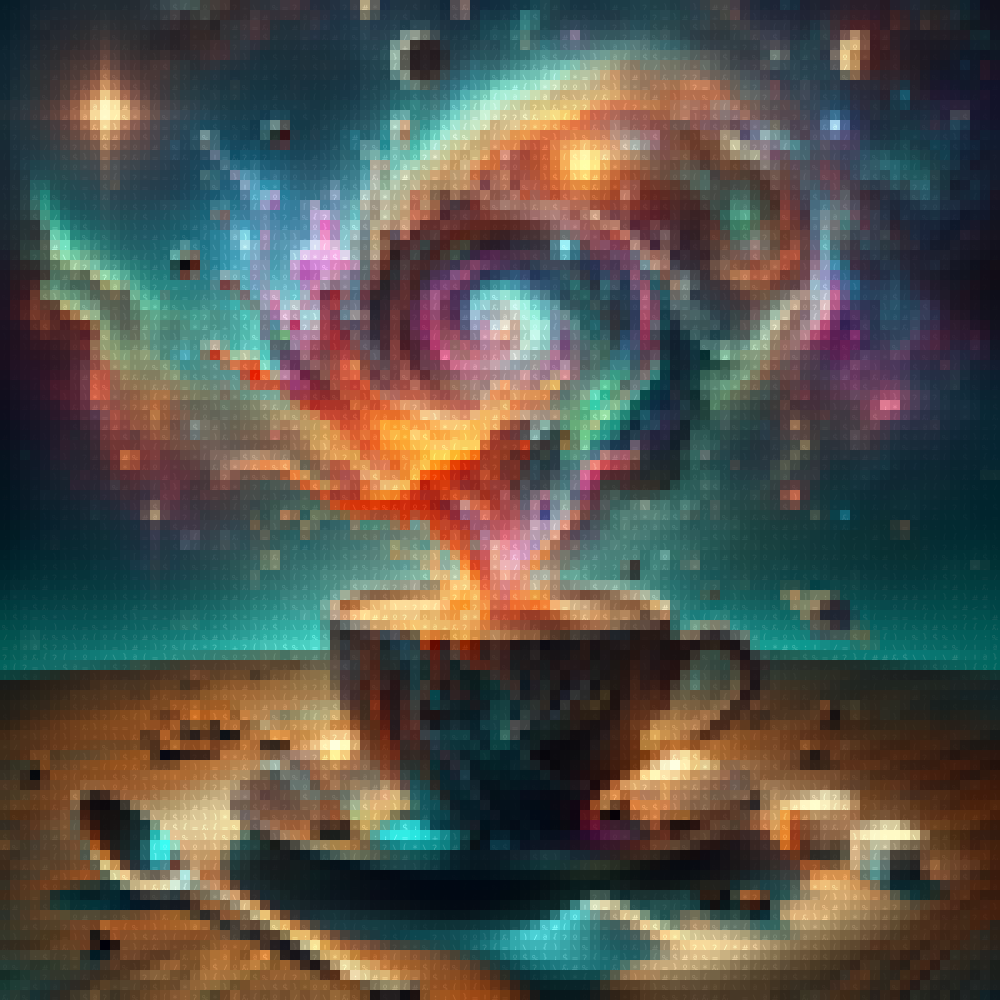](https://raw.githubusercontent.com/pablomm/brainfuck-art/main/docs/assets/coffee.svg)
## Example
You can download this example as pdf [Coffee-pdf](https://raw.githubusercontent.com/pablomm/brainfuck-art/main/docs/assets/coffee.pdf), copy the content (Ctrl+A) and paste in a brainfuck interpreter like [this one](https://copy.sh/brainfuck/) to recover the content.
## Features
- **Text to Brainfuck**: Convert any text into Brainfuck code.
- **ASCII Art Generation**: Transform images into color blocks.
- **Multiple Output Formats**: Export your creations as HTML, SVG, or PDF.
- **Command-Line Interface (CLI)**: Generate and export art from the terminal.
- **Python API**: Integrate Brainfuck Art into your Python projects with ease.
## Installation
To install Brainfuck Art, ensure you have Python 3.9 or higher, and run:
```bash
pip install brainfuck-art
```
## Command-Line Usage
You can use Brainfuck Art directly from the command line to create art with hidden Brainfuck code:
```bash
# Download the example image
curl -L -o coffee.png https://github.com/pablomm/brainfuck-art/blob/main/docs/assets/coffee.png\?raw\=true
# Generate Art with hidden text
brainfuck-art coffee.png -t "I love coffee" -o "coffee.pdf" -W 100 -H 100
```
### Main Options
- `-t`, `--text`: Text to encode as Brainfuck code.
- `-o`, `--output`: The output file name (with extension).
- `-W`, `--width`: Width of the output in characters.
- `-H`, `--height`: Height of the output in characters.
- `-f`, `--filetype`: File type for output (html, svg, pdf).
## Python API Usage
You can also use Brainfuck Art as a Python package to programmatically generate Brainfuck code, interpret it, and create visual art.
### Generate Brainfuck Code
```python
from brainfuck_art import text_to_bf
code = text_to_bf("brainfuck")
print(code)
```
Example output:
```
'>+++++++[>++++++++++++++<-]>.<++++[>++++<-]>.<++++[>----<-]>-.++++++++.+++++.--------.+++++++++++++++.<+++[>------<-]>.++++++++.'
```
### Execute Brainfuck Code
```python
from brainfuck_art import execute_bf
output, tape = execute_bf(code)
print(output) # Outputs: brainfuck
```
### Generate ASCII Art with Hidden Text
```python
from brainfuck_art import image_to_matrix, save_matrix_to_svg
text = "I love coffee"
text_matrix, color_matrix = image_to_matrix("coffee.png", text=text)
save_matrix_to_svg(text_matrix, color_matrix, output_file="coffee.svg")
```
You can also save the output in PDF or HTML formats using the same approach.
## License
Brainfuck Art is licensed under the MIT License. See the [LICENSE](LICENSE) file for more details.