https://github.com/padraigk/swiftformat-nova
Nova extension for SwiftFormat
https://github.com/padraigk/swiftformat-nova
nova-editor nova-extension swift swiftformat
Last synced: 2 months ago
JSON representation
Nova extension for SwiftFormat
- Host: GitHub
- URL: https://github.com/padraigk/swiftformat-nova
- Owner: PadraigK
- License: mit
- Created: 2023-09-18T16:21:54.000Z (almost 3 years ago)
- Default Branch: main
- Last Pushed: 2023-11-23T02:39:31.000Z (over 2 years ago)
- Last Synced: 2025-03-14T06:44:09.103Z (over 1 year ago)
- Topics: nova-editor, nova-extension, swift, swiftformat
- Language: JavaScript
- Homepage:
- Size: 5.67 MB
- Stars: 3
- Watchers: 2
- Forks: 0
- Open Issues: 0
-
Metadata Files:
- Readme: README.md
- Changelog: CHANGELOG.md
- License: LICENSE.md
- Code of conduct: CODE_OF_CONDUCT.md
Awesome Lists containing this project
README
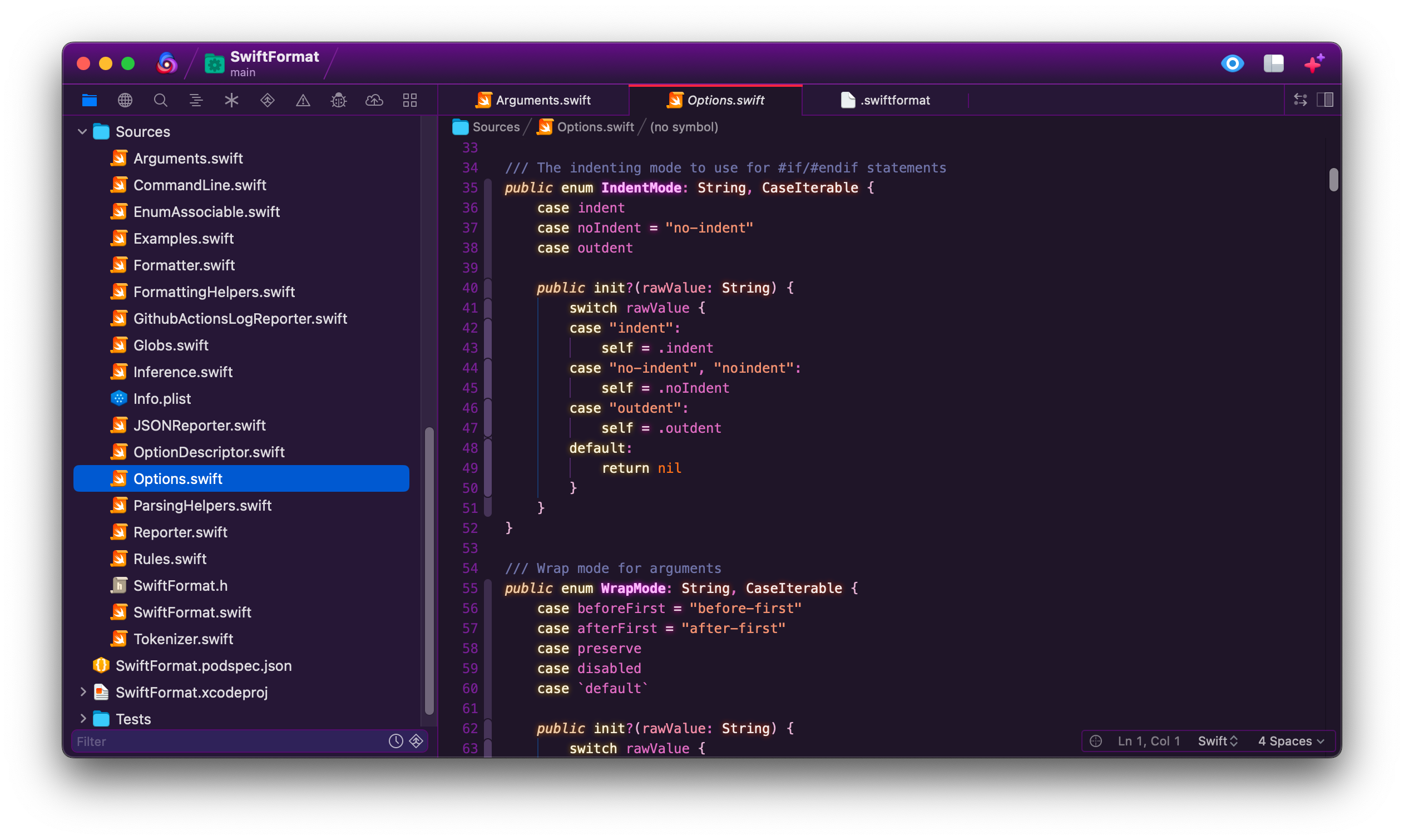
**SwiftFormat** integrates Nick Lockwood's [SwiftFormat](https://github.com/nicklockwood/SwiftFormat) with [Nova](https://panic.com/nova).
This extension will run the formatter when a Swift document is saved. It can also be invoked as an editor command.
## Installation
If you have Nova installed on your Mac, you can [install the extension](nova://extension/?id=org.padraig.SwiftFormat&name=SwiftFormat) from the extension library, or using the [Install](https://extensions.panic.com/extensions/org.padraig/org.padraig.SwiftFormat/) link on Panic's website.
The SwiftFormat extension includes a built-in version of the actual formatter tool, so no additional setup is required.
If you would like to use a different version, you can set a path to a custom binary in settings. You might do this if you work on a team and want to ensure that everyone is using a particular version.
## Usage
SwiftFormat runs any time a Swift document is saved in Nova, automatically reformatting code according to the default SwiftFormat [rules](https://github.com/nicklockwood/SwiftFormat#rules). You can customize the rules by creating a `.swiftformat` [config file](https://github.com/nicklockwood/SwiftFormat#config-file) in the root of your project.
To run SwiftFormat manually:
- Select the **Editor → SwiftFormat** menu item; or
- Open the command palette and type `SwiftFormat`
### Configuration
To configure global settings, open **Extensions → Extension Library...** then select SwiftFormat's **Settings** tab.
You can also configure settings on a per-project basis in **Project → Project Settings...**
## Contributing and Collaboration
I'd love to hear from you! Get in touch via [mastodon](https://mastodon.social/@PadraigOCinneide), an issue, or a pull request.
By participating in this project you agree to abide by the [Contributor Code of Conduct](CODE_OF_CONDUCT.md).