https://github.com/parasss19/currency-converter
https://github.com/parasss19/currency-converter
Last synced: over 1 year ago
JSON representation
- Host: GitHub
- URL: https://github.com/parasss19/currency-converter
- Owner: parasss19
- Created: 2023-10-22T11:22:20.000Z (almost 3 years ago)
- Default Branch: main
- Last Pushed: 2023-10-24T11:25:59.000Z (over 2 years ago)
- Last Synced: 2023-10-24T12:28:41.552Z (over 2 years ago)
- Language: JavaScript
- Size: 1.34 MB
- Stars: 1
- Watchers: 1
- Forks: 0
- Open Issues: 0
-
Metadata Files:
- Readme: README.md
Awesome Lists containing this project
README
Currency Converter
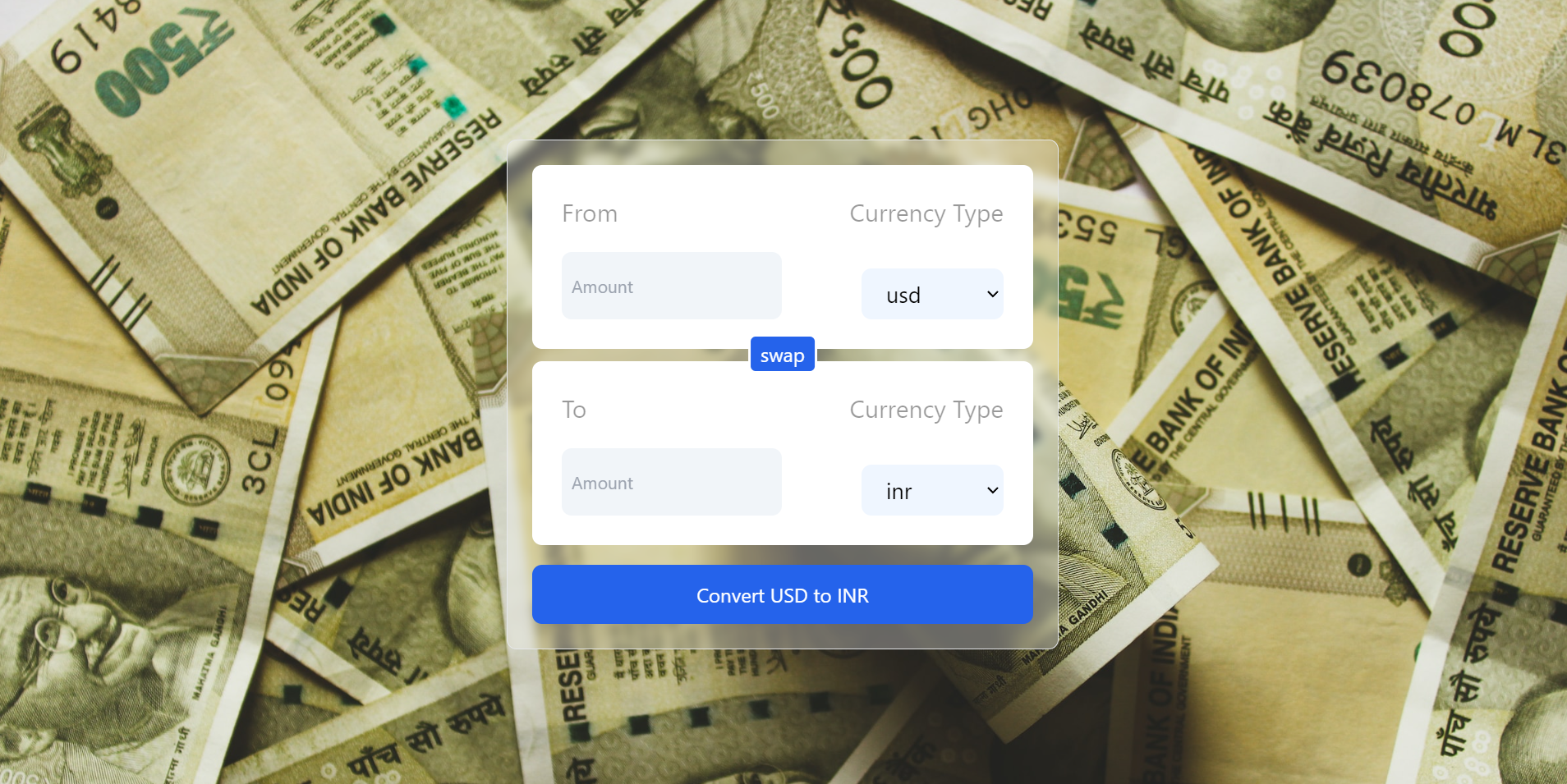
Main Points
1 Convert Anytime of currency with accuracy of more than 6 decimal places.
2 API is used to give accurate currency data.
3 Using React the data flow is very fast between component
4 Used best practices to make production level project
Technology Stack




> **Note**: If you are new to open source contributions, you can refer to [this](https://opensource.guide/how-to-contribute/) guide by GitHub.
# Installation
## To run the project locally, follow these steps:
1. Fork the project repository:
- Go to the project repository on GitHub.
- Click on the "Fork" button in the top-right corner of the page.

- This will create a copy of the repository under your GitHub account.
2. Clone the forked repository to your local machine:
```
git clone https://github.com/parasss19/Currency-Converter
```
- This command will create a local copy of the project on your machine.
3. Install dependencies
```
npm install
```
4. Running the Project :
To start the development server and run the application locally, use the following command:
```
npm run dev
```
- It will start the application
## 🤠 Project Admin