https://github.com/parasss19/giphyapp
Sticky App
https://github.com/parasss19/giphyapp
Last synced: 11 months ago
JSON representation
Sticky App
- Host: GitHub
- URL: https://github.com/parasss19/giphyapp
- Owner: parasss19
- Created: 2025-02-21T16:36:15.000Z (over 1 year ago)
- Default Branch: main
- Last Pushed: 2025-07-24T09:12:32.000Z (12 months ago)
- Last Synced: 2025-07-24T13:16:36.640Z (12 months ago)
- Language: JavaScript
- Homepage: https://sticky-blond.vercel.app/
- Size: 437 KB
- Stars: 1
- Watchers: 1
- Forks: 0
- Open Issues: 0
-
Metadata Files:
- Readme: README.md
Awesome Lists containing this project
README
# STICKY❤️
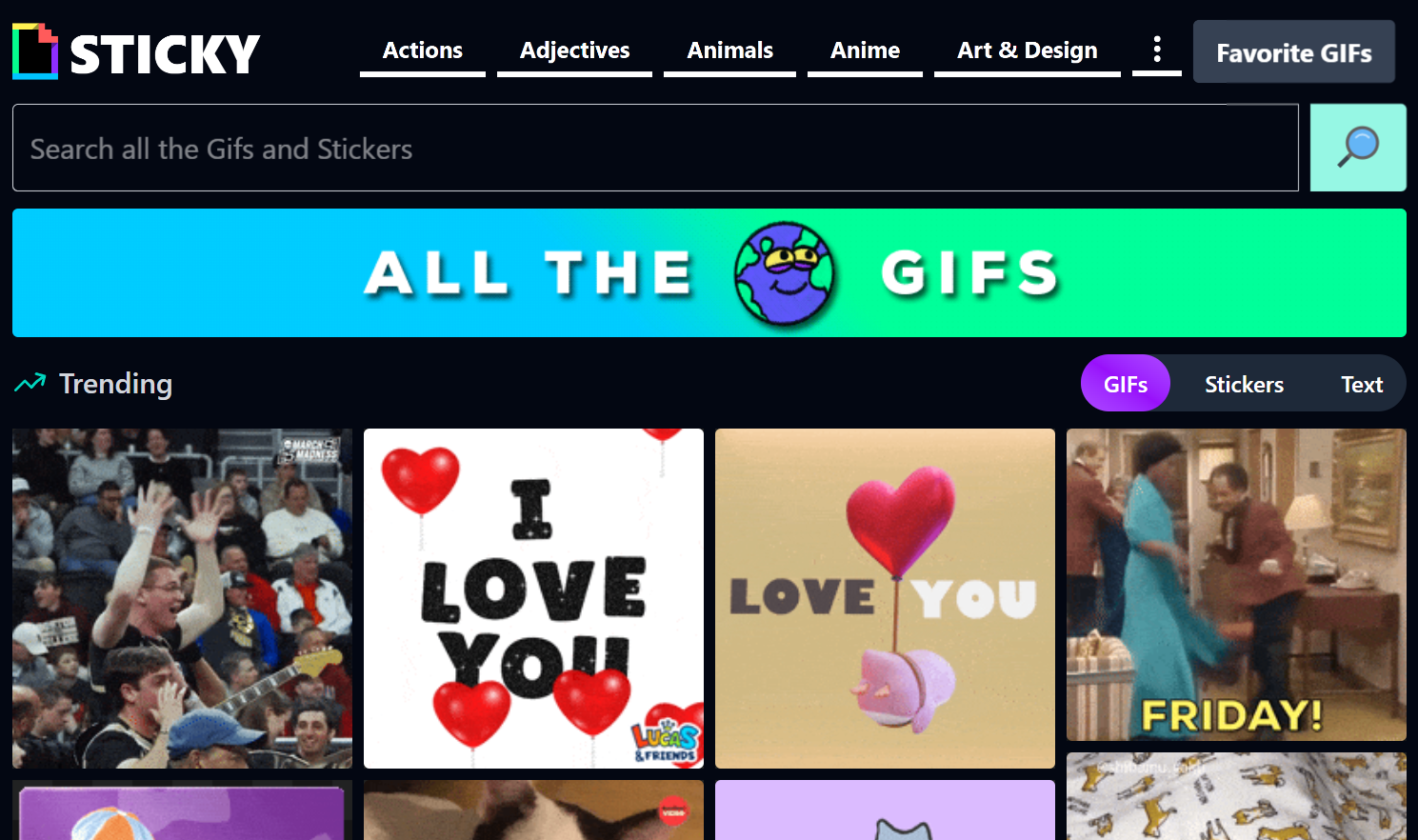
## A fun & fast GIF ,Stickers finder where you can:
## 🚀 Features
- 🔍 **Search trending GIFs, stickers & text**
- 💾 **Save your favorites**
- 📤 **Share with friends**
- 📥 **Download GIFs**
## 🧑💻 Tech Stack
| Tech | Description |
|-------------|---------------------------------------|
| **MongoDB** | NoSQL database with transaction support |
| **Express** | Backend server framework |
| **React** | Frontend library |
| **Tailwind Css** | For UI |
| **Node.js** | Runtime environment |
| **JWT** | Secure authentication mechanism |
| **Mongoose**| MongoDB object modeling tool |
| **Vite**| Build Tool |
| **Context-API**| For state Management |
> **Note**: If you are new to open source contributions, you can refer to [this](https://opensource.guide/how-to-contribute/) guide by GitHub.
# Installation
## To run the project locally, follow these steps:
1. **Fork the project repository:**
- Go to the project repository on GitHub.
- Click on the "Fork" button in the top-right corner of the page.

- This will create a copy of the repository under your GitHub account.
2. **Clone the forked repository to your local machine:**
```sh
git clone https://github.com/parasss19/GiphyApp
cd GiphyApp
```
- This command will create a local copy of the project on your machine.
3. **Install frontend dependencies**
```sh
npm install
```
4. **Setup ENV for Backend**
Create a `config.env` file in the `Backend` directory
```sh
VITE_GIPHY_KEY = "YOUR GIPHY API KEY"
VITE_BACKEND_URL = "YOUR backend url"
VITE_GOOGLE_CLIENT_ID = "YOUR GOOGLE CLIENT ID FOR OAuth"
```
5. **Running Frontend**
```sh
npm run dev
```
6. **Open the app**
- Go to `http://localhost:5173` in your browser
> **Note**: For backend Repository Refer to [Giphy_Backend](https://github.com/parasss19/GiphyApp_Backend) .
## 📜 License
This project is licensed under the MIT License.
## 🤠 Project Admin