https://github.com/parasss19/nodejs_-farm
https://github.com/parasss19/nodejs_-farm
Last synced: 4 months ago
JSON representation
- Host: GitHub
- URL: https://github.com/parasss19/nodejs_-farm
- Owner: parasss19
- Created: 2023-09-25T14:12:07.000Z (almost 3 years ago)
- Default Branch: main
- Last Pushed: 2024-01-21T14:37:17.000Z (over 2 years ago)
- Last Synced: 2025-02-01T18:14:22.464Z (over 1 year ago)
- Language: HTML
- Size: 15.6 KB
- Stars: 3
- Watchers: 1
- Forks: 0
- Open Issues: 0
-
Metadata Files:
- Readme: README.md
Awesome Lists containing this project
README
Node_Farm
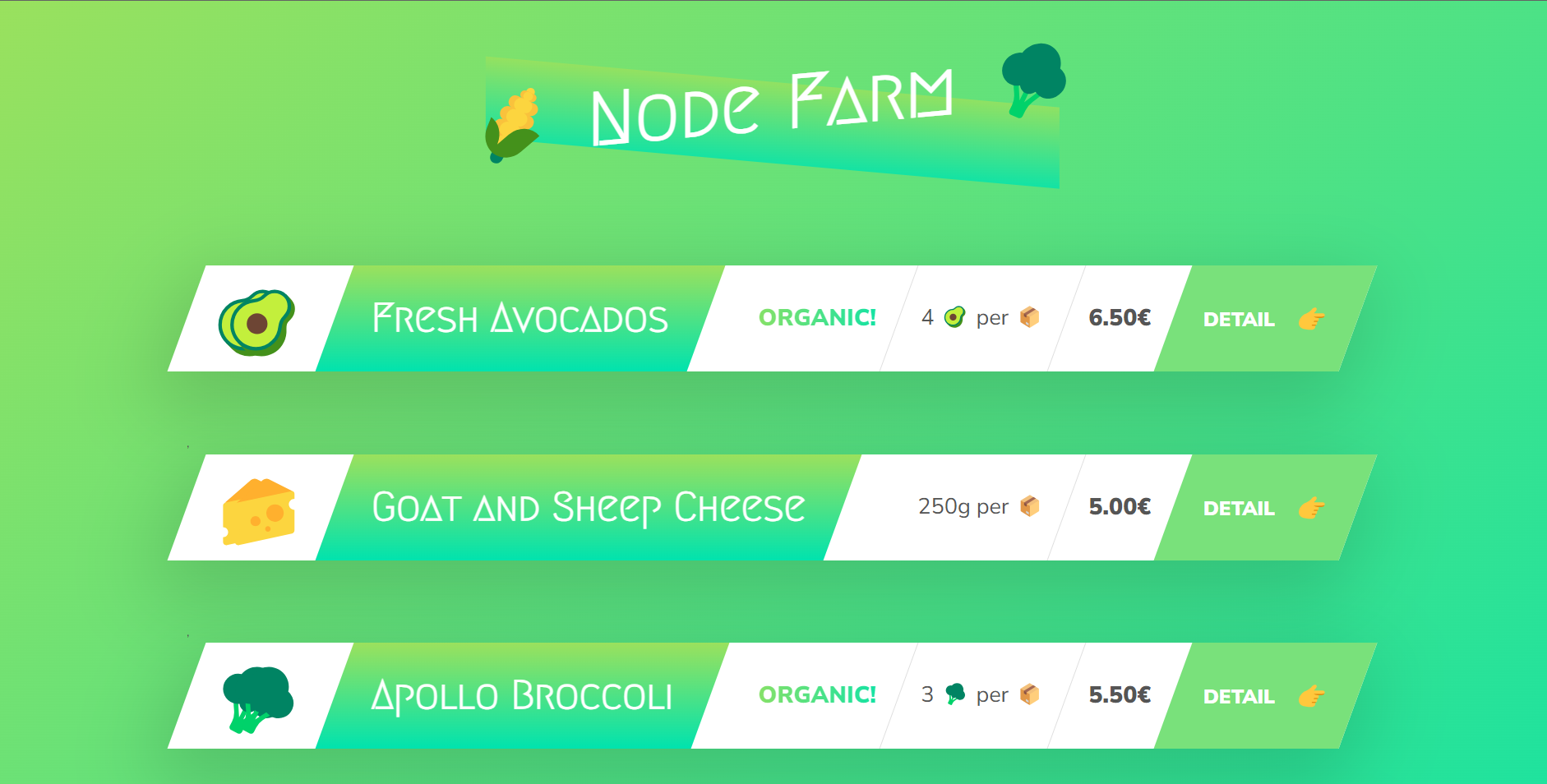
Technology Stack



> **Note**: If you are new to open source contributions, you can refer to [this](https://opensource.guide/how-to-contribute/) guide by GitHub.
# Installation
## To run the project locally, follow these steps:
1. Fork the project repository:
- Go to the project repository on GitHub.
- Click on the "Fork" button in the top-right corner of the page.

- This will create a copy of the repository under your GitHub account.
2. Clone the forked repository to your local machine:
```
git clone https://github.com/parasss19/NodeJs_-Farm.git
```
- This command will create a local copy of the project on your machine.
3. Install dependencies
```
npm install
```
4. Running the Project :
To start the development server and run the application locally, use the following command:
```
npm start
```
- It will start the server now type ``` 127.0.0.1:8000 ``` in chrome to view the application
## 🤠 Project Admin