https://github.com/parzivail/microbingo
Small, easy to use projector-friendly bingo program
https://github.com/parzivail/microbingo
Last synced: over 1 year ago
JSON representation
Small, easy to use projector-friendly bingo program
- Host: GitHub
- URL: https://github.com/parzivail/microbingo
- Owner: parzivail
- Created: 2017-03-25T01:11:55.000Z (over 9 years ago)
- Default Branch: master
- Last Pushed: 2022-05-10T21:55:19.000Z (about 4 years ago)
- Last Synced: 2025-02-13T02:30:37.751Z (over 1 year ago)
- Language: C#
- Homepage:
- Size: 2.17 MB
- Stars: 3
- Watchers: 2
- Forks: 2
- Open Issues: 0
-
Metadata Files:
- Readme: README.md
Awesome Lists containing this project
README
# MicroBingo
Small, easy to use bingo program for parties, giveaways, country clubs, etc.
# Features
## Bingo Board
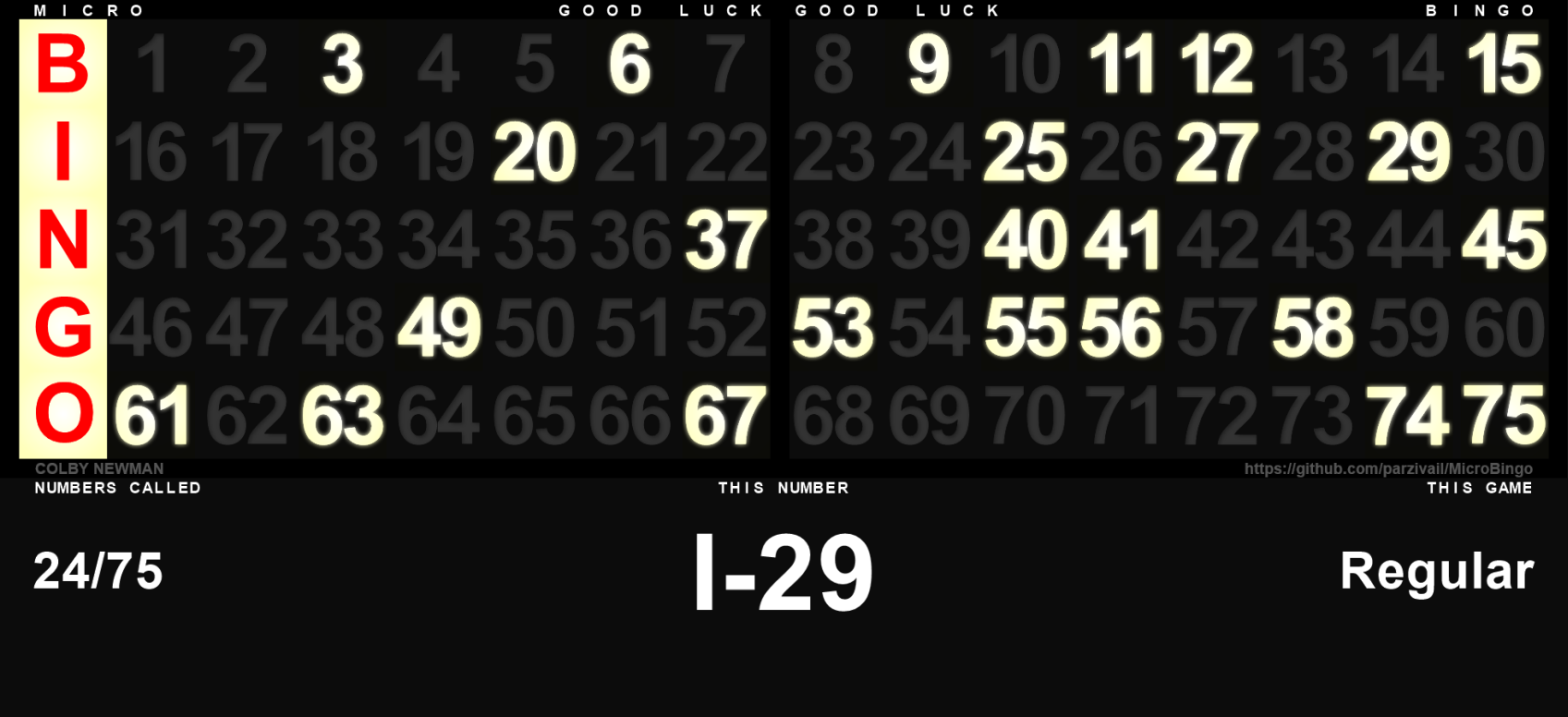
A detached window to show on a projector. No need for the participants to watch all of the buttons get pressed!
## Standalone Controller
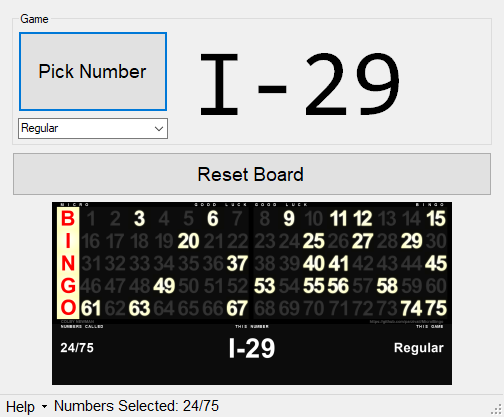
Choose a game type, pick numbers, reset the board, and see a preview of what the participants see on the projector.
# Tutorial
On the main screen, you'll see 3 buttons, accompanied by a number indicator, numbers selected indicator, and a smaller view of the board.
## "Pick Number" button
Press this button to generate a new number, and display it on the board. This button replaces picking up a ball from the machine.
## "Reset Board" button
Press this button to clear all of the currently-lit numbers off the board. In effect, turns off all the lights on the board and clears all already-called numbers.
## "Help" dropdown
Press this to get 2 sub-options, `Tutorial`, which brings you to this page, and `About`, which brings you to the creator's profile (mine)
## Number Indicator
Every time you press `Pick Number`, the number that was randomly chosen will appear here in the format `Letter-Number`. When you first start a game, it will say `Ready`.
## Numbers Selected Indicator
Simply displays how many numbers have been selected, out of 75 total.
## Smaller Board View
This is a smaller, exact copy of the board that's currently being shown in the projector window.
# Supported game types
While all different types of bingo are supported, a few can be specifically chosen from the controller before a game begins. Choosing a game here will limit the numbers that are called to the columns to the columns available in that game type. Obviously this is not required to play different game styles but it can speed up rounds by not wasting time on unnecessary numbers.
The spaces used in each named game type are listed below.
## Regular Bingo
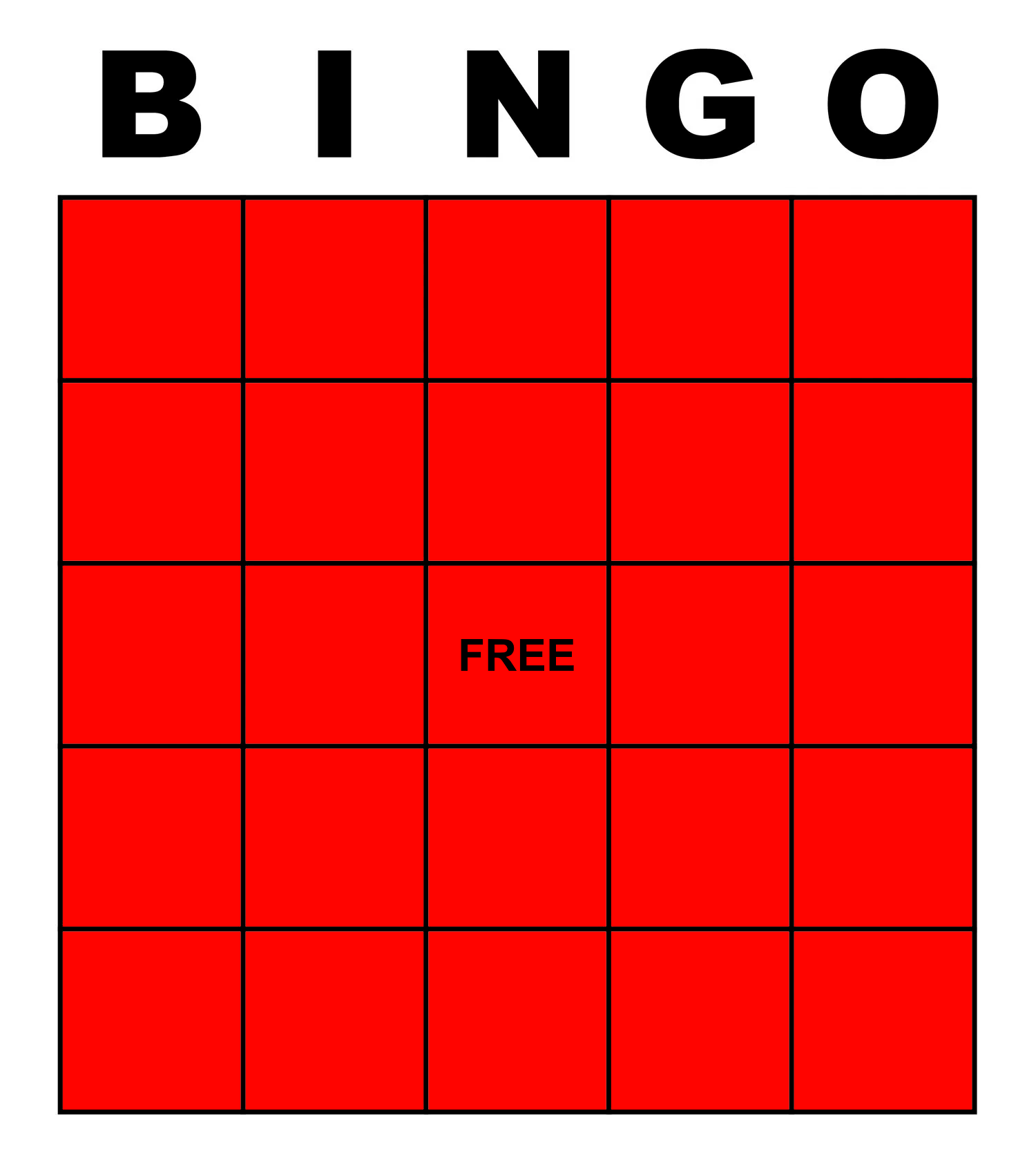
Regular Bingo uses all 5 columns. The winning condition is typically 5 in a row horizontally, vertically, or diagonally:
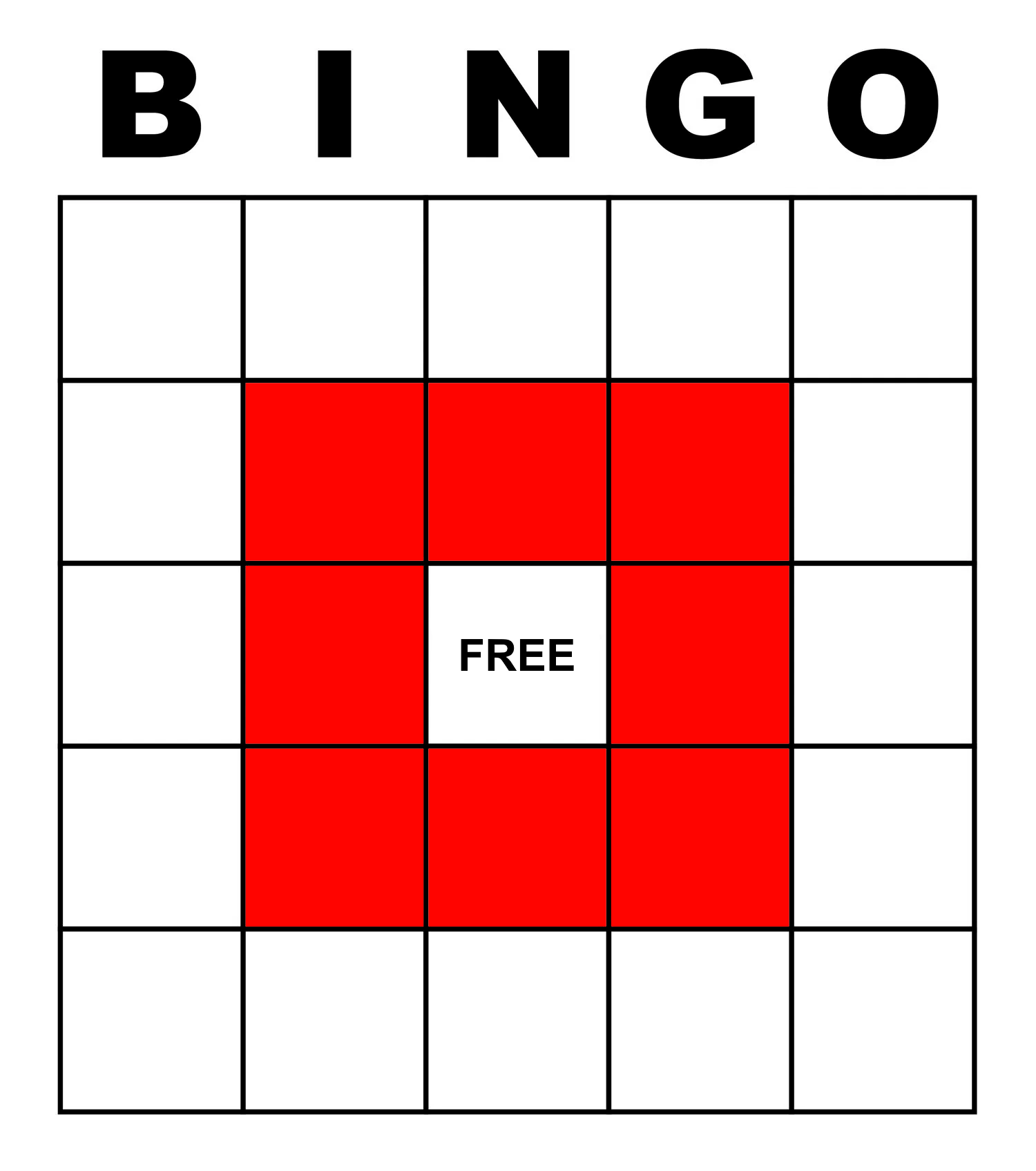
## Little Picture Frame
The winning condition is below:
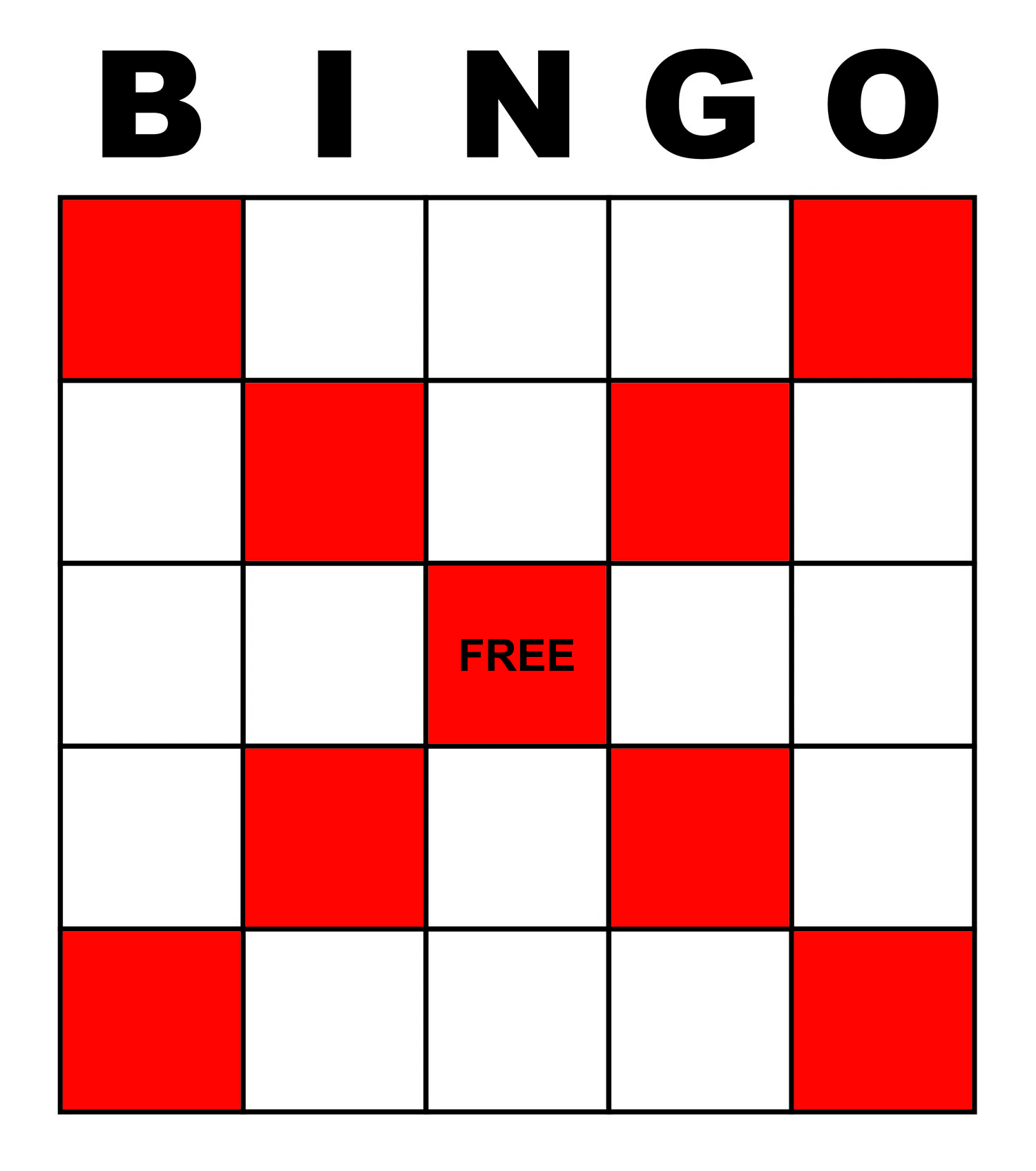
## X
X uses the same columns as Regular Bingo, but the name is provided to clarify the game type to the participants. The winning condition is below:
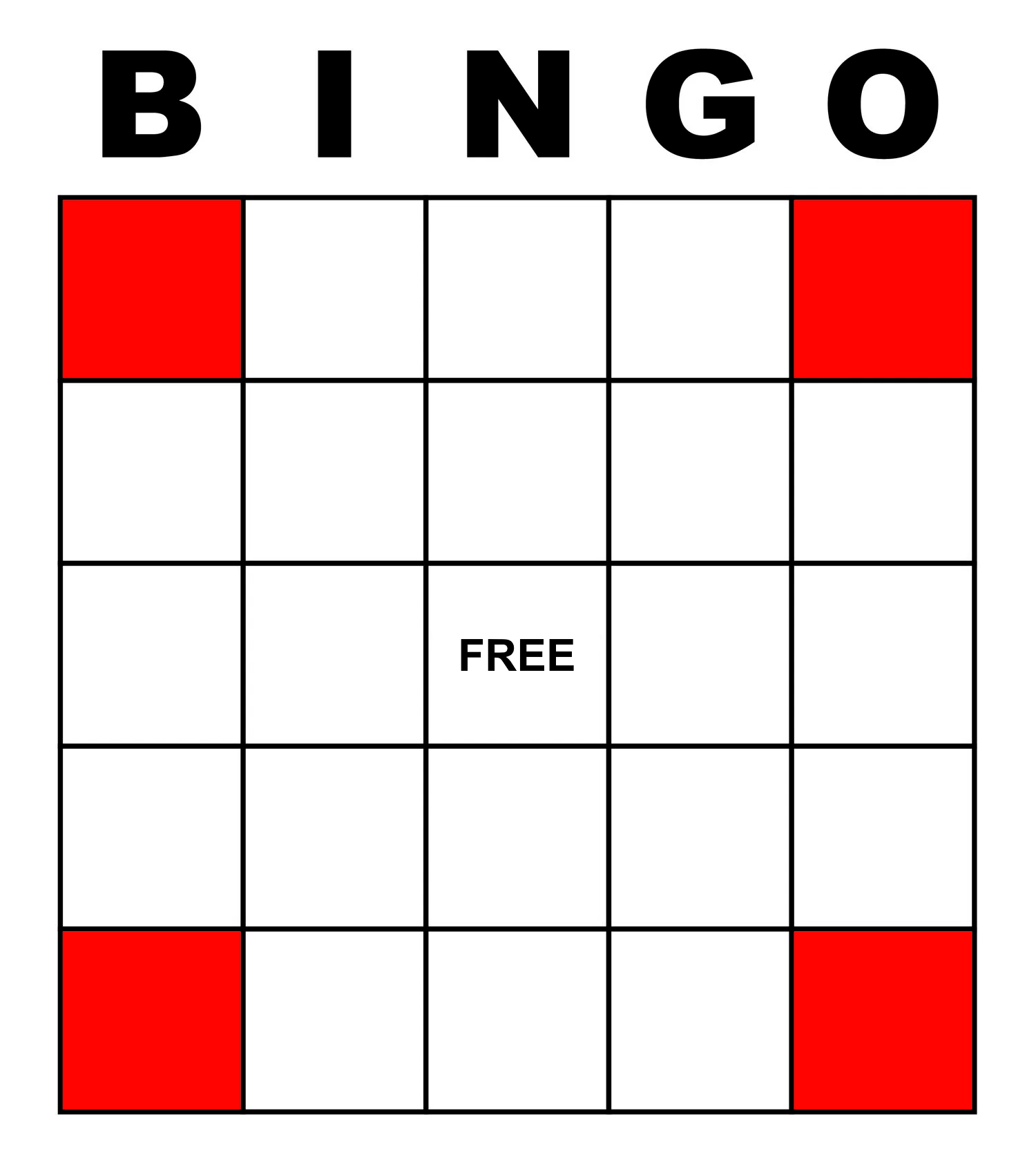
## Four Corners
The winning condition is below:
## Blackout
Blackout uses the same columns as Regular Bingo, but the name is provided to clarify the game type to the participants. The winning condition fills the entire board.
## Postage Stamp
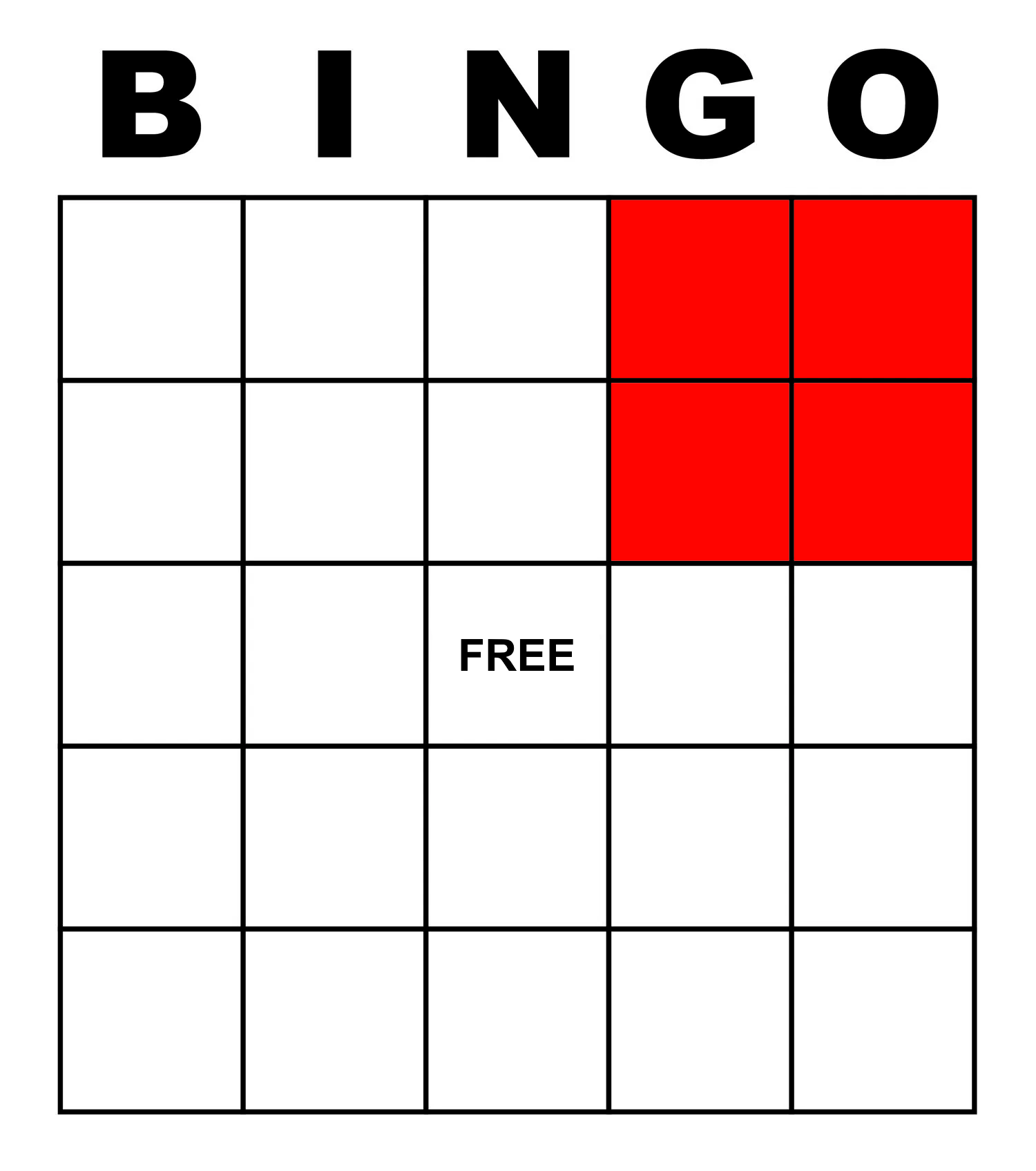
The winning condition is below: