https://github.com/pascaline-m/python_p09
Beta version of a social website using Django and Python
https://github.com/pascaline-m/python_p09
bootstrap django python
Last synced: about 2 months ago
JSON representation
Beta version of a social website using Django and Python
- Host: GitHub
- URL: https://github.com/pascaline-m/python_p09
- Owner: pascaline-m
- Created: 2021-05-12T21:09:31.000Z (about 5 years ago)
- Default Branch: master
- Last Pushed: 2024-09-27T16:59:50.000Z (almost 2 years ago)
- Last Synced: 2025-09-15T07:27:22.586Z (10 months ago)
- Topics: bootstrap, django, python
- Language: Python
- Homepage:
- Size: 994 KB
- Stars: 0
- Watchers: 1
- Forks: 0
- Open Issues: 0
-
Metadata Files:
- Readme: README.md
Awesome Lists containing this project
README
DJANGO Project - LIT REVIEW
## OVERVIEW
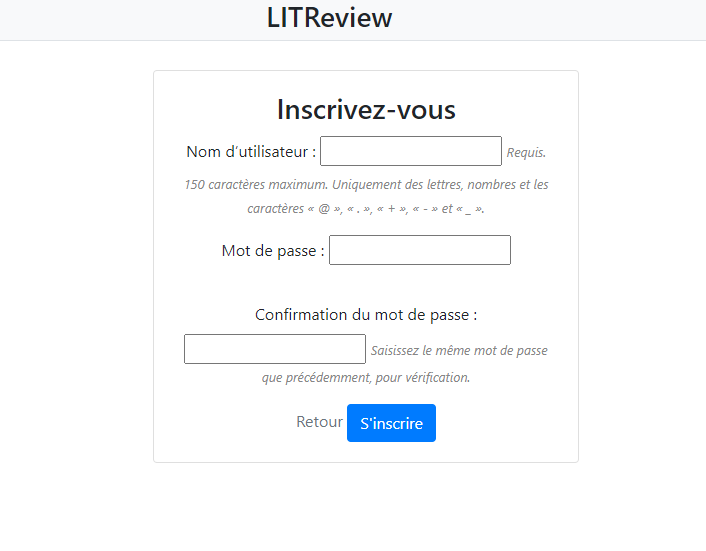
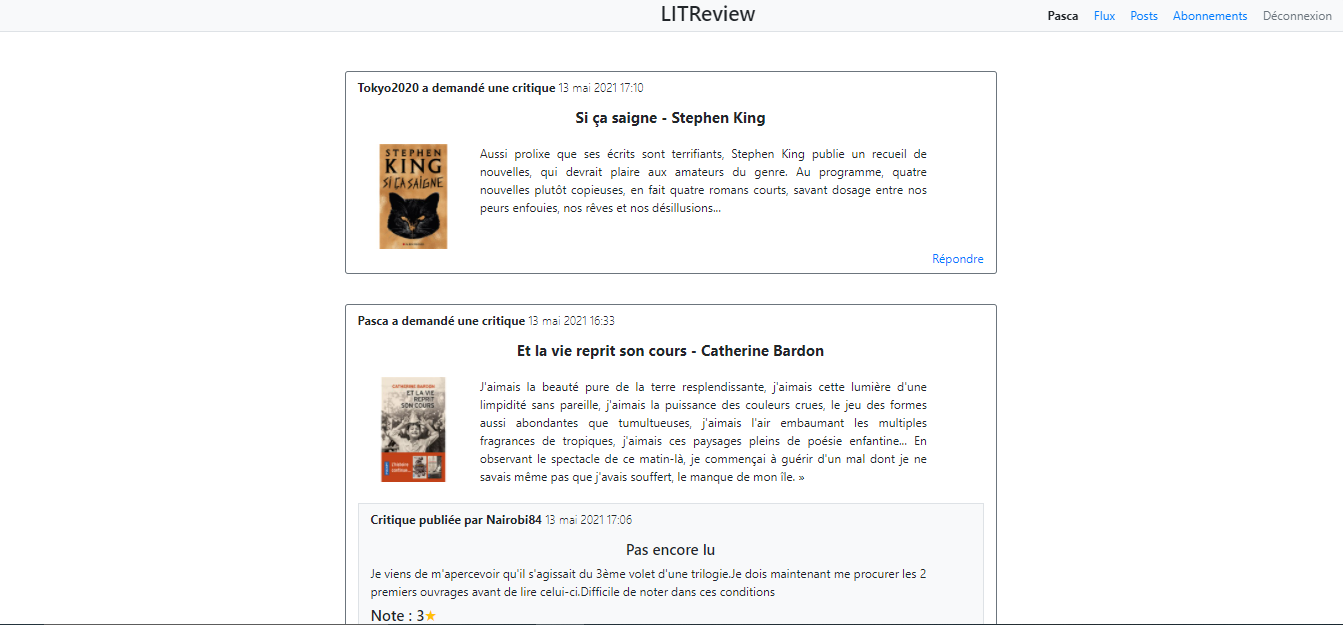
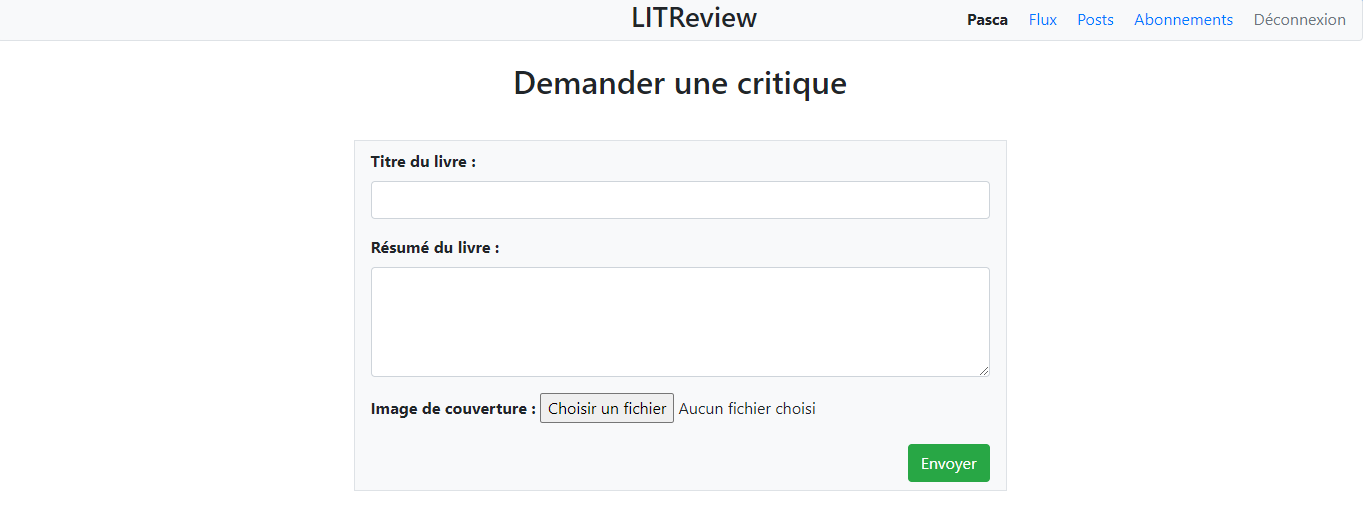
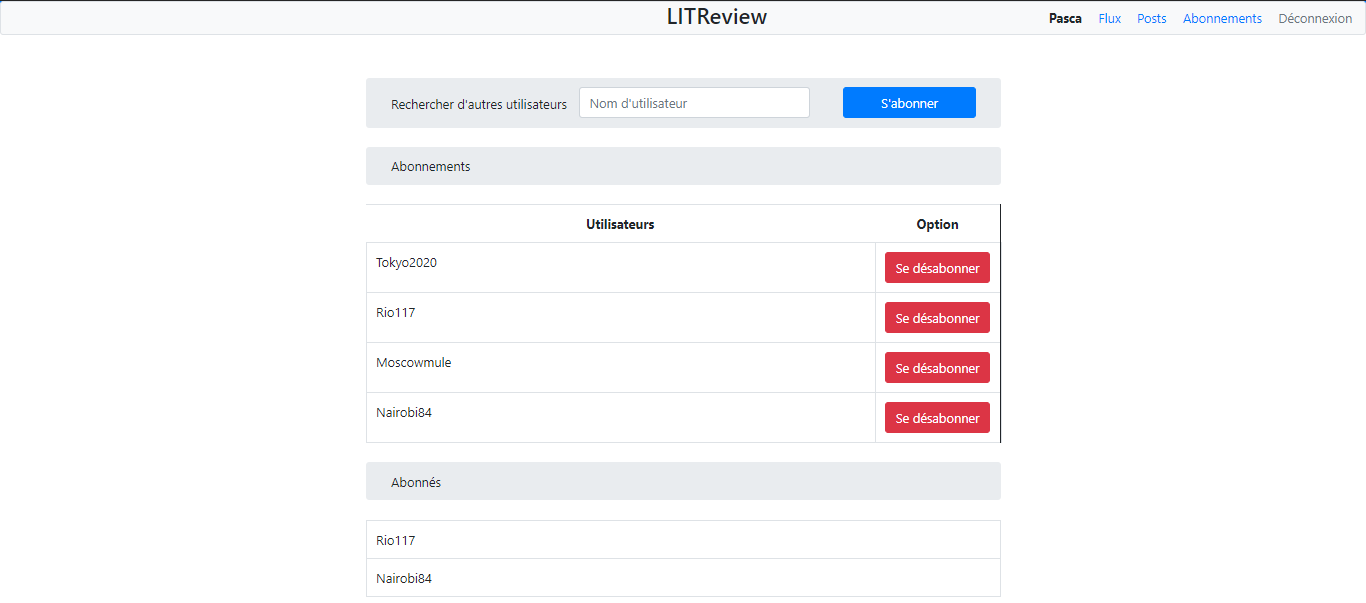
Beta version of a website made with Django. Allows you to post reviews to respond to the reviews of other user, to post your own review and to follow users and their posts.
## REQUISITORIES
Python3
Django3
Flake8-html
## INSTALLATION
Start by closing the repository :
```
git clone https://github.com/pascaline841/python_p09
```
Start access the project folder
## for Window
Create a virtual environment
```
python -m venv env
```
Enable the virtual environment
```
cd env/scripts
source activate
```
## for Linux or macOS
Create a virtual environment
```
python3 -m venv env
```
Activate the virtual environment with
```
source env/bin/activate
```
## . . .
Install the python dependencies to the virtual environment
```
pip install -r requirements.txt
```
- Create the database structure by using sqlite3
```
python manage.py migrate
```
- Create an administrative account :
You will be asked to select a username, provide an email address, and choose and confirm a password for the account.
```
winpty python manage.py createsuperuser
```
- Create and open a file named .env then paste :
```
DJANGO_SETTINGS_MODULE="litreview.settings.development"
DB_SECRET_KEY=
```
Then complete DB_SECRET_KEY with the key you receive in private.
## LAUNCH
Run the program
```
python manage.py runserver
```
Launch :
http://127.0.0.1:8000
To access to the admin account :
http://127.0.0.1:8000/admin
## Use FLAKE8
In order to generate a flake8 report, run the following command :
```
flake8 --ignore=E501,W503 --format=html --htmldir=flake-report --exclude=venv,manage.py,db.sqlite3,litreview
```
Open the html file into the flake-report repertory to show the report.
## SCREENSHOT