https://github.com/patrykcoding/rcloneexplorer
rclone explorer for Android
https://github.com/patrykcoding/rcloneexplorer
android-app android-application rclone
Last synced: about 1 year ago
JSON representation
rclone explorer for Android
- Host: GitHub
- URL: https://github.com/patrykcoding/rcloneexplorer
- Owner: patrykcoding
- License: mit
- Created: 2018-03-12T04:11:36.000Z (over 8 years ago)
- Default Branch: master
- Last Pushed: 2020-05-03T15:27:40.000Z (about 6 years ago)
- Last Synced: 2025-04-07T12:06:52.164Z (about 1 year ago)
- Topics: android-app, android-application, rclone
- Language: Java
- Size: 162 MB
- Stars: 352
- Watchers: 24
- Forks: 50
- Open Issues: 50
-
Metadata Files:
- Readme: README.md
- License: LICENSE
Awesome Lists containing this project
README
# RcloneExplorer
[](https://github.com/kaczmarkiewiczp/rcloneExplorer/blob/master/LICENSE) [](https://github.com/kaczmarkiewiczp/rcloneExplorer/edit/master/releases) [](https://github.com/kaczmarkiewiczp/rcloneExplorer/releases/latest)
rclone explorer for Android
Features
--------
- Allows to browse rclone remotes, including encrypted ones
- Import configuration file from rclone
- Create new remotes from the app
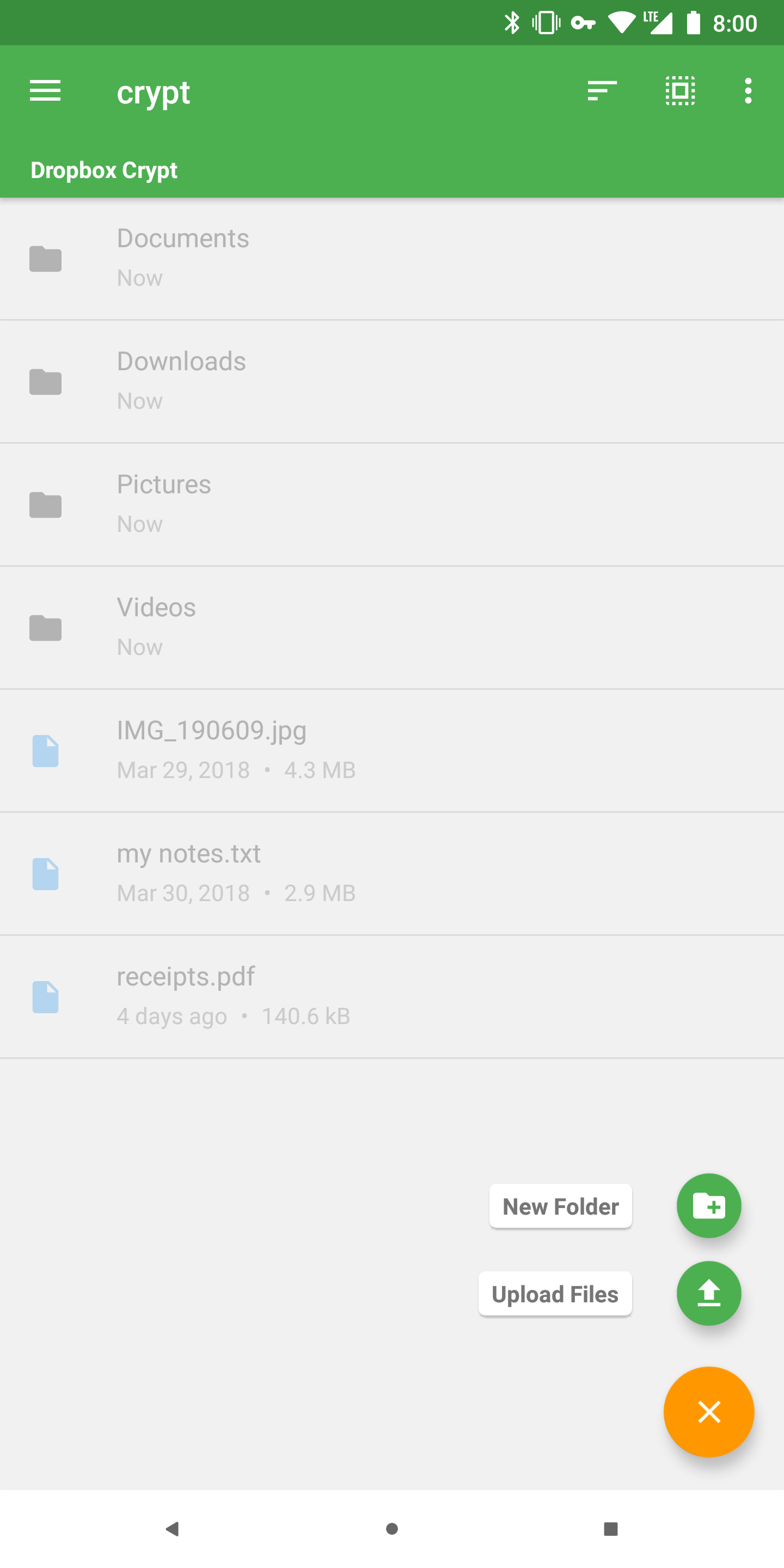
- Download and upload files
- Move, rename, and delete files and folders
- Create new folders
- Streaming media files
- Serving directories over HTTP or Webdav
- Dark theme
- Customizable primary and accent colors
- Supports ARM and x86 devices
- Supports SDK 21+ (Lollipop 5.0)
TODO
------------
- [X] Creating new remotes
- [ ] Creating Team Drive remotes
- [X] Deleting existing remotes
Screenshots
-----------
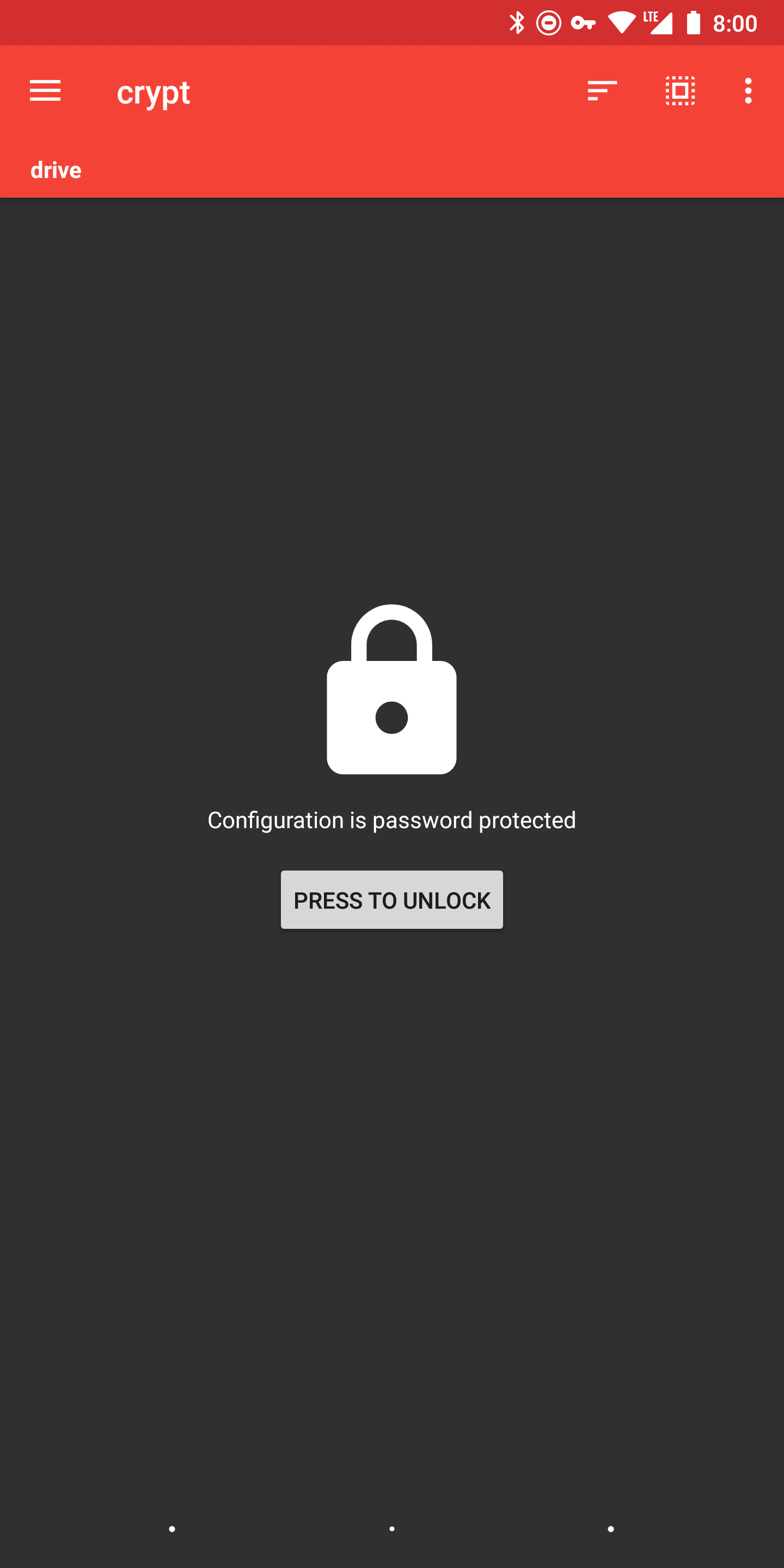
Remotes|Encrypted Config|File Explorer|File Upload
:-----:|:--------------:|:-----------:|:---------:|
||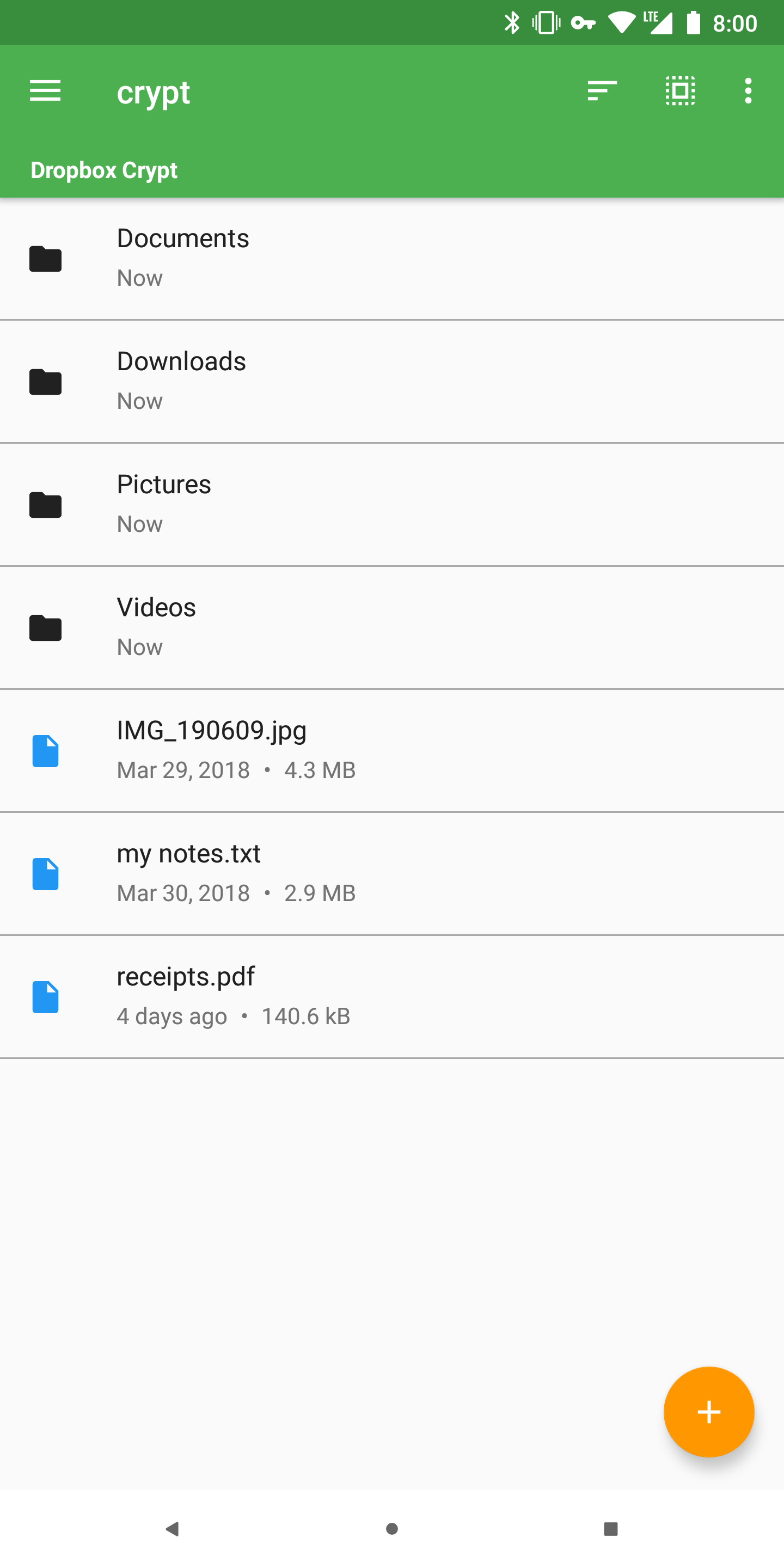|
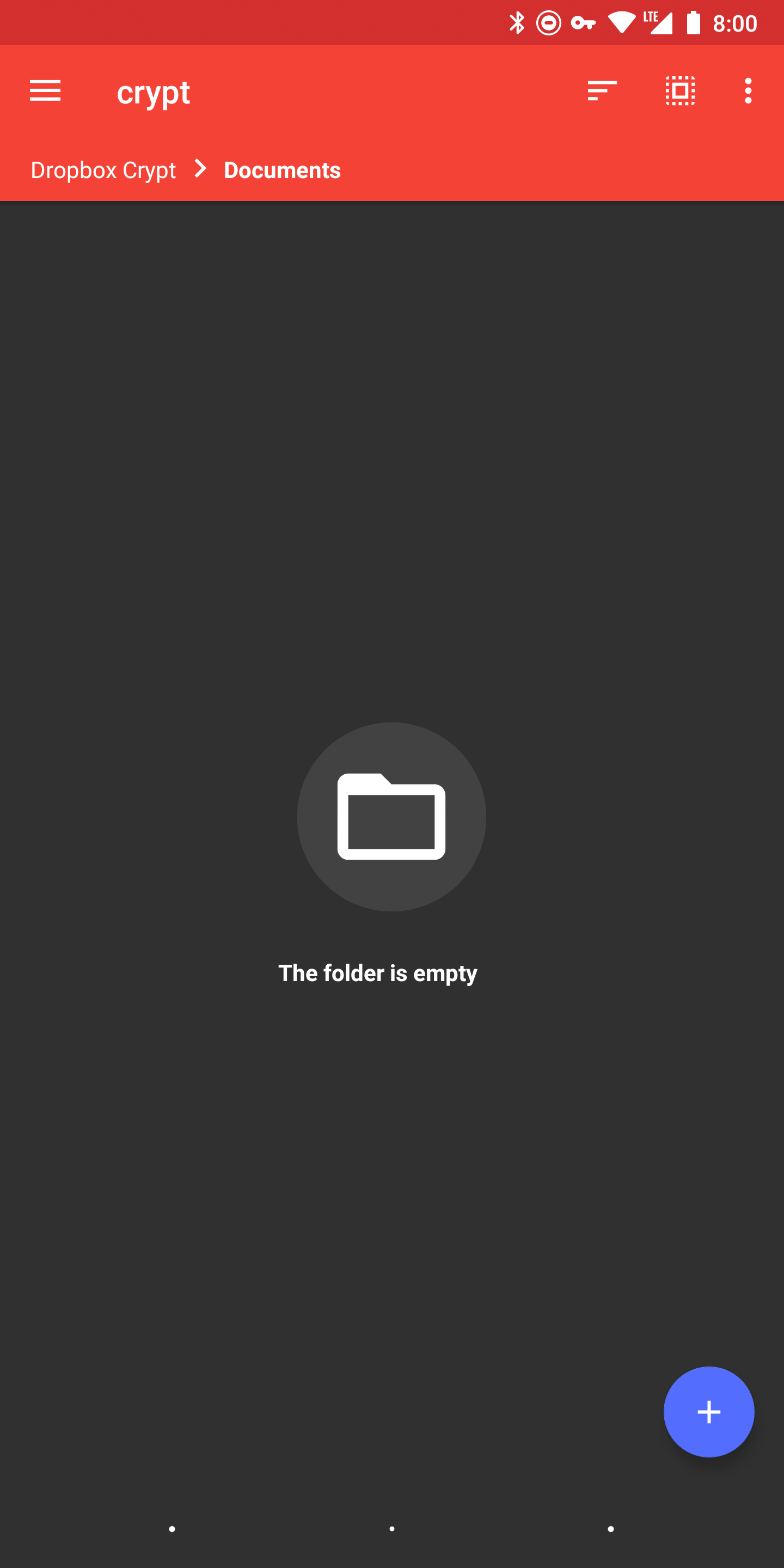
File Editing|Empty Folder|Dark Theme|Encrypted Config
:----------:|:----------:|:--------:|:-------------:|
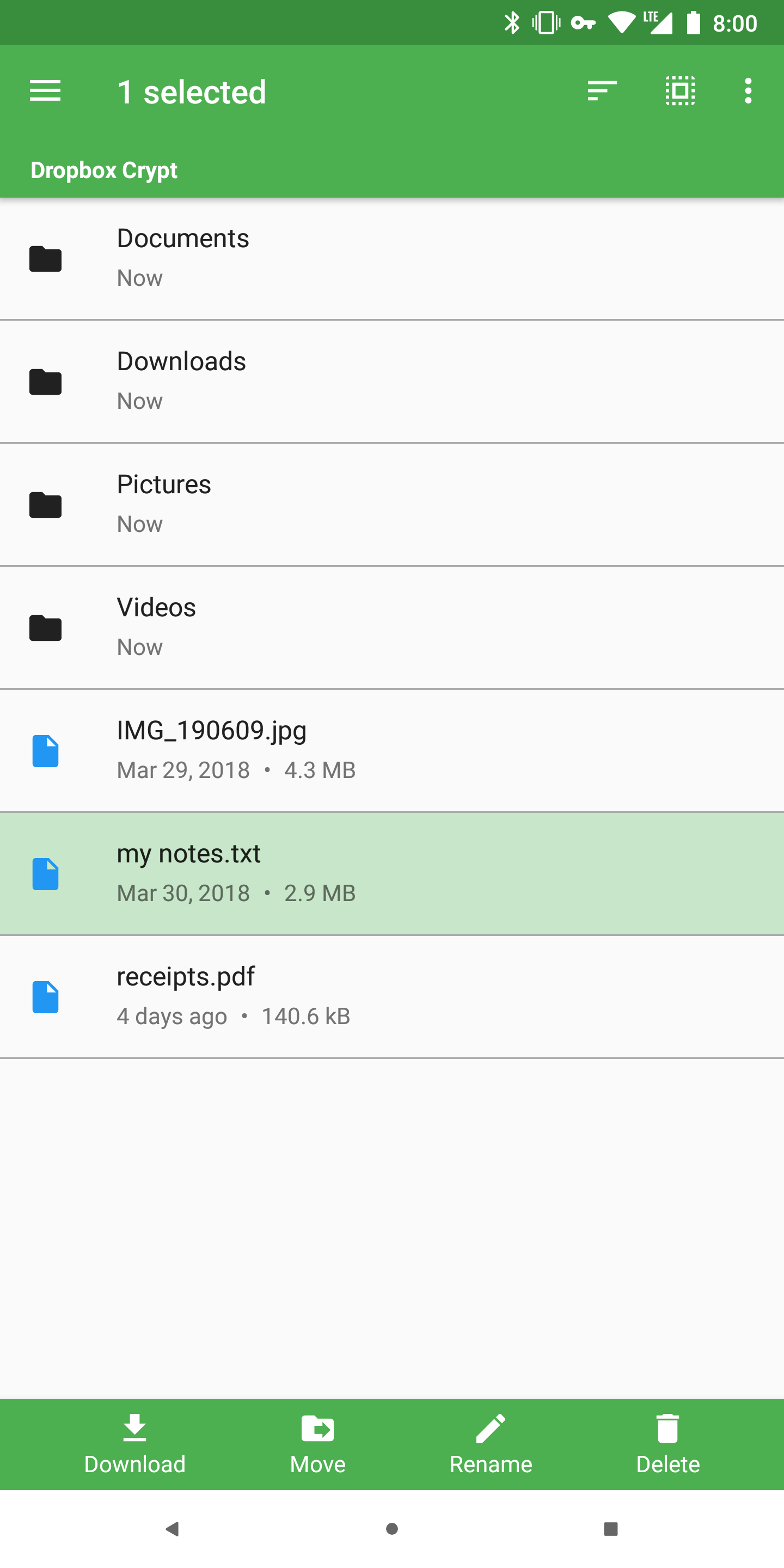|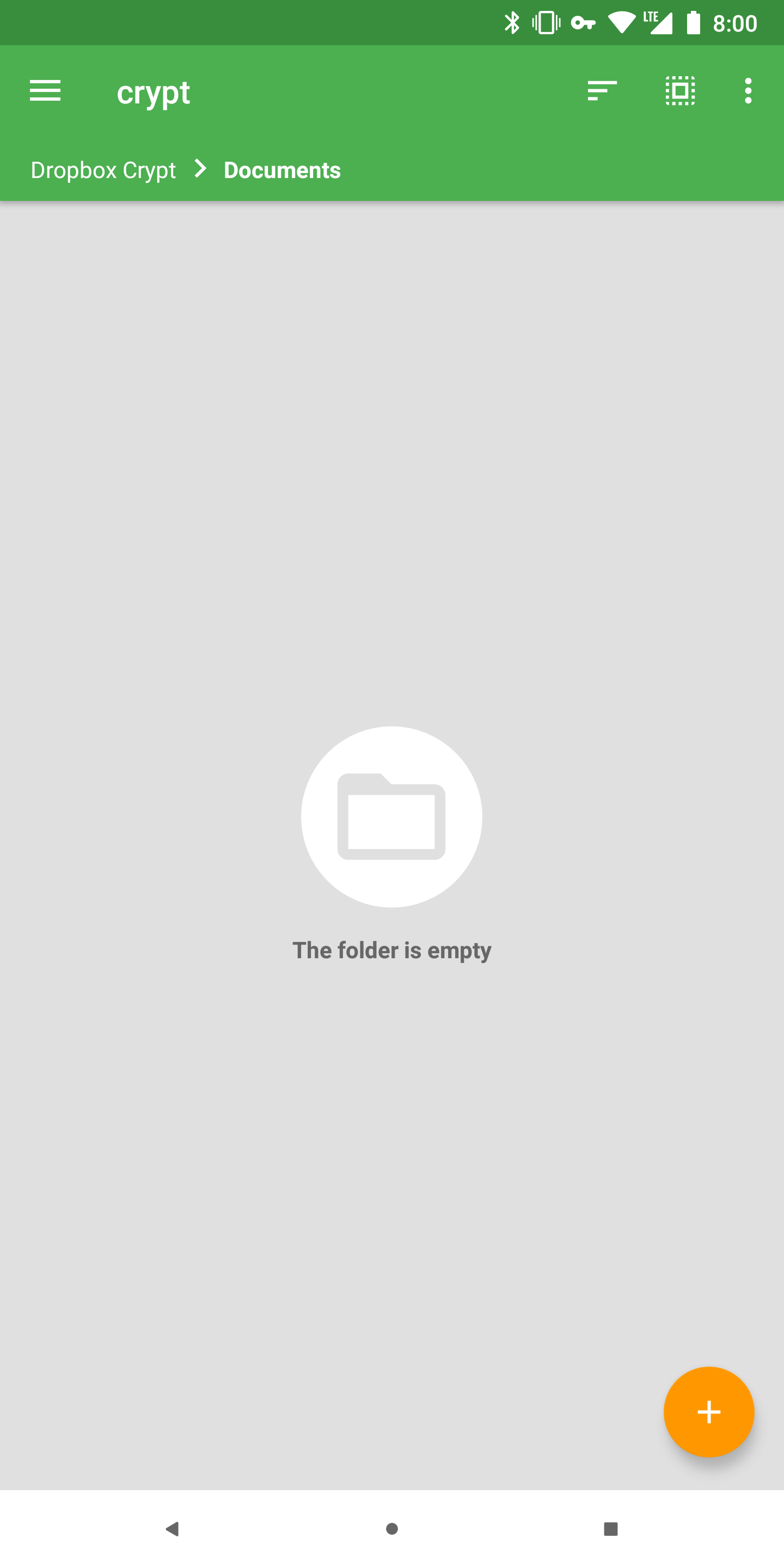|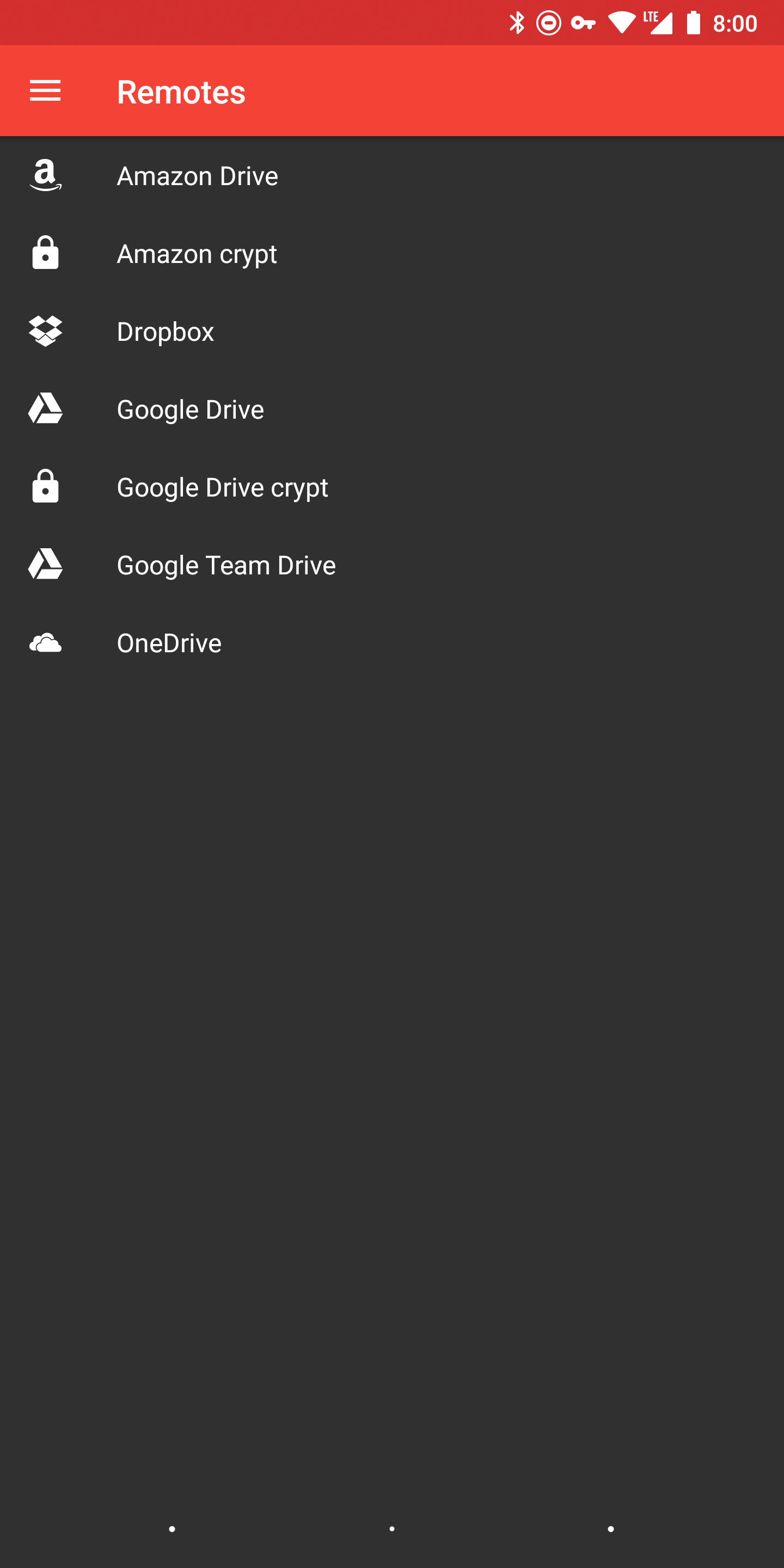|
**File Explorer**|**File Editing**|**Empty Folder**|
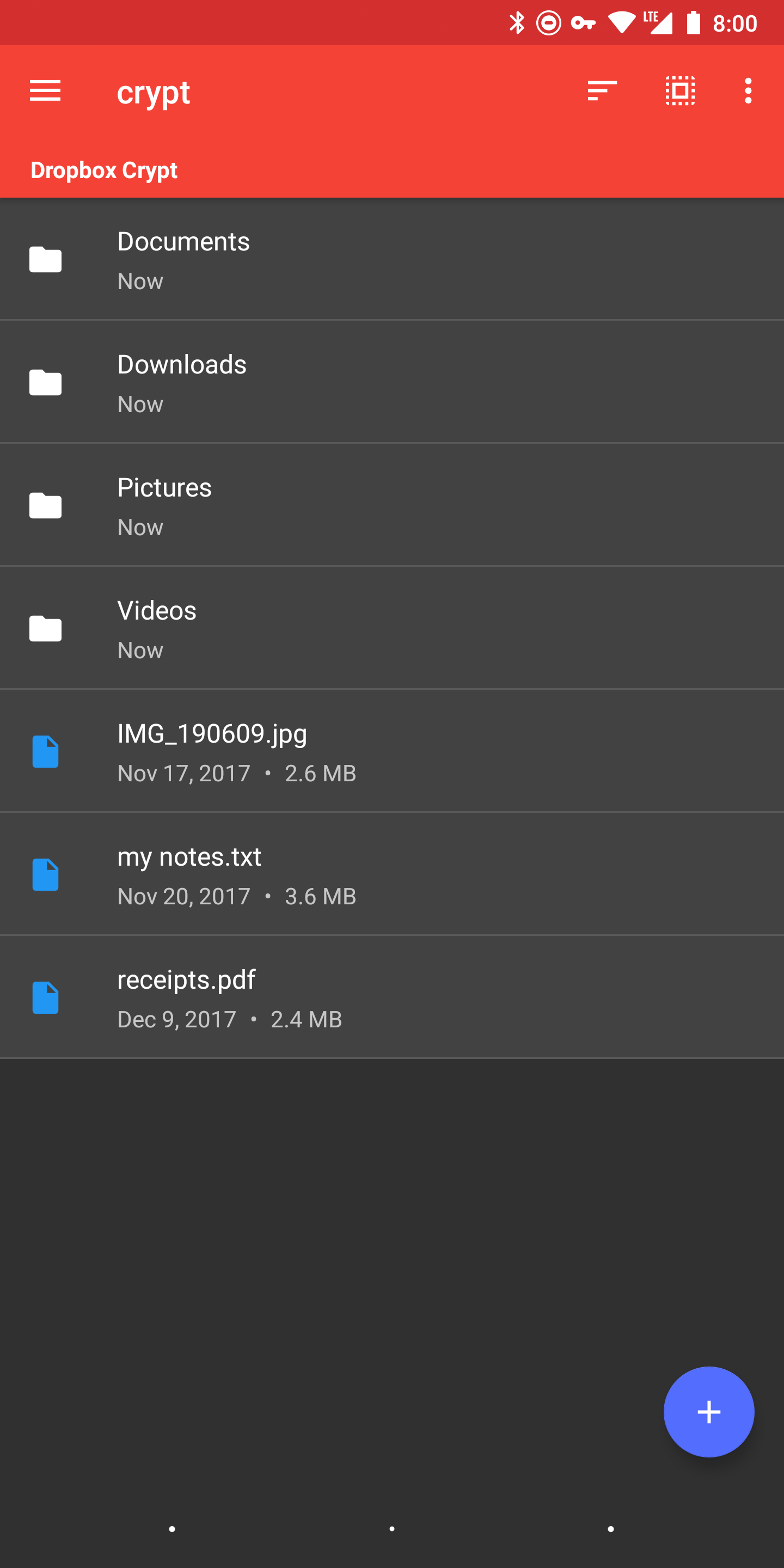|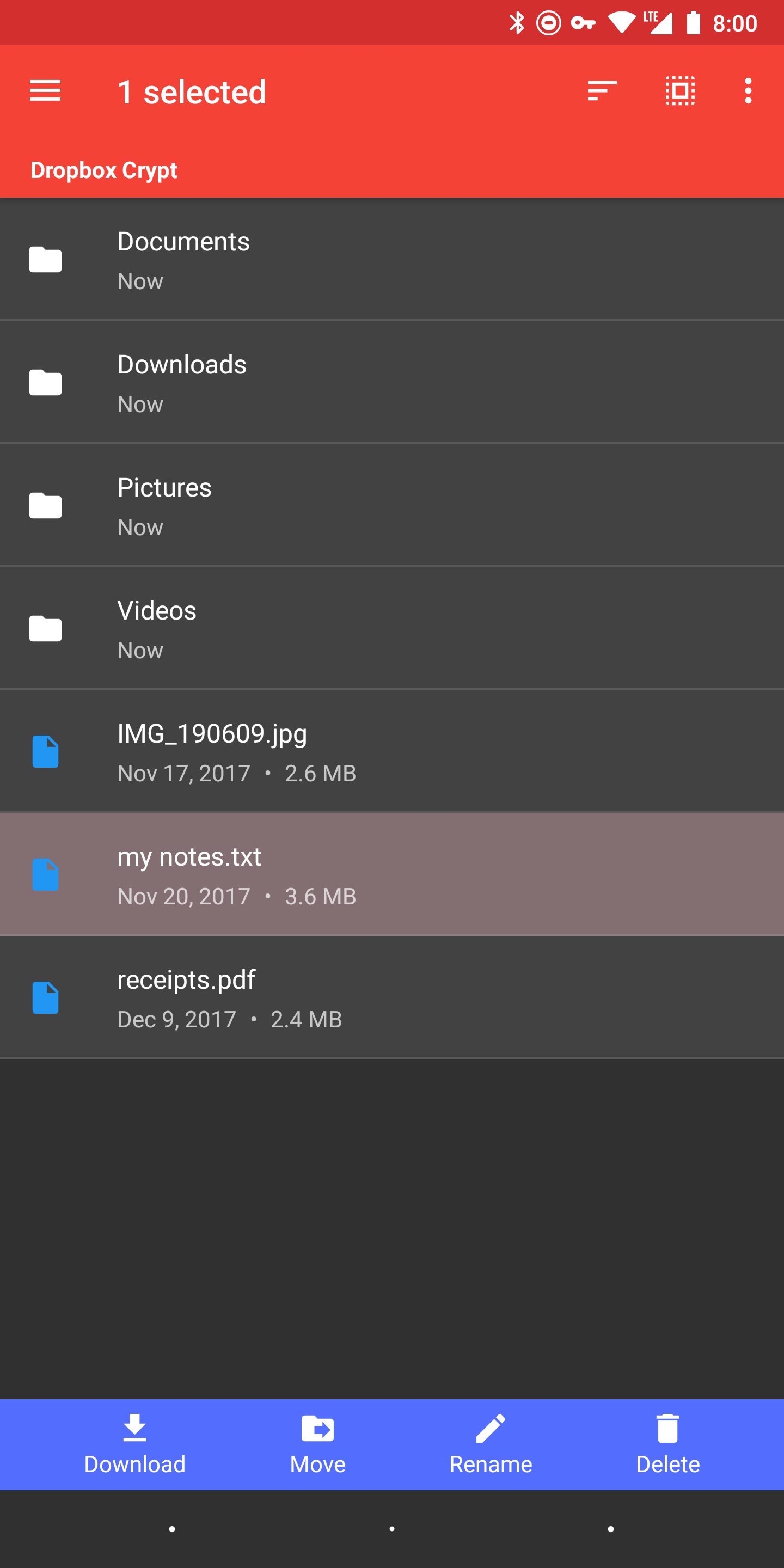||
Installation
------------
Grab the [latest version](https://github.com/kaczmarkiewiczp/rcloneExplorer/releases/latest) of the signed APK and install it on your phone. Only devices running Android Lollipop 5.0 and up are supported.
- For ARM 32-bit devices download RcloneExplorer-ARM_32.apk
- For ARM 64-bit devices download RcloneExplorer-ARM_64.apk
- For x86 devices download RcloneExplorer-x86.apk
- Ultimately, RcloneExplorer.apk will work with both ARM and x86 devices.
Credits/Libraries
-----------------
- [Android Support Libraries](https://developer.android.com/topic/libraries/support-library)
- [Floating Action Button SpeedDial](https://github.com/leinardi/FloatingActionButtonSpeedDial) - A Floating Action Button Speed Dial implementation for Android that follows the Material Design specification.
- [Glide](https://github.com/bumptech/glide) - An image loading and caching library for Android focused on smooth scrolling.
- [Markdown View](https://github.com/falnatsheh/MarkdownView) - MarkdownView is an Android webview with the capablity of loading Markdown text or file and display it as HTML, it uses MarkdownJ and extends Android webview.
- [Material Design Icons](https://github.com/Templarian/MaterialDesign) - 2200+ Material Design Icons from the Community.
- [Recyclerview Animators](https://github.com/wasabeef/recyclerview-animators) - An Android Animation library which easily add itemanimator to RecyclerView items.
- [rclone](https://github.com/ncw/rclone) - "rsync for cloud storage"
- [Toasty](https://github.com/GrenderG/Toasty) - The usual Toast, but with steroids.
- Icon made by [Smashicons](https://www.flaticon.com/authors/smashicons) from [Flaticon](https://www.flaticon.com)