https://github.com/pchomik/glint
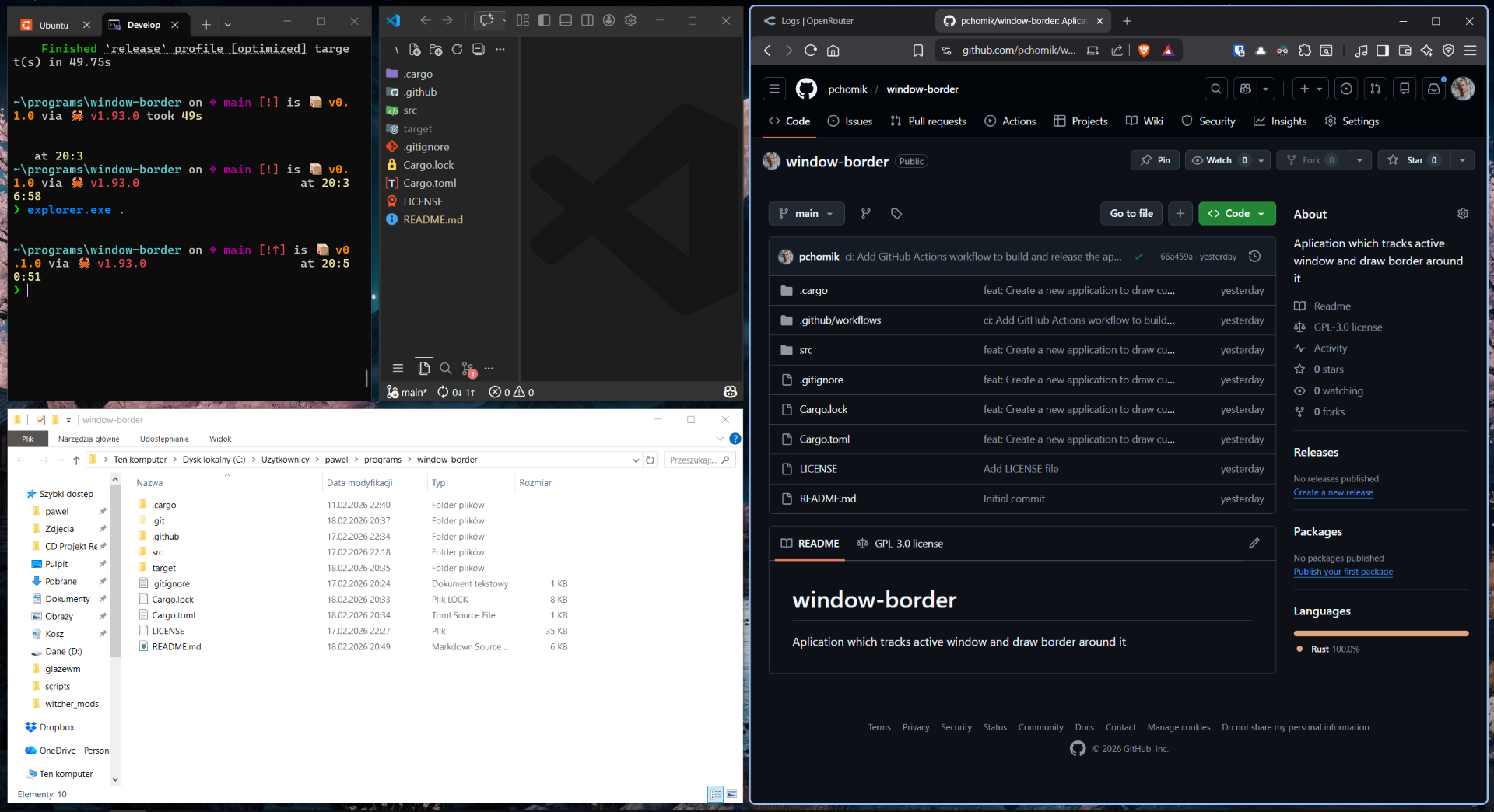
A lightweight Windows application that draws a visual border around the currently focused window.
https://github.com/pchomik/glint
border glazewm rust windows windows-10 windows-11
Last synced: 8 days ago
JSON representation
A lightweight Windows application that draws a visual border around the currently focused window.
- Host: GitHub
- URL: https://github.com/pchomik/glint
- Owner: pchomik
- License: gpl-3.0
- Created: 2026-02-17T21:23:32.000Z (2 months ago)
- Default Branch: main
- Last Pushed: 2026-02-26T22:31:46.000Z (about 2 months ago)
- Last Synced: 2026-02-27T04:46:42.117Z (about 2 months ago)
- Topics: border, glazewm, rust, windows, windows-10, windows-11
- Language: Rust
- Homepage:
- Size: 582 KB
- Stars: 0
- Watchers: 0
- Forks: 0
- Open Issues: 0
-
Metadata Files:
- Readme: README.md
- License: LICENSE
Awesome Lists containing this project
README
# Glint
A lightweight Windows application that draws a visual border around the currently focused window. Designed to work seamlessly with window managers like GlazeWM to provide clear visual feedback on which window has focus.
## Features
- **Visual Focus Indicator** - Draws a colored border around the active window
- **Customizable Appearance** - Adjust border width, corner radius, and color
- **System Window Filtering** - Automatically ignores system windows (taskbar, start menu, etc.)
- **Regex-based Filtering** - Exclude specific windows by title or class using regular expressions
- **Multi-monitor Support** - Works across all monitors
- **DPI Aware** - Properly scales with monitor DPI settings
## Configuration
The application reads configuration from `%APPDATA%\Glint\config.toml` (i.e., `C:\Users\\AppData\Roaming\Glint\config.toml`).
### Available Options
| Option | Type | Default | Description |
|--------|------|---------|-------------|
| `window_border_width` | integer | `3` | Border width in pixels |
| `window_border_radius` | integer | `0` | Corner radius in pixels (0 = sharp corners) |
| `ignored_windows` | array | `[]` | List of regex patterns to match window titles |
### Example Configuration
```toml
# Window Border Configuration
# Border width in pixels (default: 3)
window_border_width = 4
# Corner radius in pixels (default: 0)
window_border_radius = 8
# Regex patterns for windows to ignore
# The border will not be drawn for windows matching these patterns
ignored_windows = [
"^Settings$",
"^Volume Control$",
"Picture-in-Picture",
]
```
### Configuration Details
window_border_width
#### `window_border_width`
Sets the thickness of the border around the active window.
- **Type:** Integer
- **Default:** `3`
- **Valid Range:** 1-20 pixels
```toml
window_border_width = 5
```
window_border_radius
#### `window_border_radius`
Controls the corner radius of the border. Set to `0` for sharp corners.
- **Type:** Integer
- **Default:** `0`
- **Valid Range:** 0-50 pixels
```toml
window_border_radius = 10
```
ignored_windows
#### `ignored_windows`
A list of regular expression patterns. Windows with titles matching any of these patterns will not have a border drawn around them.
- **Type:** Array of strings
- **Default:** Empty array `[]`
```toml
ignored_windows = [
# Ignore Windows Settings
"^Settings$",
# Ignore Picture-in-Picture windows
"Picture-in-Picture",
# Ignore notification popups
"^Notification$",
# Ignore specific applications by title
"Notepad",
]
```
## Building from Source
### Prerequisites
- [Rust](https://rustup.rs/) (latest stable version)
- Windows SDK
- Visual Studio Build Tools (for Windows development)
### Build Instructions
1. **Clone the repository:**
```bash
git clone https://github.com/yourusername/glint.git
cd glint
```
2. **Build the release version:**
```bash
cargo build --release
```
3. **The executable will be located at:**
```
target/release/Glint.exe
```
### Running in Development
To run the application in development mode:
```bash
cargo run
```
## Integration with GlazeWM
Glint is designed to work as a startup application with [GlazeWM](https://github.com/lars-derichter/glazewm), a tiling window manager for Windows.
### Adding to GlazeWM Configuration
Open your GlazeWM configuration file located at `%USERPROFILE%\.glzr\glazewm\config.yaml` and add the following:
```yaml
general:
# Commands to run when the WM has started.
startup_commands: ["shell-exec c:\\Users\\user\\.bin\\Glint.exe"]
# Commands to run just before the WM is shutdown.
shutdown_commands: ["shell-exec taskkill /IM Glint.exe /F"]
```
> **Note:** Update the path `c:\Users\user\.bin\Glint.exe` to match where you've placed the executable.
### Important: Windows SmartScreen Warning
Since this application is not signed and not distributed through the Windows Store, Windows SmartScreen may show a warning when you first run it.
**To approve the application:**
1. Run `Glint.exe` manually for the first time
2. When Windows shows the SmartScreen warning, click **"More info"**
3. Click **"Run anyway"** to approve the binary
Once you've approved it manually, you can safely add it to your GlazeWM startup commands. Windows will remember your decision for this executable.
## Contributing
Contributions are welcome! Whether you want to:
- Report a bug
- Suggest a new feature
- Submit a pull request
- Improve documentation
## License
This project is licensed under the **GPL-3.0 license** - see the [LICENSE](LICENSE) file for details.
## Acknowledgments
- [GlazeWM](https://github.com/lars-derichter/glazewm) - For inspiration and the integration pattern
- [windows-rs](https://github.com/microsoft/windows-rs) - For the Windows API bindings
- All contributors who help improve this project