https://github.com/pedroestevaodev/wongames-api
WonGames API is the backend service for an advanced React-based e-commerce platform for video games. Built with Strapi and PostgreSQL, it manages games, categories, developers, orders, Stripe payments, wishlists, and user profiles. This project is part of the React Avançado course, designed to teach modern React development concepts.
https://github.com/pedroestevaodev/wongames-api
api apollo apollographql ecommerce ecommerce-api fullstack-development game-store gaming-api graphql headless headless-cms javascipt node postgres postgresql rest-api strapi stripe stripe-payments typescript-library
Last synced: 2 months ago
JSON representation
WonGames API is the backend service for an advanced React-based e-commerce platform for video games. Built with Strapi and PostgreSQL, it manages games, categories, developers, orders, Stripe payments, wishlists, and user profiles. This project is part of the React Avançado course, designed to teach modern React development concepts.
- Host: GitHub
- URL: https://github.com/pedroestevaodev/wongames-api
- Owner: pedroestevaodev
- License: mit
- Created: 2023-08-17T22:43:52.000Z (almost 3 years ago)
- Default Branch: master
- Last Pushed: 2026-03-04T18:56:05.000Z (4 months ago)
- Last Synced: 2026-04-07T21:39:10.023Z (3 months ago)
- Topics: api, apollo, apollographql, ecommerce, ecommerce-api, fullstack-development, game-store, gaming-api, graphql, headless, headless-cms, javascipt, node, postgres, postgresql, rest-api, strapi, stripe, stripe-payments, typescript-library
- Language: TypeScript
- Homepage: https://wongames-api-94d488d06464.herokuapp.com/admin
- Size: 336 MB
- Stars: 4
- Watchers: 1
- Forks: 1
- Open Issues: 12
-
Metadata Files:
- Readme: README.md
- License: LICENSE
- Code of conduct: CODE_OF_CONDUCT.md
- Security: SECURITY.md
Awesome Lists containing this project
README
# WonGames - E-commerce API

This is the API developed with [Strapi](https://strapi.io) to manage data for [WonGames](https://wongames-client-eta.vercel.app/), an e-commerce platform for games created as part of the [React Avançado Course](https://reactavancado.com.br/). The project teaches modern development concepts with React and related technologies.
## 📌 About the Project
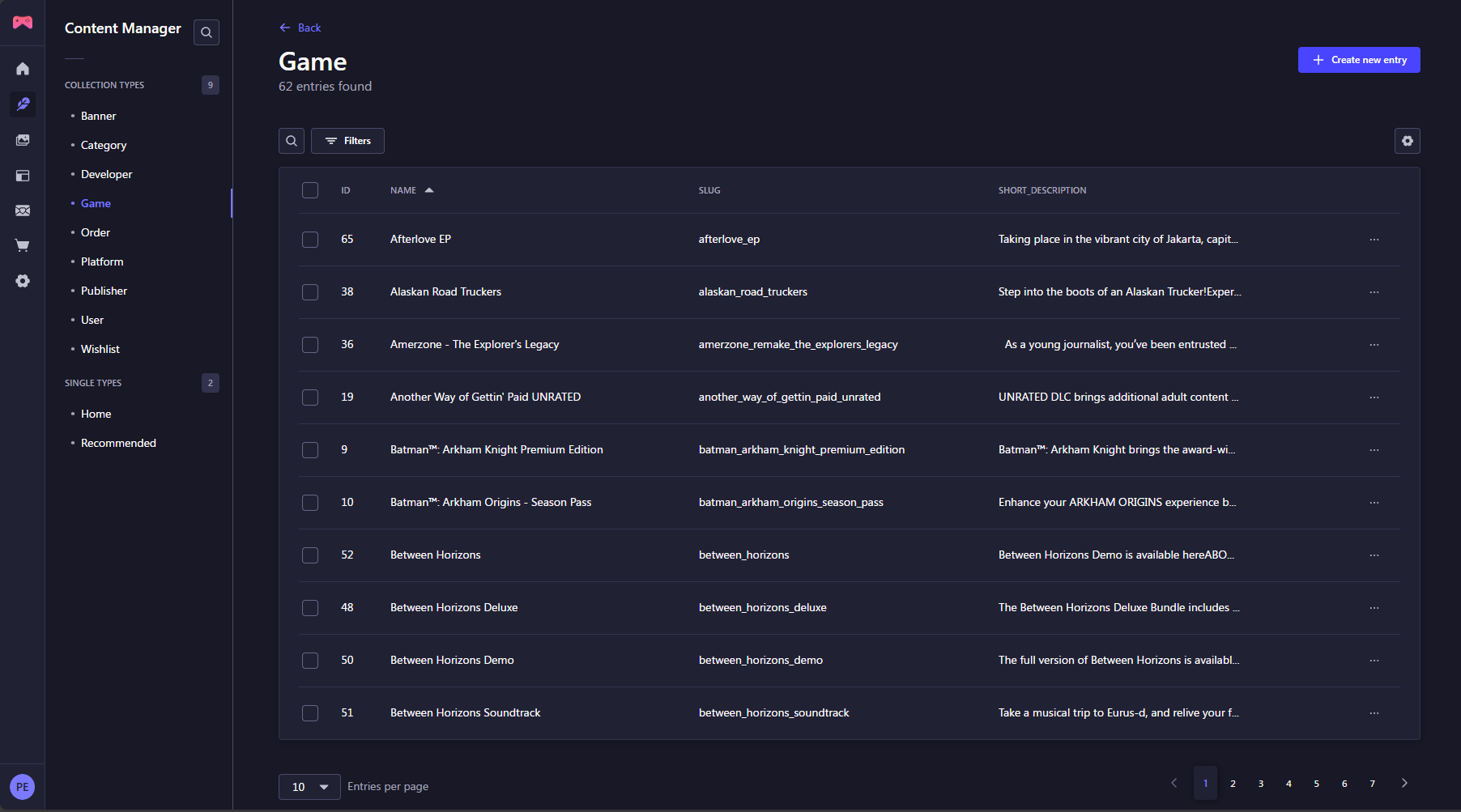
The WonGames API is responsible for managing various entities of the e-commerce platform, including:
- 🏆 **Games**: Registering and listing available games.
- 🎭 **Categories**: Categorizing games by genre and type.
- 🛍️ **Orders**: Managing user purchases.
- 💳 **Stripe Integration**: Processing secure payments.
- ⭐ **Wishlist**: Custom wishlists for each user.
- 👤 **User Profiles**: Access control and experience customization.
This project uses **PostgreSQL** as the database and can be run locally or via **Docker**.
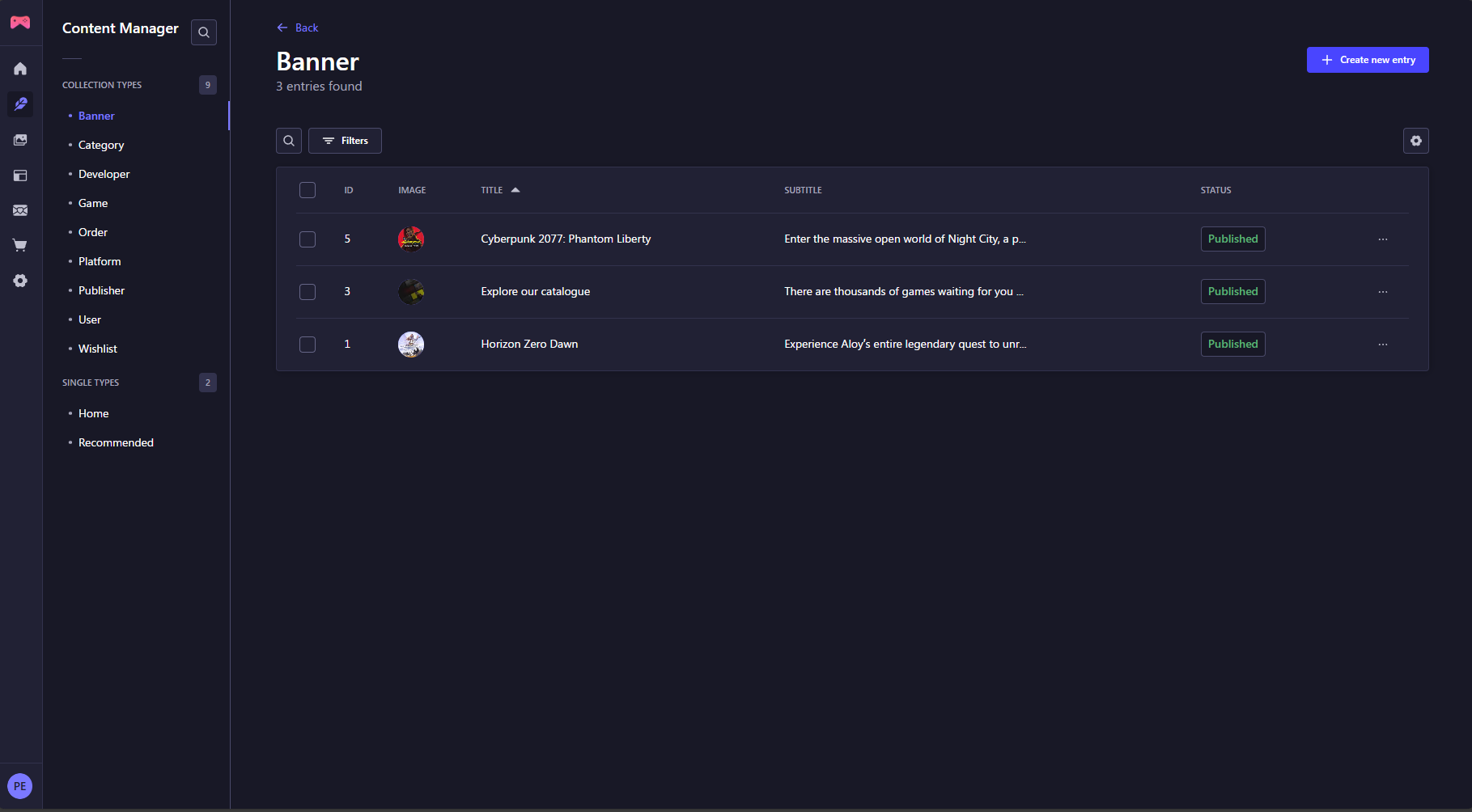
➡️ **Client Repository (e-commerce frontend):** [WonGames Client](https://github.com/pedroestevaodev/wongames-client)
## 👾 Try the Demo!
Curious to see it in action? Experience the full potential of our project by testing the live demo!
🔗 [Try the Demo Now](https://wongames-api-94d488d06464.herokuapp.com/)
- `User`: projetospedroestevao@gmail.com
- `Password`: Convidado321@
## 🚀 Requirements
To run the API, you need to have **PostgreSQL** installed or use a **Docker** container. The database configuration can be found in the `config/database.ts`.
## 🔧 Setup and Installation
### 1️. Install dependencies:
```bash
$ npm install
```
### 2️. Create the `.env` file
Create an `.env` file in the root of the project, or edit if it already exists, similar to the following structure:
```bash
# Server
HOST="0.0.0.0"
PORT="1337"
# Secrets
APP_URL="tobemodified"
APP_KEYS="toBeModified1,toBeModified2"
API_TOKEN_SALT="tobemodified"
ADMIN_JWT_SECRET="tobemodified"
TRANSFER_TOKEN_SALT="tobemodified"
# GOG API
GOG_URL="https://www.gog.com"
GOG_API_URL="https://catalog.gog.com/v1/catalog"
# Database
DATABASE_CLIENT="postgres"
DATABASE_HOST="127.0.0.1"
DATABASE_PORT="5432"
DATABASE_NAME="tobemodified"
DATABASE_USERNAME="postgres"
DATABASE_PASSWORD="tobemodified"
DATABASE_SSL="false"
DATABASE_FILENAME=
JWT_SECRET="tobemodified"
# Email
SMTP_HOST="tobemodified"
SMTP_PORT="tobemodified"
SMTP_USERNAME="tobemodified"
SMTP_PASSWORD="tobemodified"
# Stripe
STRIPE_KEY="tobemodified"
```
## 📜 Commands
### `dev`
Start your Strapi application with autoReload enabled. [Learn more](https://docs.strapi.io/dev-docs/cli#strapi-develop)
```bash
$ npm run dev
```
### `start`
Start your Strapi application with autoReload disabled. [Learn more](https://docs.strapi.io/dev-docs/cli#strapi-start)
```bash
$ npm run start
```
### `build`
Build your admin panel. [Learn more](https://docs.strapi.io/dev-docs/cli#strapi-build)
```bash
$ npm run build
```
## ☁️ Deployment
Strapi gives you many possible deployment options for your project including [Strapi Cloud](https://cloud.strapi.io). Browse the [deployment section of the documentation](https://docs.strapi.io/dev-docs/deployment) to find the best solution for your use case.