https://github.com/penn201500/wooapi
WOO X. A privately-accessible liquidity venue for the trading of cryptocurrencies. WOO X provides clients with an easily accessible deep pool of liquidity sourced from the largest exchanges and from Kronos’ HFT proprietary trading. This is an example to display two implement forms of WOO API.
https://github.com/penn201500/wooapi
api cex cex-api cryptocurrencies js restful-api web3 websocket woox
Last synced: about 1 year ago
JSON representation
WOO X. A privately-accessible liquidity venue for the trading of cryptocurrencies. WOO X provides clients with an easily accessible deep pool of liquidity sourced from the largest exchanges and from Kronos’ HFT proprietary trading. This is an example to display two implement forms of WOO API.
- Host: GitHub
- URL: https://github.com/penn201500/wooapi
- Owner: penn201500
- Created: 2024-03-03T23:40:14.000Z (over 2 years ago)
- Default Branch: main
- Last Pushed: 2024-03-05T07:43:10.000Z (over 2 years ago)
- Last Synced: 2025-01-29T13:08:17.706Z (over 1 year ago)
- Topics: api, cex, cex-api, cryptocurrencies, js, restful-api, web3, websocket, woox
- Language: JavaScript
- Homepage: https://vipdocs.woo.org/?python#general-information
- Size: 36.1 KB
- Stars: 0
- Watchers: 1
- Forks: 0
- Open Issues: 0
-
Metadata Files:
- Readme: README.md
Awesome Lists containing this project
README
# WOOAPI
Official link: https://vipdocs.woo.org/?python#general-information
## To display two implement forms of WOO API
## Features
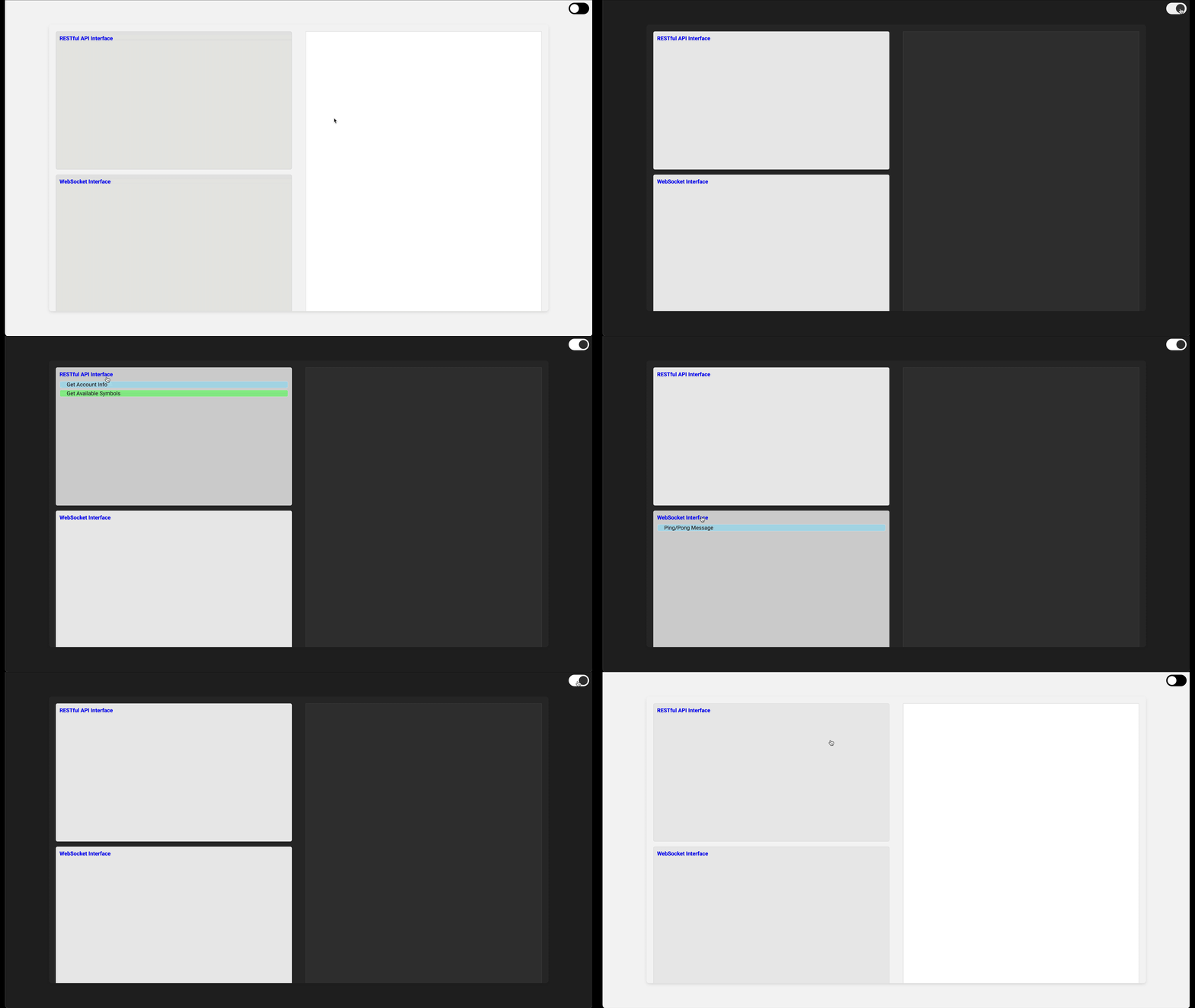
- [x] Light/Dark Theme
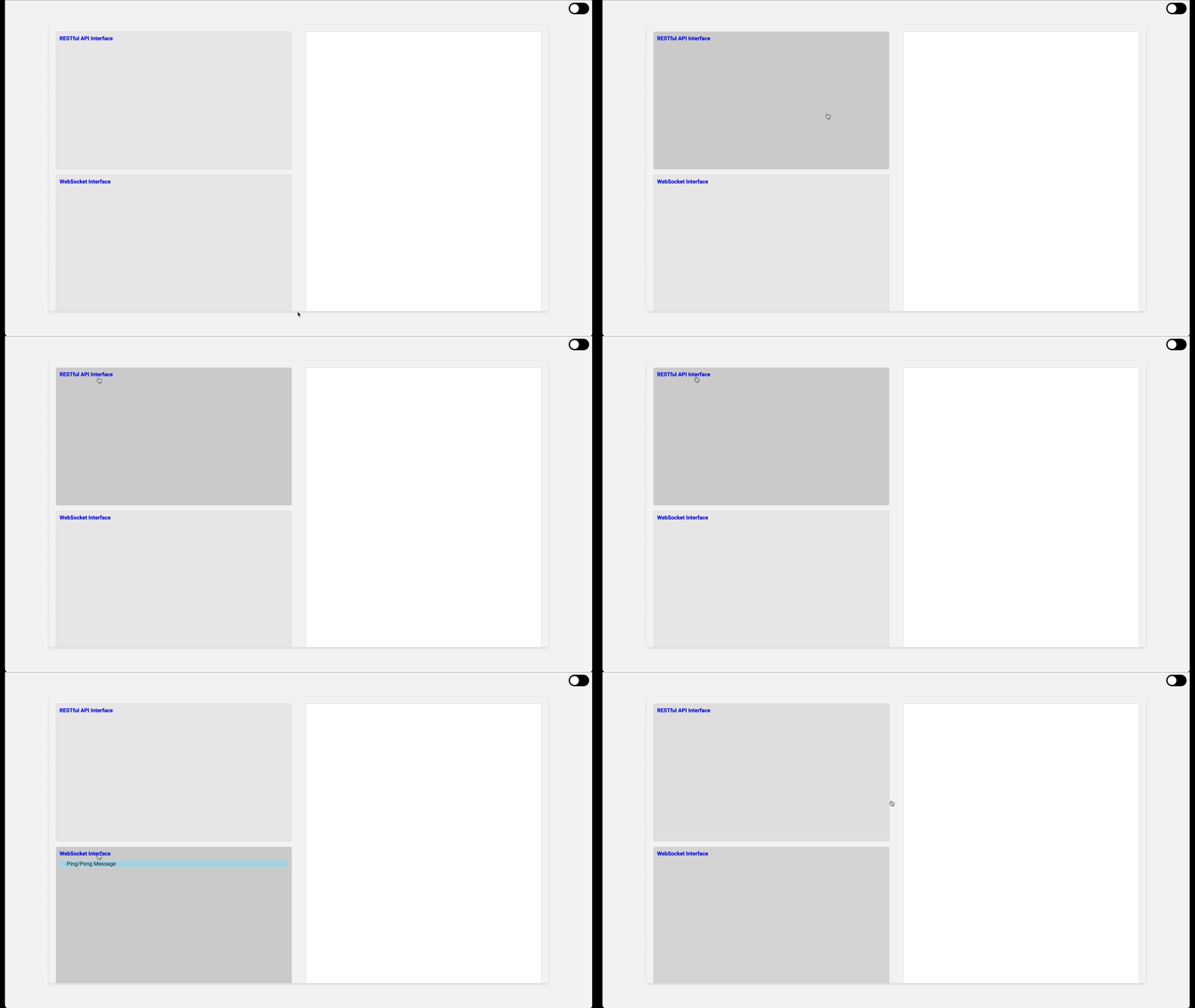
- [x] Toggle-able items; sub-items can be folded or displayed
- [x] Scrollable output text area
- [x] RESTful API and WebSocket Interfaces displayed
## Screenshots
Theme Switch
Toggle-able items
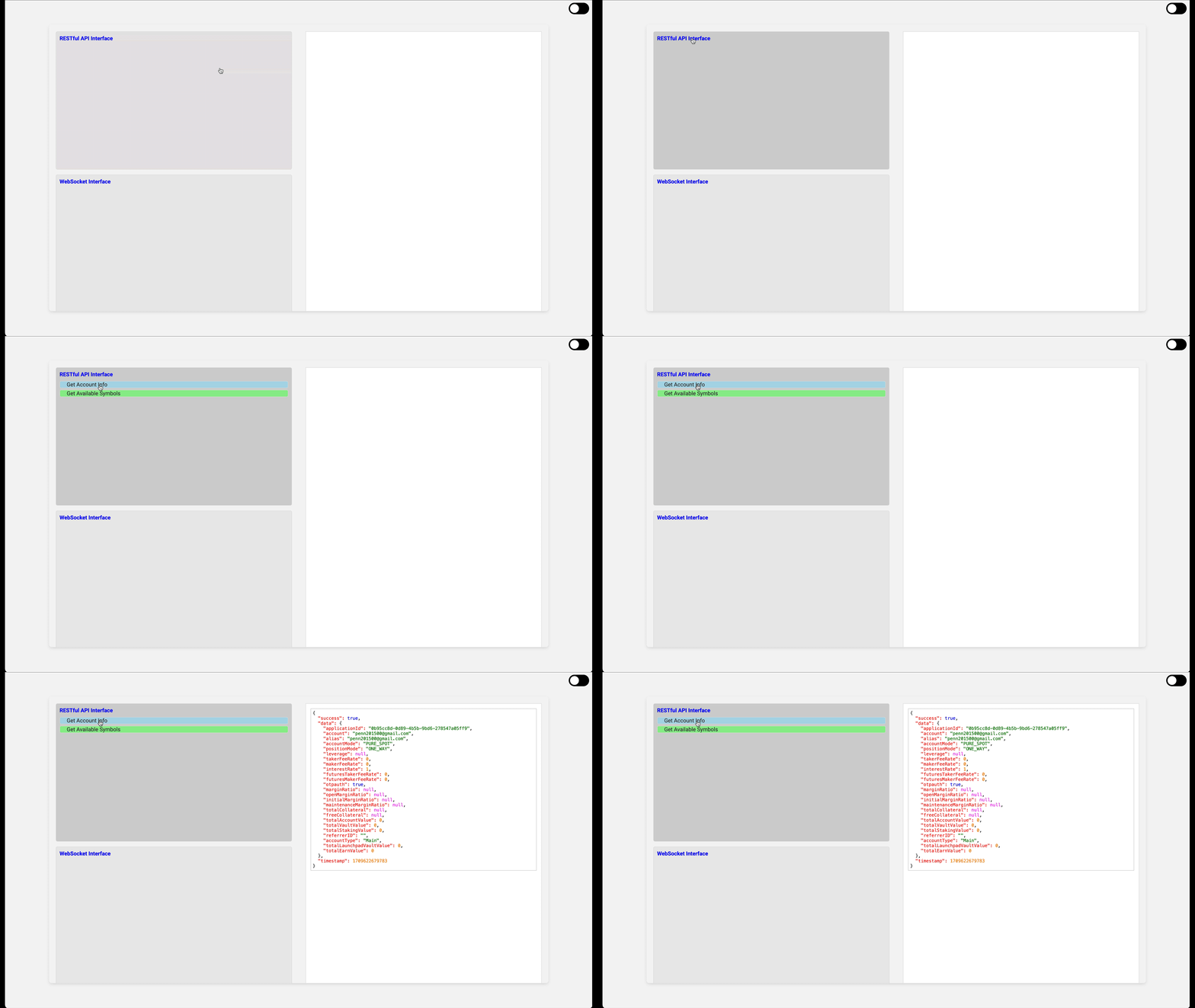
RESTful API Get Account Info
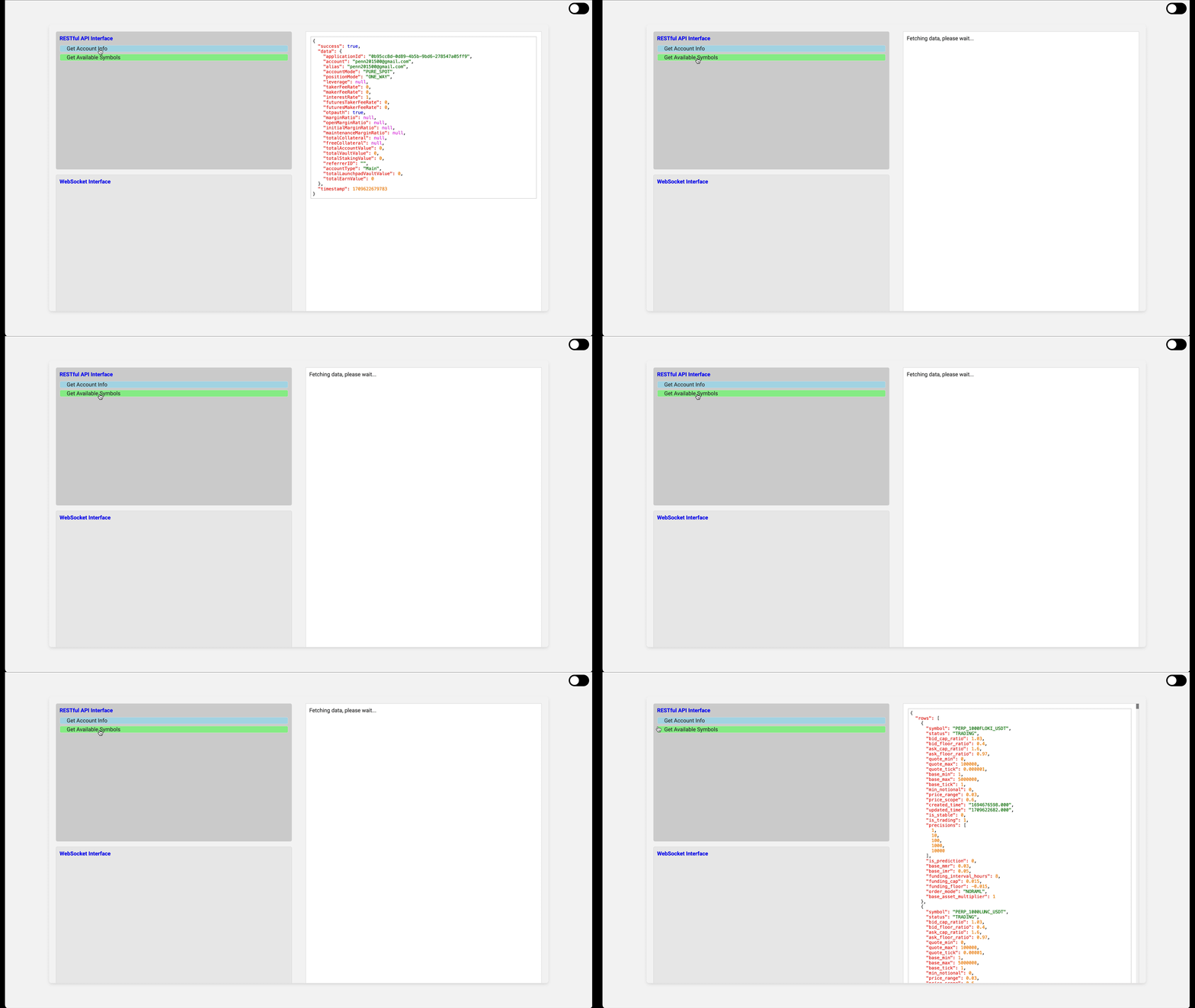
RESTful API Get Available Symbols
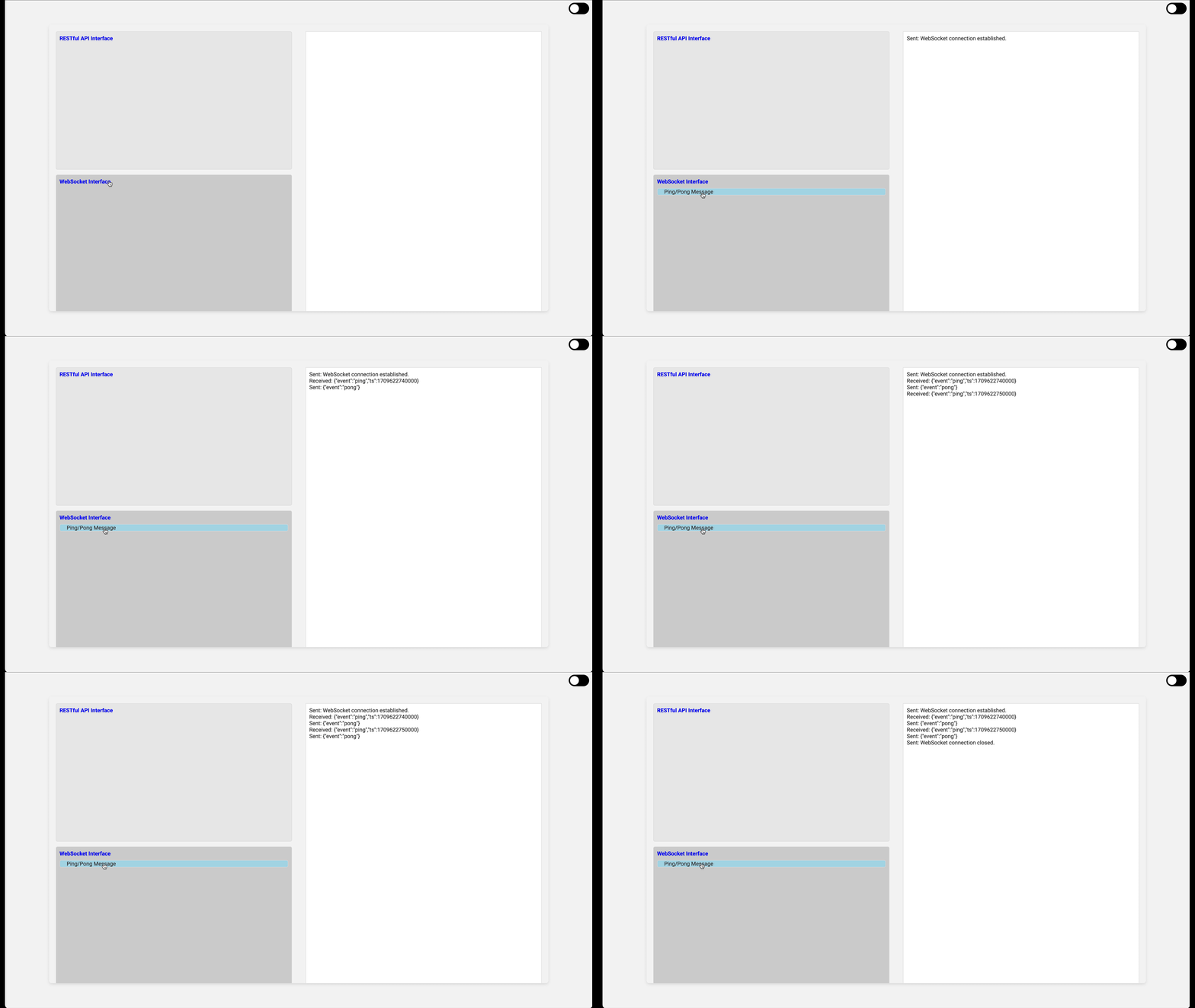
WebSocket PingPong Message
### RESTful API
Read https://vipdocs.woo.org/?python#authentication
**🔴Note:**
```
Some API use v1, some use v3.
For v1 API, please follow the steps to normalize request content:
1. use query string as the parameters for GET methods and body parameters for POST and DELETE methods.
2. concat query string and body parameters in an alphabetical order in query string format.
3. concat timestamp with the above result, using | as seperator.
For v3 API using request body to pass the parameters, please concatenate the timestamp, http request method, request_path and request_body as the normalized content to sign. Besides, please use application/json as Content-Type in the headers.
var signString = timestamp + method + request_path + request_body;
Put the HMAC signature in request header x-api-signature, and put timestamp in x-api-timestamp, and also api key in x-api-key.
```
If you use Python, this is an example to get signature:
```python
import datetime
import hmac, hashlib
import requests
staging_api_secret_key = 'xxxxxxxxxx'
staging_api_key = 'xxxxxxxxxx'
def _generate_signature(method, request_path, request_body=''):
key = staging_api_secret_key
key_bytes = bytes(key, 'utf-8')
timestamp = str(round(datetime.datetime.now().timestamp() * 1000))
# For a GET request, the request body will be an empty string
sign_data = f"{timestamp}{method}{request_path}{request_body}"
data_bytes = bytes(sign_data, 'utf-8')
signature = hmac.new(key_bytes, data_bytes, hashlib.sha256).hexdigest()
return timestamp, signature
def get_account_info():
# HTTP method and request path for the API call
http_method = "GET"
request_path = "/v3/accountinfo"
request_body = "" # Empty for GET requests
# Generate timestamp and signature
milliseconds_since_epoch, signature = _generate_signature(http_method, request_path, request_body)
headers = {
'x-api-timestamp': milliseconds_since_epoch,
'x-api-key': staging_api_key,
'x-api-signature': signature,
'Content-Type': 'application/json',
'Cache-Control': 'no-cache'
}
response = requests.get(f'https://api.woo.org{request_path}', headers=headers)
if __name__ == '__main__':
get_account_info()
```
### WebSocket
Read: https://vipdocs.woo.org/?javascript#websocket-api-v2
Here is an example:
```javascript
import WebSocket from 'ws';
const API_SERVER_WSS = 'wss://wss.woo.org/ws/stream';
const applicationId = process.env.WOO_API_APP_ID;
const wssUrl = `${API_SERVER_WSS}/${applicationId}`;
const socket = new WebSocket(wssUrl);
console.log('WebSocket URL:', wssUrl);
socket.onopen = function(event) {
console.log('WebSocket is connected.');
// The server will send a ping command to the client every 10 seconds.
// If the pong from client is not received within 10 seconds for 10 consecutive times,
// it will actively disconnect the client.
const pongMsg = JSON.stringify({ event: 'pong' });
// Send a pong message every 10 seconds to keep the connection alive
setInterval(() => {
socket.send(pongMsg);
}, 10000);
};
socket.onmessage = function(event) {
console.log('Message from server:', event.data);
const data = JSON.parse(event.data);
// If the server requires a pong message, respond accordingly
if (data && data.event === 'ping') {
socket.send(JSON.stringify({ event: 'pong' }));
}
};
socket.onerror = function(error) {
console.error('WebSocket Error:', error);
};
socket.onclose = function(event) {
console.log('WebSocket is closed now.');
};
```
## Deployment
1. Go to https://x.woo.org/en/account to get an API key.
2. Export `WOO_API_KEY`, `WOO_API_SECRET` to your .bash or .zshrc file. Source it.
3. Running server.js on a server. Install the node modules if needed.
4. Open script.js, change the value of localhost to the server ip where you deployed your server.js
`const API_SERVER = 'http://localhost:63343';`
5. Open index.html, click items to test it.
6. websocket.js will run local and just need `WOO_API_APPLICATION_ID`