https://github.com/peridot-php/webdriver-manager
Standalone library and command line tool for managing Selenium WebDriver
https://github.com/peridot-php/webdriver-manager
Last synced: about 1 year ago
JSON representation
Standalone library and command line tool for managing Selenium WebDriver
- Host: GitHub
- URL: https://github.com/peridot-php/webdriver-manager
- Owner: peridot-php
- License: mit
- Created: 2015-02-25T18:53:35.000Z (over 11 years ago)
- Default Branch: master
- Last Pushed: 2018-09-05T14:56:40.000Z (almost 8 years ago)
- Last Synced: 2024-10-01T15:54:35.035Z (over 1 year ago)
- Language: PHP
- Homepage:
- Size: 824 KB
- Stars: 35
- Watchers: 5
- Forks: 7
- Open Issues: 3
-
Metadata Files:
- Readme: README.md
- Changelog: CHANGELOG.md
- License: LICENSE
Awesome Lists containing this project
README
# WebDriver Manager
[](https://travis-ci.org/peridot-php/webdriver-manager)
[](https://scrutinizer-ci.com/g/peridot-php/webdriver-manager/?branch=master)
The perfect companion for projects with functional tests. Heavily inspired by the `webdriver-manager` that ships with [protractor](https://github.com/angular/protractor). WebDriver Manager allows you to keep Selenium Server binaries up to date. It also provides a packaged solution for easily starting Selenium Server.
In addition to an easy to use command line application, WebDriver Manager provides a library for managing Selenium binaries in your own apps and tools.
## Installation
WebDriver Manager is meant to be a drop in installation for any project using Selenium WebDriver for functional tests.
```
$ composer require --dev peridot-php/webdriver-manager
```
Once installed, you can operate Selenium Server from the comfort of your project:
```
$ vendor/bin/manager start
```
## Usage
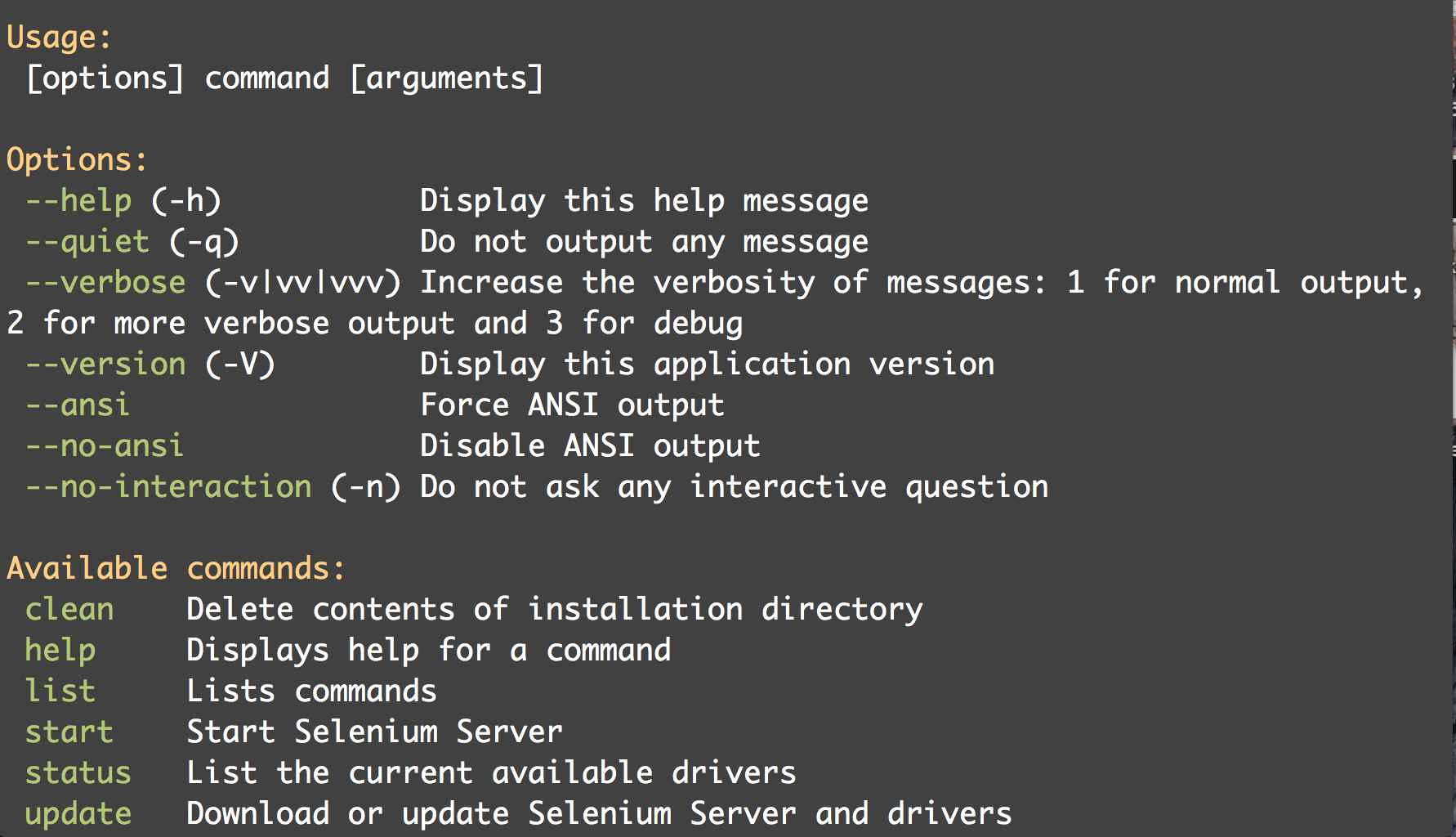
### clean
Remove all installed binaries.

### status
List all available binaries and their installed status. Status shows if the binary is installed, out of date, or missing.

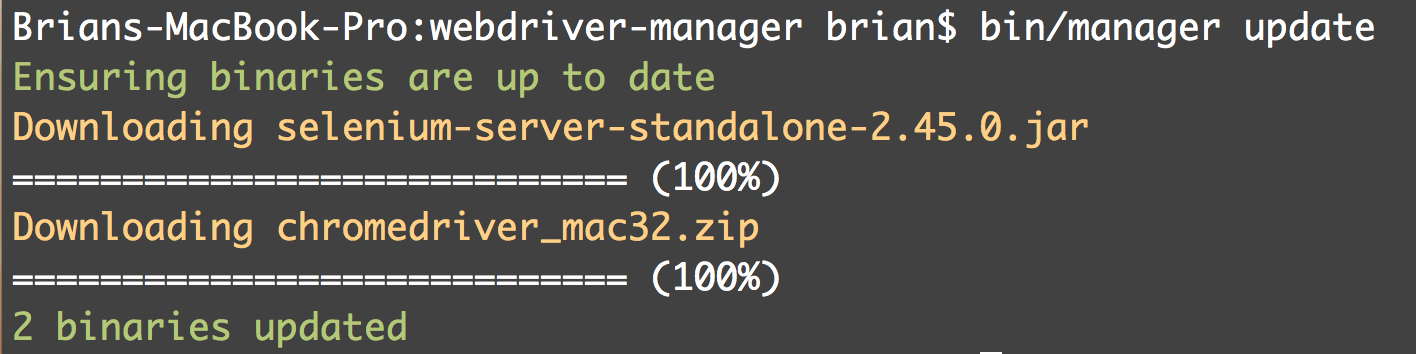
### update
The update command downloads current binaries and deletes old ones.
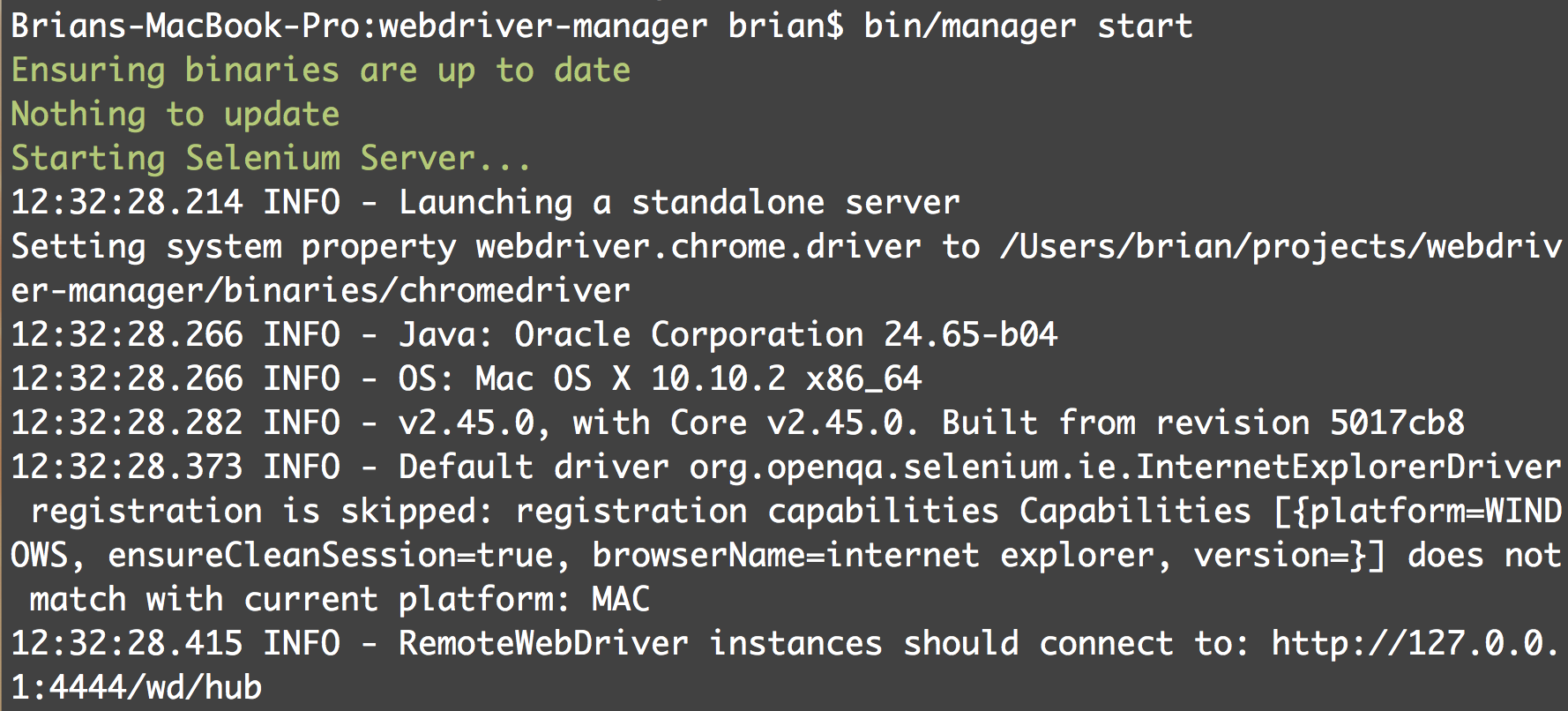
### start
Starts Selnium Server with all drivers managed by WebDriver Manager. The start command will run an update at start to make sure drivers are available and up to date.
## Library Usage
WebDriver manager exposes a really simple interface that makes it easy to leverage in your own applications and tools:
```php
use Peridot\WebDriverManager\Manager;
$manager = new Manager();
$manager->update(); //update all binaries
$manager->update('selenium'); //only update selenium
$manager->clean(); //remove installed binaries
$manager->startInForeground(); //start selenium in the foreground on port 4444
$manager->startInForeground(9999); //start selenium in the foreground on port 9999
$manager->startInBackground(); //start selenium in the background on port 4444
$manager->startInBackground(9999); //start in the background on port 9999
$path = $manager->getInstallPath(); //where binaries are installed
$manager->setInstallPath(__DIR__); //set the path to install binaries
$manager->addBinary(new MyCustomDriver()); //add a binary to manage
$manager->removeBinary('chromdedriver'); //remove a managed binary
$binaries = $manager->getBinaries(); //get a collection of managed binaries
```
### A note on starting Selenium in the background
WebDriver Manager does not block when starting a background process. This makes it difficult to see if Selenium encountered any errors (perhaps a corrupt binary?). The `SeleniumProcess` class provides a method for checking the status of the process. If you want to check that Selenium Server started in the background ok, you might try something like this:
```php
$process = $manager->startInBackground();
usleep(250000); //give Selenium a quarter of a second to validate input
if (! $process->isRunning()) {
//Selenium encountered an error
print $process->getError();
$process->close();
return;
}
//do rad Selenium things
```
For more information, see the [API docs](http://peridot-php.github.io/webdriver-manager/docs/);
## Examples
The API has been used to create a [custom Behat listener](https://github.com/brianium/behavior-driven-todos/blob/master/src/Test/WebDriverListener.php) capable of starting the server before Mink tests are run. This tool is included as part of a demo project known as [behavior driven todos](https://github.com/brianium/behavior-driven-todos).
## Running Tests
WebDriver Manager's tests were written using the [Peridot](http://peridot-php.github.io/) test framework.
Unit tests can be run like so:
```
$ vendor/bin/peridot
```
And integration tests can be run like this:
```
$ vendor/bin/peridot --grep *.it.php
```
## Contributing
Please feel free to open issues or pull requests.