https://github.com/phalbert/finder-demo
the finder demo app
https://github.com/phalbert/finder-demo
Last synced: 2 months ago
JSON representation
the finder demo app
- Host: GitHub
- URL: https://github.com/phalbert/finder-demo
- Owner: phalbert
- License: mit
- Created: 2020-01-15T19:16:41.000Z (over 6 years ago)
- Default Branch: master
- Last Pushed: 2024-03-26T14:24:21.000Z (about 2 years ago)
- Last Synced: 2025-01-23T07:29:51.745Z (over 1 year ago)
- Language: SCSS
- Homepage: https://finder-demo.now.sh
- Size: 8.66 MB
- Stars: 0
- Watchers: 2
- Forks: 0
- Open Issues: 29
-
Metadata Files:
- Readme: README.md
- Changelog: CHANGELOG.md
- License: LICENSE.md
Awesome Lists containing this project
README
# Finder App
### Examples
Paper Kit React contains some pages already designed and implemented. Here is the list with the pages available. We are also working on more example pages, that you will be able to access no matter the version you download.
* [Landing Page](https://demos.creative-tim.com/paper-kit-react/#/landing-page?ref=pkr-github-readme)
* [Register](https://demos.creative-tim.com/paper-kit-react/#/register-page?ref=pkr-github-readme)
* [Profile Page](https://demos.creative-tim.com/paper-kit-react/#/profile-page?ref=pkr-github-readme)
Tutorial and components
Once you download the archive, you will be able find a tutorial page inside it explaining how to start using it. You can also check the [documentation online](https://demos.creative-tim.com/paper-kit-react/#/documentation/introduction?ref=pkr-github-readme).
## Table of Contents
* [Versions](#versions)
* [Demo](#demo)
* [Quick Start](#quick-start)
* [Documentation](#documentation)
* [File Structure](#file-structure)
* [Browser Support](#browser-support)
* [Resources](#resources)
* [Reporting Issues](#reporting-issues)
* [Licensing](#licensing)
* [Useful Links](#useful-links)
## Versions
| HTML | Angular | React |
| --- | --- | --- |
| [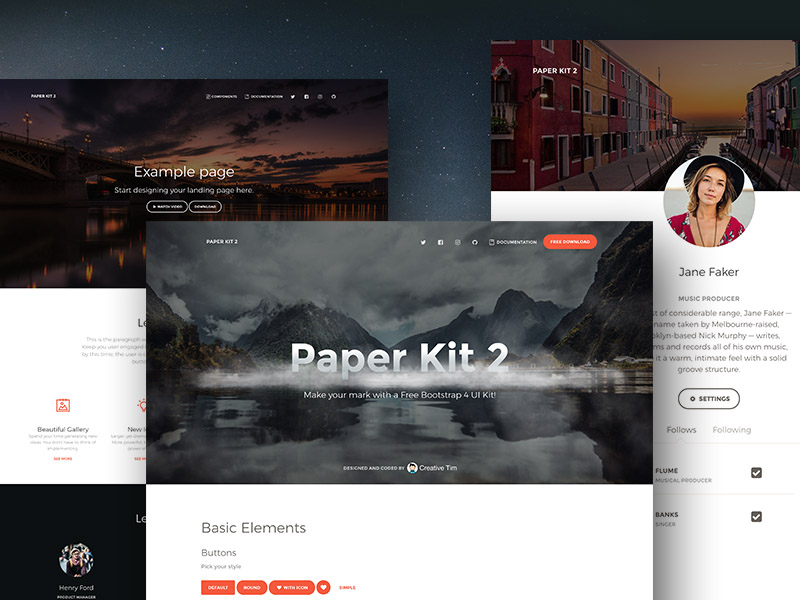](https://www.creative-tim.com/product/paper-kit-2?ref=pkr-github-readme) | [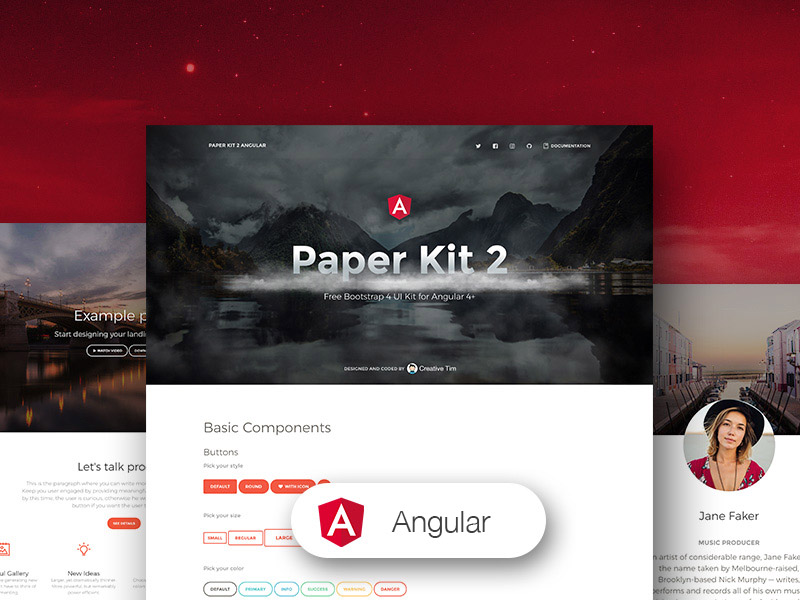](https://www.creative-tim.com/product/paper-kit-2-angular?ref=pkr-github-readme) | [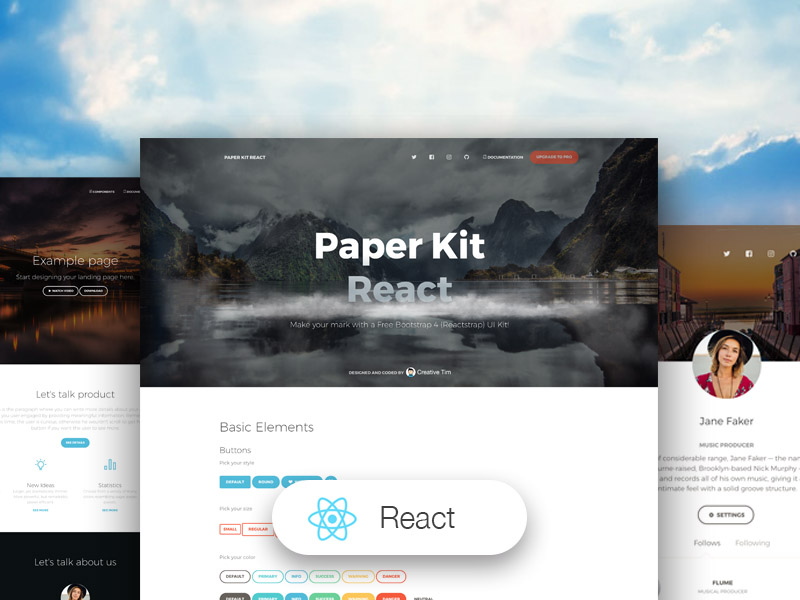](https://www.creative-tim.com/product/paper-kit-react?ref=pkr-github-readme)
| Register Page | Landing Page | Profile Page |
| --- | --- | --- |
| [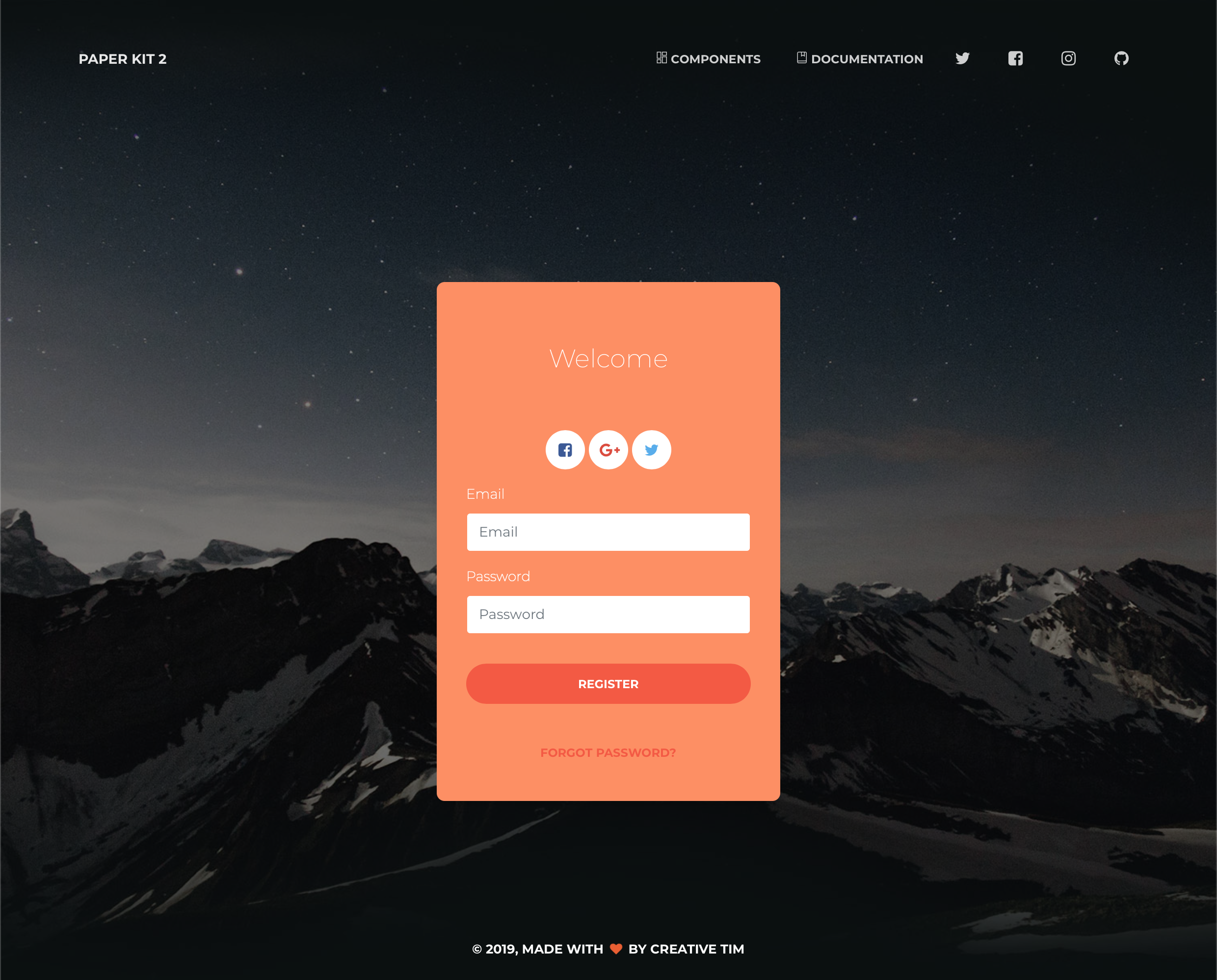](https://demos.creative-tim.com/paper-kit-react/#/register-page?ref=pkr-github-readme) | [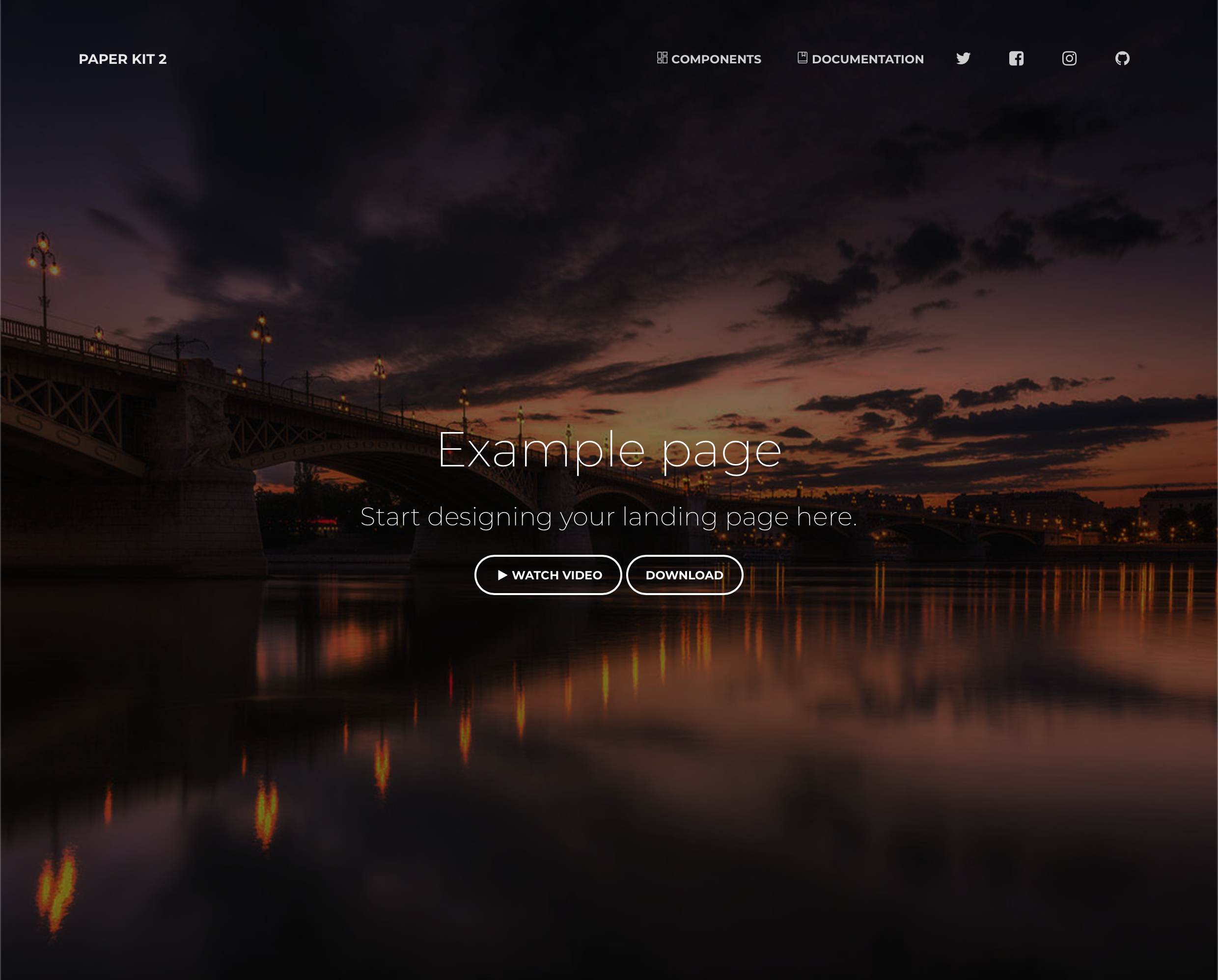](https://demos.creative-tim.com/paper-kit-react/#/landing-page?ref=pkr-github-readme) | [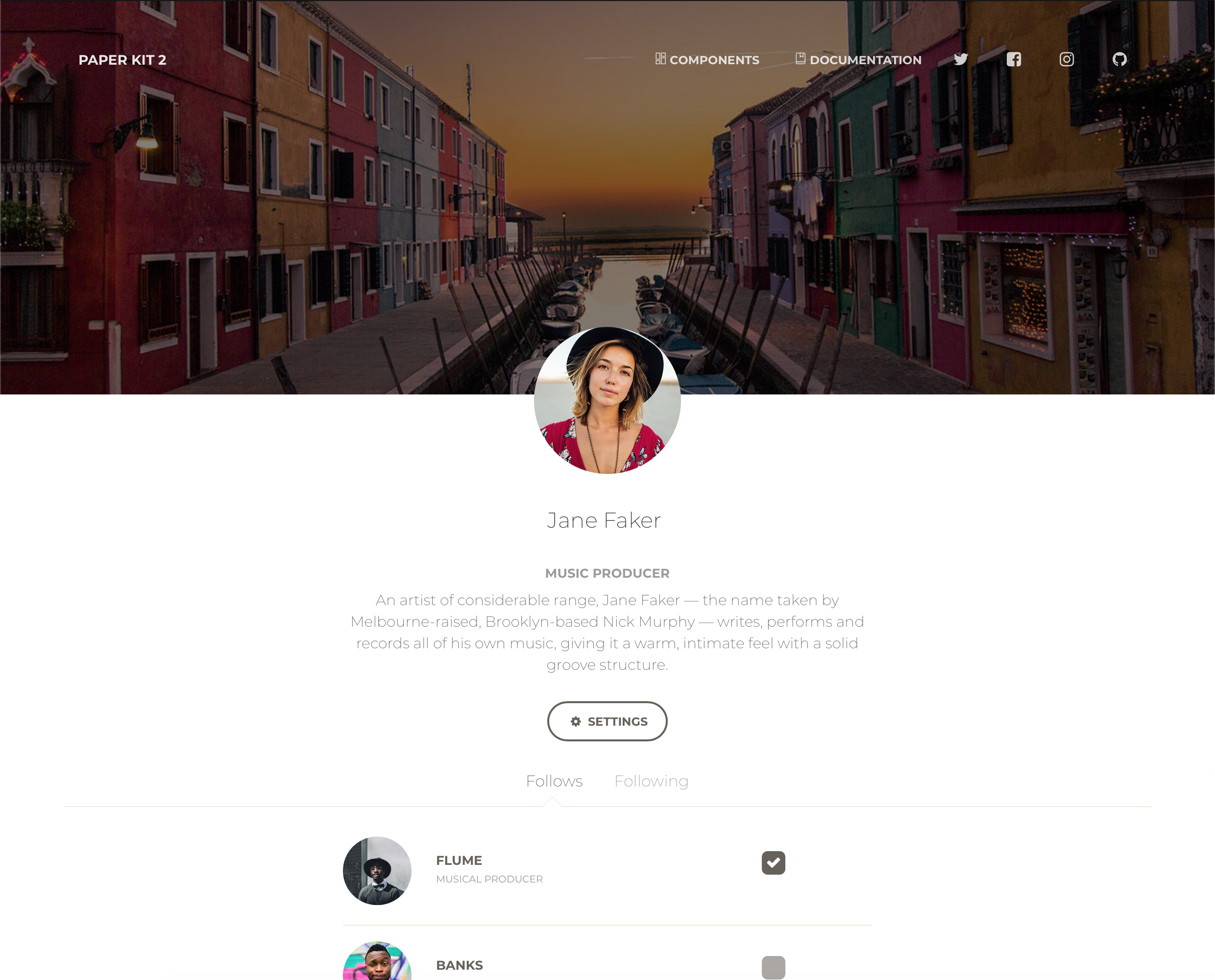](https://demos.creative-tim.com/paper-kit-react/#/profile-page?ref=pkr-github-readme)
[View More](https://demos.creative-tim.com/paper-kit-react/#/index?ref=pkr-github-readme)
## Quick start
1. Download the project's zip
2. Make sure you have node.js () installed
3. Type `npm install` in terminal/console in the source folder where `package.json` is located
4. You will find all the branding colors inside `src/assets/scss/paper-kit/_variables.scss`. You can change them with a `HEX` value or with other predefined variables.
5. Run in terminal `npm start`.
## Documentation
The documentation for the Paper Kit React is hosted at our [website](https://demos.creative-tim.com/paper-kit-react/#/documentation/introduction?ref=pkr-github-readme).
## File Structure
Within the download you'll find the following directories and files:
```
paper-kit-react
.
├── CHANGELOG.md
├── ISSUE_TEMPLATE.md
├── LICENSE.md
├── README.md
├── jsconfig.json
├── package.json
├── public
│ ├── favicon.ico
│ ├── index.html
│ └── manifest.json
└── src
├── index.js
├── logo.svg
├── assets
│ ├── css
│ │ ├── bootstrap.min.css
│ │ └── bootstrap.min.css.map
│ ├── demo
│ │ └── demo.css
│ ├── fonts
│ ├── img
│ │ ├── examples
│ │ ├── faces
│ │ ├── flags
│ └── scss
│ ├── paper-kit
│ │ ├── cards
│ │ ├── mixins
│ │ └── plugins
│ ├── react
│ │ ├── paper-kit
│ │ ├── plugins
│ │ └── react-differences.scss
│ └── paper-kit.scss
├── components
│ ├── Footers
│ │ └── DemoFooter.js
│ ├── Headers
│ │ ├── IndexHeader.js
│ │ ├── LandingPageHeader.js
│ │ └── ProfilePageHeader.js
│ └── Navbars
│ ├── ExamplesNavbar.js
│ └── IndexNavbar.js
└── views
├── Index.js
├── NucleoIcons.js
├── examples
│ ├── LandingPage.js
│ ├── ProfilePage.js
│ └── RegisterPage.js
└── index-sections
├── SectionButtons.js
├── SectionCarousel.js
├── SectionDark.js
├── SectionDownload.js
├── SectionExamples.js
├── SectionJavaScript.js
├── SectionLogin.js
├── SectionNavbars.js
├── SectionNavigation.js
├── SectionNotifications.js
├── SectionNucleoIcons.js
├── SectionProgress.js
└── SectionTypography.js
```
## Browser Support
At present, we officially aim to support the last two versions of the following browsers:



## Resources
- Demo:
- Download Page:
- Documentation:
- License Agreement:
- Support:
- Issues: [Github Issues Page](https://github.com/creativetimofficial/paper-kit-react/issues)
**Dashboards:**
| HTML | React | Vue | Angular |
| --- | --- | --- | --- |
| [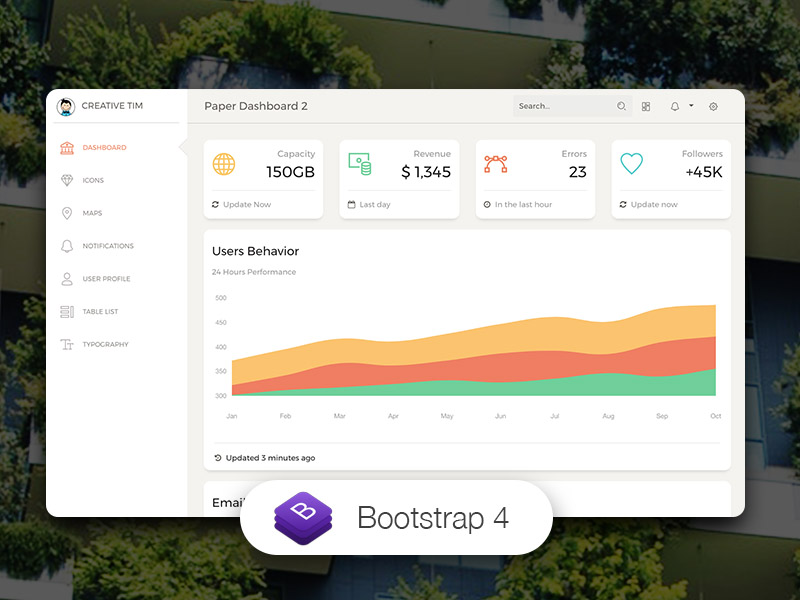](https://www.creative-tim.com/product/paper-dashboard-2?ref=pkr-github-readme) | [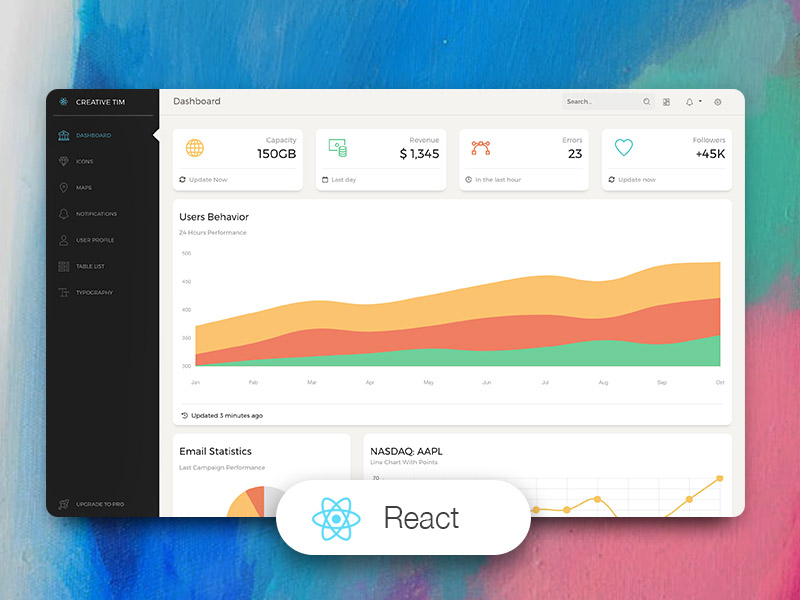](https://www.creative-tim.com/product/paper-dashboard-pro-react?ref=pkr-github-readme) | [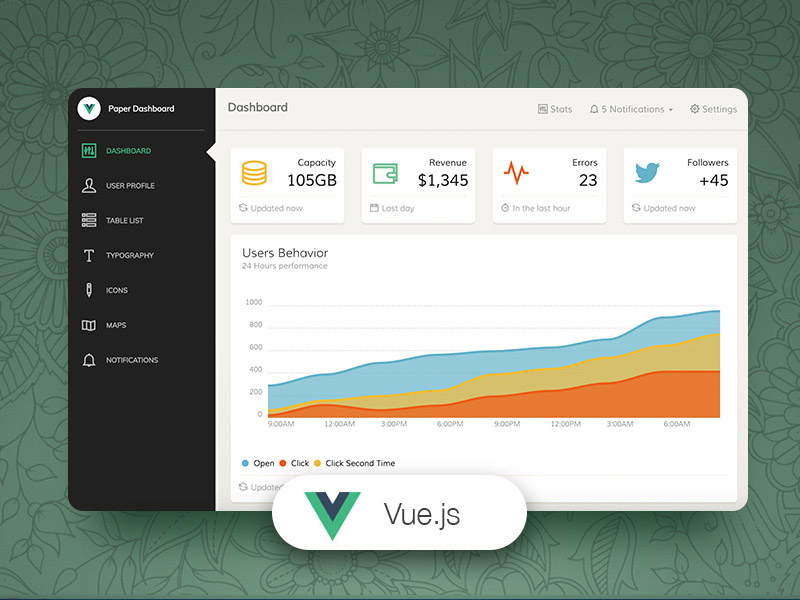](https://www.creative-tim.com/product/vue-paper-dashboard?ref=pkr-github-readme) | [](https://www.creative-tim.com/product/paper-dashboard-angular?ref=pkr-github-readme)
## Reporting Issues
We use GitHub Issues as the official bug tracker for the Paper Kit 2. Here are some advices for our users that want to report an issue:
1. Make sure that you are using the latest version of the Paper Kit 2. Check the CHANGELOG from your dashboard on our [website](https://www.creative-tim.com/?ref=pkr-github-readme).
2. Providing us reproducible steps for the issue will shorten the time it takes for it to be fixed.
3. Some issues may be browser specific, so specifying in what browser you encountered the issue might help.
## Licensing
- Copyright 2019 Creative Tim (https://www.creative-tim.com/?ref=pkr-github-readme)
[CHANGELOG]: ./CHANGELOG.md
[LICENSE]: ./LICENSE.md
## Useful Links
- [Tutorials](https://www.youtube.com/channel/UCVyTG4sCw-rOvB9oHkzZD1w)
- [Affiliate Program](https://www.creative-tim.com/affiliates/new?ref=pkr-github-readme) (earn money)
- [Blog Creative Tim](http://blog.creative-tim.com/?ref=pkr-github-readme)
- [Free Products](https://www.creative-tim.com/bootstrap-themes/free?ref=pkr-github-readme) from Creative Tim
- [Premium Products](https://www.creative-tim.com/bootstrap-themes/premium?ref=pkr-github-readme) from Creative Tim
- [React Products](https://www.creative-tim.com/bootstrap-themes/react-themes?ref=pkr-github-readme) from Creative Tim
- [Angular Products](https://www.creative-tim.com/bootstrap-themes/angular-themes?ref=pkr-github-readme) from Creative Tim
- [VueJS Products](https://www.creative-tim.com/bootstrap-themes/vuejs-themes?ref=pkr-github-readme) from Creative Tim
- [More products](https://www.creative-tim.com/bootstrap-themes?ref=pkr-github-readme) from Creative Tim
- Check our Bundles [here](https://www.creative-tim.com/bundles?ref=pkr-github-readme)
### Social Media
Twitter:
Facebook:
Dribbble:
Instagram: