https://github.com/piebald-ai/splitrail
Fast, cross-platform, real-time token usage tracker and cost monitor for Gemini CLI / Claude Code / Codex CLI / Qwen Code / Cline / Roo Code / Kilo Code / GitHub Copilot / OpenCode / Pi Agent / Piebald.
https://github.com/piebald-ai/splitrail
agentic analyzer blazing-fast ccusage claude-code cline codex gcusage gemini-cli kilo-code opencode pi-agent piebald qwen qwen-code ravishing roo-code rust splitrail usage
Last synced: 3 months ago
JSON representation
Fast, cross-platform, real-time token usage tracker and cost monitor for Gemini CLI / Claude Code / Codex CLI / Qwen Code / Cline / Roo Code / Kilo Code / GitHub Copilot / OpenCode / Pi Agent / Piebald.
- Host: GitHub
- URL: https://github.com/piebald-ai/splitrail
- Owner: Piebald-AI
- License: mit
- Created: 2025-07-12T22:04:15.000Z (12 months ago)
- Default Branch: main
- Last Pushed: 2026-04-05T03:03:20.000Z (3 months ago)
- Last Synced: 2026-04-05T05:08:22.871Z (3 months ago)
- Topics: agentic, analyzer, blazing-fast, ccusage, claude-code, cline, codex, gcusage, gemini-cli, kilo-code, opencode, pi-agent, piebald, qwen, qwen-code, ravishing, roo-code, rust, splitrail, usage
- Language: Rust
- Homepage: https://splitrail.dev
- Size: 20.8 MB
- Stars: 144
- Watchers: 5
- Forks: 13
- Open Issues: 14
-
Metadata Files:
- Readme: README.md
- Changelog: CHANGELOG.md
- License: LICENSE
- Agents: AGENTS.md
Awesome Lists containing this project
README

### Check out Piebald
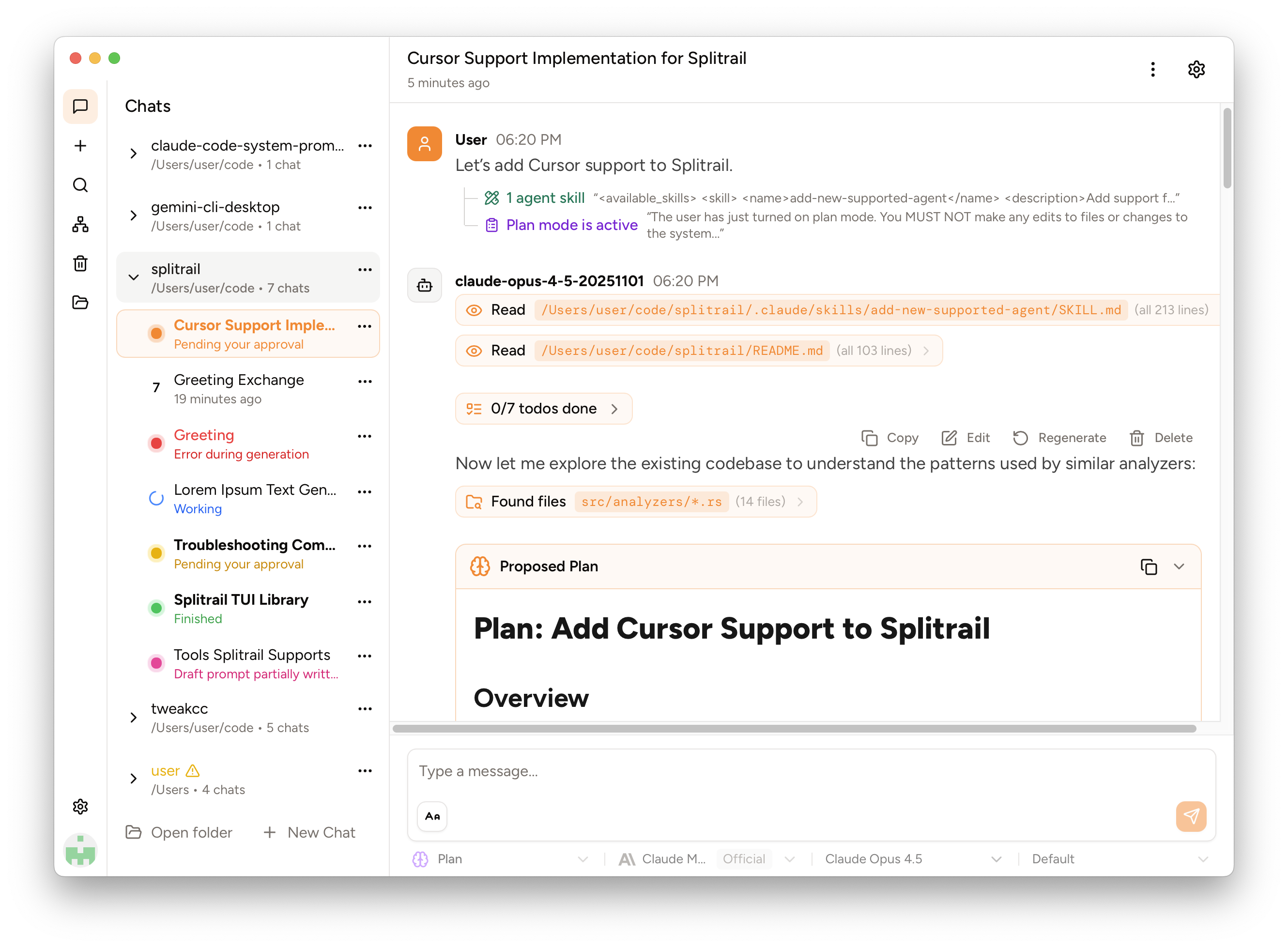
We've released **Piebald**, the ultimate agentic AI developer experience. \
Download it and try it out for free! **https://piebald.ai/**


[**Scroll down for Splitrail.**](#splitrail) :point_down:
# Splitrail
Splitrail is a **fast, cross-platform, real-time token usage tracker and cost monitor for**:
- [Gemini CLI](https://github.com/google-gemini/gemini-cli) (and [Qwen Code](https://github.com/qwenlm/qwen-code))
- [Claude Code](https://github.com/anthropics/claude-code)
- [Codex CLI](https://github.com/openai/codex)
- [Cline](https://github.com/cline/cline) / [Roo Code](https://github.com/RooCodeInc/Roo-Code) / [Kilo Code](https://github.com/Kilo-Org/kilocode) (VS Code extension + CLI)
- [GitHub Copilot](https://github.com/features/copilot)
- [OpenCode](https://github.com/sst/opencode)
- [Pi Agent](https://github.com/badlogic/pi-mono/tree/main/packages/coding-agent)
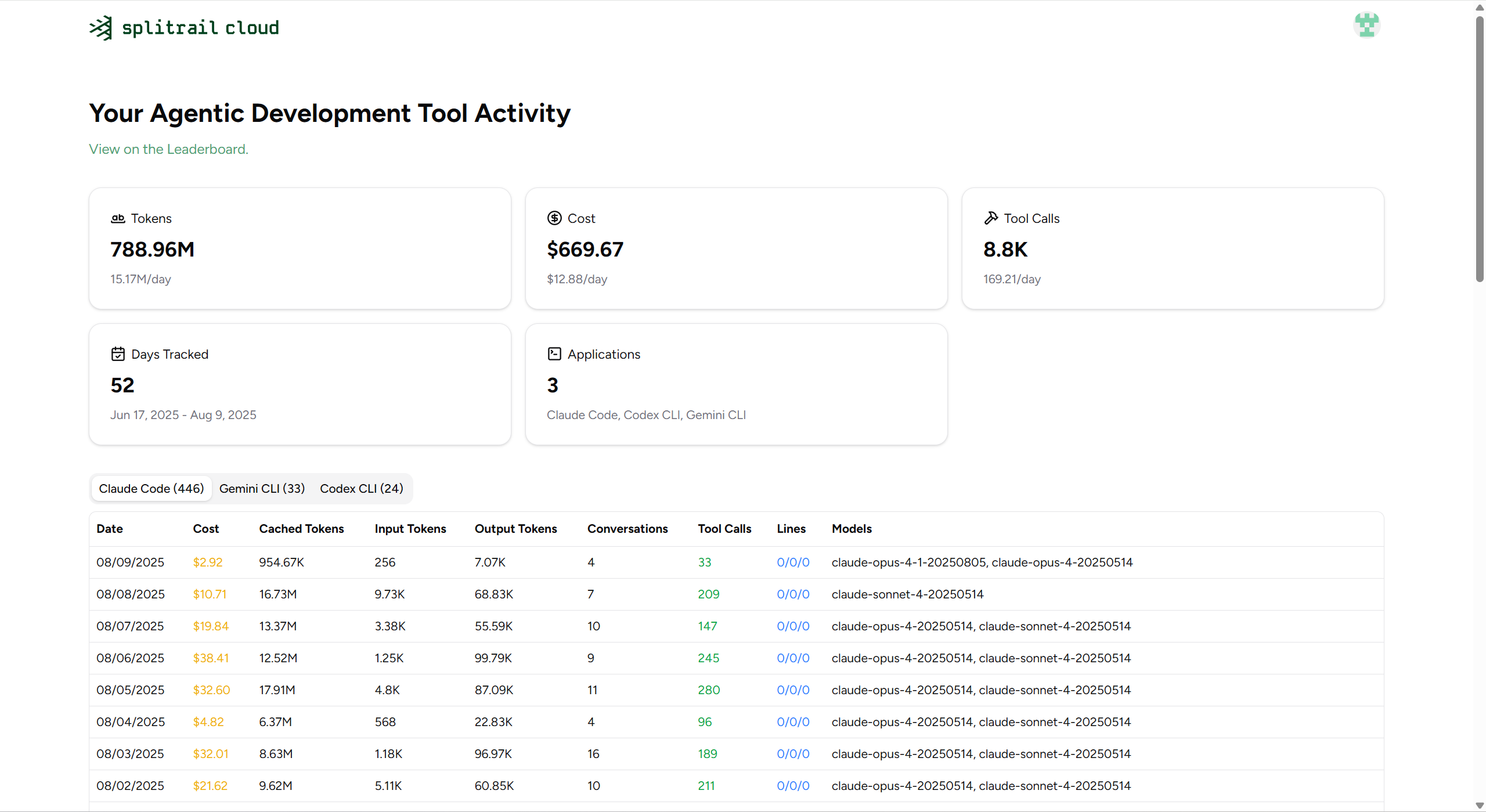
Run one command to instantly review all of your CLI coding agent usage. Upload your usage data to your private account on the [Splitrail Cloud](https://splitrail.dev) for safe-keeping and cross-machine usage aggregation. From the team behind [ **Piebald.**](https://piebald.ai/)
> [!note]
> ⭐ **If you find Splitrail useful, please consider [starring the repository](https://github.com/Piebald-AI/splitrail) to show your support!** ⭐
**Download the binary for your platform on the [Releases](https://github.com/Piebald-AI/splitrail/releases) page.**
## Screenshots
### [Splitrail CLI](https://splitrail.dev)

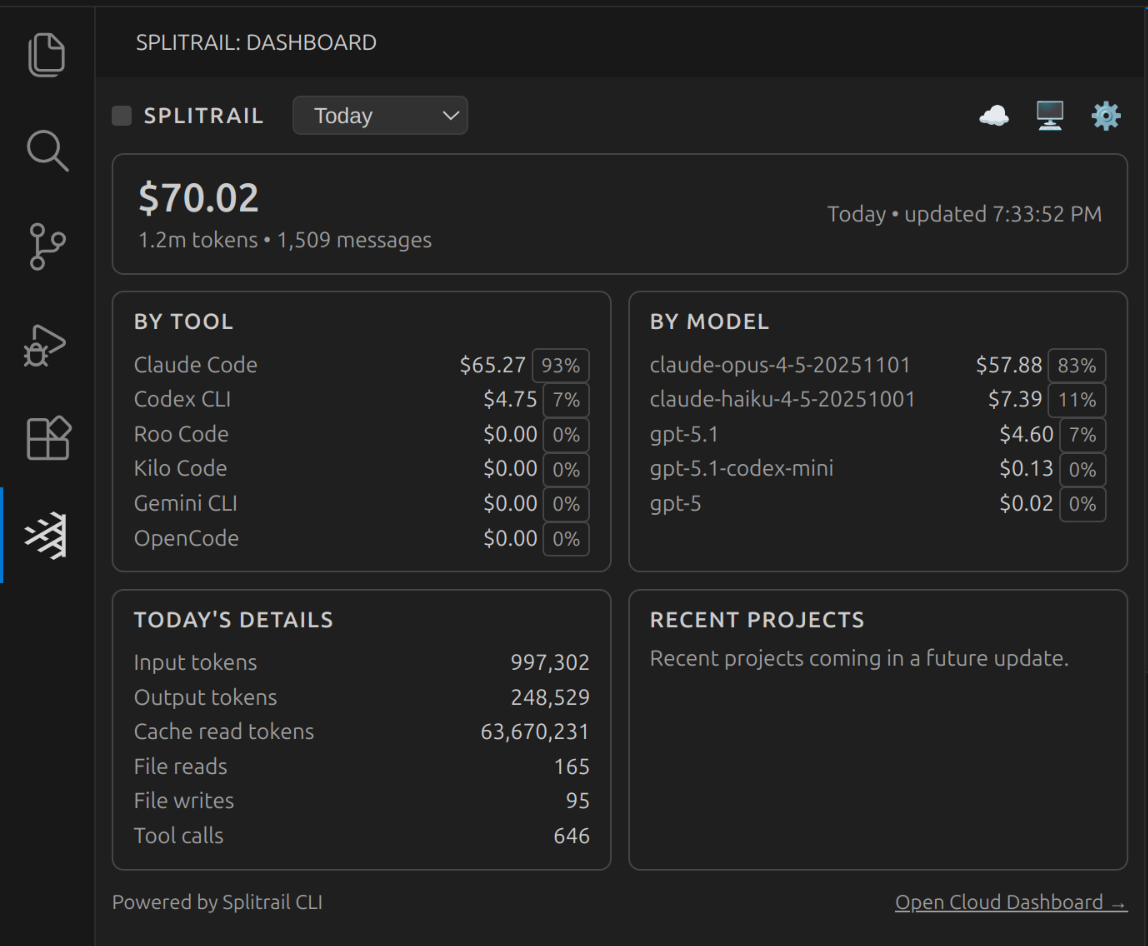
### [Splitrail VS Code Extension](https://splitrail.dev)
### [Splitrail Cloud](https://splitrail.dev)
## MCP Server
Splitrail can run as an [MCP (Model Context Protocol)](https://modelcontextprotocol.io/) server, allowing AI assistants to query your usage statistics programmatically.
```bash
splitrail mcp
```
### Available Tools
- `get_daily_stats` - Query usage statistics with date filtering
- `get_model_usage` - Analyze model usage distribution
- `get_cost_breakdown` - Get cost breakdown over a date range
- `get_file_operations` - Get file operation statistics
- `compare_tools` - Compare usage across different AI coding tools
- `list_analyzers` - List available analyzers
### Resources
- `splitrail://summary` - Daily summaries across all dates
- `splitrail://models` - Model usage breakdown
## Configuration
Splitrail stores its configuration at `~/.splitrail.toml`:
```toml
[server]
url = "https://splitrail.dev"
api_token = "your-api-token"
[upload]
auto_upload = false
upload_today_only = false
[formatting]
number_comma = false
number_human = false
locale = "en"
decimal_places = 2
```
## Development
### Windows
On Windows, we use `lld-link.exe` from LLVM to significantly speed up compilation, so you'll need to install it to compile Splitrail. Example for `winget`:
```shell
winget install --id LLVM.LLVM
```
Then add it to your system PATH:
```cmd
:: Command prompt
setx /M PATH "%PATH%;C:\Program Files\LLVM\bin\"
set "PATH=%PATH%;C:\Program Files\LLVM\bin"
```
or
```pwsh
# PowerShell
setx /M PATH "$env:PATH;C:\Program Files\LLVM\bin\"
$env:PATH = "$env:PATH;C:\Program Files\LLVM\bin\"
```
Then use standard Cargo commands to build and run:
```shell
cargo run
```
### macOS/Linux
Build as normal:
```
cargo run
```
-----
## License
[MIT](https://github.com/Piebald-AI/splitrail/blob/main/LICENSE)
Copyright © 2026 [Piebald LLC](https://piebald.ai).