https://github.com/pierregode/flipper-walkthrough
Flipper-walkthrough is a comprehensive guide that offers step-by-step instructions for updating the firmware on your Flipper device, providing options for customizing your Flipper experience with different firmware versions.
https://github.com/pierregode/flipper-walkthrough
Last synced: 4 months ago
JSON representation
Flipper-walkthrough is a comprehensive guide that offers step-by-step instructions for updating the firmware on your Flipper device, providing options for customizing your Flipper experience with different firmware versions.
- Host: GitHub
- URL: https://github.com/pierregode/flipper-walkthrough
- Owner: PierreGode
- Created: 2023-04-14T04:22:52.000Z (about 3 years ago)
- Default Branch: main
- Last Pushed: 2024-01-05T09:28:03.000Z (over 2 years ago)
- Last Synced: 2025-08-26T06:39:06.702Z (10 months ago)
- Homepage:
- Size: 43.9 KB
- Stars: 4
- Watchers: 1
- Forks: 0
- Open Issues: 0
-
Metadata Files:
- Readme: README.md
Awesome Lists containing this project
README
# Flipper-walkthrough
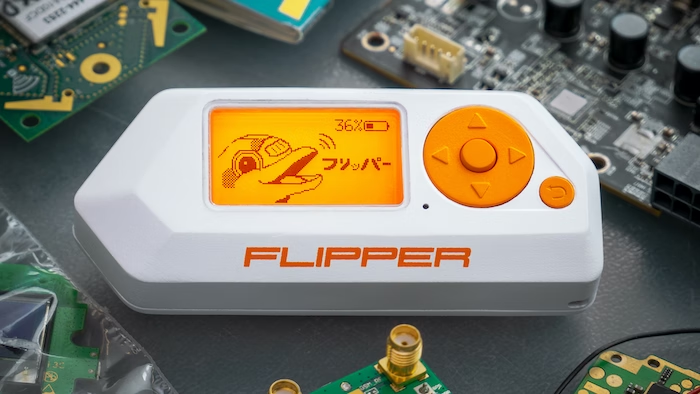
The Flipper Zero is a portable, multi-functional device designed for enthusiasts in fields like DIY electronics, and cybersecurity. It's a pocket-sized tool that combines various functionalities related to digital communication and control. Its design is inspired by the concept of a multitool, allowing users to interact with a wide range of digital systems and devices.
The Flipper Zero serves as an excellent learning tool, particularly for those interested in electronics, radio communications, cybersecurity, and DIY projects. Its educational value lies in several key aspects.
[](https://ko-fi.com/J3J2EARPK)
The first step is to update the firmware on your Flipper device.
Before updating the firmware on your Flipper Zero, it is essential to insert a microSD card into the device. This is necessary because the Flipper Zero databases are stored on the microSD card.
It's crucial to have a microSD card inserted before using your Flipper for the first time.
For detailed information regarding the importance of the microSD card and its functionality with the Flipper Zero, please consult the device's documentation.
Follow the Flipper [Guide](https://docs.flipperzero.one/basics/first-start)
Once you have completed the previous step, it's time to install the firmware on the Flipper. At this point, you need to decide whether you want to use the vanilla or godmode version.
Please note that if you intend to use the Wi-Fi development board with the [Marauder](https://github.com/justcallmekoko/ESP32Marauder) firmware, you will need to opt for the Godmode.
For the Godmode, I personally use the [unleashed-firmware](https://github.com/DarkFlippers/unleashed-firmware). While there are other firmwares available, this guide will focus on my setup.
1
Choose either the [Vanilla](https://github.com/PierreGode/Flipper-walkthrough/wiki/Vanilla) or [Godmode](https://github.com/PierreGode/Flipper-walkthrough/wiki/Godmode) version.