https://github.com/pingf/falsy
FAL.S.Y python api framework(the framework for using falcon, swagger, yaml together)
https://github.com/pingf/falsy
api python swagger
Last synced: about 1 year ago
JSON representation
FAL.S.Y python api framework(the framework for using falcon, swagger, yaml together)
- Host: GitHub
- URL: https://github.com/pingf/falsy
- Owner: pingf
- License: mit
- Created: 2017-01-05T03:57:36.000Z (over 9 years ago)
- Default Branch: master
- Last Pushed: 2017-08-16T08:10:43.000Z (almost 9 years ago)
- Last Synced: 2025-04-05T09:51:10.807Z (over 1 year ago)
- Topics: api, python, swagger
- Language: Python
- Homepage:
- Size: 6.3 MB
- Stars: 110
- Watchers: 7
- Forks: 18
- Open Issues: 5
-
Metadata Files:
- Readme: README.md
- License: LICENSE
Awesome Lists containing this project
README
# falsy
FAL.S.Y
### description
it's an api framework.
using falcon, swagger, yaml together!
### license
MIT and Apache v2
### showtime
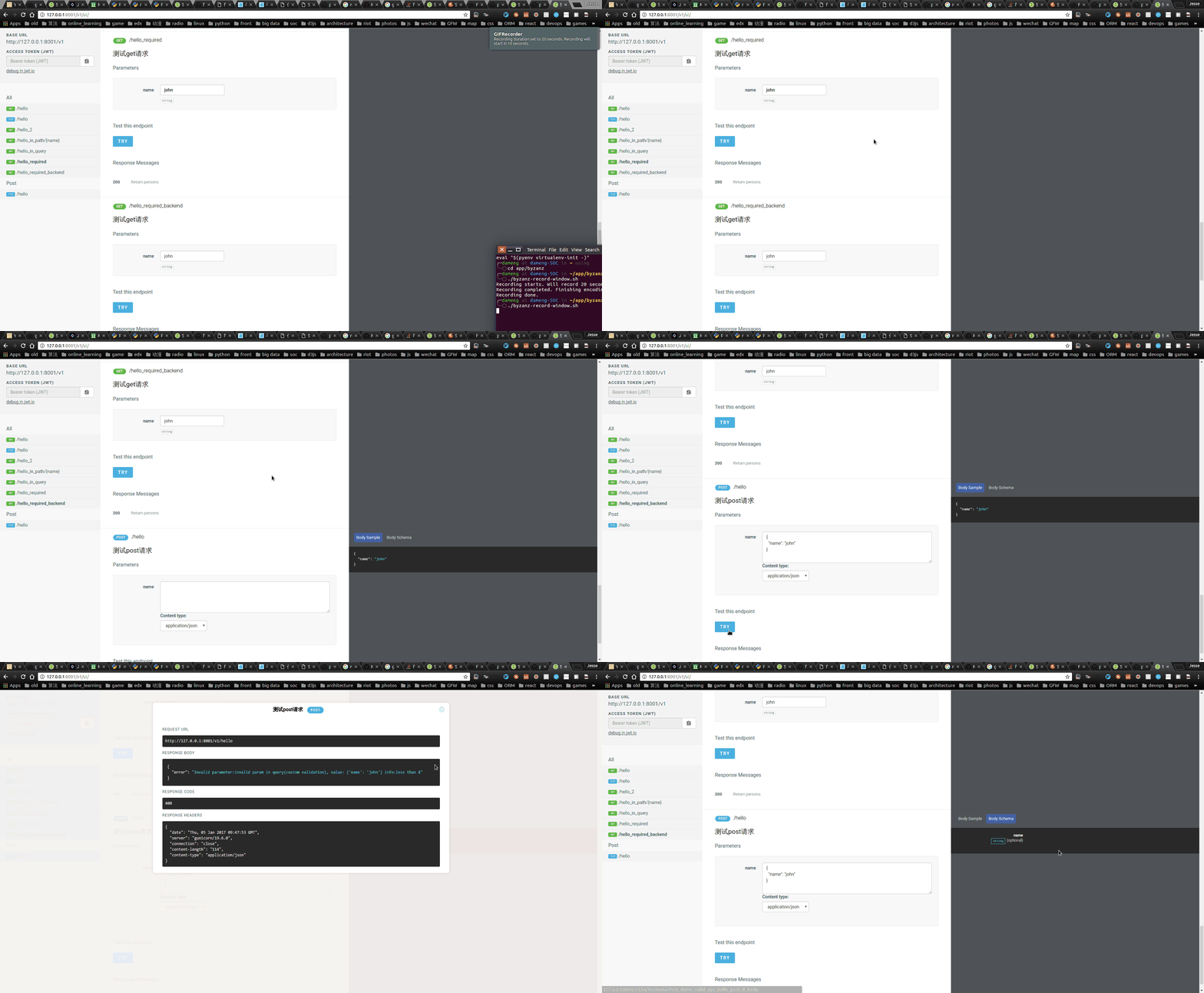
### how to install it
`pip install falsy`
### how to use it
0. create the dir for static
`mkdir static`
1. writting the server code(main.py)
```python
from falsy.falsy import FALSY
f = FALSY() #you need create the dir called static before you run
f.swagger('test.yml', ui=True, theme='impress') #impress theme is the responsive swagger ui, or you can use 'normal' here
api = f.api
```
2. writting the yml file
```
swagger: '2.0'
info:
title: FALSY SIMPLE DEMO API
version: "0.1"
consumes:
- application/json
produces:
- application/json
basePath: "/v1"
paths:
'/hello':
get:
tags: [Method]
operationId: demo.get_it
summary: testing
parameters:
- name: name
in: query
type: string
default: 'john'
responses:
200:
description: Return response
```
3. writting the operation handler(demo.py)
```python
def get_it(name):
return {
'get': name
}
```
4. run it
`gunicorn -b 0.0.0.0:8001 main:api --reload -w 1 --threads 1`
5. visit the ui page
`http://0.0.0.0:8001/v1/ui/`
make sure it ends with '/'
### video demo

### extensions
there some improvements compare to standard swagger,
you can define `operationId` for handler, 'beforeId' and 'afterId' for aop hooks,
and 'validationId' for validator, see the files in demo dir for details.