https://github.com/pixelindiedev/simstoyakuza0blender
A Blender Python script to convert bone names from The Sims armature to Yakuza 0 armature naming
https://github.com/pixelindiedev/simstoyakuza0blender
Last synced: over 1 year ago
JSON representation
A Blender Python script to convert bone names from The Sims armature to Yakuza 0 armature naming
- Host: GitHub
- URL: https://github.com/pixelindiedev/simstoyakuza0blender
- Owner: PixelIndieDev
- Created: 2024-10-05T09:03:44.000Z (almost 2 years ago)
- Default Branch: main
- Last Pushed: 2024-11-13T16:05:02.000Z (over 1 year ago)
- Last Synced: 2024-11-13T17:18:18.507Z (over 1 year ago)
- Language: Python
- Homepage:
- Size: 15.6 MB
- Stars: 1
- Watchers: 1
- Forks: 0
- Open Issues: 0
-
Metadata Files:
- Readme: README.md
Awesome Lists containing this project
README
# Sims 4 to Yakuza 0: Bone Renaming Script
**This Python script allows you to batch rename the bone names from The Sims 4 armature to match the bone names used in the Yakuza 0 armature. By aligning the bone names, you can easily transfer weight painting between the Sims 4 rig and the Yakuza 0 rig using Blender's "Transfer Weights (by Names)" feature.**
## How to Use
* Open Blender and import your Sims 4 rig.
* Switch to Object Mode and select the Sims 4 armature.
* Go to the Scripting tab in Blender's interface.
* Copy (everything, including blank lines) and paste the contents of this Python script into the Blender Python console.
If successful, you should be in Pose Mode.
You can now use Transfer Weights (by Names) to transfer weights between the two armatures.
*You may need to fine-tune the weights after the transfer for optimal results, especially with facial animations.*

## Below are some images showcasing a Sims 4 rig modded into Yakuza 0


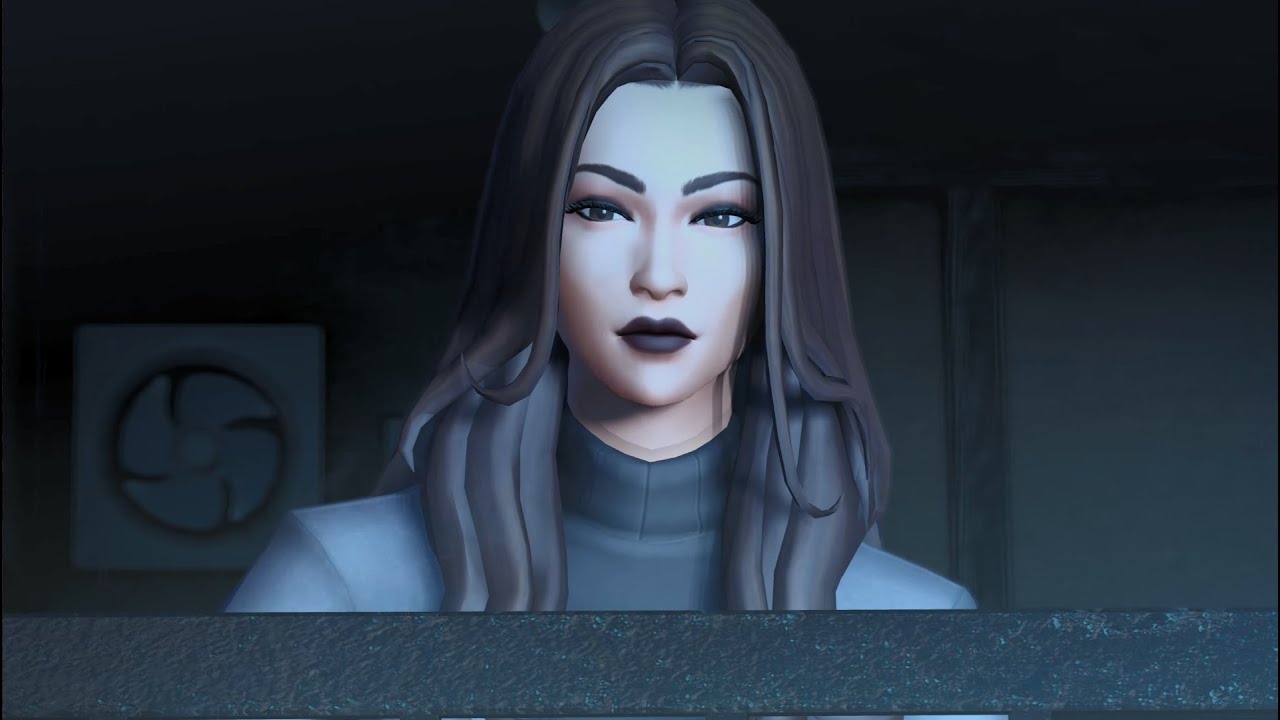
## Below is a video showcasing a Sims 4 rig modded into Yakuza 0 cutscenes
*Click on the image to play the video*
[](https://youtu.be/BMeTEOMqLh4)