https://github.com/pixelscommander/propeller
JavaScript library to rotate elements with mouse or touch gestures. Supports inertia and stepwise rotation. Optimized for better performance.
https://github.com/pixelscommander/propeller
Last synced: over 1 year ago
JSON representation
JavaScript library to rotate elements with mouse or touch gestures. Supports inertia and stepwise rotation. Optimized for better performance.
- Host: GitHub
- URL: https://github.com/pixelscommander/propeller
- Owner: PixelsCommander
- Created: 2014-01-12T23:18:52.000Z (over 12 years ago)
- Default Branch: master
- Last Pushed: 2018-02-24T17:12:36.000Z (over 8 years ago)
- Last Synced: 2025-03-28T19:05:48.539Z (over 1 year ago)
- Language: JavaScript
- Homepage: http://pixelscommander.com/polygon/propeller/
- Size: 173 KB
- Stars: 412
- Watchers: 18
- Forks: 56
- Open Issues: 13
-
Metadata Files:
- Readme: README.md
Awesome Lists containing this project
README
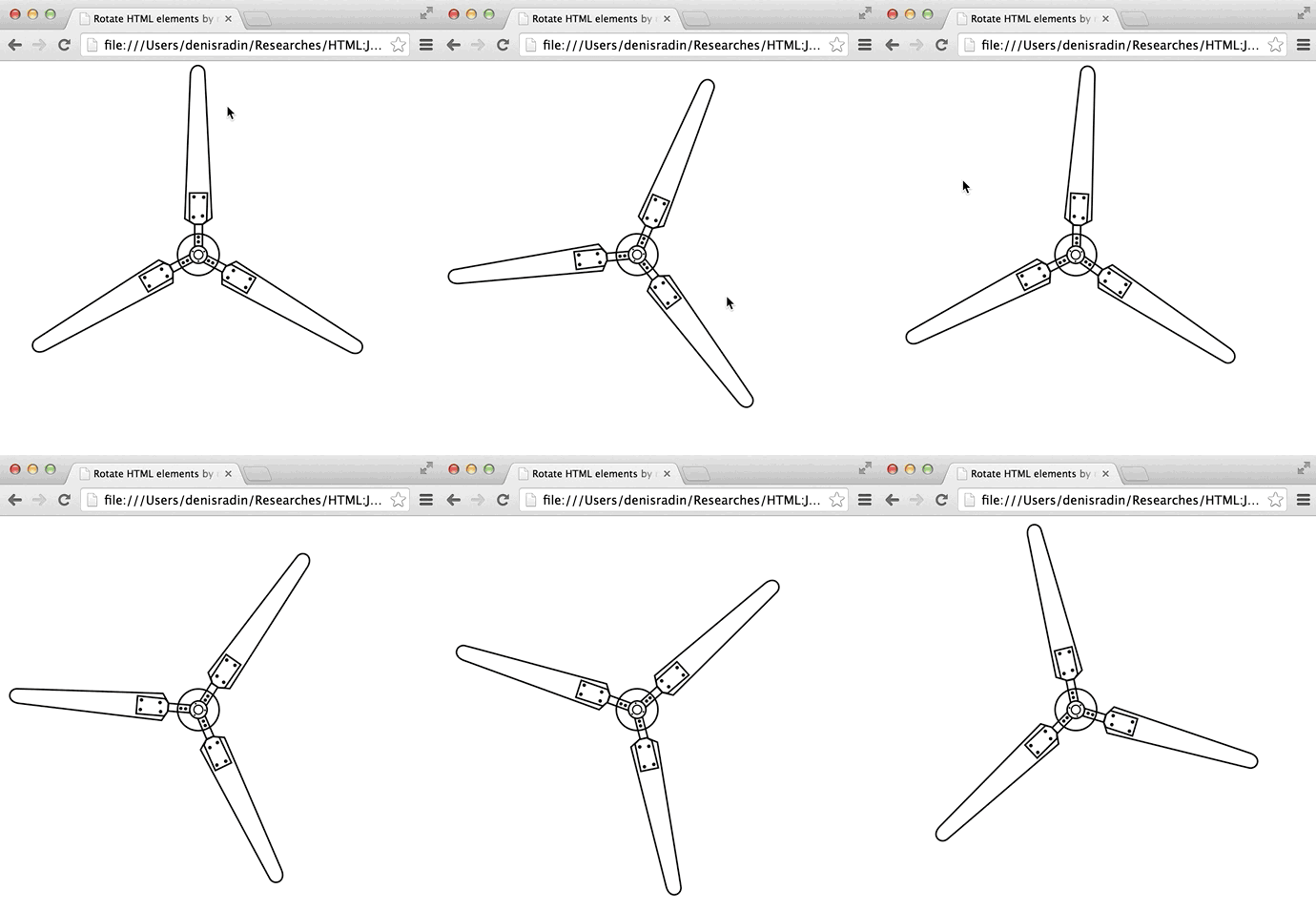
JavaScript library to rotate elements by mouse. Supports inertia and stepwise rotation. It is also compatible with touch devices.
[Lot of demos](http://pixelscommander.com/polygon/propeller/example/jquerygrid.html)
[Spinner game drawn by my doughter](http://pixelscommander.com/polygon/spinner/)
[Project page](http://pixelscommander.com/polygon/propeller/)
##
Usage
#### Available on NPM
npm install Propeller
#### Easy-to-use as jQuery plugin:
$(nodeOrSelector).propeller(options);
#### or zero-dependancy library
new Propeller(nodeOrSelector, options)
## Performance
Propeller uses requestAnimationFrame and GPU compositing for better performance.
## Options
- **angle** sets initial angle
- **inertia** is the most valueble option. It is a number between 0 and 1. 0 means no rotation after mouse was released. 1 means infinite rotation. For this demo we use inertia equals to 0.99.
- **speed** - initial speed of rotation. It also can be used as property in runtime.
- **minimalSpeed** - minimal speed of rotation. Works only if propeller have inertia between 0 and 1.
- **step** allows to set step in degrees for stepwise mode.
- **stepTransitionTime** enables CSS transition to move from step to step. This makes steps smooth and allows to use CSS transitions easing.
- **stepTransitionEasing** CSS easing mode for transition when in stepwise mode and stepTransitionTime is more than zero. [A bit more about easing functions](http://www.w3schools.com/cssref/css3_pr_transition-timing-function.asp)
- **onRotate** callback executed when rotated. You can easily get current angle as **this.angle** inside of callback function.
- **onStop** callback executed when stopped.
- **onDragStart** callback executed when start dragging.
- **onDragStop** callback executed when stop dragging.
## Methods
- **unbind** unbind listeners to make propeller inactive, this does not stop rotation
- **bind** bind listeners after they were unbinded
- **stop** stop rotation immidiately
## Public properties
- **angle** current propellers angle.
- **speed** current speed of rotation. Degrees per frame.
## License
MIT: http://mit-license.org/
Copyright 2014 Denis Radin aka [PixelsCommander](http://pixelscommander.com)