https://github.com/pkoretic/letihome
Android launcher for embedded and TV/STB devices
https://github.com/pkoretic/letihome
Last synced: 5 months ago
JSON representation
Android launcher for embedded and TV/STB devices
- Host: GitHub
- URL: https://github.com/pkoretic/letihome
- Owner: pkoretic
- License: mit
- Created: 2017-06-14T16:29:36.000Z (about 9 years ago)
- Default Branch: lite
- Last Pushed: 2026-02-25T23:19:21.000Z (5 months ago)
- Last Synced: 2026-02-26T01:22:17.333Z (5 months ago)
- Language: PowerShell
- Size: 6.04 MB
- Stars: 33
- Watchers: 1
- Forks: 9
- Open Issues: 5
-
Metadata Files:
- Readme: README.md
- Changelog: CHANGELOG.md
- License: LICENSE
Awesome Lists containing this project
README
# LetiHome TV Launcher Lite
[](https://github.com/pkoretic/letihome/blob/master/LICENSE)
[](https://www.qt.io)
Android launcher optimized for the big screen. Targets embedded and TV/STB
devices. It is very lightweight and simple to run on as many devices as possible.
Android TV OS / Google Play OS
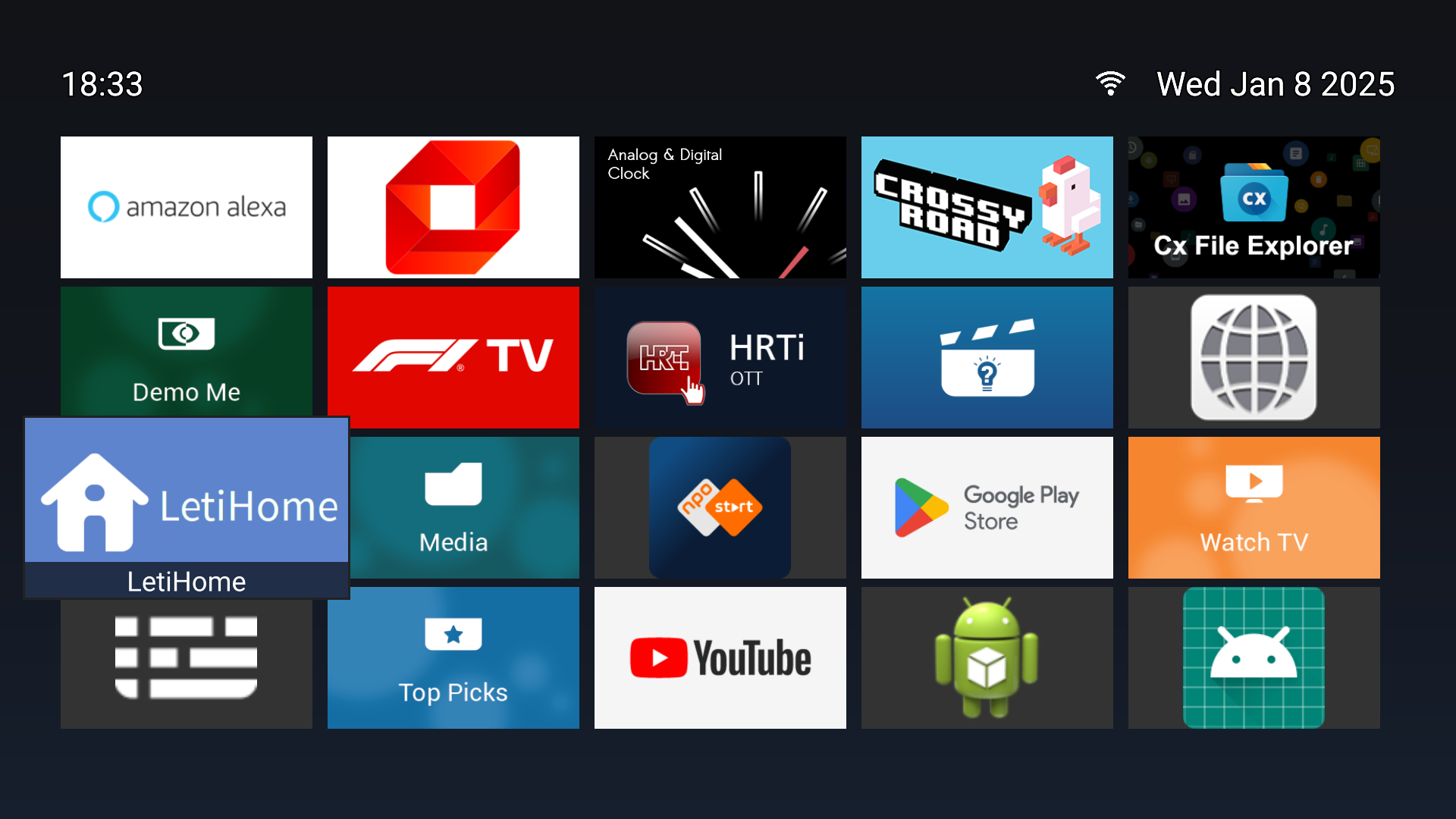
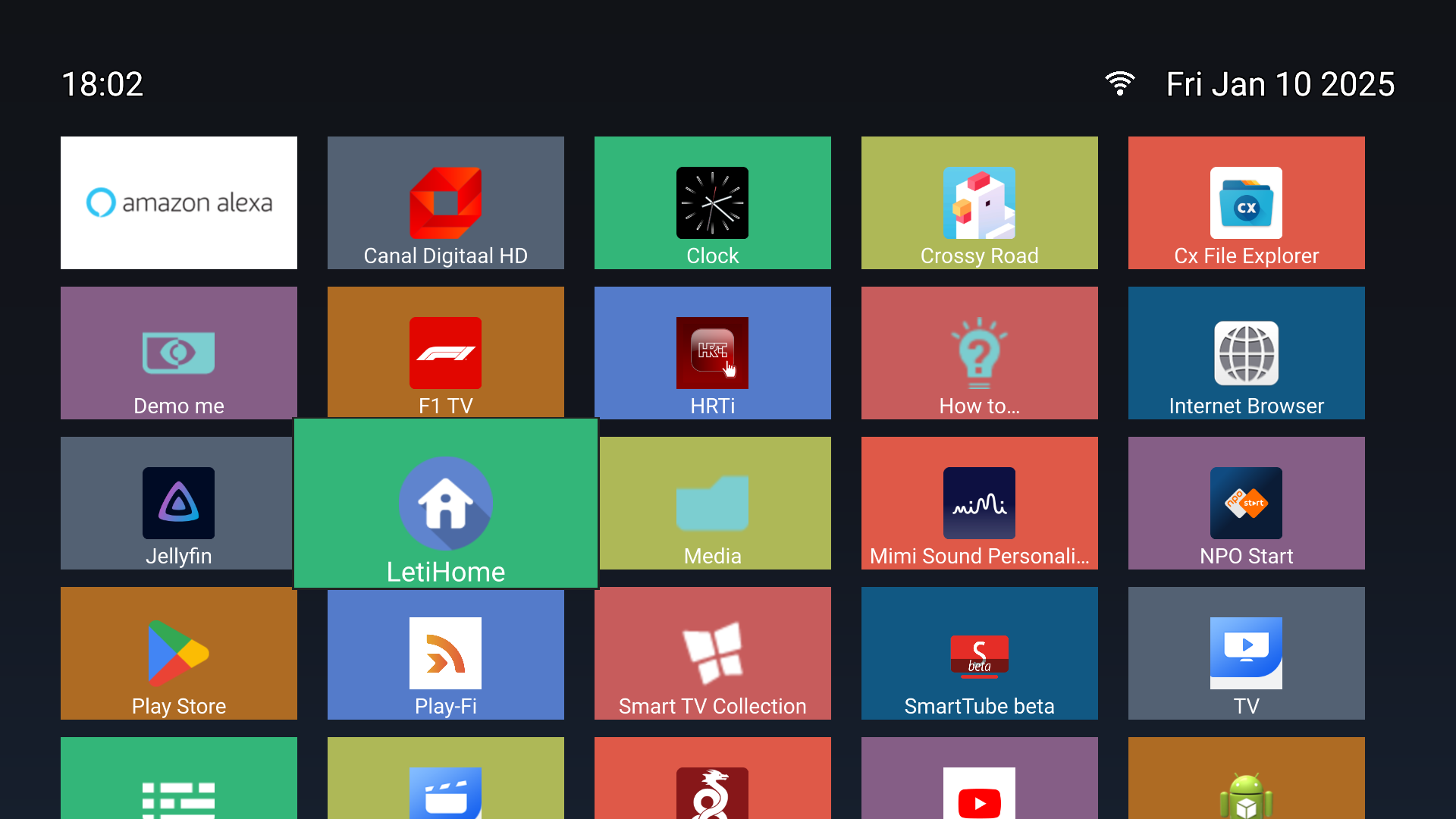
Android Box / Tablet OS
Google Play
----------------
[](https://play.google.com/store/apps/details?id=hr.envizia.letihome)
or download from [Releases](../../releases).
## Usage
Keys `Enter/Return/OK` or mouse (Left click) can be used to open applications.
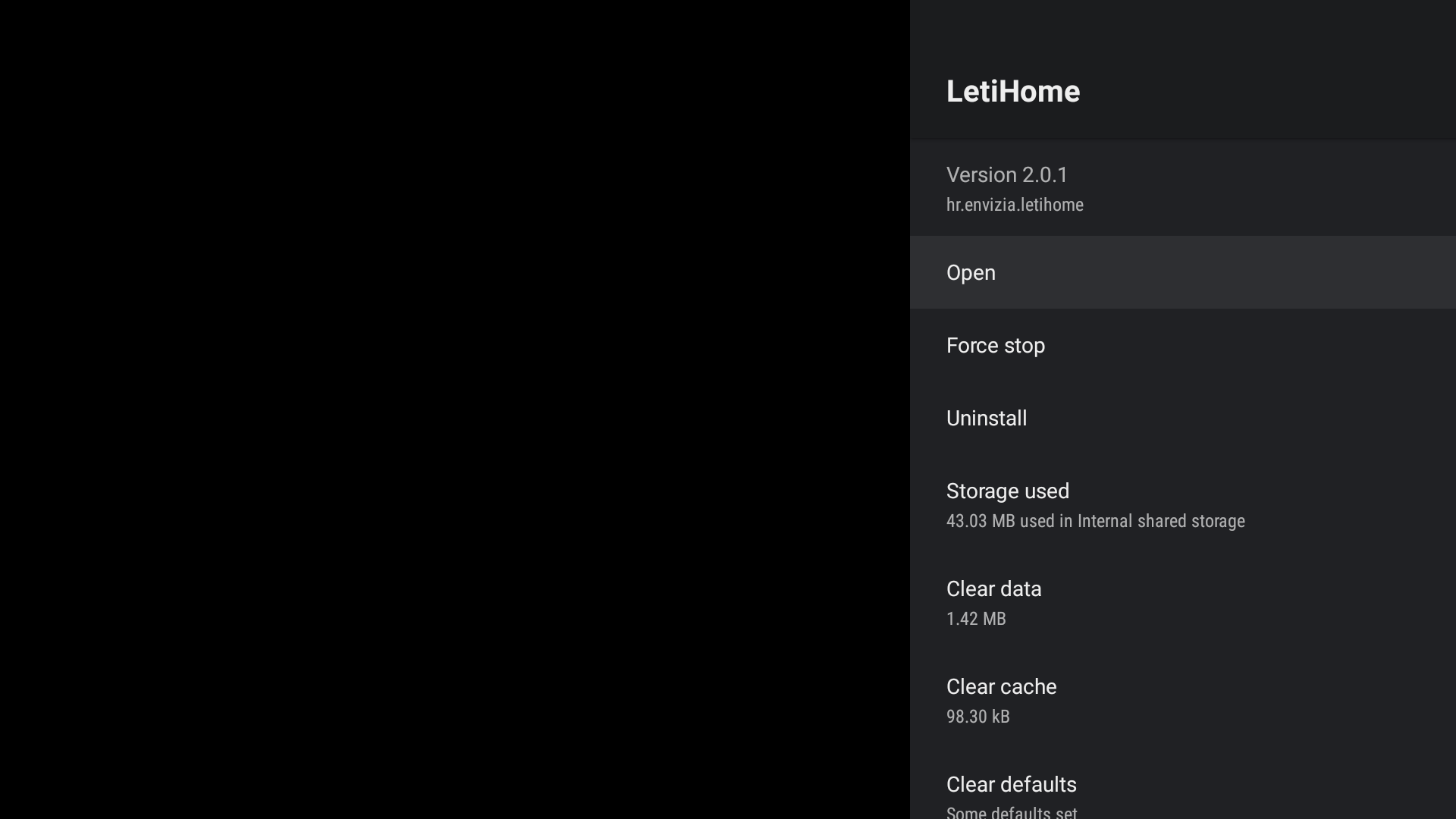
`Menu/Back` or mouse right click will open Application Info.
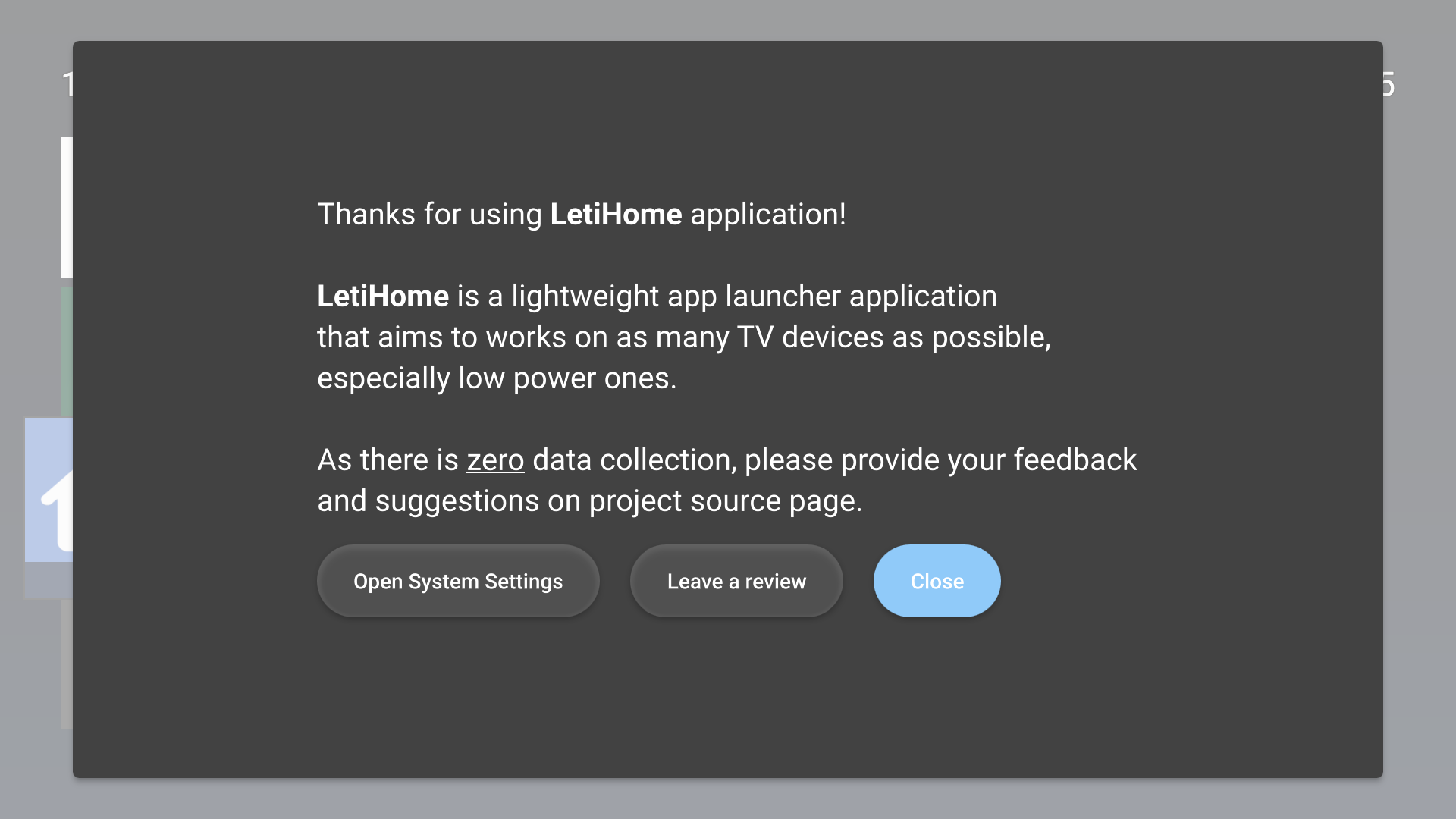
Opening LetiHome (Pressing Enter/Return/OK) will open About page with System Settings option.
## Plus version
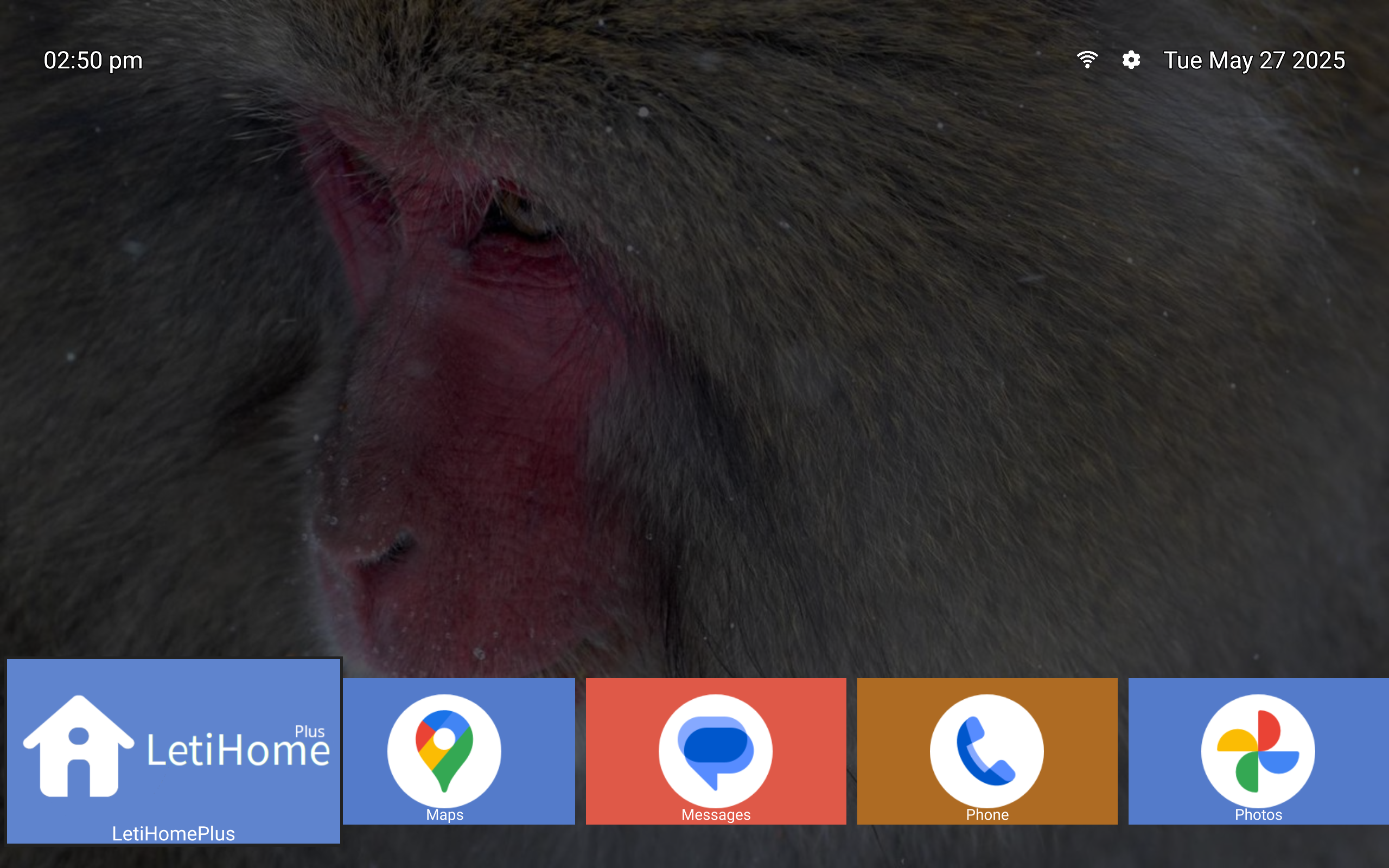
Lite version is intentionally very limited with 700~ lines of combined C++, Java, QML code.
This is to ensure that it works with as many as possible low power devices and is easy to maintain.
If you want more features Plus version is also available as open-source in the `plus` branch.
It has few extra features to keep it lean, like possibily to use list instead of a grid, random background, reorder apps, hide apps and minor tweaks.
To sponsor development it would be great to get it from Google Play instead.
[](https://play.google.com/store/apps/details?id=hr.envizia.letihomeplus)
## Set LetiHome Launcher as default launcher on Android TV / Google TV
Note: on Android boxes that run regular Android OS (usually as "tablet" device)
and not Android TV OS you can set Home launcher as usual with "Home" button
press after installation and don't need methods below.
### Method 1: remap the Home button
In case you have support for accessibility you can use [Button
Mapper](https://play.google.com/store/apps/details?id=flar2.homebutton) to
remap the Home button of the remote to launch LetiHome.
### Method 2: disable the default launcher
The following commands have been tested on Chromecast with Google TV and
Philips Android TV. This may be different on other devices.
Once the default launcher is disabled, press the Home button on the remote, and
you'll be prompted by the system to choose which app to set as default.
#### Disable default launcher
```shell
# Disable com.google.android.apps.tv.launcherx which is the default launcher on CCwGTV
$ adb shell pm disable-user --user 0 com.google.android.apps.tv.launcherx
# com.google.android.tungsten.setupwraith will then be used as a 'fallback' and will automatically
# re-enable the default launcher, so disable it as well
$ adb shell pm disable-user --user 0 com.google.android.tungsten.setupwraith
```
#### Re-enable default launcher
In case when you want to delete LetiHome and restore original behavior.
```shell
$ adb shell pm enable com.google.android.apps.tv.launcherx
$ adb shell pm enable com.google.android.tungsten.setupwraith
```
#### Known issues
On Chromecast with Google TV (maybe others), the "YouTube" remote button will
stop working if the default launcher is disabled. As a workaround, you can use
[Button Mapper](https://play.google.com/store/apps/details?id=flar2.homebutton)
to remap it correctly.
## Building
It is written using [Qt/QML](https://www.qt.io) as regular Qt android
application.
Open `CmakeFiles.txt` in QtCreator and follow
https://doc.qt.io/qt-6/android.html.