https://github.com/planecore/NotifyBot
Send yourself push notifications with Telegram
https://github.com/planecore/NotifyBot
Last synced: about 1 year ago
JSON representation
Send yourself push notifications with Telegram
- Host: GitHub
- URL: https://github.com/planecore/NotifyBot
- Owner: planecore
- License: mit
- Created: 2020-10-19T16:11:42.000Z (almost 6 years ago)
- Default Branch: main
- Last Pushed: 2021-12-18T12:37:02.000Z (over 4 years ago)
- Last Synced: 2024-11-27T18:46:55.454Z (over 1 year ago)
- Language: TypeScript
- Homepage: https://matan.xyz/p/notifybot
- Size: 355 KB
- Stars: 10
- Watchers: 3
- Forks: 0
- Open Issues: 0
-
Metadata Files:
- Readme: README.md
- License: LICENSE
Awesome Lists containing this project
README
#  NotifyBot
Send yourself push notifications with Telegram.
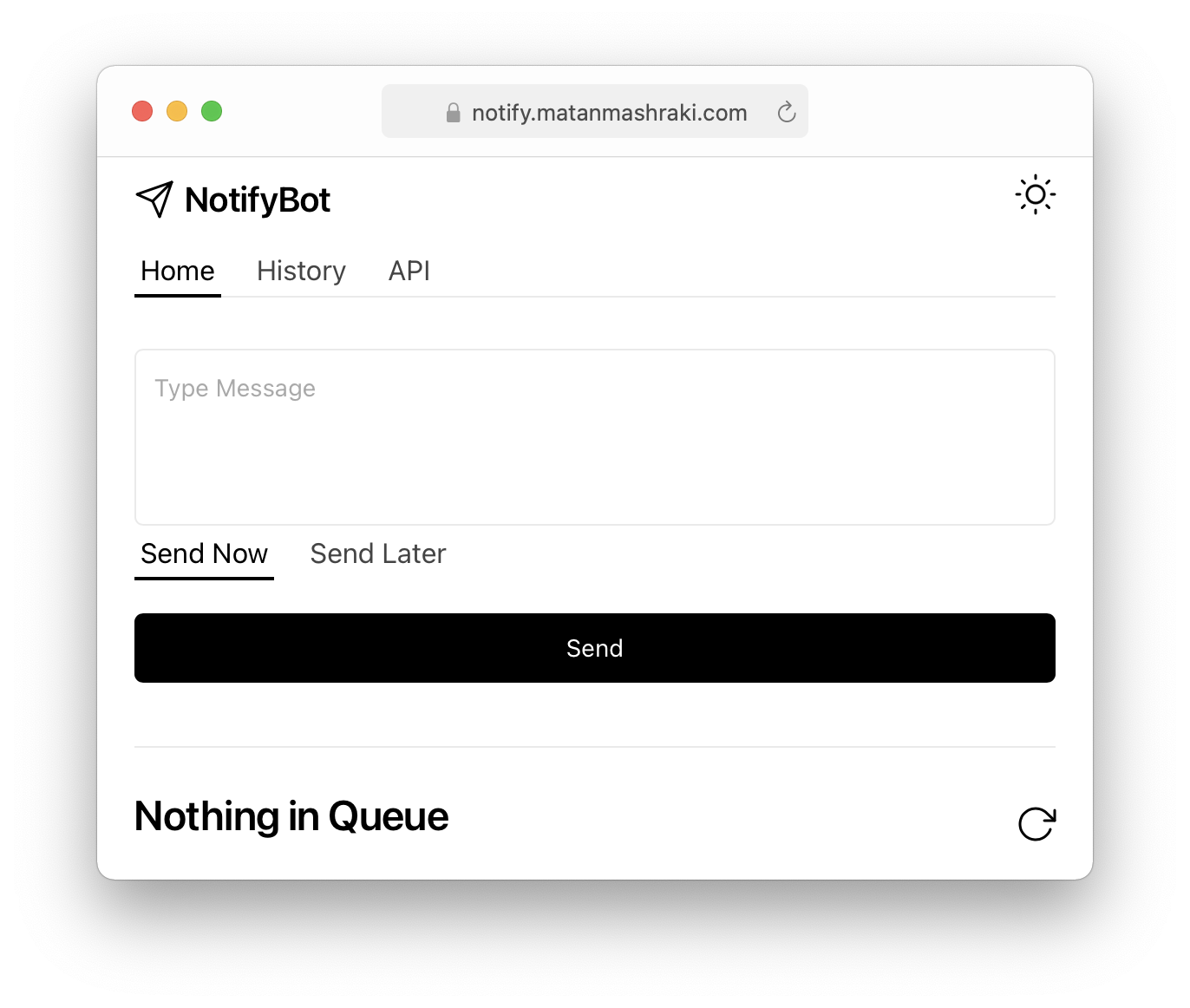
## Usage
Use the website, the [iOS Shortcut](https://www.icloud.com/shortcuts/a901b97f0a7c45f887c8f581f7f08824) or the API:
### POST /api/send
#### Parameters:
- **message:** Text to send
- **apiKey:** Create an API key to send messages
- **schedule (optional):** Provide an ISO date string to send the message at
## Installation
[Docker Hub](https://hub.docker.com/r/planecore/notifybot)
Create a new Telegram Bot with [@BotFather](https://t.me/botfather) and create a token.
Fill the BOT_TOKEN, leave CHAT_ID empty and start the container.
```
version: "3"
services:
notifybot:
container_name: notifybot
image: planecore/notifybot
ports:
- "3000:3000"
environment:
- BOT_TOKEN=
- CHAT_ID=
volumes:
- ./db:/usr/src/app/db
restart: unless-stopped
```
After your container loaded, send this command to the bot: /get_chat_id
Copy the reply the bot sent and place it in CHAT_ID.
Restart the container and NotifyBot is ready to go!
## Dependencies
- Frontend: [React with Next.js](https://nextjs.org/)
- UI: [Geist](https://github.com/geist-org/react)
- Database: [LokiJS](https://github.com/techfort/LokiJS)
- Telegram Bot: [node-telegram-bot-api](https://github.com/yagop/node-telegram-bot-api)
- Logo: [Geist Icons](https://github.com/geist-org/react-icons)