https://github.com/pmbanugo/realtime-react-datatable
real-time data-table with React.js and Hamoni Sync
https://github.com/pmbanugo/realtime-react-datatable
data-table javascript reactjs real-time-analytics realtime realtime-database
Last synced: 12 months ago
JSON representation
real-time data-table with React.js and Hamoni Sync
- Host: GitHub
- URL: https://github.com/pmbanugo/realtime-react-datatable
- Owner: pmbanugo
- License: mit
- Created: 2018-04-18T10:17:51.000Z (about 8 years ago)
- Default Branch: master
- Last Pushed: 2019-01-05T10:16:45.000Z (over 7 years ago)
- Last Synced: 2025-06-12T03:16:25.916Z (about 1 year ago)
- Topics: data-table, javascript, reactjs, real-time-analytics, realtime, realtime-database
- Language: JavaScript
- Homepage: https://dev.to/pmbanugo/real-time-editable-datagrid-in-react-56ad
- Size: 102 KB
- Stars: 8
- Watchers: 2
- Forks: 10
- Open Issues: 0
-
Metadata Files:
- Readme: README.md
- License: LICENSE
Awesome Lists containing this project
README
# realtime-react-datatable
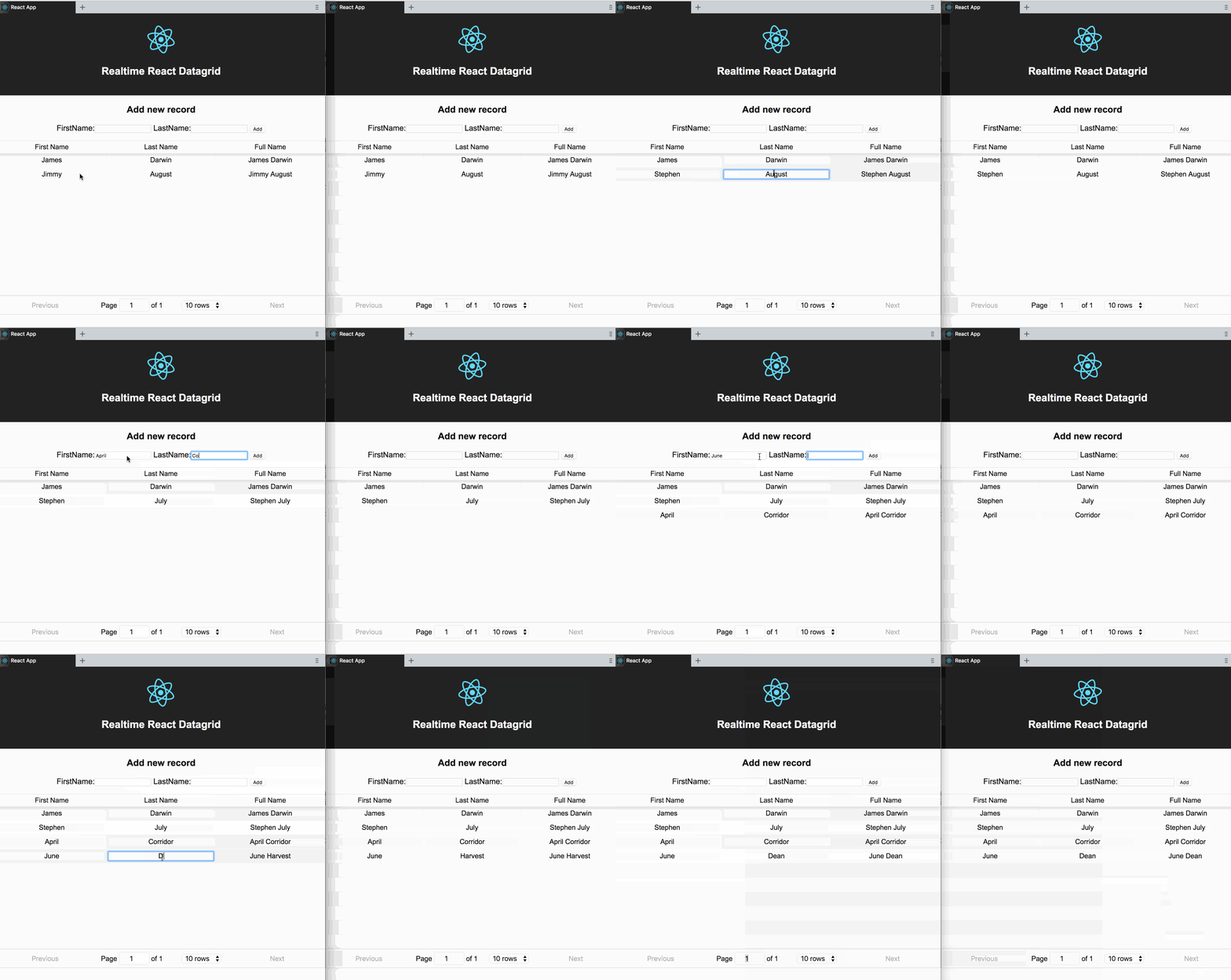
realtime react datagrid using [Hamoni Sync](https://www.hamoni.tech/) and [react-table](https://react-table.js.org/)
# Setup
* Clone or download this repository
* Run `npm install` to install its dependencies
* Copy your Account and Application ID from your [dashboard](https://dashboard.hamoni.tech) if you're already logged in. If you don't have an account, [Register and Login](https://dashboard.hamoni.tech) to Hamoni Sync dashboard
* Open **server.js** and replace the sring placeholder for account and application ID with values you see on your dashboard.
* Open **App.js** in src folder. Replace the sring placeholder for account and application ID with values you see on your dashboard.
* Open the terminal and run `node server.js` to create the initial data to be rendered in the datagrid.
* Run `npm start` to start the React app.
Now you can change and add new data.
This [blog post](https://dev.to/pmbanugo/real-time-editable-datagrid-in-react-56ad) describes more details on how this app was built.
For more on Hamoni Sync, see the doccumentation at [docs.hamoni.tech](https://docs.hamoni.tech)