https://github.com/polygonjs/example-plugin-mapbox
Mapbox plugin for Polygonjs - Example setup
https://github.com/polygonjs/example-plugin-mapbox
3d animation creative-coding mapbox mapbox-gl mapbox-gl-js node-based procedural procedural-generation threejs webgl
Last synced: over 1 year ago
JSON representation
Mapbox plugin for Polygonjs - Example setup
- Host: GitHub
- URL: https://github.com/polygonjs/example-plugin-mapbox
- Owner: polygonjs
- Created: 2021-01-28T00:33:16.000Z (over 5 years ago)
- Default Branch: main
- Last Pushed: 2022-10-02T21:02:17.000Z (almost 4 years ago)
- Last Synced: 2025-03-22T11:24:28.539Z (over 1 year ago)
- Topics: 3d, animation, creative-coding, mapbox, mapbox-gl, mapbox-gl-js, node-based, procedural, procedural-generation, threejs, webgl
- Language: GLSL
- Homepage: https://polygonjs.com
- Size: 55.6 MB
- Stars: 5
- Watchers: 2
- Forks: 1
- Open Issues: 0
-
Metadata Files:
- Readme: README.md
Awesome Lists containing this project
README
# Polygonjs Plugin Mapbox Example
This repository shows how to use the [Mapbox Plugin](https://github.com/polygonjs/plugin-mapbox) for the WebGL engine [Polygonjs](https://github.com/polygonjs/polygonjs).
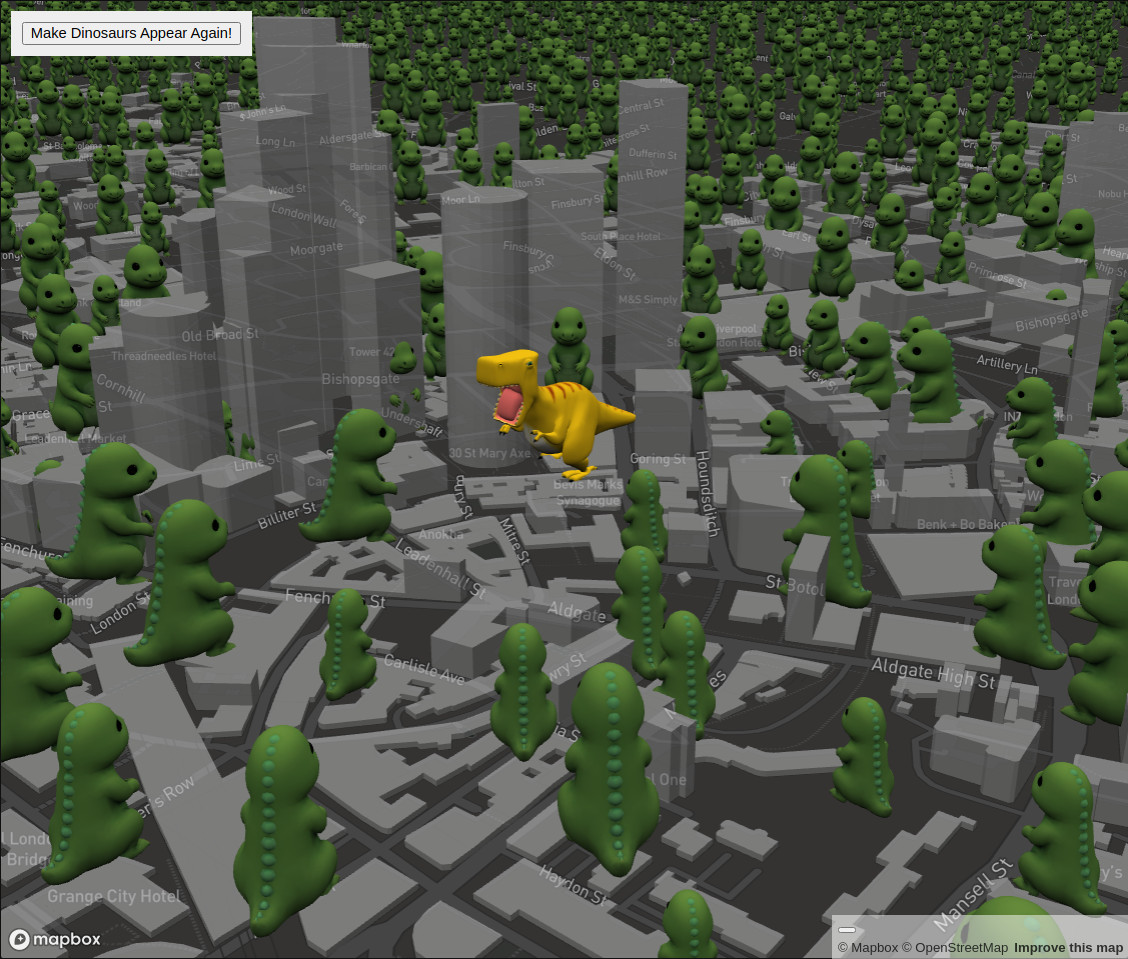
models are from:
- [https://sketchfab.com/3d-models/dinosaur-c743536f3c8e48049a00f19c8f8f6d4a](https://sketchfab.com/3d-models/dinosaur-c743536f3c8e48049a00f19c8f8f6d4a)
- [https://sketchfab.com/3d-models/dinosaur-3e12af7c5c354ea6b01bccfb529a9c02](https://sketchfab.com/3d-models/dinosaur-3e12af7c5c354ea6b01bccfb529a9c02)
## Open the scene in the WebGL editor
`yarn && yarn polygon`
and open your browser at
`http://localhost:8091?scene=default`
This will open the scene saved in this repo.

## Open the exported scene without the editor
1. Go to the export folder: `cd public/polygonjs/build/default`. If the folder does not exist, make sure to open the editor as described above and save the scene. This will create the exported files.
2. Open a local server. You can do this in multiple ways. Either `python3 -m http.server` or `npx http-server -p 8000 -c-1 .`
3. Open your browser at `http://localhost:8000`