https://github.com/polygonjs/plugin-mapbox
Mapbox plugin for Polygonjs
https://github.com/polygonjs/plugin-mapbox
3d animation creative-coding glsl mapbox mapbox-gl mapbox-gl-js procedural-generation shaders threejs webgl
Last synced: over 1 year ago
JSON representation
Mapbox plugin for Polygonjs
- Host: GitHub
- URL: https://github.com/polygonjs/plugin-mapbox
- Owner: polygonjs
- License: mit
- Created: 2020-12-31T13:38:12.000Z (over 5 years ago)
- Default Branch: master
- Last Pushed: 2023-02-15T12:31:54.000Z (over 3 years ago)
- Last Synced: 2025-03-22T11:24:27.607Z (over 1 year ago)
- Topics: 3d, animation, creative-coding, glsl, mapbox, mapbox-gl, mapbox-gl-js, procedural-generation, shaders, threejs, webgl
- Language: JavaScript
- Homepage: https://polygonjs.com
- Size: 3.68 MB
- Stars: 7
- Watchers: 2
- Forks: 1
- Open Issues: 0
-
Metadata Files:
- Readme: README.md
- License: MIT-LICENSE
Awesome Lists containing this project
README
# DEPRECATED
This repository is not used anymore, as the mapbox nodes have been fully integrated into the [core engine](https://polygonjs.com). See [live examples scenes](https://polygonjs.com/docs/examples-category/Maps)
# Polygonjs Mapbox Plugin
This adds several nodes to work with Mapbox with the [Polygonjs webgl engine](https://polygonjs.com).
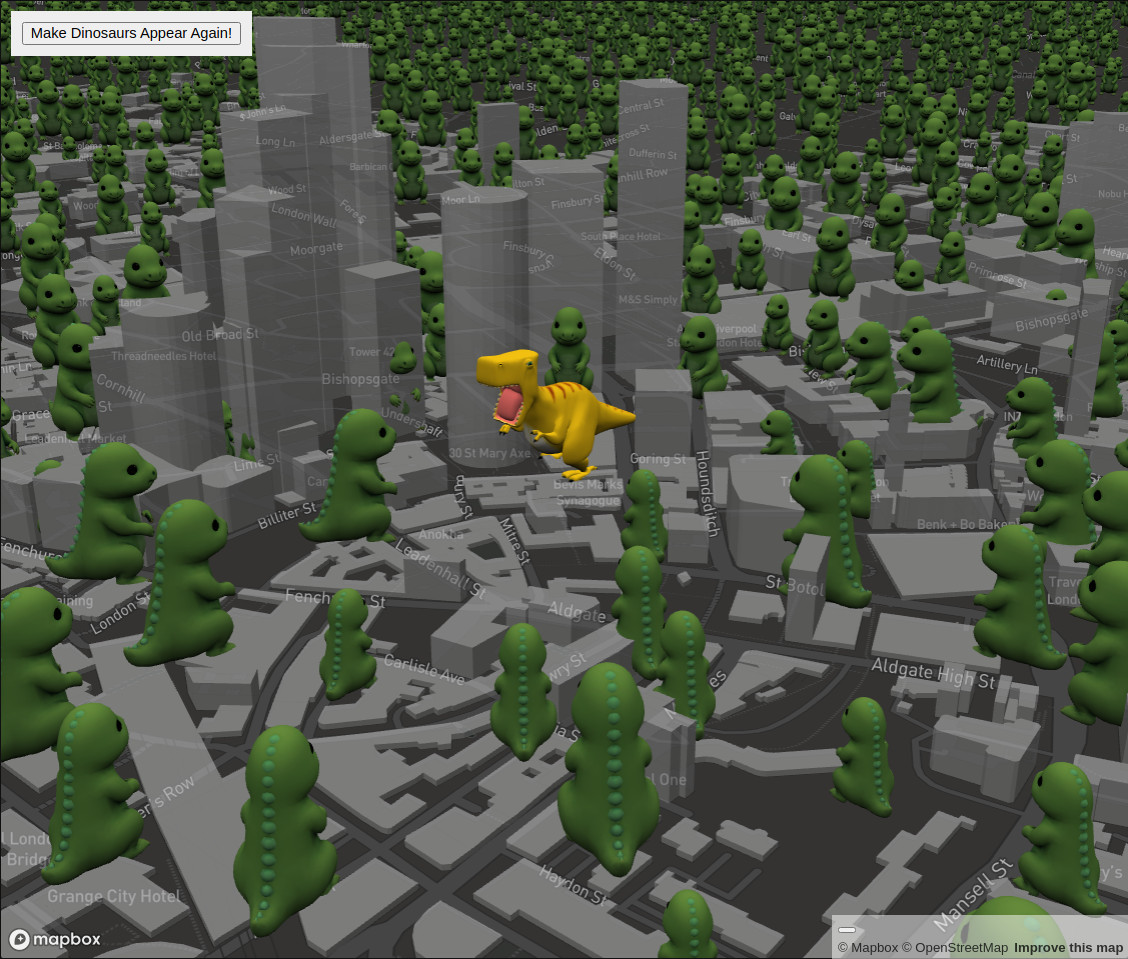
See [Live Demo](https://polygonjs-mapbox-example.netlify.app/) or [example repo](https://github.com/polygonjs/example-plugin-mapbox):
# Install
Import the plugin:
`yarn add @polygonjs/plugin-mapbox`
And register the plugin in the function `configurePolygonjs` in the file `PolyConfig.js` so that the mapbox nodes can be accessible in both the editor and your exported scene:
```js
import {polyPluginMapbox} from '@polygonjs/plugin-mapbox/dist/src/index';
export function configurePolygonjs(poly) {
poly.registerPlugin(polyPluginMapbox);
polyPluginMapbox.setToken('');
}
```