https://github.com/polygonjs/polygonjs-vue2
Vuejs 2 component to easily load Polygonjs WebGL scenes
https://github.com/polygonjs/polygonjs-vue2
3d animation creative-coding glsl particles procedural procedural-generation threejs visual-editor visualization vue vuejs2 webgl
Last synced: 3 months ago
JSON representation
Vuejs 2 component to easily load Polygonjs WebGL scenes
- Host: GitHub
- URL: https://github.com/polygonjs/polygonjs-vue2
- Owner: polygonjs
- License: mit
- Created: 2022-04-21T11:35:03.000Z (over 4 years ago)
- Default Branch: main
- Last Pushed: 2022-05-09T17:32:54.000Z (about 4 years ago)
- Last Synced: 2026-01-14T20:16:52.121Z (7 months ago)
- Topics: 3d, animation, creative-coding, glsl, particles, procedural, procedural-generation, threejs, visual-editor, visualization, vue, vuejs2, webgl
- Language: Vue
- Homepage: https://polygonjs.com
- Size: 309 KB
- Stars: 0
- Watchers: 2
- Forks: 0
- Open Issues: 0
-
Metadata Files:
- Readme: README.md
- License: MIT-LICENSE
Awesome Lists containing this project
README

Live Demo |
Polygonjs |
Forum |
Discord
# Vue 2 Component for Polygonjs
This is a vuejs component to easily import WebGL scenes created with the node-based editor [Polygonjs](https://polygonjs.com).
Polygonjs allows you to create complex and procedural scenes with a visual editor, and you can import them with vuejs, and benefit from its reactive states. You can then update the 3D scene from anything in your vuejs setup.
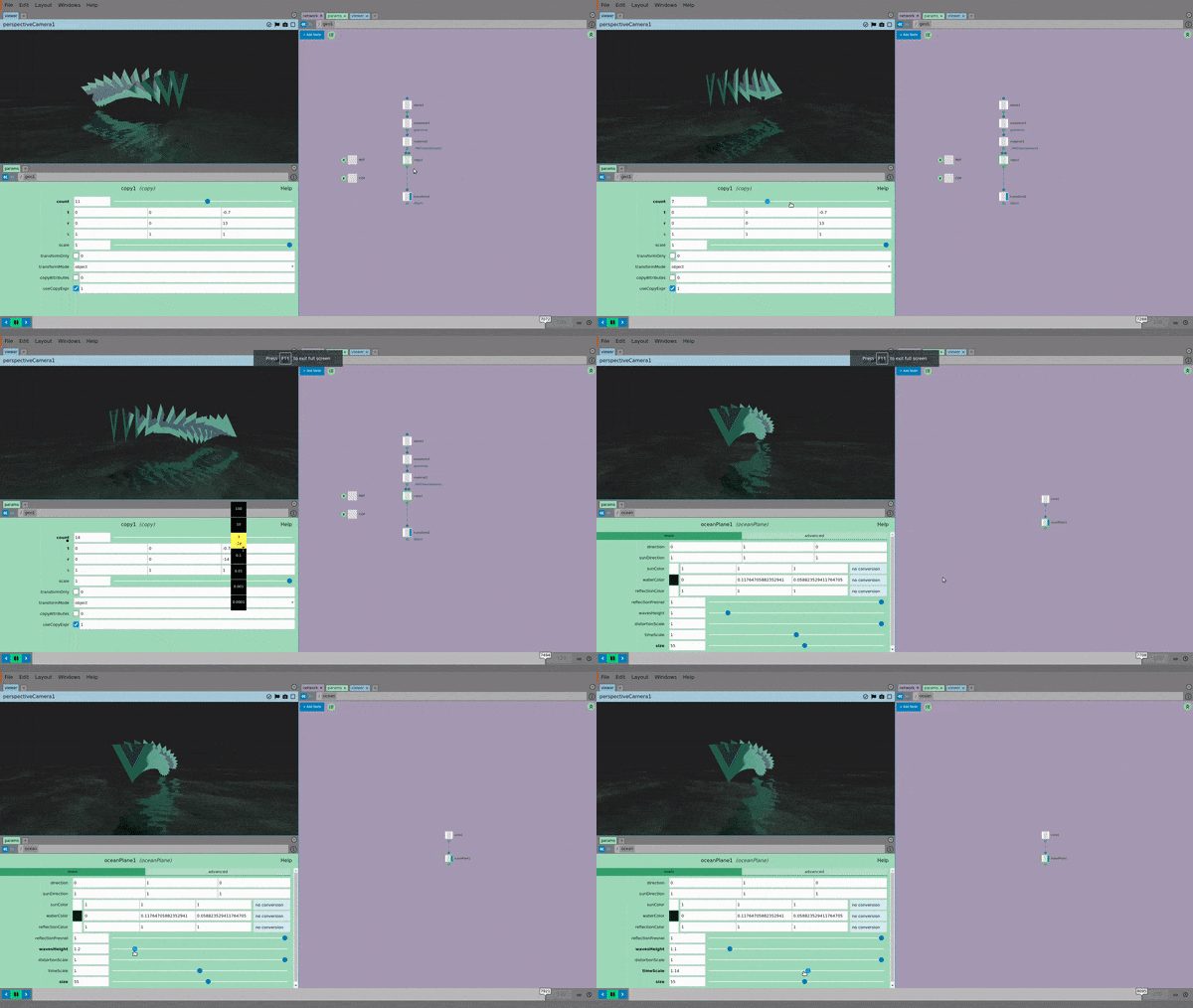


[Live Demo >>](https://polygonjs.com/vue2)
There is also a [component for vue 3](https://github.com/polygonjs/polygonjs-vue3).
# Install
``` bash
yarn add @polygonjs/vue2
```
or
``` bash
npm install @polygonjs/vue2
```
# How to use
The only required prop to pass to the component is `loadFunction`, which is the function that loads your 3D scene. That function is autogenerated by [polygonjs visual editor](https://polygonjs.com/docs/getting_started).
``` vue
```
Once you've saved a scene, you will have a .js file created with a path like `./src/polygonjs/scenes//autogenerated/loadSceneAndMountAsync.js` inside your project, which exports a function called `loadSceneAndMountAsync_`.
So assuming you have already created a scene called `scene_01` in your project, the file will be `./src/polygonjs/scenes/scene_01/autogenerated/loadSceneAndMountAsync.js` and the exported function will be called `loadSceneAndMountAsync_scene_01`.
With that in mind, a minimal component to load a scene will look like this:
``` vue
import Vue from 'vue';
import {PolygonjsScene} from '@polygonjs/vue2';
import {loadSceneAndMountAsync_scene_01} from '@/polygonjs/scenes/scene_01/autogenerated/loadSceneAndMountAsync';
export default Vue.extend({
name: 'scene-01',
components: {
PolygonjsScene,
},
computed: {
loadFunction: ()=>loadSceneAndMountAsync_scene_01,
},
});
```
This will load your scene asynchronously. This means that the rest of the page will load first, and then the 3D scene will be loaded.
# Other props & events
## Props
| name | type | description |
|---|----|----|
| **displayLoadingProgressBar** | *boolean* | While the scene is being loaded, a progress bar is updated to reflect the progress. This can be turned off by passing `false` (default: `true`) |
## Events
| name | args | description |
|---|----|----|
| **progress** | *progressAmount* | This gives you the progress so that you can display your own progress bar or custom loading component if you want to use another than the one provided. |
| **sceneready** | *scene* | Once the scene is being loaded, you may want to have access to it, so that you can update it when a component prop or state changes. See how the components for the [live demo](https://polygonjs.com/vue2): [scene 01](https://github.com/polygonjs/polygonjs-vue2-example/blob/main/src/views/Scene01.vue) and [scene 02](https://github.com/polygonjs/polygonjs-vue2-example/blob/main/src/views/Scene02.vue) |