https://github.com/potatoparser/typetext
Easy, lightweight, and conservative text typing!
https://github.com/potatoparser/typetext
front-end frontend javascript library text type visualization website
Last synced: 8 months ago
JSON representation
Easy, lightweight, and conservative text typing!
- Host: GitHub
- URL: https://github.com/potatoparser/typetext
- Owner: PotatoParser
- License: mit
- Created: 2021-01-12T02:34:28.000Z (over 5 years ago)
- Default Branch: main
- Last Pushed: 2022-04-14T00:34:02.000Z (about 4 years ago)
- Last Synced: 2025-06-20T14:08:21.271Z (12 months ago)
- Topics: front-end, frontend, javascript, library, text, type, visualization, website
- Language: JavaScript
- Homepage:
- Size: 47.9 KB
- Stars: 0
- Watchers: 1
- Forks: 0
- Open Issues: 0
-
Metadata Files:
- Readme: README.md
- License: LICENSE
Awesome Lists containing this project
README
# typetext
> Easy, lightweight, and conservative text typing!
## Installation
Simply head to the releases, download, and import the scripts with
```html
```
## Usage
```javascript
// Element.prototype.typetext(text[, options])
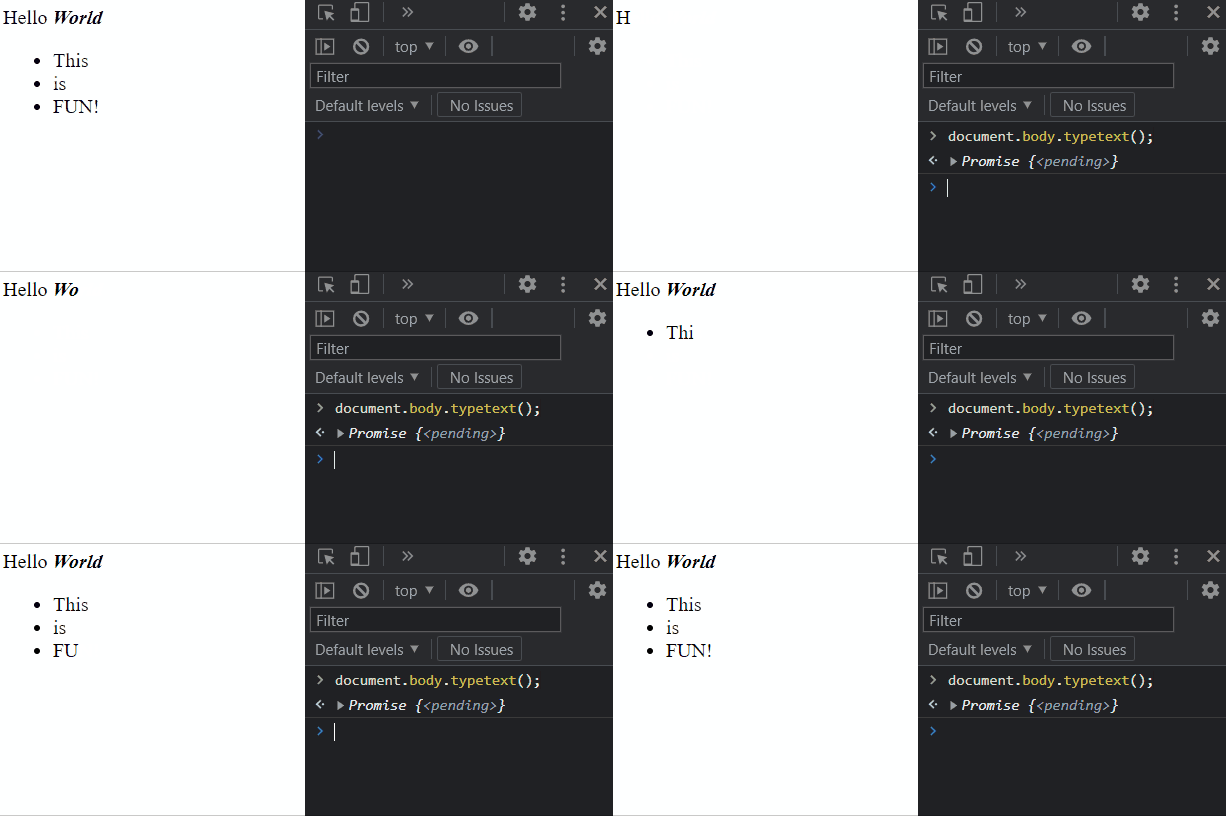
document.body.typetext('Hello <b>World!</b>'); // Types the text in body
document.body.typetext(); // Retypes text in body
document.body.typetext('<a href="#">Typing</a> is <i>Fun!</i>', { delay: 100 }); // Use options
```
## Methods
### `Element.prototype.typetext(text[, opts])`
- `text` \<string> String to type or options if no text
- `opts` \<Object> Options
- `delay` \<number> Milliseconds for delay. A delay of 0 removes delays. **Default:** 50
- `whitespace` \<boolean> Types out whitespaces. **Default:** `true`
- `before` \<Function> | \<AsyncFunction> Called before a character is typed
- `character` \<char> Character to type
- `element` \<Element> Element to type on
- `text` \<string> Full text to type
- `opts` \<Object> Passed in options
- Return: \<string> New string to type
- `after` \<Function> | \<AsyncFunction> Called after a character is typed
- `character` \<char> Character typed
- `element` \<Element> Element typed on
- `text` \<string> Full text to type
- `opts` \<Object> Passed in options
- Returns: \<Promise> Fulfills with `true` upon success.
#### Options Example
```javascript
document.body.typetext({
delay: 100,
before(char, ele, str, opt) {
return char + ' ';
},
after(char, ele, str, opt) {
console.log(char);
}
});
```