https://github.com/potch/netlify-cms-test
https://github.com/potch/netlify-cms-test
Last synced: 5 months ago
JSON representation
- Host: GitHub
- URL: https://github.com/potch/netlify-cms-test
- Owner: potch
- License: mit
- Created: 2021-07-22T00:44:05.000Z (almost 5 years ago)
- Default Branch: master
- Last Pushed: 2021-07-22T01:25:46.000Z (almost 5 years ago)
- Last Synced: 2025-07-11T14:41:44.427Z (11 months ago)
- Language: HTML
- Size: 317 KB
- Stars: 1
- Watchers: 2
- Forks: 0
- Open Issues: 0
-
Metadata Files:
- Readme: README.md
- Funding: .github/FUNDING.yml
- License: LICENSE
Awesome Lists containing this project
README
# Neat Starter
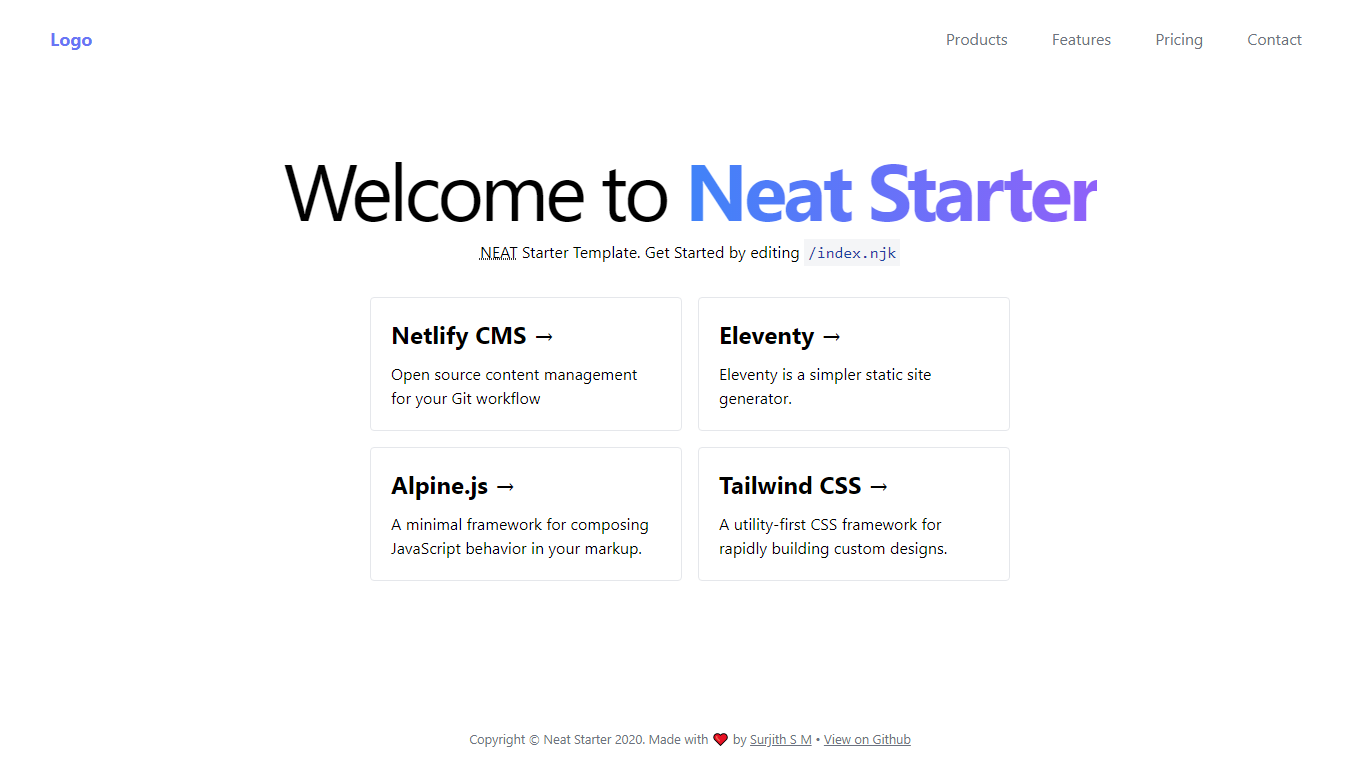
Starter Template for **N**etlify CMS, **E**leventy, **A**lpine JS & **T**ailwind CSS
## Live Demo
[https://neat-starter.netlify.app/](https://neat-starter.netlify.app/)
### Technologies used:
- [Netlify CMS](https://www.netlifycms.org/)
- [Eleventy](https://www.11ty.dev/)
- [Alpine.js](https://github.com/alpinejs/alpine)
- [Tailwind CSS](https://tailwindcss.com/)
|  |
| ------------------------------------------------------------------------------------------------------------- |

## Getting Started
Detailed instructions are available in my blog. [Check it out](https://blog.surjithctly.in/neat-stack-create-a-static-website-with-netlify-cms-eleventy-alpinejs-and-tailwindcss)
### 1\. Clone this Repository
```
git clone https://github.com/surjithctly/neat-starter.git
```
### 2\. Navigate to the directory
```
cd neat-starter
```
### 3\. Install dependencies
```
npm install
```
### 4\. Build the project to generate the first CSS
This step is only required the very first time.
```
npm run build
```
### 5\. Run Eleventy
```
npm run start
```
## Author
Surjith S M ( [@surjithctly](https://surjithctly.in/) )