https://github.com/pradeepgamedev/multiplayerwithphoton
A Multiplayer game built from scratch using Unity and Photon PUN 2. Features include robust networking, a player controller, game and UI managers, weapon systems, and synchronized gameplay mechanics.
https://github.com/pradeepgamedev/multiplayerwithphoton
c-sharp game-development multiplayer-game networking photon-pun unity unity3d weapon-system
Last synced: 2 months ago
JSON representation
A Multiplayer game built from scratch using Unity and Photon PUN 2. Features include robust networking, a player controller, game and UI managers, weapon systems, and synchronized gameplay mechanics.
- Host: GitHub
- URL: https://github.com/pradeepgamedev/multiplayerwithphoton
- Owner: PradeepGameDev
- License: mit
- Created: 2025-01-11T12:37:27.000Z (over 1 year ago)
- Default Branch: main
- Last Pushed: 2025-03-08T09:58:13.000Z (over 1 year ago)
- Last Synced: 2025-04-05T02:13:26.309Z (about 1 year ago)
- Topics: c-sharp, game-development, multiplayer-game, networking, photon-pun, unity, unity3d, weapon-system
- Language: C#
- Homepage:
- Size: 737 KB
- Stars: 0
- Watchers: 1
- Forks: 1
- Open Issues: 0
-
Metadata Files:
- Readme: README.md
- License: LICENSE.md
Awesome Lists containing this project
README
# 🎮 Multiplayer Game with Photon PUN 2
A Multiplayer game crafted from the ground up using Unity and Photon PUN 2. This project showcases multiplayer networking features, including synchronized player actions, real-time gameplay mechanics, and dynamic game states. Designed to serve as both a learning resource and a robust foundation for creating multiplayer games, it demonstrates the seamless integration of networking systems with engaging gameplay elements. Whether you're looking to build a competitive shooter or a cooperative experience, this project provides all the essential components to get started.
> Note: Fixed sized window is used to test multiplayer players in same pc. It is not designed only for specific size, UI can adapt to any size.
---
## ✨ Features
### 🛠 Core Systems
- **Player Controller**: A basic yet functional controller for player movement and interactions.
- **Network Manager**: Handles connection to the Photon network, managing lobbies and rooms.
- **Game Manager**:
- Spawns players at random points.
- Tracks and displays player entry and exit events in real time.
- Now all players follow the **Master Client** (e.g., transitioning levels, leaving the room, etc.).
### 📋 UI Systems
- **Menu UI Manager**:
- Allows players to set their names.
- Facilitates room creation, joining, and player management.
- Displays the list of available rooms in the current lobby.
- **Game UI Manager**:
- Displays real-time gameplay events through a logging system (e.g., player spawn notifications, kill events).
- Displays game timer, which indicates the time remaining until the game over.
- Showing leaderboard on game over and then exiting room after some delay.
- **Deathmatch UI**:
- Includes **room list UI** for selecting and joining available matches.
- Shows **player list** within a room.
- **Player List & Ready System**:
- Players in a room can see the **player list**.
- A **fully synchronized** ready system ensures that the level loads when all players are ready.
### 🔫 Weapon Systems
- **Weapon Manager**:
- Monitors player inputs for attacks and initiates firing of the primary weapon.
- Synchronizes weapon behavior and damage across all players.
- Includes a `Weapon` script that manages:
- Damage values.
- Fire rate.
- Hit layers and effects.
- Triggers shoot and hit particle effects visible to all players.
- Notifies players about inflicted damage and updates stats accordingly.
### 📊 Leaderboard & Stats System
- **Leaderboard System**:
- Shows real-time player rankings.
- Highlights the current player in a different color.
- Differentiates between positive and negative scores.
- **Player Stats**:
- Tracks **Kills, Deaths, and Score** per player.
- Displays stats in the **leaderboard**.
---
## 📸 Screenshots
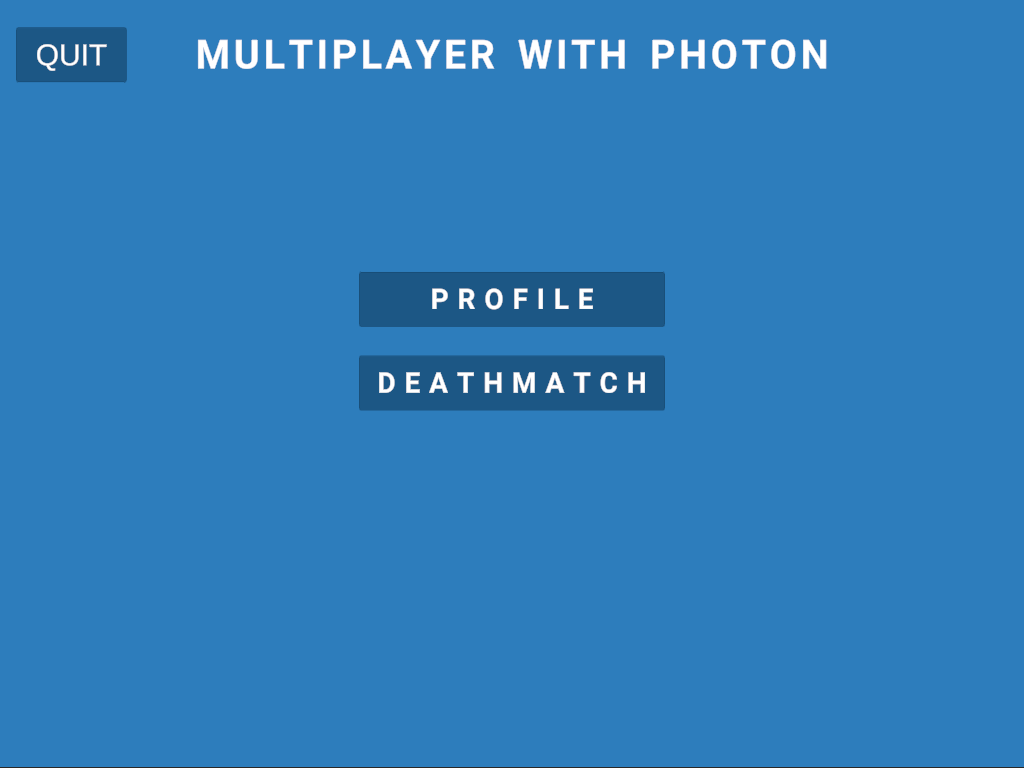
|:--:|
| *Home* |
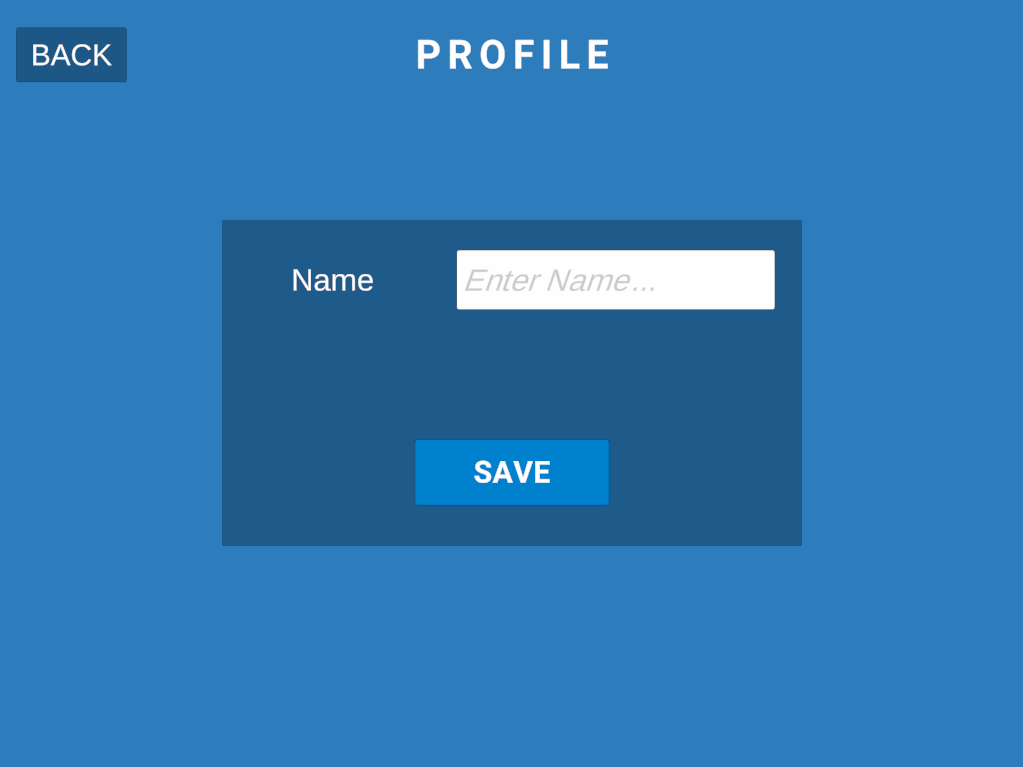
|:--:|
| *Profile Management* |

|:--:|
| *Deathmatch - When there is no available room. Click create to create room.* |
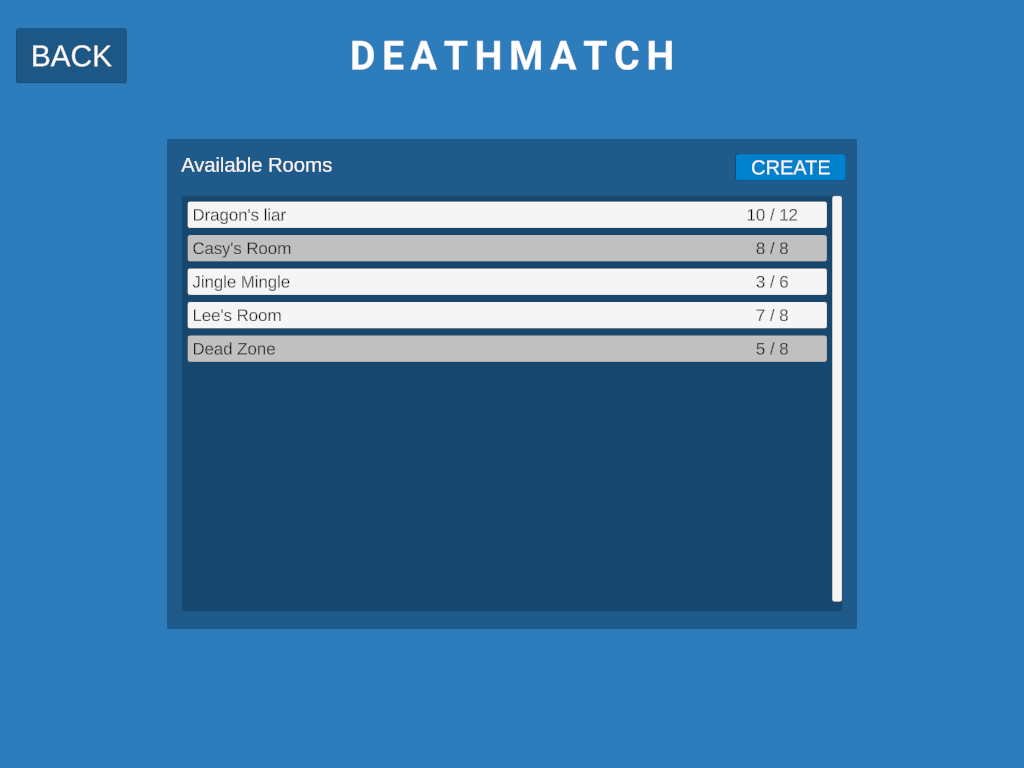
|:--:|
| *Deathmatch - With available rooms. Full rooms or rooms where game has started are disabled.* |
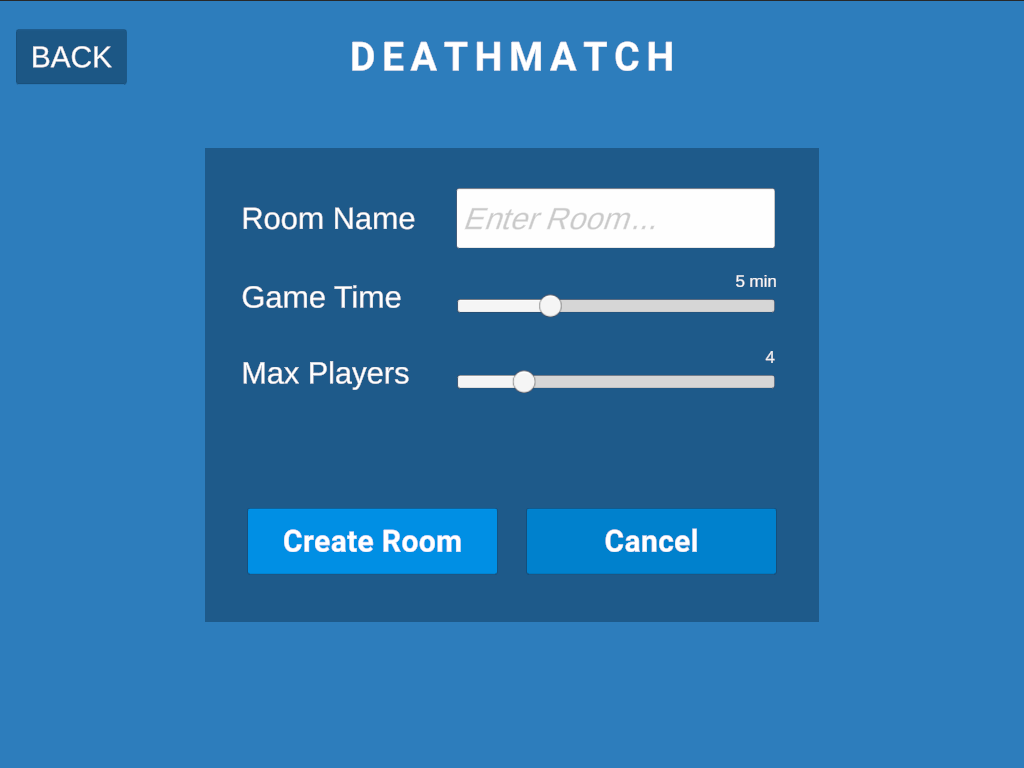
|:--:|
| *Deathmatch - Create room panel.* |
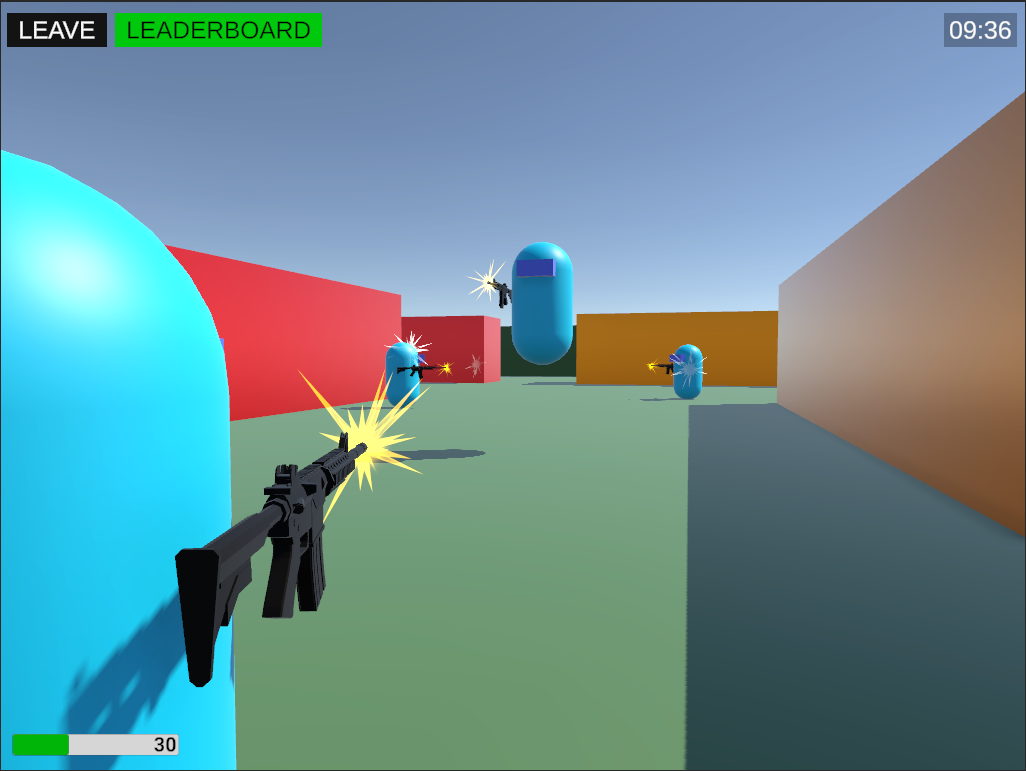
|:--:|
| *Gameplayer scene 1* |
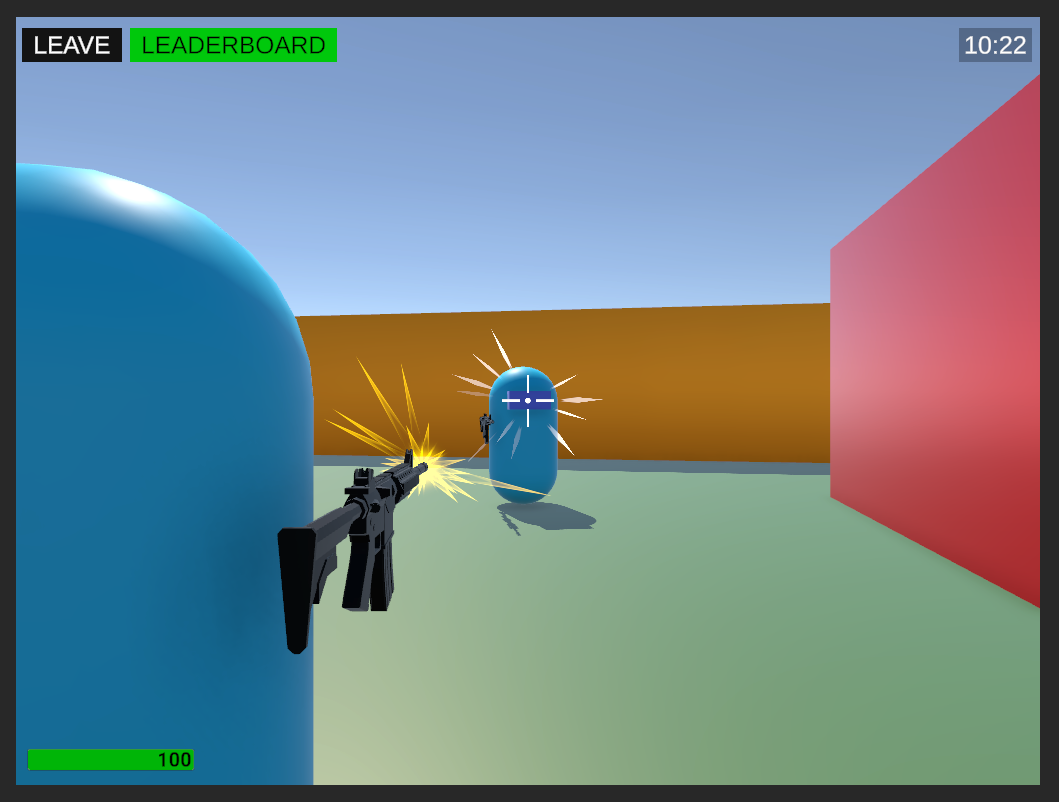
|:--:|
| *Gameplayer scene 2* |
---
## 🚀 Getting Started
Follow these steps to set up and run the project locally.
### ✅ Prerequisites
- **Unity**: Version 2022.3.21f1 LTS or later (earlier versions may also work).
- **Photon PUN 2**: Ensure the Photon PUN 2 package is imported into the project.
### 📦 Installation
1. Clone the repository:
```bash
git clone https://github.com/PradeepGameDev/MultiplayerWithPhoton.git
```
2. Open the project in Unity:
- Launch **Unity Hub**.
- Add the cloned folder to your projects.
- Open the project in Unity Editor.
> Be aware that it will have errors related to Photon, since you did not imported the Photon yet.
- Import the Photon PUN2 from Asset store or Photon's website to resolve the errors.
3. Configure Photon:
- Obtain an App ID from the [Photon Dashboard](https://dashboard.photonengine.com/).
- Navigate to `Assets > Photon > PhotonUnityNetworking > Resources > PhotonServerSettings`.
- Paste your App ID in the appropriate field.
4. Open the menu scene to start testing.
---
## 🎮 How to Play
1. Launch the game and connect to the Photon network.
2. Create or join a room using the UI.
3. Play the game with:
- Movement controls.
- Shooting mechanics.
- Real-time score tracking and notifications.
4. **Player Ready System**: The level loads only when all players are ready.
---
## 🛠 Customization
- **Player Controller**:
- Extend movement or add additional abilities such as jumping or sprinting.
- **Game Manager**:
- Modify spawn points and player entry/exit behaviors.
- **Weapon Manager**:
- Add secondary weapons, grenades, or melee attacks.
- **UI**:
- Customize the visuals or add more gameplay stats to the UI.
---
## 📜 License
This project is licensed under the MIT License - see the [LICENSE.md](LICENSE.md) file for details.
---
## 🌟 Acknowledgments
- **Photon Engine**: For providing an excellent networking framework and good documentation.
---
## 📋 Third-Party Assets
This project utilizes the following third-party assets:
- **Weapon Model**: A weapon model that is attached to the player. Available free at [Unity Asset Store](https://assetstore.unity.com/packages/3d/props/guns/low-poly-fps-weapons-lite-245929)
- **Particles**: Using shoot particle to show at gun point and hit particle to show at hit point. Available free at [Unity Asset Store](https://assetstore.unity.com/packages/vfx/particles/cartoon-fx-remaster-free-109565)
> Note: These assets are for demonstration purposes and are subject to their respective licenses. Ensure you comply with the asset terms when using them in your own projects.