https://github.com/prashantrahul141/imageeffects
A library to add effects to your images.
https://github.com/prashantrahul141/imageeffects
image-manipulation image-processing pillow python
Last synced: over 1 year ago
JSON representation
A library to add effects to your images.
- Host: GitHub
- URL: https://github.com/prashantrahul141/imageeffects
- Owner: prashantrahul141
- License: mit
- Created: 2022-12-22T15:50:31.000Z (over 3 years ago)
- Default Branch: main
- Last Pushed: 2023-01-03T09:47:06.000Z (over 3 years ago)
- Last Synced: 2025-02-22T11:46:01.764Z (over 1 year ago)
- Topics: image-manipulation, image-processing, pillow, python
- Language: Python
- Homepage: https://pypi.org/project/ImageEffects/
- Size: 6.84 MB
- Stars: 0
- Watchers: 1
- Forks: 0
- Open Issues: 0
-
Metadata Files:
- Readme: README.md
- License: LICENSE
Awesome Lists containing this project
README
Image Effects
A Simple Library to add effects to images written in python using Pillow.
## Quick Example
```py
# import the EffectsCreator class
from ImageEffects import EffectsCreator
# initialize it
EC = EffectsCreator()
# use functions to add effects to images
# this functions overlays an image with an emoji
# the functions returns a PIL.Image.Image object
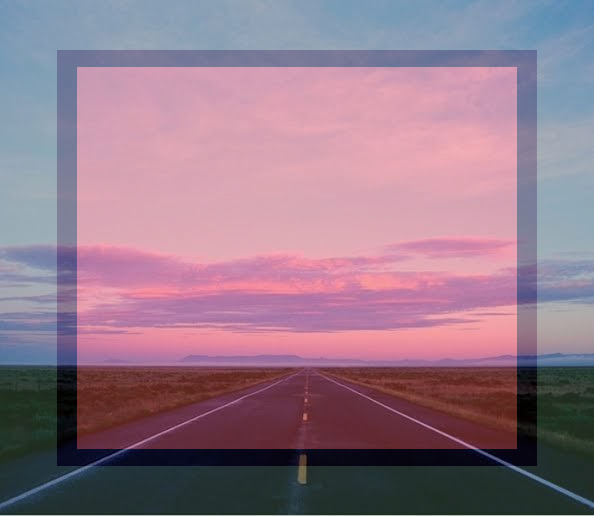
output = EC.emojioverlay('input.png', '🟥')
# save the resulted image
output.save('output.png')
# or add effects and save them.
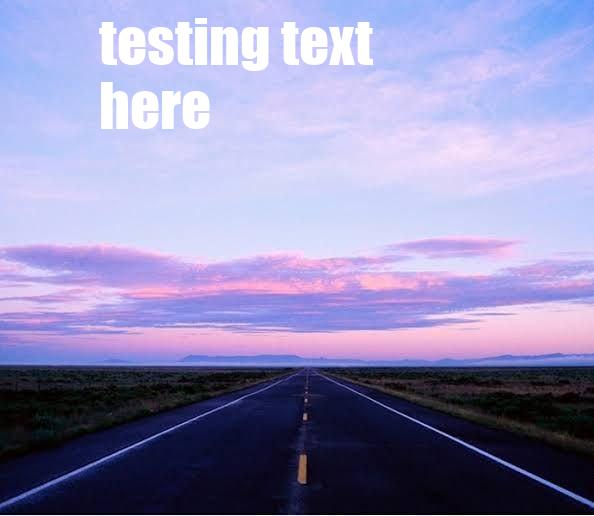
EC.caption1('input.png', 'testing text here').save('result_two.jpg')
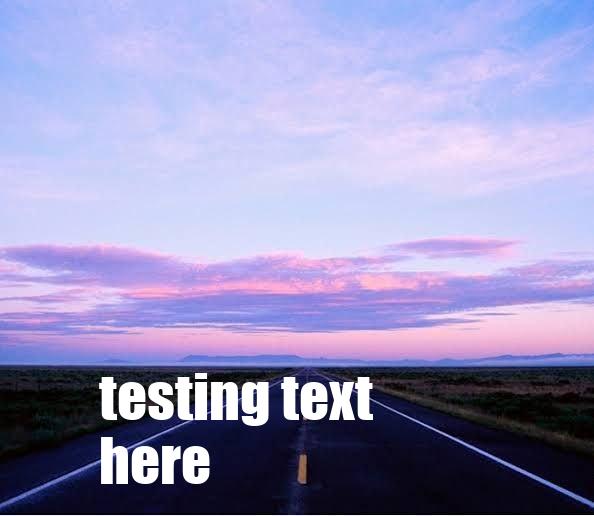
EC.caption2('input.png', 'testing text here').save('result_three.jpg')
EC.deepfry('input.png').save('result_four.jpg')
EC.pixelate('input.png', 2).save('result_five.jpg')
```
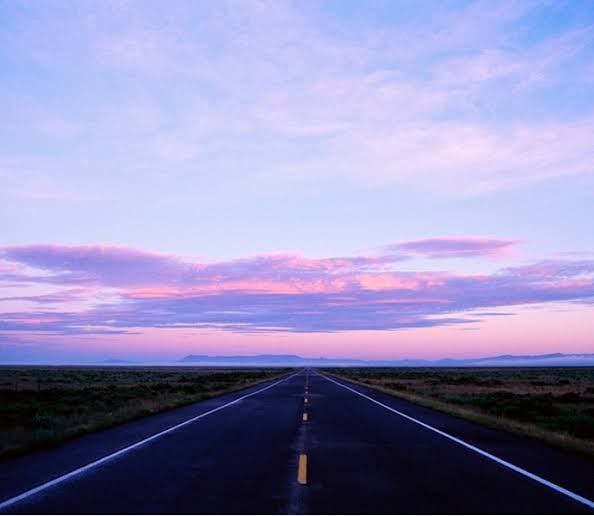
input file:
emojioverlay:
caption1:
caption2:
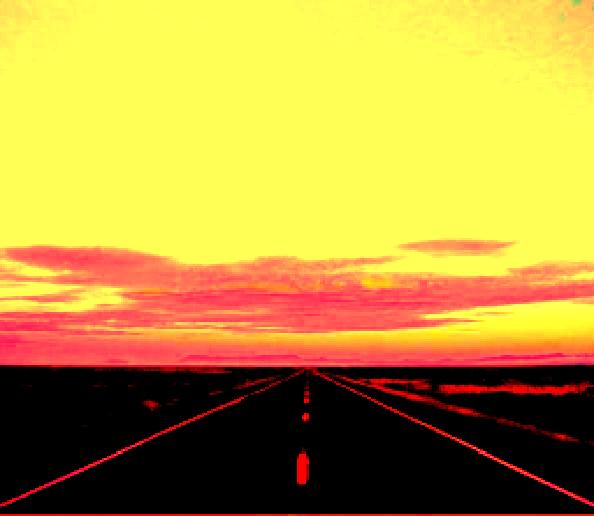
deepfry:
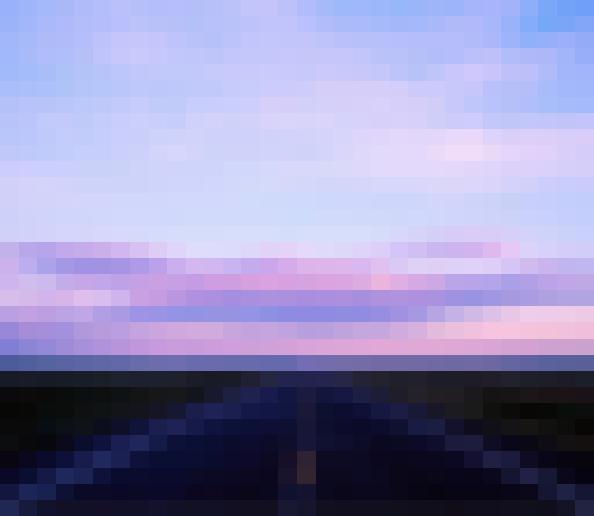
pixelate:
## Index
- [Installation](#installation)
- [What's Next](#whats-next)
##### Functions
- [emojioverlay](#emojioverlay)
- [deepfry](#deepfry)
- [caption1](#caption1)
- [caption2](#caption2)
- [pixelate](#pixelate)
- [triggered](#triggered)
- [cropcircle](#cropcirlce)
- [blur](#blur)
- [rotate](#rotate)
- [ascify](#ascify)
- [crop](#crop)
- [resize](#resize)
- [saturate](#saturate)
- [grayscale](#grayscale)
- [flip](#flip)
- [mirror](#mirror)
- [invert](#invert)
## More Information
### Installation
Install using pip.
```sh
pip install ImageEffects
```
## Functions
### emojioverlay
Overlays an image with an emoji.
```py
emojioverlay(image: str, emoji: str, alpha: int = 100) -> Image
```
### deepfry
makes deepfry meme from image.
```py
deepfry(image: str) -> Image
```
### caption1
adds given text to the image on the top side.
```py
caption1(image: str, text: str = 'text here', _font_size_ratio_mul: float = 1.0, _border: bool = False) -> Image
```
### caption2
adds given text to the image on the bottom side.
```py
caption2(image: str, text: str = 'text here', _font_size_ratio_mul: float = 1.0, _border: bool = False) -> Image
```
### pixelate
adds pixelate effect.
`scale` should be between 0 to 6 ( including 0 and 6)
```py
pixelate(image: str, scale: int = 0) -> Image
```
### triggered
makes triggered meme.
```py
triggered(self, image: str) -> Image
```
### cropcirlce
crops image in circle.
```py
cropcircle(image: str) -> Image
```
### blur
blurs the image using box blur for performance.
`radius` int value for the radius of blur.
```py
blur(image: str, radius: int = 1) -> Image
```
### rotate
rotates the image according to the radius given.
`rotation_angle` int value in angles.
```py
rotate(image: str, rotation_angle: int = 90) -> Image
```
### ascify
makes ascii art from given text.
`str` string text,
```py
asicfy(text: str = 'ascify') -> str
```
### crop
crops image automactically in 1:1 ratio.
```py
crop(image: str) -> Image
```
### resize
resize image according to given width and height.
`width` amd `height` should be atleast 1 and smaller than the original image's width and height.
```py
resize(image: str, width: int = 0, height: int = 0) -> Image
```
### saturate
changes saturation of image.
`scale` int should be between 0 ( being grayscale ) and 10 ( 10 being 10 times more saturated ).
```py
saturate(image: str, scale: int = 0) -> Image
```
### grayscale
grayscales an image.
```py
grayscale(image: str) -> Image
```
### flip
flips image vertically.
```py
flip(image: str) -> Image
```
### mirror
mirrors the image.
```py
mirror(image: str) -> Image
```
### invert
inverts the colors of an image.
```py
invert(image: str) -> Image
```
## What's Next?
I am planing to add a lot more effects to the library, and feel free to contribute to the project with new effects or improvements.