https://github.com/prime-infinity/olympustasks
A fully functional offline react task tracker on steroids.
https://github.com/prime-infinity/olympustasks
ionic react reactjs redux
Last synced: 9 months ago
JSON representation
A fully functional offline react task tracker on steroids.
- Host: GitHub
- URL: https://github.com/prime-infinity/olympustasks
- Owner: prime-infinity
- Created: 2021-12-04T22:17:33.000Z (over 4 years ago)
- Default Branch: main
- Last Pushed: 2024-08-20T00:59:14.000Z (almost 2 years ago)
- Last Synced: 2025-04-10T00:34:07.672Z (about 1 year ago)
- Topics: ionic, react, reactjs, redux
- Language: JavaScript
- Homepage: https://olympustasks.netlify.app/
- Size: 626 KB
- Stars: 4
- Watchers: 1
- Forks: 2
- Open Issues: 0
-
Metadata Files:
- Readme: README.md
Awesome Lists containing this project
README
# Olympus Tasks
Functional and useful task tracker application, with amazing UI/UX
> **Olympus Tasks website: [Olympus Tasks]**(https://olympustasks.netlify.app/)
Olympus Tasks is an application being built and constantly updated with useful features with the intention to be a fully functinal and useful task tracker application suitable for real world cases.
In its intended final form(which might be subject to changes), it is intended to be both a web app made with react.js and a moble app made with ionic.
## Technologies
- Basic web technologies such as HTML5, CSS3, Bootstrap
- React.js For the frontend
- Redux for state management
- Netlify hosting for frontend
- Ionic for hybrid implemetation(upcoming)
- Firebase for authentication(upcoming)
- Node.js, express.js, and mongodb for backend(upcoming)
- Heroku Hosting for backend(upcoming)
## Features (Both completed and upcoming)
- Intended users can sign in or use application without.
- Users can then store/add tasks, the added tasks are stored in the browser storage or in the phone storeage in the case of hybrid apps.
- Users who are signed in will have their tasks stored in a mongodb database, making it available from any device.
- Users who are subscribed to notifications will be sent notifications on their pending or uncompleted tasks.
- Users who are signed in can share tasks with other users of the application.
## Usage
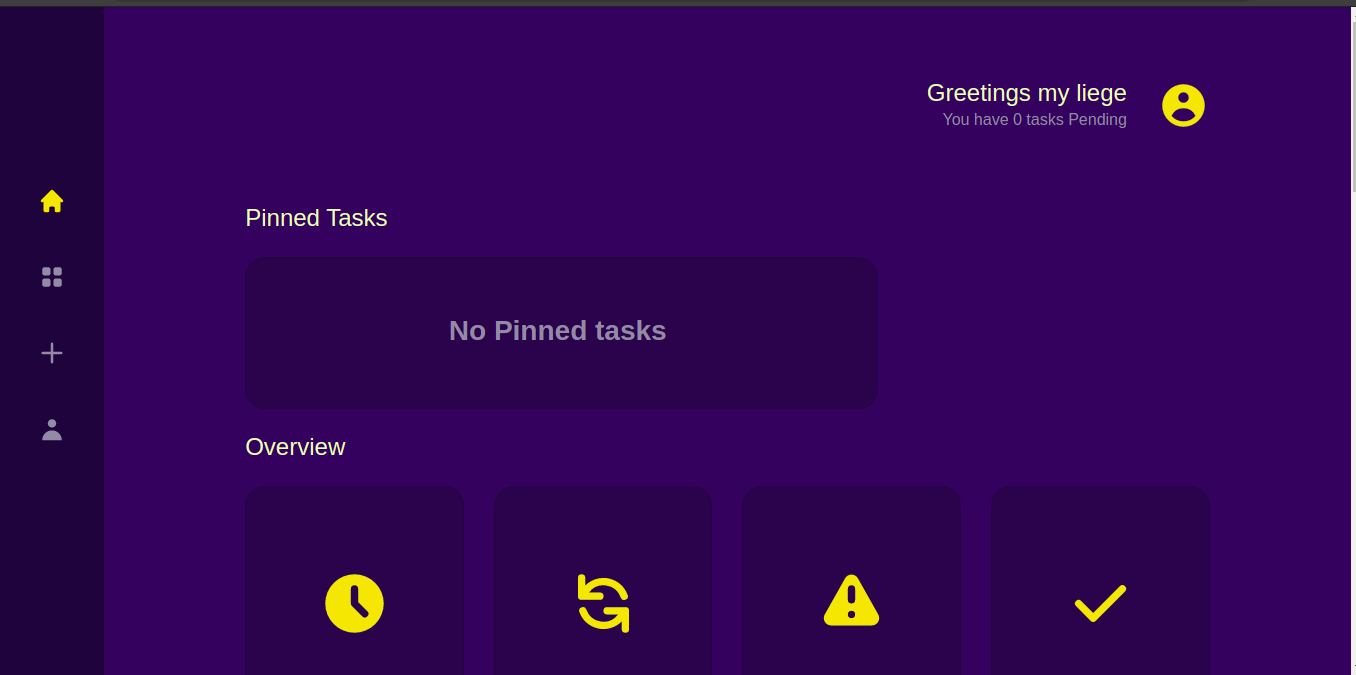
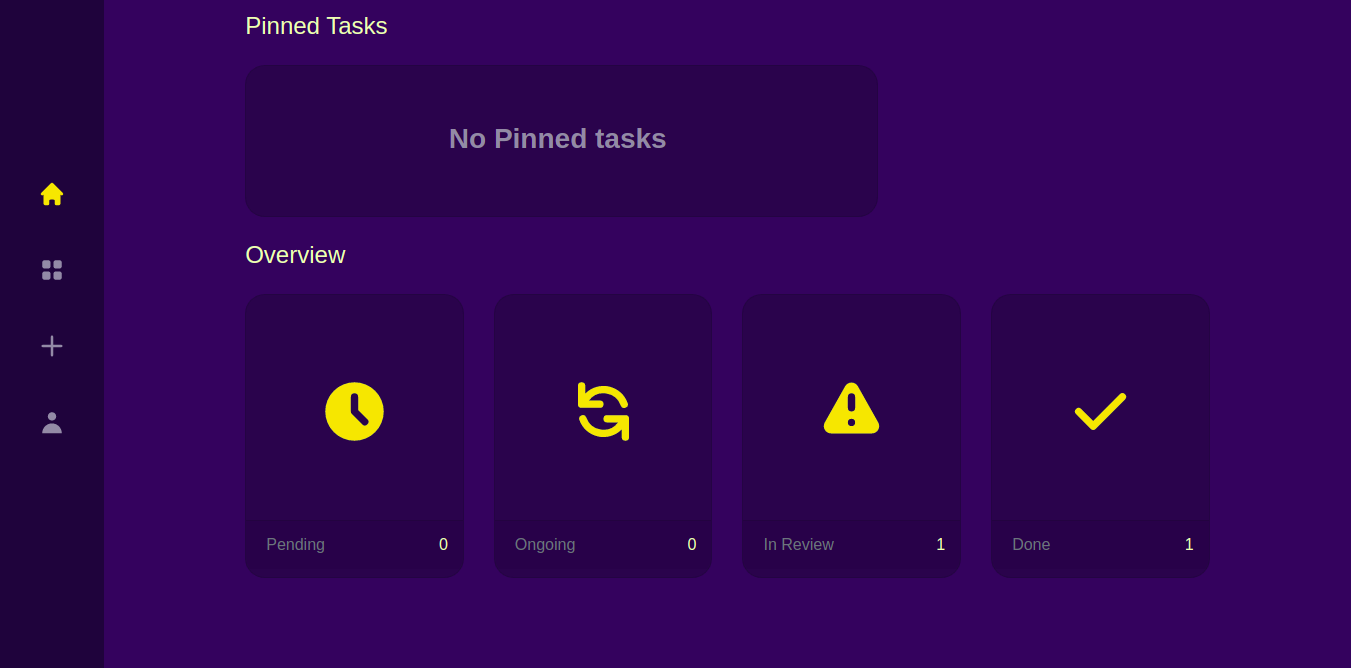
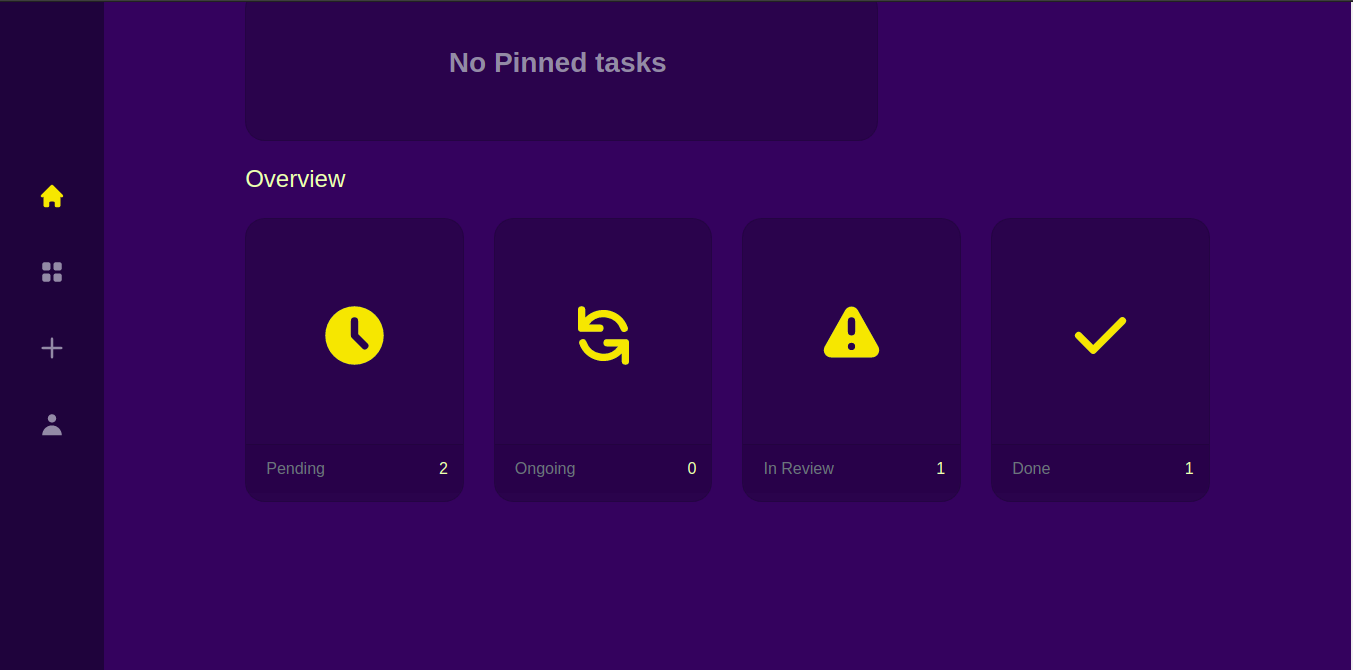
- All Tasks are divided into **4** categories **Pending**, **Ongoing**, **InReview** and **Done**.
- Click on each categories in the homepage to view the tasks in each.
- Add a task by inputing the name as well as a note describing the task, the note is note necessary.
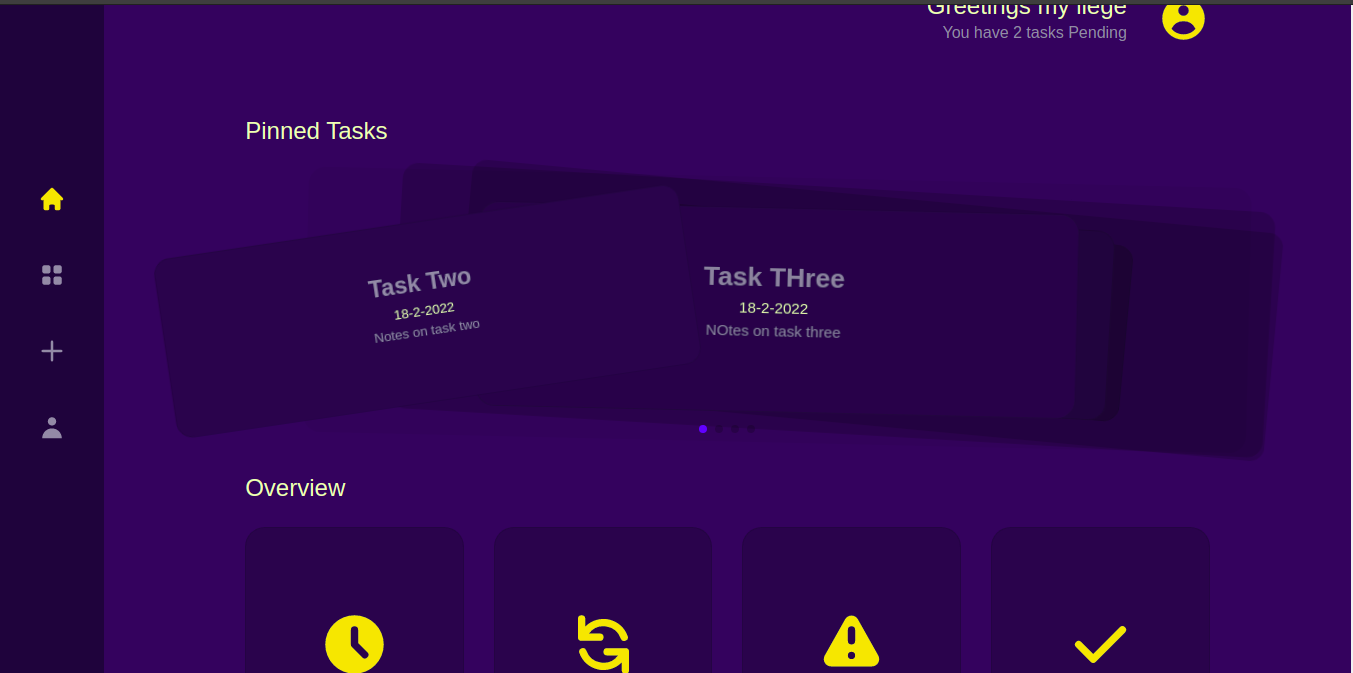
- Decide to pin the task(Pinned tasks will have more functionality in future updates).
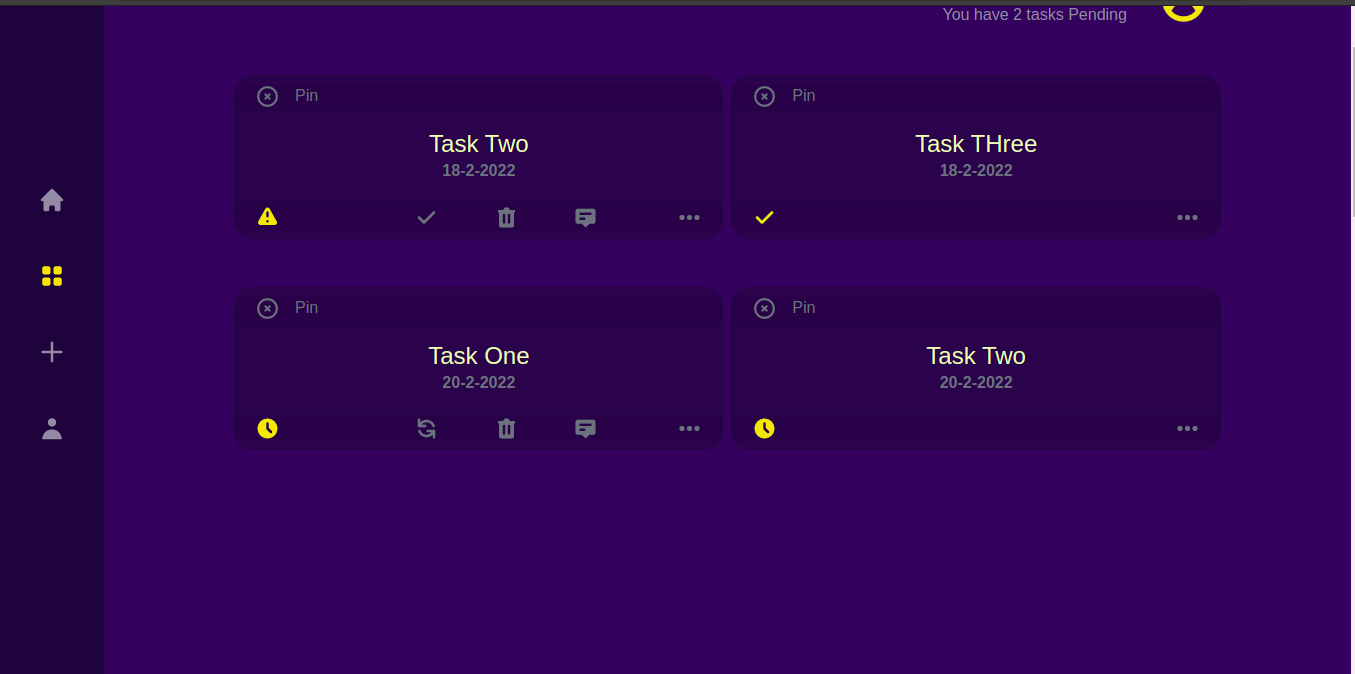
- Click on the menu icon of each task to select options of the particular task.
- Delete a task by clicking on delete icon.**Note: Pinned tasks cannot be deleted**.
- View the attached message on each task by clicking on message iconi. **Note:If a message was not inputed initially, the message icon will not be present**.
- Set different states for each tasks, moving in the order **Pending,Ongoing,InReview,Done**.
## Website
[Olympus Tasks](https://olympustasks.netlify.app/)
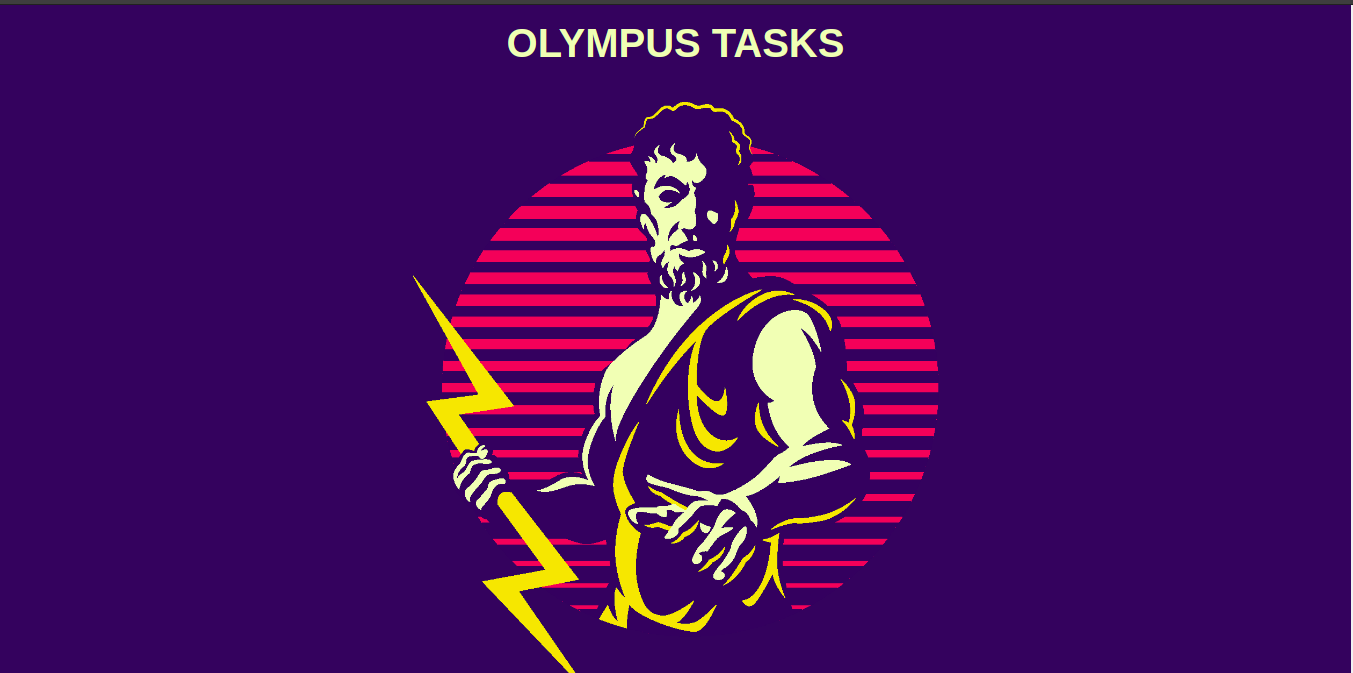
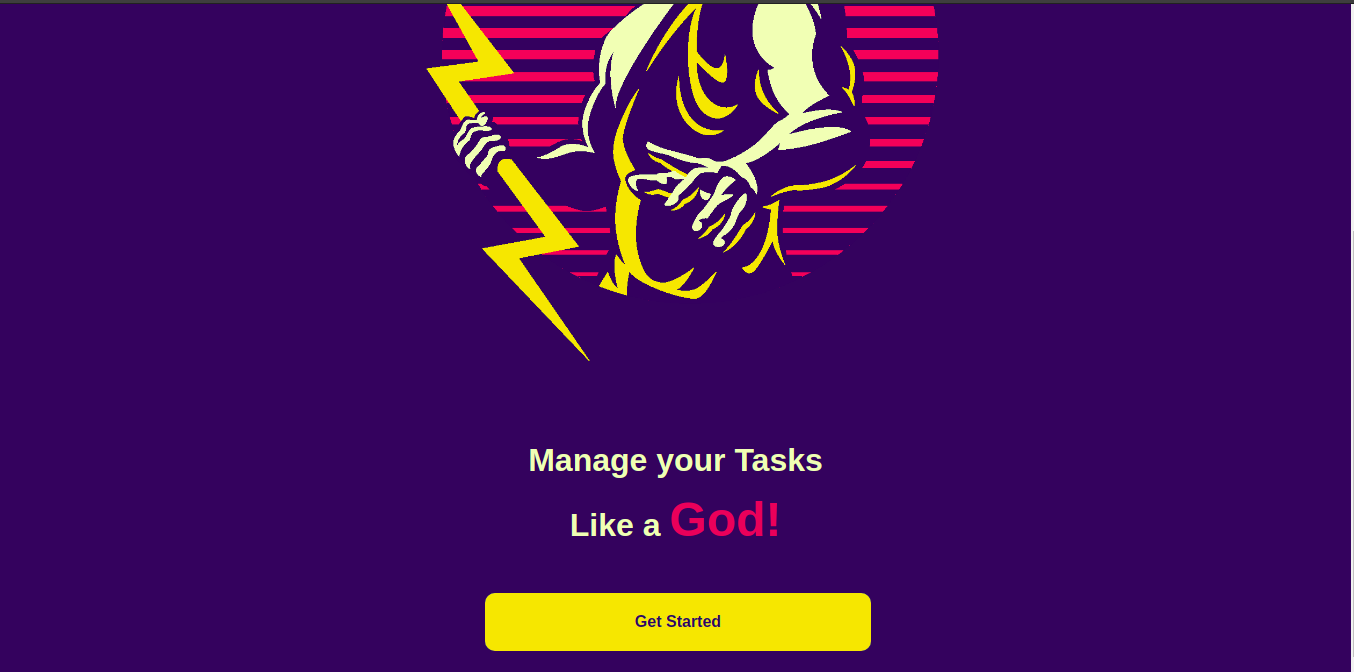
## Media Below,for both mobile and web views (are subject to changes depending on the date of viewing)
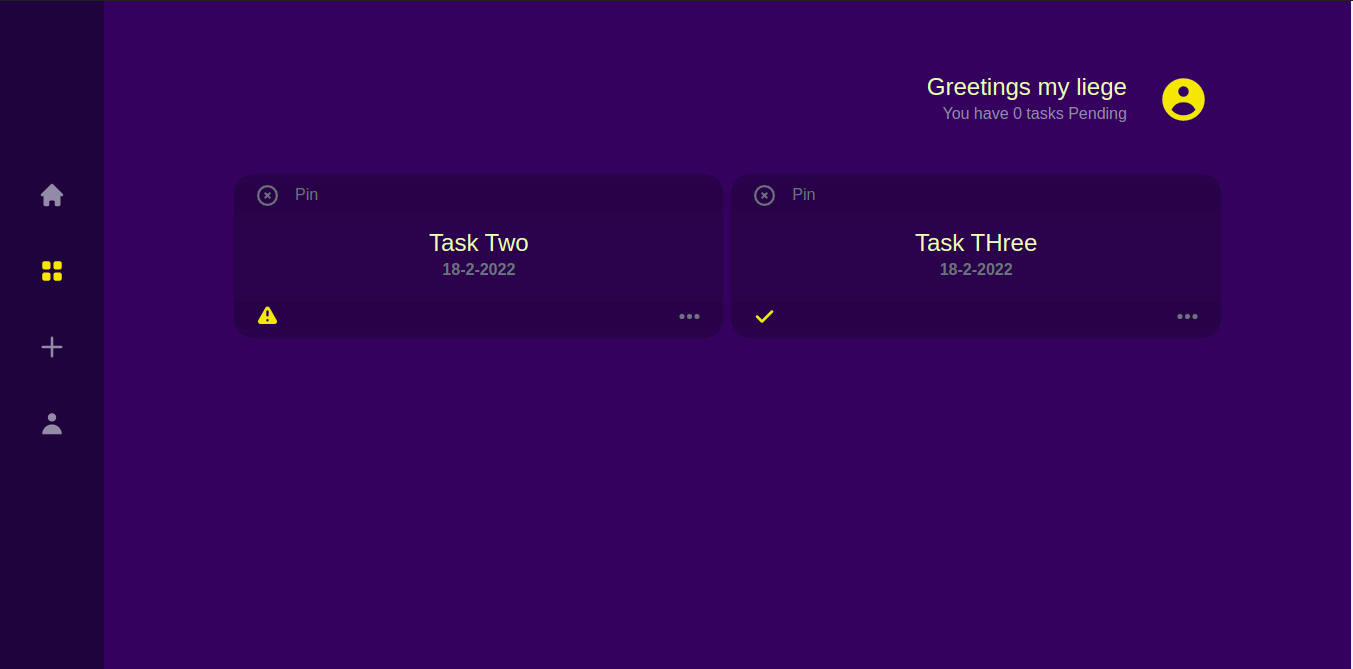
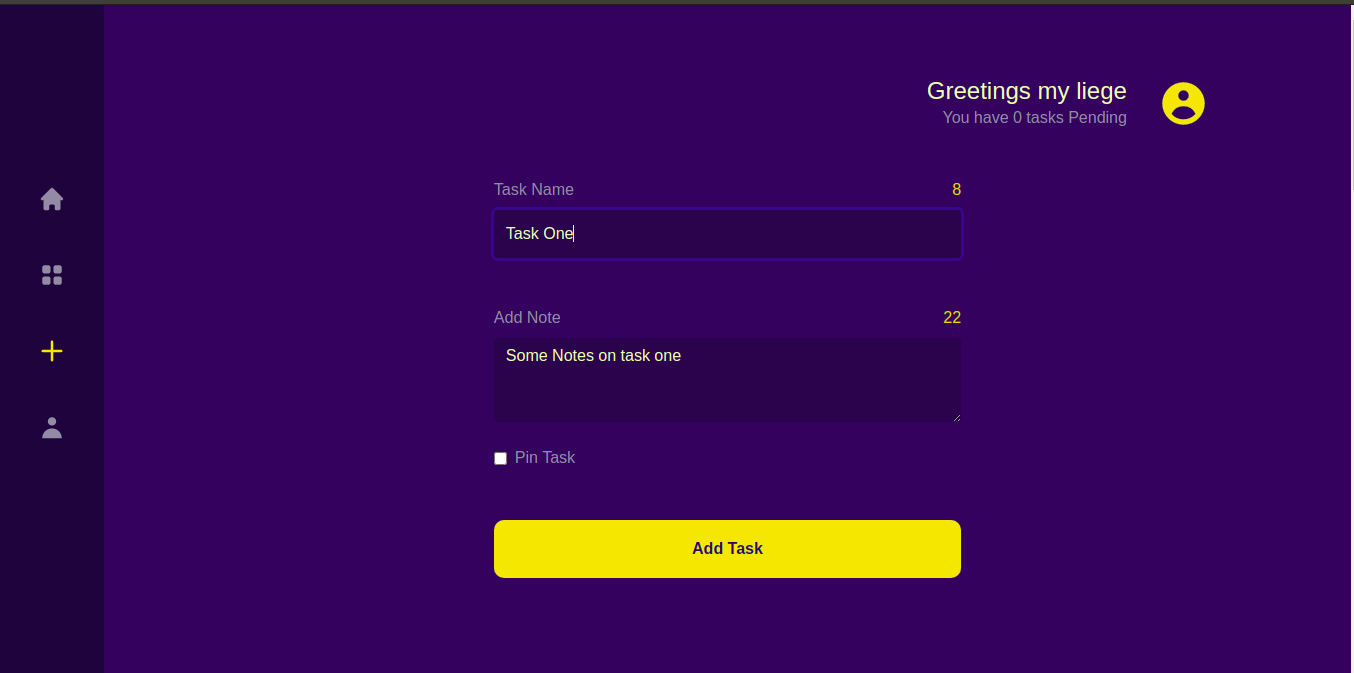
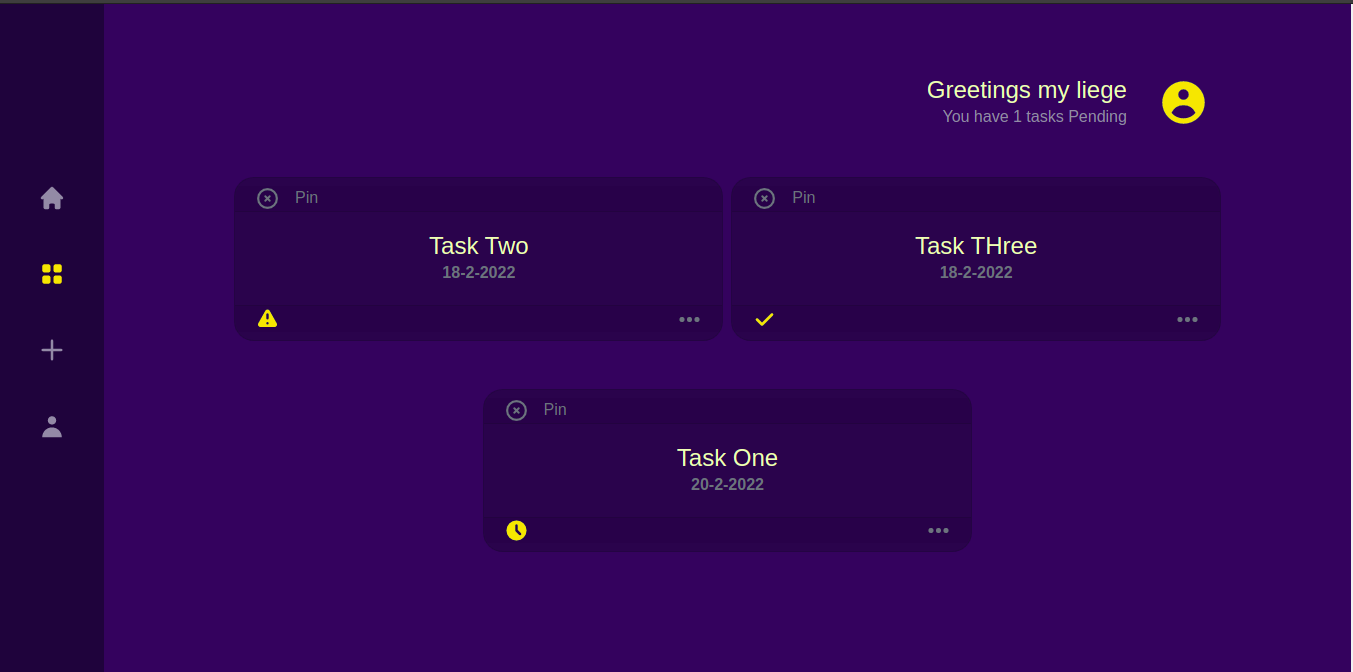
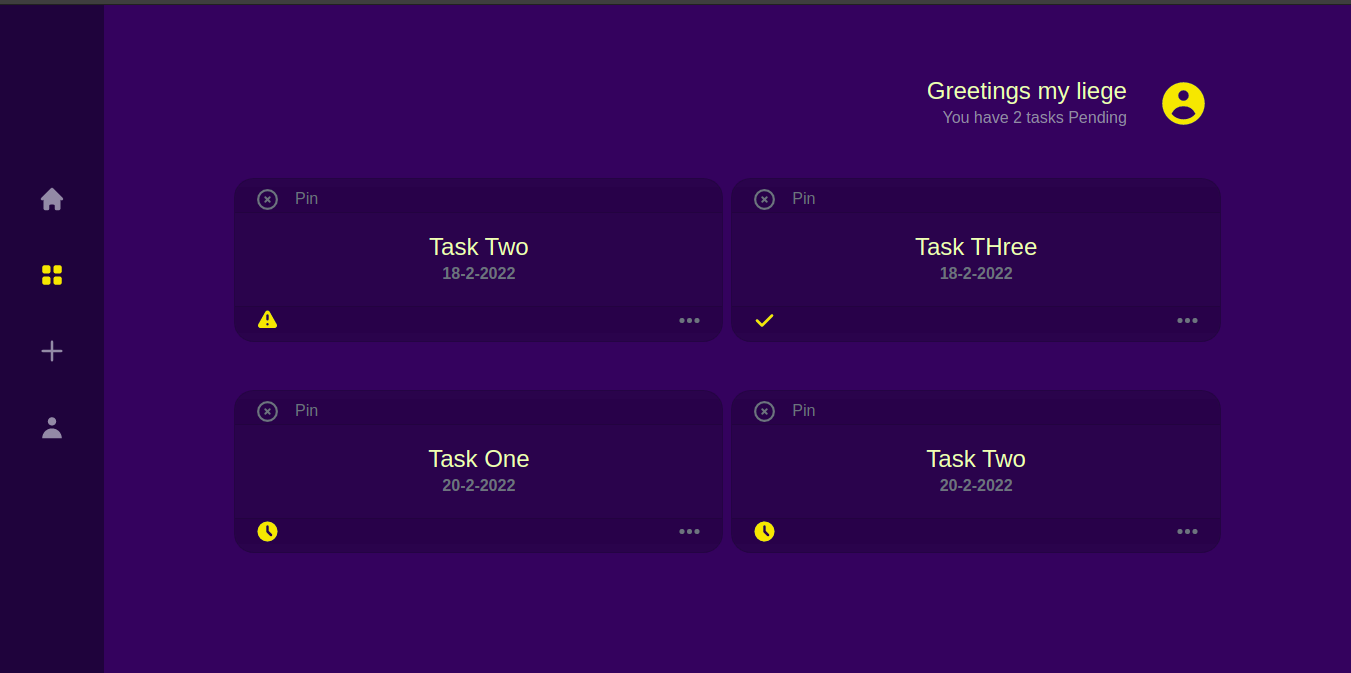
https://user-images.githubusercontent.com/55140896/154884784-0d7a87fd-76b7-4f3d-918e-a0824e9b678c.mp4
## Run locally
- Clone the project and run `npm install` to add packages.
```js
git clone https://github.com/prime-infinity/OlympusTasks.git
cd type-one.git
//Start development server
npm run dev
```
## Contributing
Contributions are welcome! If you find a bug or have an enhancement idea, please open an issue or submit a pull request. Make sure to follow the [Contributing Guidelines](CONTRIBUTING.md) before making a contribution.
## License
This project is licensed under the [MIT License](LICENSE).
---