https://github.com/probablykasper/kasper.space
Personal website
https://github.com/probablykasper/kasper.space
personal-website website
Last synced: 4 months ago
JSON representation
Personal website
- Host: GitHub
- URL: https://github.com/probablykasper/kasper.space
- Owner: probablykasper
- Created: 2019-07-17T00:15:14.000Z (almost 7 years ago)
- Default Branch: master
- Last Pushed: 2025-05-30T10:01:06.000Z (about 1 year ago)
- Last Synced: 2025-08-11T06:36:11.781Z (11 months ago)
- Topics: personal-website, website
- Language: Vue
- Homepage: https://kasper.space
- Size: 17.9 MB
- Stars: 1
- Watchers: 1
- Forks: 0
- Open Issues: 0
-
Metadata Files:
- Readme: README.md
Awesome Lists containing this project
README
# v6.kasper.space
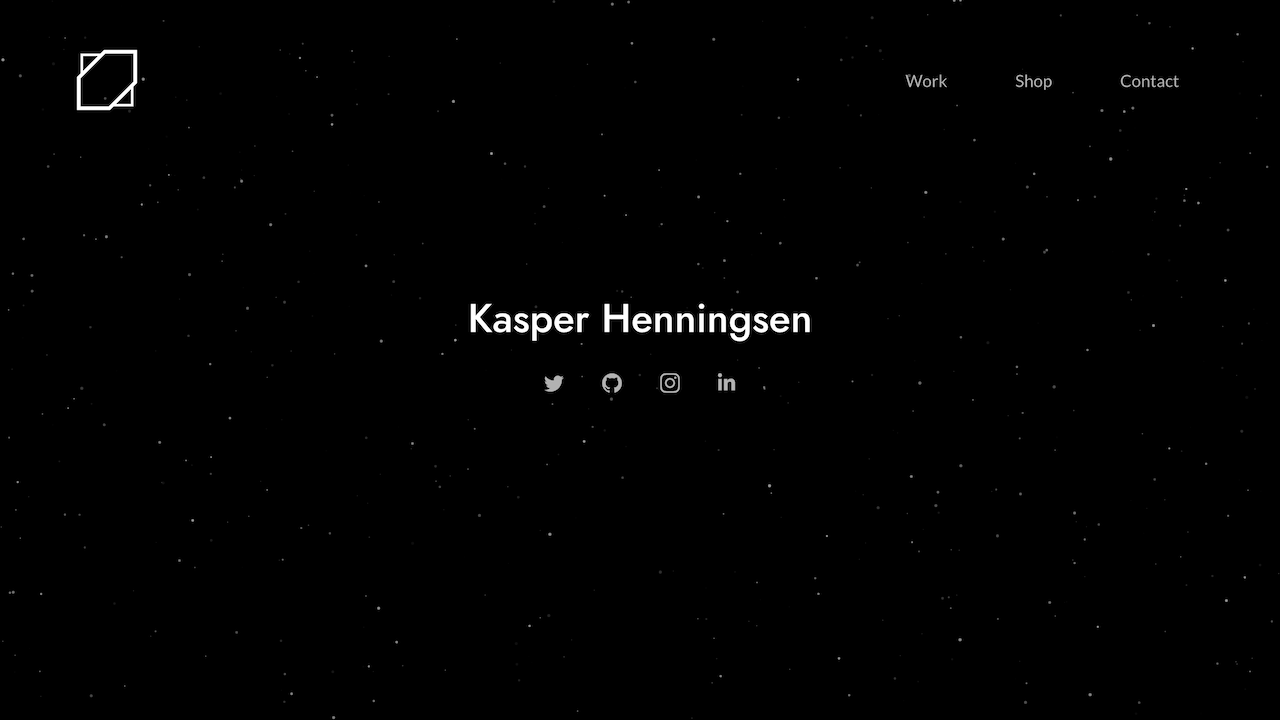
v6 of my personal website
## Dev Instructions
### Get started
1. Install [Node.js](https://nodejs.org/)
2. Run `npm install`
I recommend using the [VSCode](https://code.visualstudio.com) text editor with the [Vetur](https://marketplace.visualstudio.com/items?itemName=octref.vetur), [ESLint](https://marketplace.visualstudio.com/items?itemName=dbaeumer.vscode-eslint) and [Sass](https://marketplace.visualstudio.com/items?itemName=Syler.sass-indented) extensions.
The website is built with [Nuxt.js](https://nuxtjs.org) and [Vue.js](https://vuejs.org/).
The master branch is continually deployed through [Netlify](https://netlify.com).
### Commands
- `npm run dev`: Start in dev mode
- `npm run build`: Build into `dist` folder
- `npm run lint`: Lint
- `npm run format`: Format
### Adding artworks
To add an image to the Art page, place it in the `/static/art/items` folder. Resize the images to 500x500 (e.g using macOS Preview), and then convert it to a 95% quality jpg.