https://github.com/pumbas600/github-contributions
⚡Dynamically generated GitHub contribution graphs for your README!
https://github.com/pumbas600/github-contributions
contributions github
Last synced: about 1 year ago
JSON representation
⚡Dynamically generated GitHub contribution graphs for your README!
- Host: GitHub
- URL: https://github.com/pumbas600/github-contributions
- Owner: pumbas600
- License: mit
- Created: 2023-03-31T00:12:06.000Z (over 3 years ago)
- Default Branch: main
- Last Pushed: 2024-12-19T07:50:06.000Z (over 1 year ago)
- Last Synced: 2024-12-19T08:34:28.985Z (over 1 year ago)
- Topics: contributions, github
- Language: TypeScript
- Homepage: https://github.pumbas.net/
- Size: 761 KB
- Stars: 10
- Watchers: 1
- Forks: 0
- Open Issues: 8
-
Metadata Files:
- Readme: README.md
- Contributing: CONTRIBUTING.md
- License: LICENSE.md
- Codeowners: .github/CODEOWNERS
- Security: .github/SECURITY.md
Awesome Lists containing this project
README
[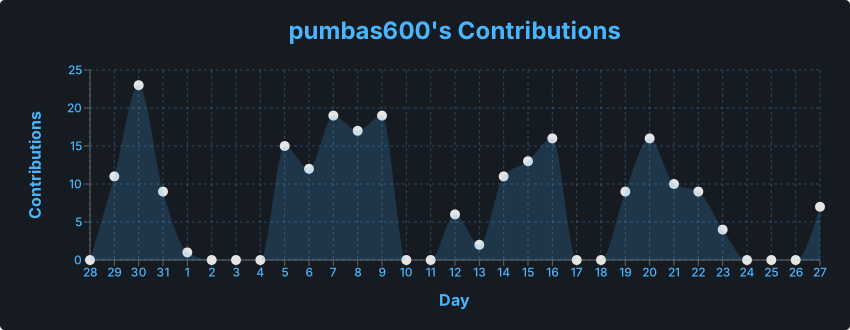](https://github.com/pumbas600/github-contributions#gh-dark-mode-only)
[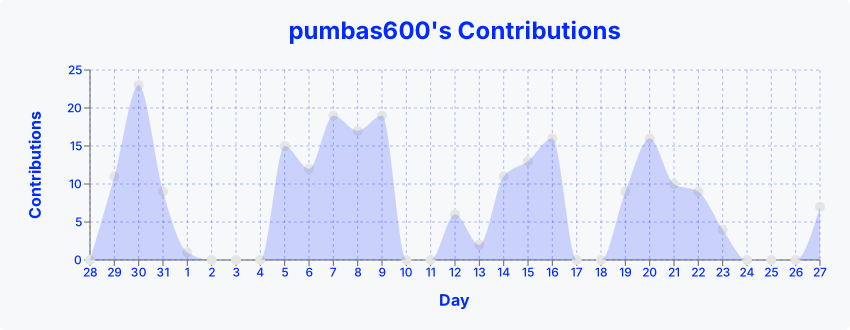](https://github.com/pumbas600/github-contributions#gh-light-mode-only)
GitHub Contributions


### [View GitHub Contributions Playground](https://github.pumbas.net)
This is a simple project that lets you to render your recent GitHub contributions as a graph that can be embedded in your README. To get started, have a look at the [Github Contributions Playground](https://github.pumbas.net) to quickly create and view your contributions graph.
All examples in this README can be simply pasted into your README with `YOUR_GITHUB_USERNAME` changed to be your username (case-insensitive).
```md

```
This can also be used in HTML images:
```html

```
It works through a simple API that generates an SVG which can be used as an image in markdown. It utilises the amazing chart library [recharts](https://www.npmjs.com/package/recharts) to generate the graph.
## Customisation
There is also support for a number of options which allow you to style the graph to your hearts content. Each option can be configured through the use of query parameters in the url.
> [!NOTE]
> All colours are hexcodes without the starting '#'. E.g. `#4BB5FC` → `4BB5FC`.
Query Parameter | Description | Type | Default Value
----------------|-------------------------|---------|-----------------
`colour` | The colour of the line and text. A partially transparent version of this colour is used for the shaded area and grid | Hexcode | `4BB5FC`
`bgColour` | The background colour of the graph | Hexcode or `transparent` | `transparent`
`dotColour` | The colour of the dots for each day's contributions | Hexcode | `E5E5E5`
`days` | The past number of days to include in your contributions graph | Positive number that's ≤ 365 | `30`
`borderRadius` | The card's border radius | Positive number | `4.5`
An example using some of these looks like:
```md

```
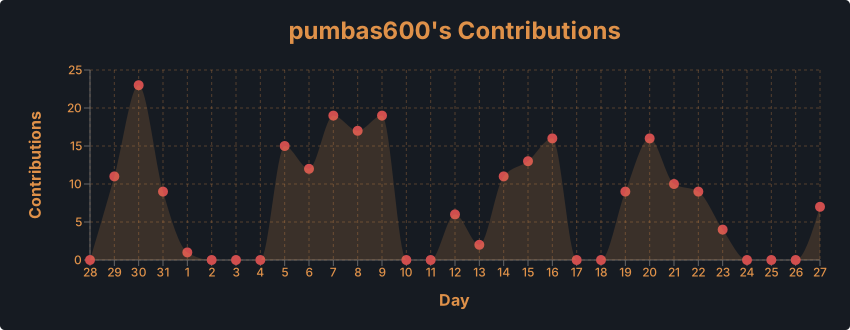
## Respecting User's Themes
It is recommended to use the [`#gh-light-mode-only` or `#gh-dark-mode-only`](https://github.blog/changelog/2021-11-24-specify-theme-context-for-images-in-markdown/) fragments so that you can change the styling based on the user's theme. They simply need to be appended to the end of markdown URLs and they will not be rendered unless their respective mode is active.
```md
[](https://github.com/pumbas600/github-contributions#gh-dark-mode-only)
[](https://github.com/pumbas600/github-contributions#gh-light-mode-only)
```
> [!IMPORTANT]
> For some reason, it only works on the API URL in VS Code, To get it to behave correctly on GitHub, you need to wrap it in another URL with the fragment applied.
GitHub has also added support for the [`prefers-color-scheme` media query](https://github.blog/changelog/2022-05-19-specify-theme-context-for-images-in-markdown-beta/), which can be used in conjunction with the HTML [``](https://www.w3schools.com/TAGS/tag_picture.asp) tags to allow you to change the image you display based on the user's theme.
```html

```