https://github.com/push-protocol/push-sdk
Push SDK is a growing Monorepo of packages that provide solutions for a wide range of development tasks one might come across while building on top of Push protocol. It is a Javascript-based group of packages that enables easy usage of imperative communication tools for Web3
https://github.com/push-protocol/push-sdk
Last synced: about 1 year ago
JSON representation
Push SDK is a growing Monorepo of packages that provide solutions for a wide range of development tasks one might come across while building on top of Push protocol. It is a Javascript-based group of packages that enables easy usage of imperative communication tools for Web3
- Host: GitHub
- URL: https://github.com/push-protocol/push-sdk
- Owner: push-protocol
- License: other
- Created: 2022-10-04T13:28:15.000Z (almost 4 years ago)
- Default Branch: main
- Last Pushed: 2024-04-13T13:57:51.000Z (about 2 years ago)
- Last Synced: 2024-04-14T06:44:08.420Z (about 2 years ago)
- Language: TypeScript
- Homepage:
- Size: 68 MB
- Stars: 57
- Watchers: 5
- Forks: 44
- Open Issues: 97
-
Metadata Files:
- Readme: README.md
- Contributing: CONTRIBUTING.md
- License: license-v1.md
Awesome Lists containing this project
README


Push Protocol is a web3 communication network, enabling cross-chain notifications and messaging for dapps, wallets, and services.🚀


## Introduction
#### What is Push Protocol?
Push Protocol, previously known as EPNS, is a Web3 communication protocol that enables any dApps, smart contracts, backends, or protocols to communicate both on-chain and off-chain via user wallet addresses in an open, gasless, multichain, and platform-agnostic fashion.
#### What We Do
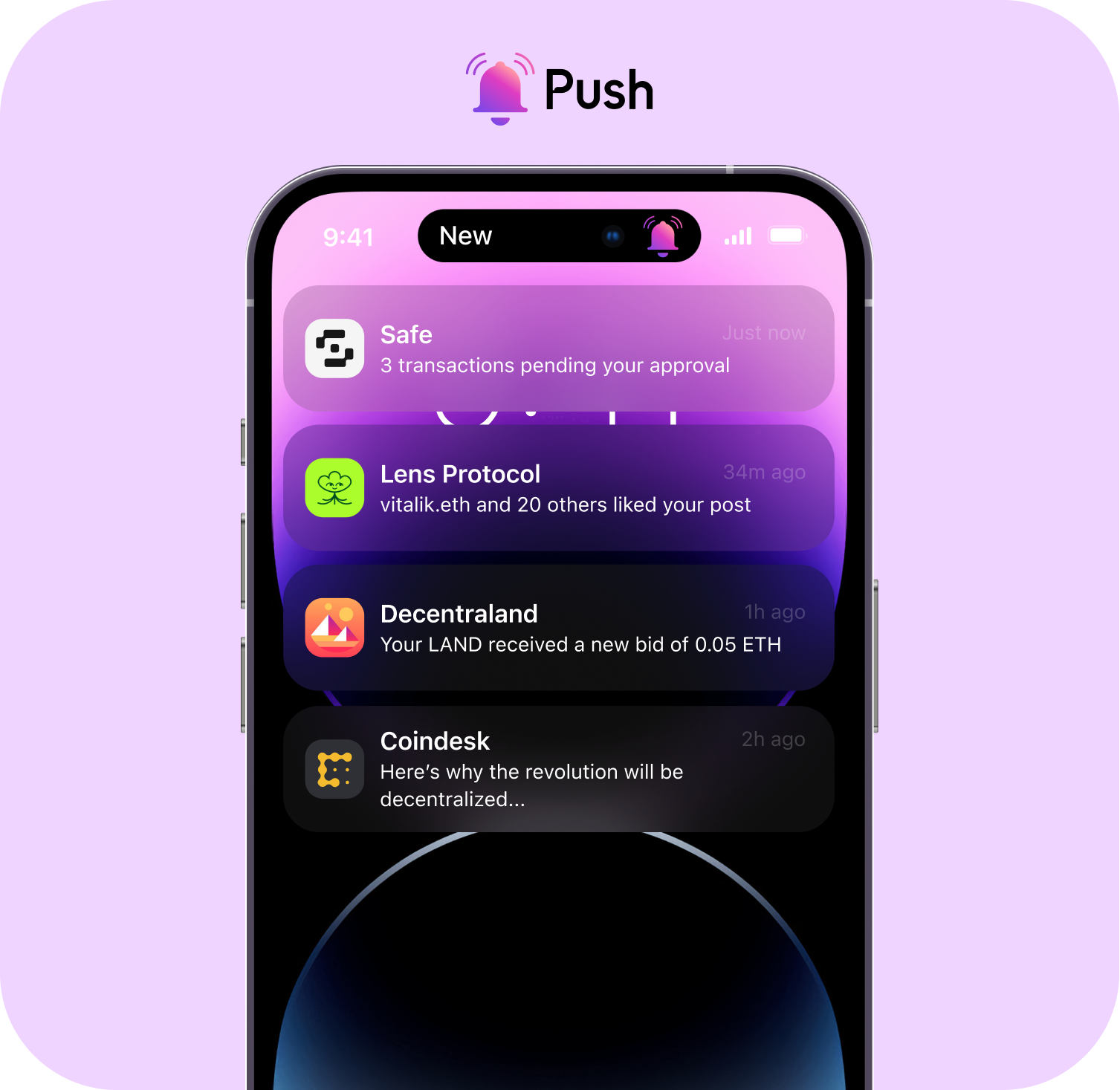
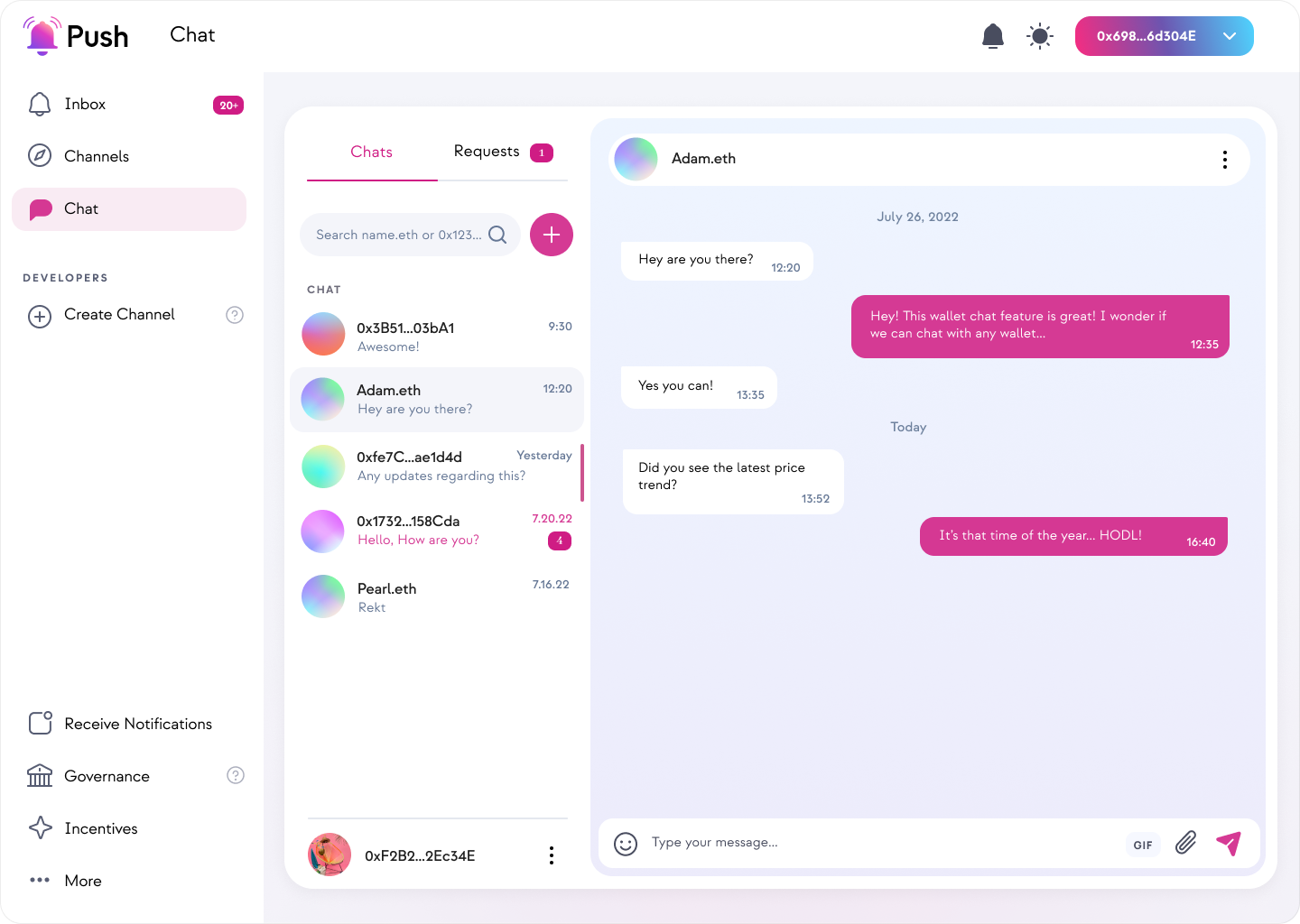
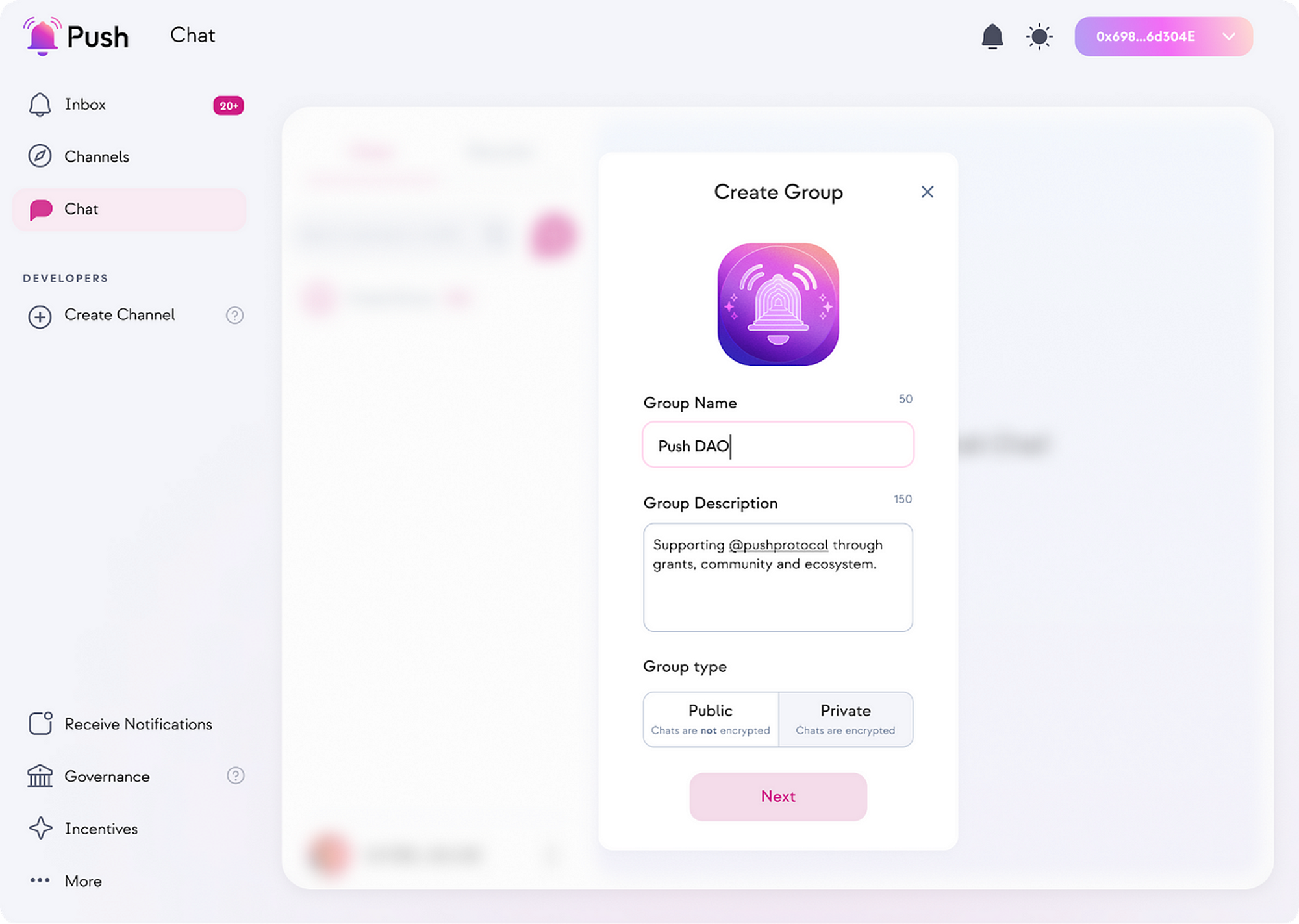
Being an open communication middleware, Push is building a suite of products to enable notifications, chats, streaming, and more. We currently have two major products, Push Notifications and Push Chat.
Features
## PUSH-SDK
#### Push SDK provides an abstraction layer to integrate Push protocol features with your Frontend as well as Backend
PUSH SDK is a Javascript based Monorepo of packages that helps developers to
- build PUSH features into their DApps
- Notifications
- Chat
- Group Chat
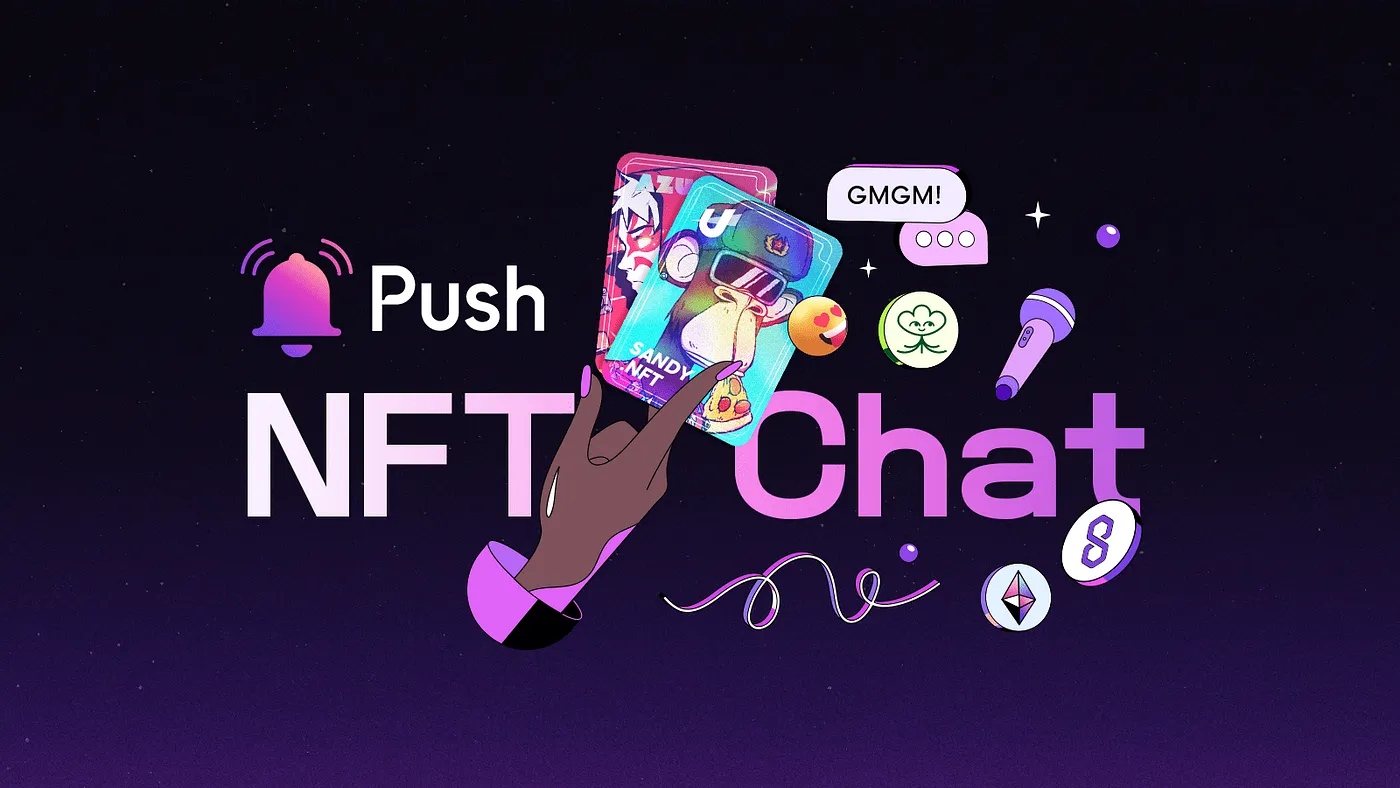
- Push NFT Chat
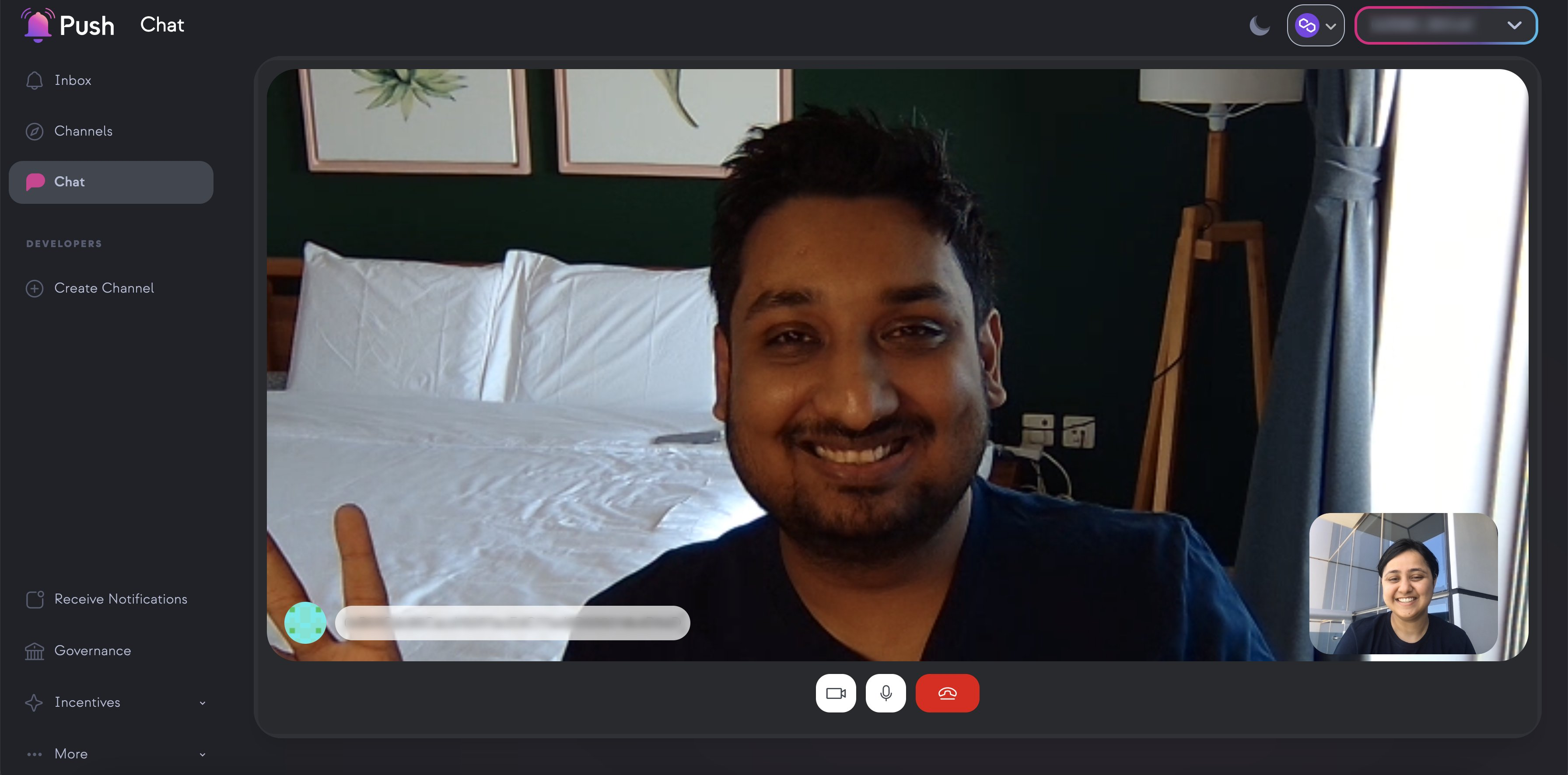
- Video Calls
- get access to PUSH Push Nodes APIs
- render PUSH Notifications UI
without having to write a lot of boilerplate code. All the heavy lifting is done by the SDK, so that you the developer can focus on building features and bootstrap a DApp with PUSH features in no time!
The SDK provides a suite of solutions for different problems. It is written in Typescript and supports React, React Native, Plain JS, Node JS based platforms. (We are adding support for more!)
*It is also built on top of standard Web3 packages like `ethers`, `@web3-react`*
## Development
### Packages available
Click on the packages to view more details.
- [@pushprotocol/restapi](./packages/restapi/README.md)
- [@pushprotocol/uiweb](./packages/uiweb/README.md)
- [@pushprotocol/socket](./packages/socket/README.md)
- [@pushprotocol/uiembed](./packages/uiembed/README.md)
- [@pushprotocol/reactnative](./packages/reactnative/README.md)
Sample Usage
*How to use a package from the SDK?*
Let's take `@pushprotocol/restapi` as an example.
Open a teminal and enter
```bash
mkdir sdk-quickstart
cd sdk-quickstart
# at sdk-quickstart, hit enter for all if no change from default intended
yarn init
# or NPM
npm init
```
If you want to use ES6 Modules syntax then inside `package.json` set “type” to “module”.
```bash
# install the sdk "restapi" package & its peer dependencies in your app
yarn add @pushprotocol/restapi ethers
# or NPM
npm install @pushprotocol/restapi ethers
```
```bash
touch main.js
```
For *CommonJS* Syntax
```typescript
// import in main.js
const PushAPI = require("@pushprotocol/restapi");
```
**OR**
For *ES6 modules* Syntax
```typescript
// import in main.js
import * as PushAPI from "@pushprotocol/restapi";
```
```typescript
// use a feature from restapi package,
// here "getFeeds" gets all the notifications for the user address provided
const main = async() => {
const notifications = await PushAPI.user.getFeeds({
user: 'eip155:11155111:0xD8634C39BBFd4033c0d3289C4515275102423681', // user address in CAIP
env: 'staging'
});
// log the notifications
console.log('notifications: \n\n', notifications);
}
main();
```
Then to run this code open terminal and type
```bash
node main
```
## Resources
- **[Website](https://push.org)** To checkout our Product.
- **[Docs](https://docs.push.org/developers/)** For comprehensive documentation.
- **[Blog](https://medium.com/push-protocol)** To learn more about our partners, new launches, etc.
- **[Discord](https://discord.com/invite/pushprotocol)** for support and discussions with the community and the team.
- **[GitHub](https://github.com/push-protocol)** for source code, project board, issues, and pull requests.
- **[Twitter](https://twitter.com/pushprotocol)** for the latest updates on the product and published blogs.
## Contributing
Push Protocol is an open source Project. We firmly believe in a completely transparent development process and value any contributions. We would love to have you as a member of the community, whether you are assisting us in bug fixes, suggesting new features, enhancing our documentation, or simply spreading the word.
- Bug Report: Please create a bug report if you encounter any errors or problems while utilising the Push Protocol.
- Feature Request: Please submit a feature request if you have an idea or discover a capability that would make development simpler and more reliable.
- Documentation Request: If you're reading the Push documentation and believe that we're missing something, please create a docs request.
Read how you can contribute HERE
Not sure where to start? Join our discord and we will help you get started!

## License
Check out our License HERE