https://github.com/pyozer/nodepostgresqlreact
Training project to use an Express Node server (API) with a PostgreSQL database and a React App for client
https://github.com/pyozer/nodepostgresqlreact
Last synced: about 1 year ago
JSON representation
Training project to use an Express Node server (API) with a PostgreSQL database and a React App for client
- Host: GitHub
- URL: https://github.com/pyozer/nodepostgresqlreact
- Owner: Pyozer
- License: mit
- Created: 2018-12-12T00:48:33.000Z (over 7 years ago)
- Default Branch: master
- Last Pushed: 2022-12-10T01:49:57.000Z (over 3 years ago)
- Last Synced: 2025-01-08T07:48:36.049Z (over 1 year ago)
- Language: JavaScript
- Size: 4.77 MB
- Stars: 0
- Watchers: 2
- Forks: 0
- Open Issues: 21
-
Metadata Files:
- Readme: README.md
- License: LICENSE
Awesome Lists containing this project
README
# NodePostgreReact
This project is a school project to learn NodeJS and React.
The website build with React, manage accounts and user's projects using API server (NodeJS)
I used create-react-app to build React App and Express to make the node server.
There is differents routes on the server:
| Method | Route | Description | AuthToken |
| ------ | --------------------------- | -------------------------------------- | --------- |
| POST | /auth/signIn | Login user and get auth token | No |
| POST | /auth/signUp | Register a new user and get auth token | No |
| GET | /users | Get all users | No |
| GET | /users/me | Get connected user (yse Auth Token) | Yes |
| GET | /users/:identifier | Get specific user by ID | No |
| PUT | /users/:identifier | Update specific user | Yes |
| DELETE | /users/:identifier | Delete user account | Yes |
| GET | /users/:identifier/projects | Get all projects of a specific user | No |
| GET | /projects/ | Get all projects | No |
| GET | /projects/:projectId | Get a specific project | No |
| PUT | /projects/:projectId | Update a project | Yes |
| DELETE | /projects/:projectId | Delete a project | Yes |
When it's require, you must pass your AuthToken as Bearer Token in the header, in 'Authorization'.
## Structure of JSON response
If request is a success :
```
{
"data": Object | Array,
"meta": Object,
}
```
If request failure :
```
{
"error": {
"message": "An error message"
}
}
```
## Usage
To launch the app, start first the Node server :
`cd server && npm run dev`
And then launch the react app :
`cd client && npm start`
You can build the react app for production with this command:
`npm build`
**Info:** You can use `yarn` instead of `npm` if you want
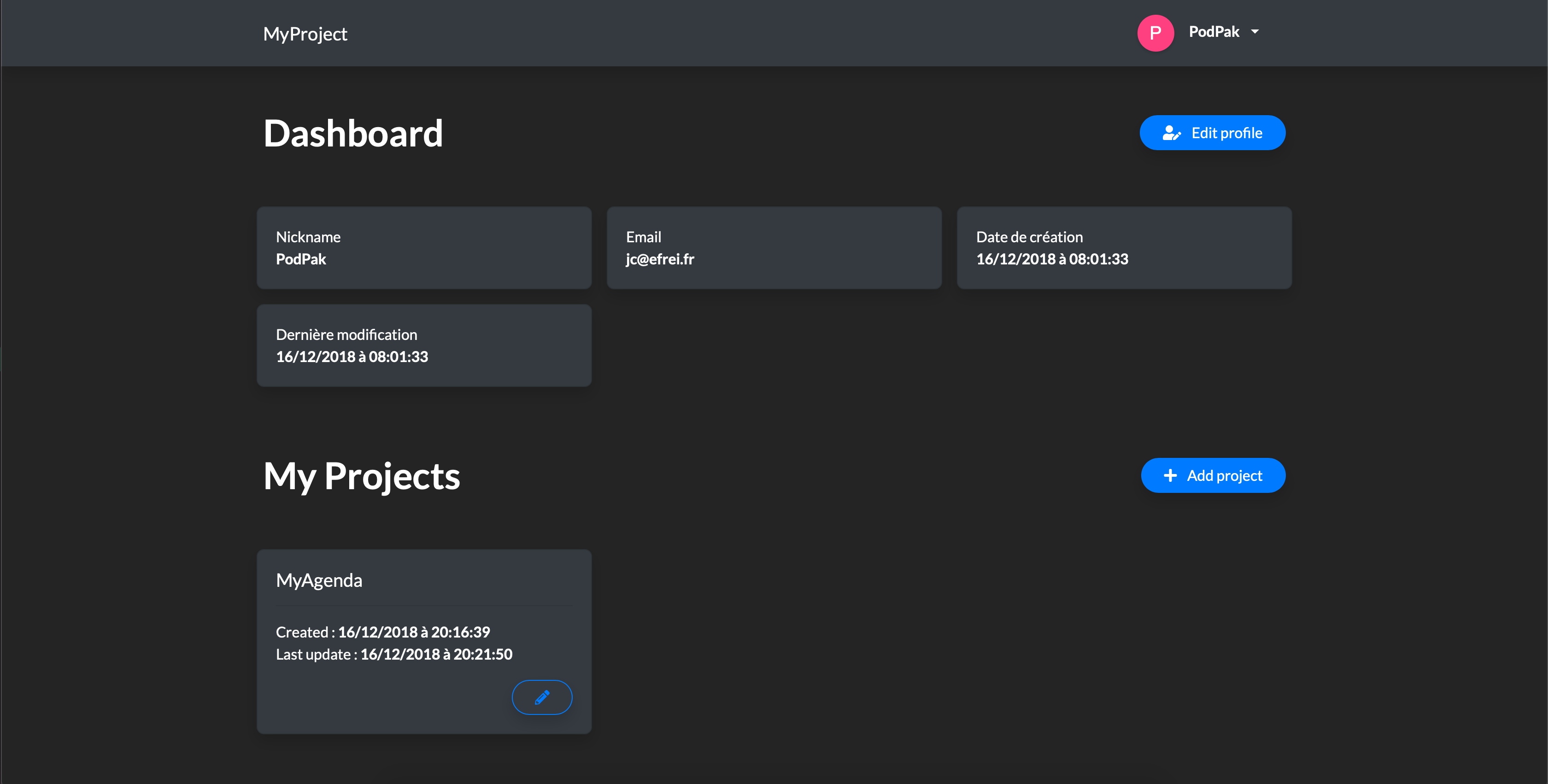
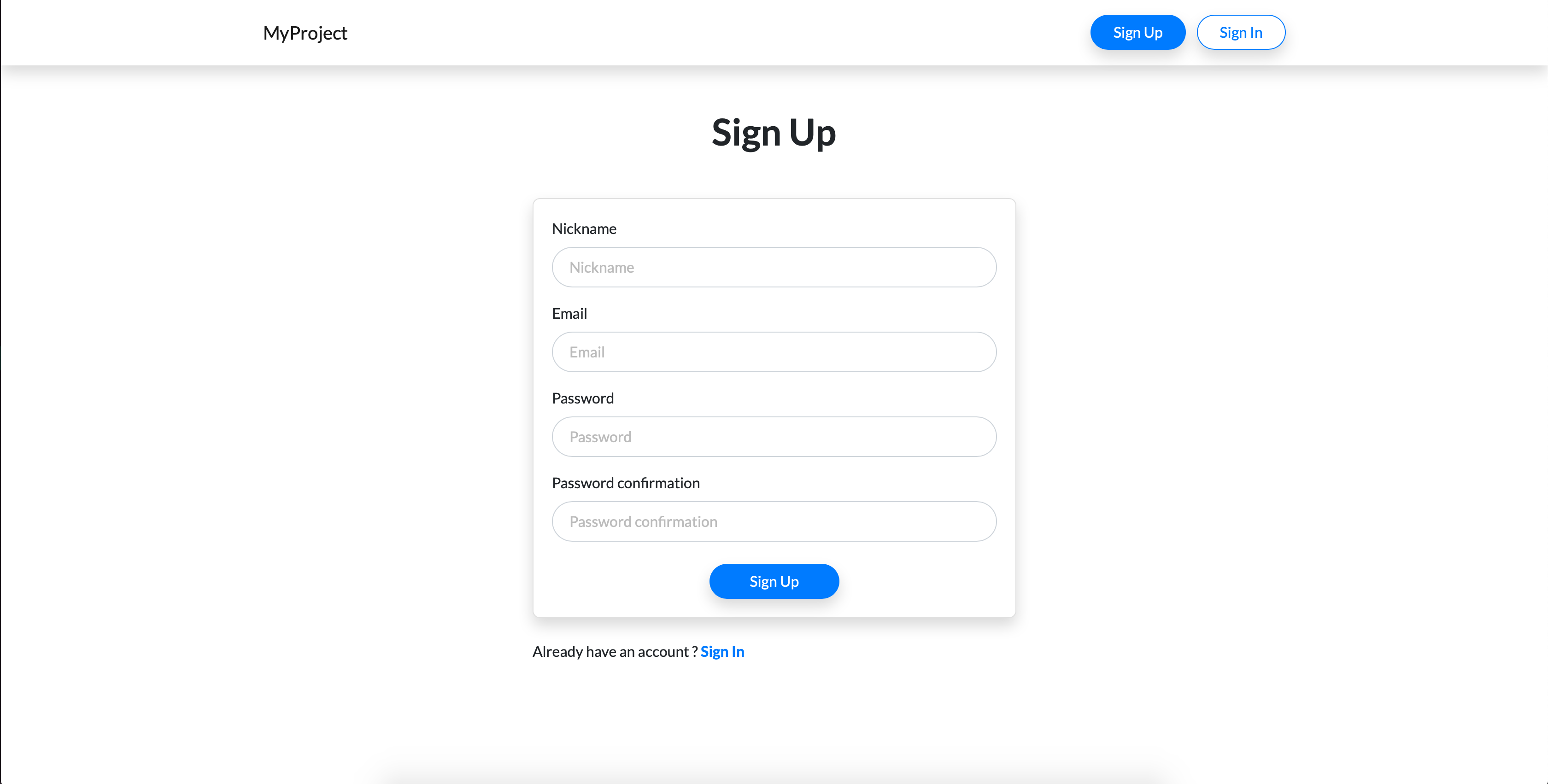
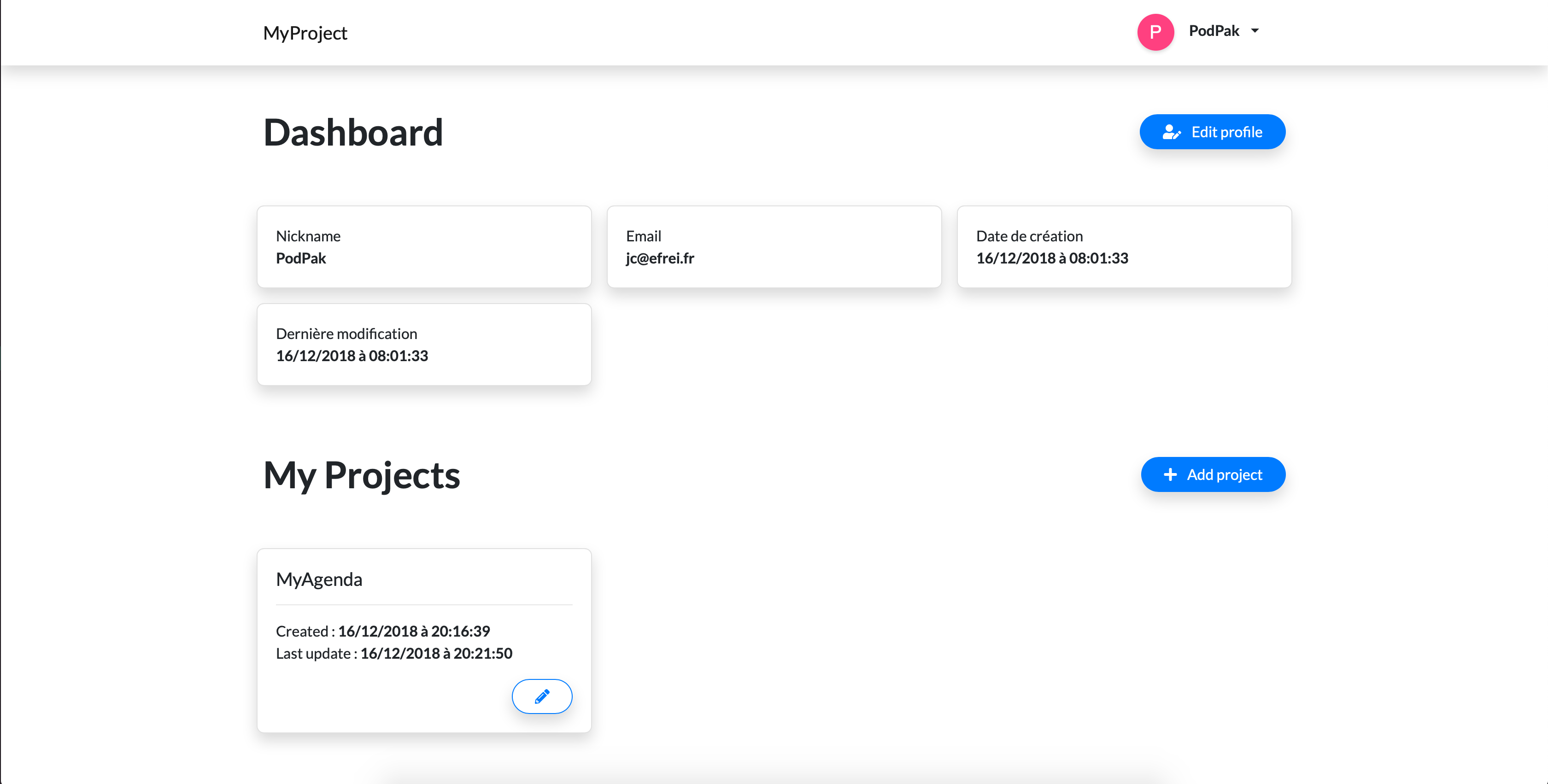
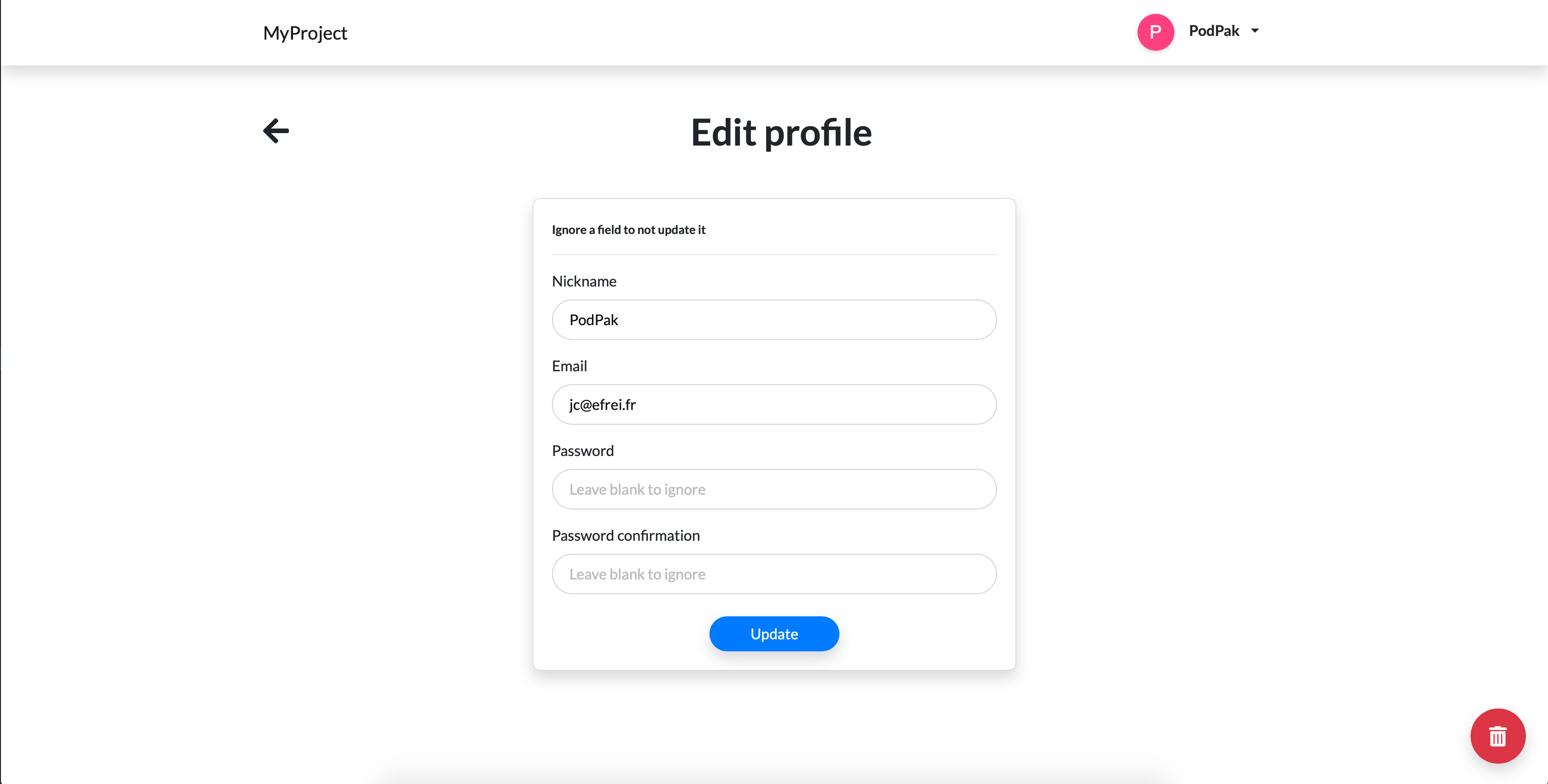
## Screenshots
### Sign In/Up

### Dashboard
### Profile
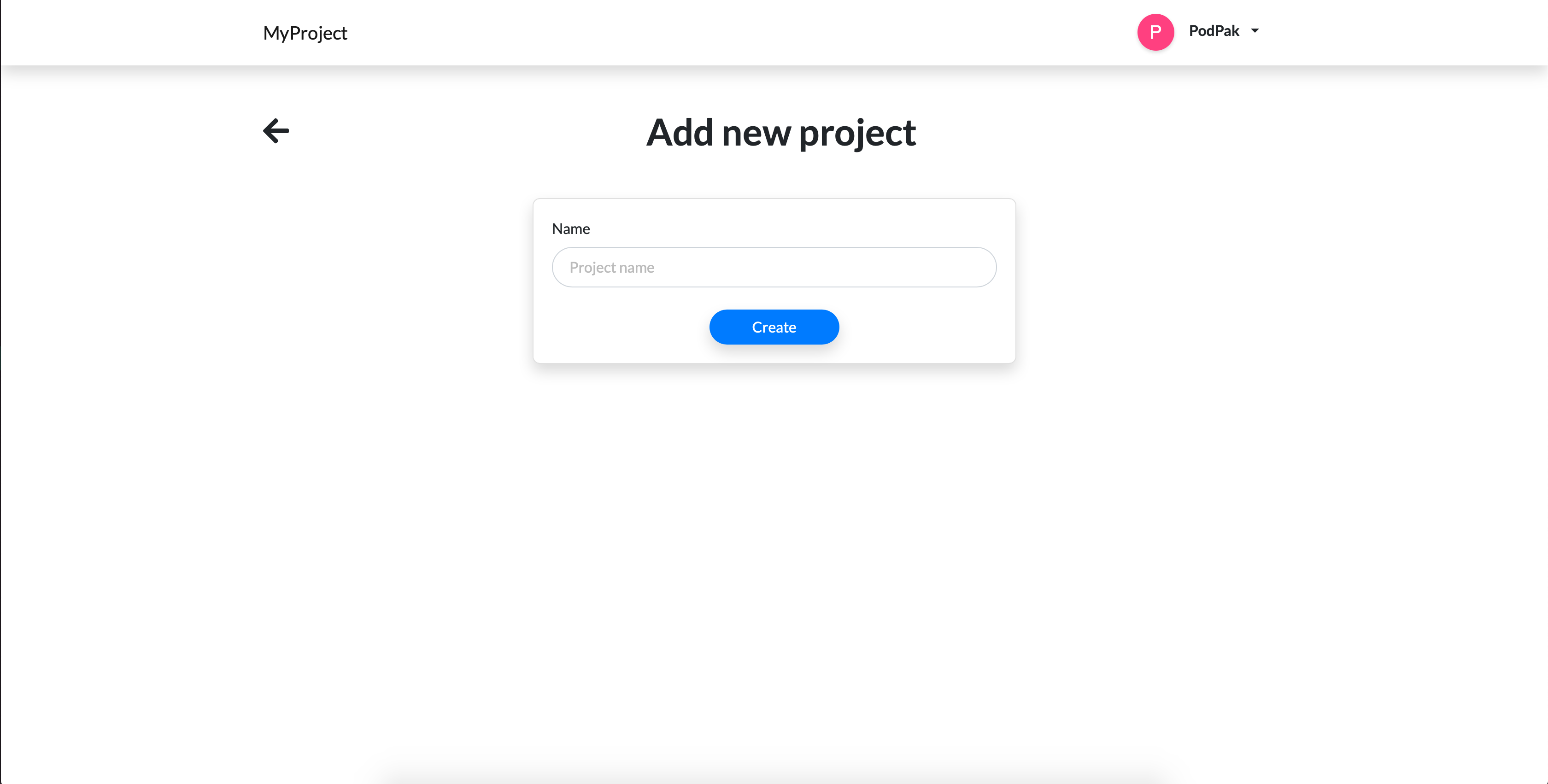
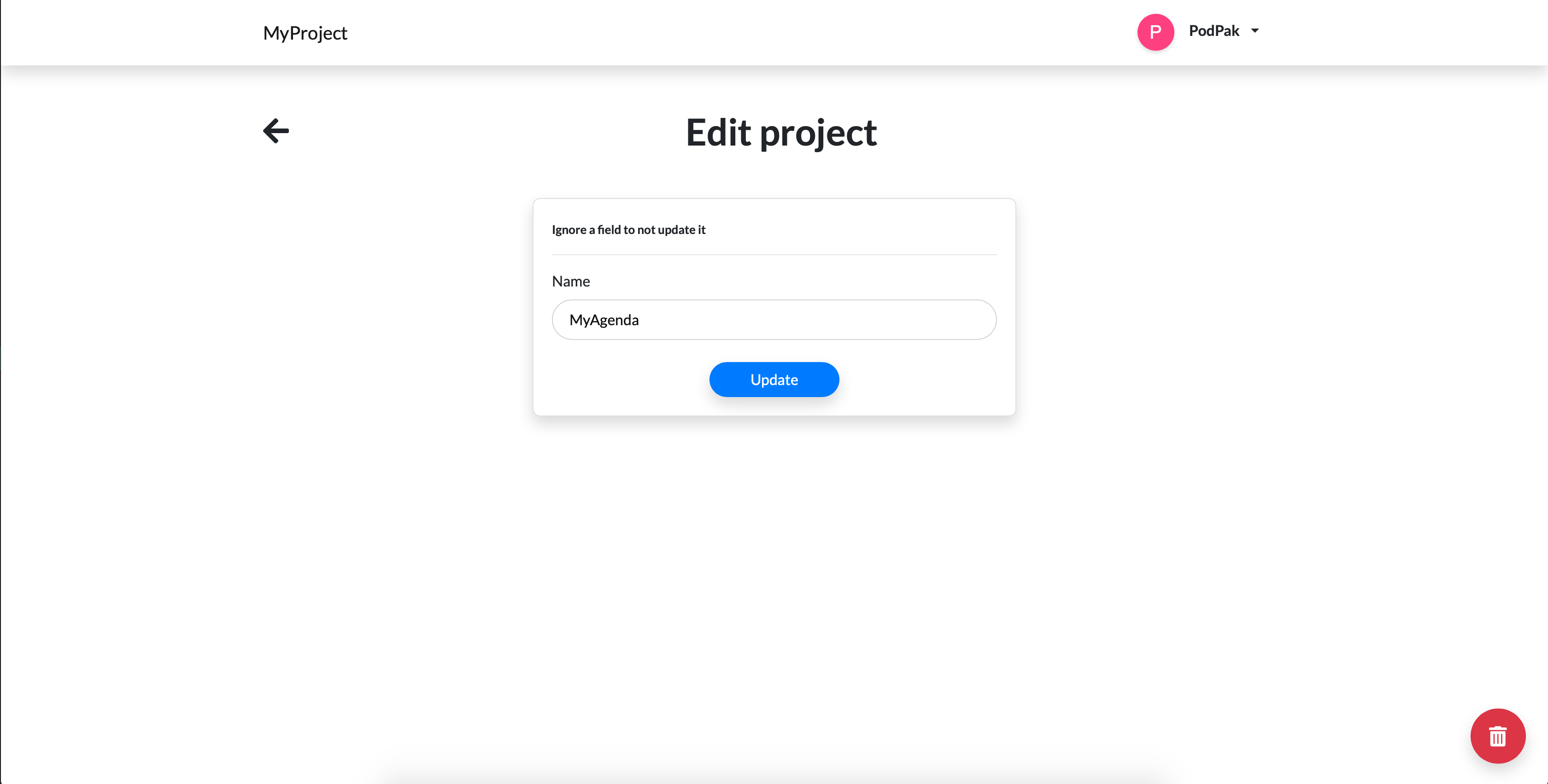
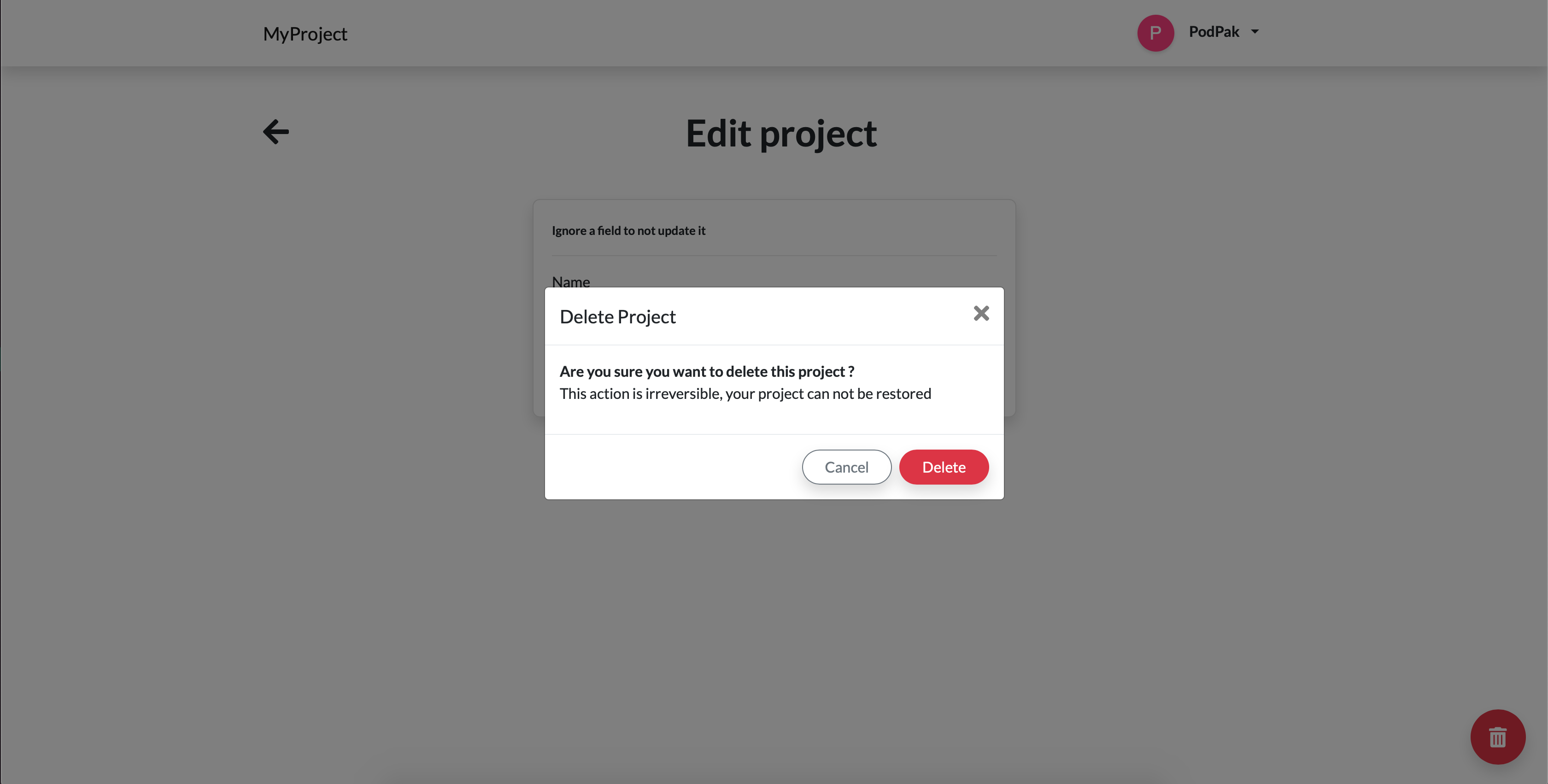
### Projects
### Dark theme