https://github.com/pyozer/pokereact
Projet React / NodeJS sur la réalisation d'un Pokedex
https://github.com/pyozer/pokereact
Last synced: 3 months ago
JSON representation
Projet React / NodeJS sur la réalisation d'un Pokedex
- Host: GitHub
- URL: https://github.com/pyozer/pokereact
- Owner: Pyozer
- Created: 2018-12-04T16:56:46.000Z (over 7 years ago)
- Default Branch: master
- Last Pushed: 2018-12-10T08:13:11.000Z (over 7 years ago)
- Last Synced: 2025-01-08T07:48:30.607Z (over 1 year ago)
- Language: JavaScript
- Size: 3.03 MB
- Stars: 0
- Watchers: 2
- Forks: 0
- Open Issues: 0
-
Metadata Files:
- Readme: README.MD
Awesome Lists containing this project
README
# POKEREACT
PokeReact is a school project to learn NodeJS and React.
This app is a PokeDex, the website build with React, display pokemons informations, fetched from the API server (NodeJS)
I used create-react-app to build React App and Express to make the node server.
There is two route on the server:
| Method | Route | Description |
|--------|----------------------|----------------------------------------------------------|
| GET | / | Simple route that just display "Welcome to pokedex API" |
| GET | /pokemons | Get all pokemons, with their informations |
| GET | /pokemons/:pokemonId | Get all informations of a specific pokemon (by his ndex) |
## Structure of JSON response
If request is a success :
```
{
"status": "success",
"code": 200,
"data": Object | Array
}
```
If request failure :
```
{
"status": "error",
"code": 400 | 500,
"message": "An error message"
}
```
## Usage
To launch the app, start first the Node server :
`cd pokedex-server && yarn start`
And then launch the react app :
`cd pokedex-client && yarn start`
You can build the react app for production with this command:
`yarn build`
**Info:** You can use `npm` instead of `yarn` if you want
## Screenshots
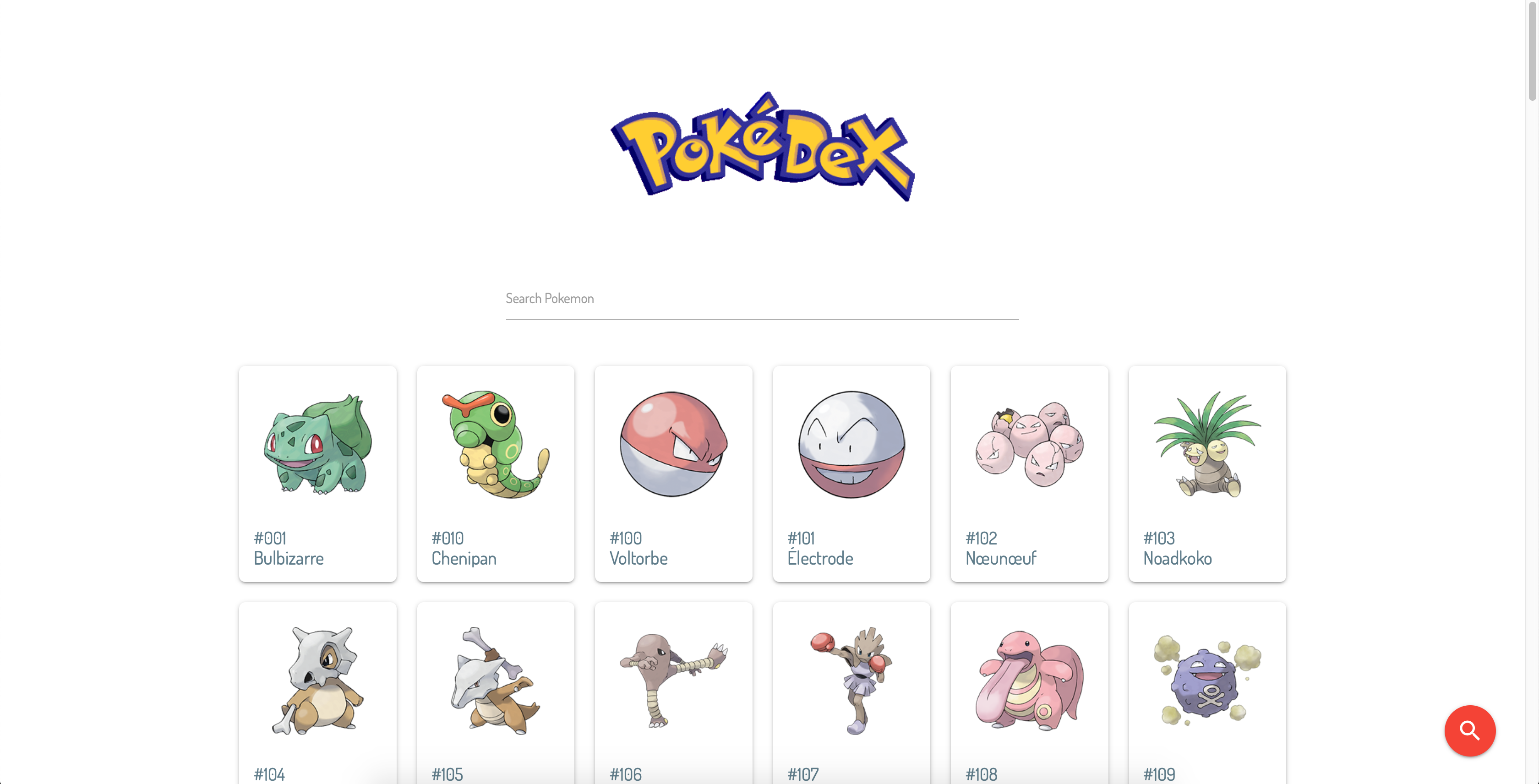
### Home page
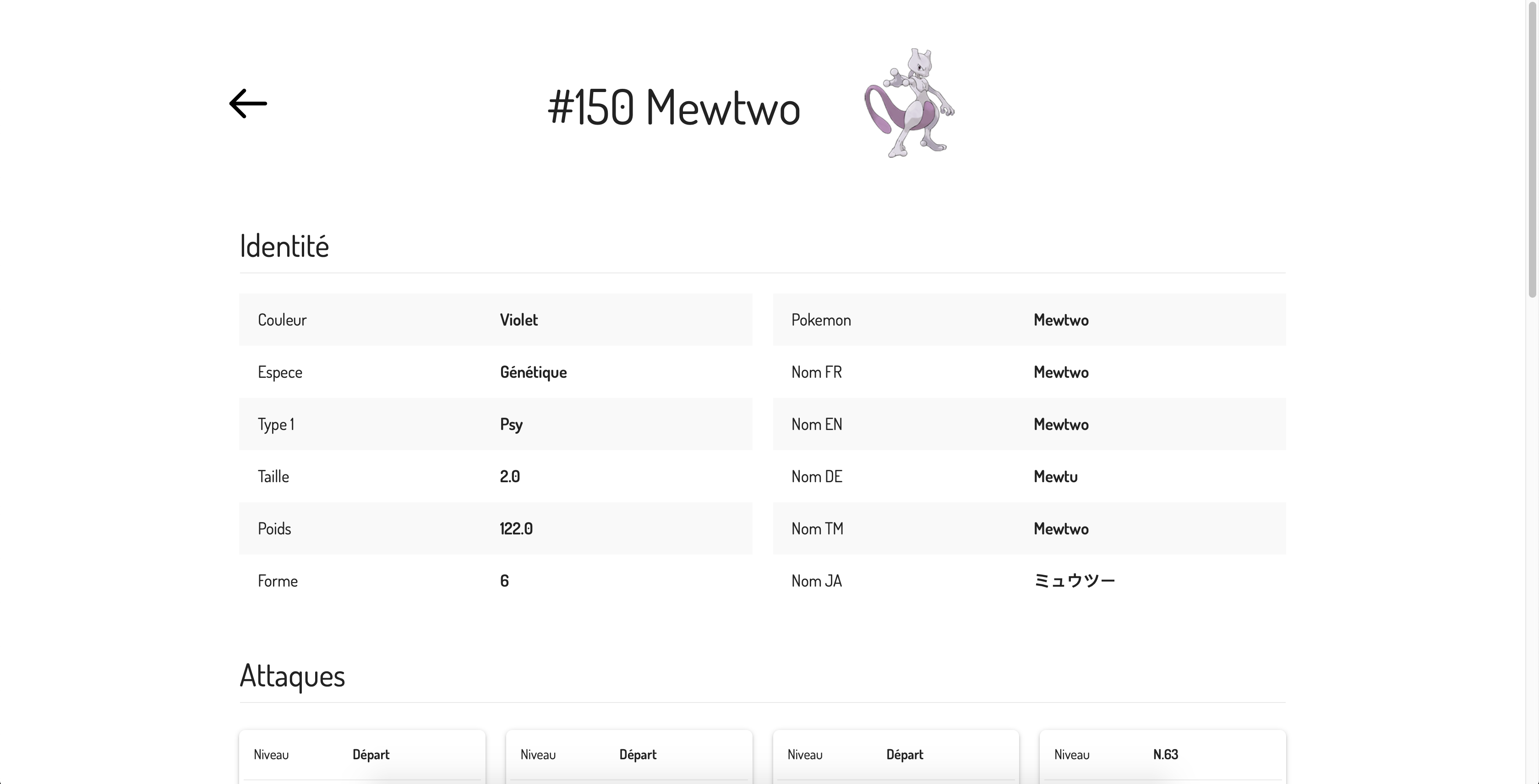
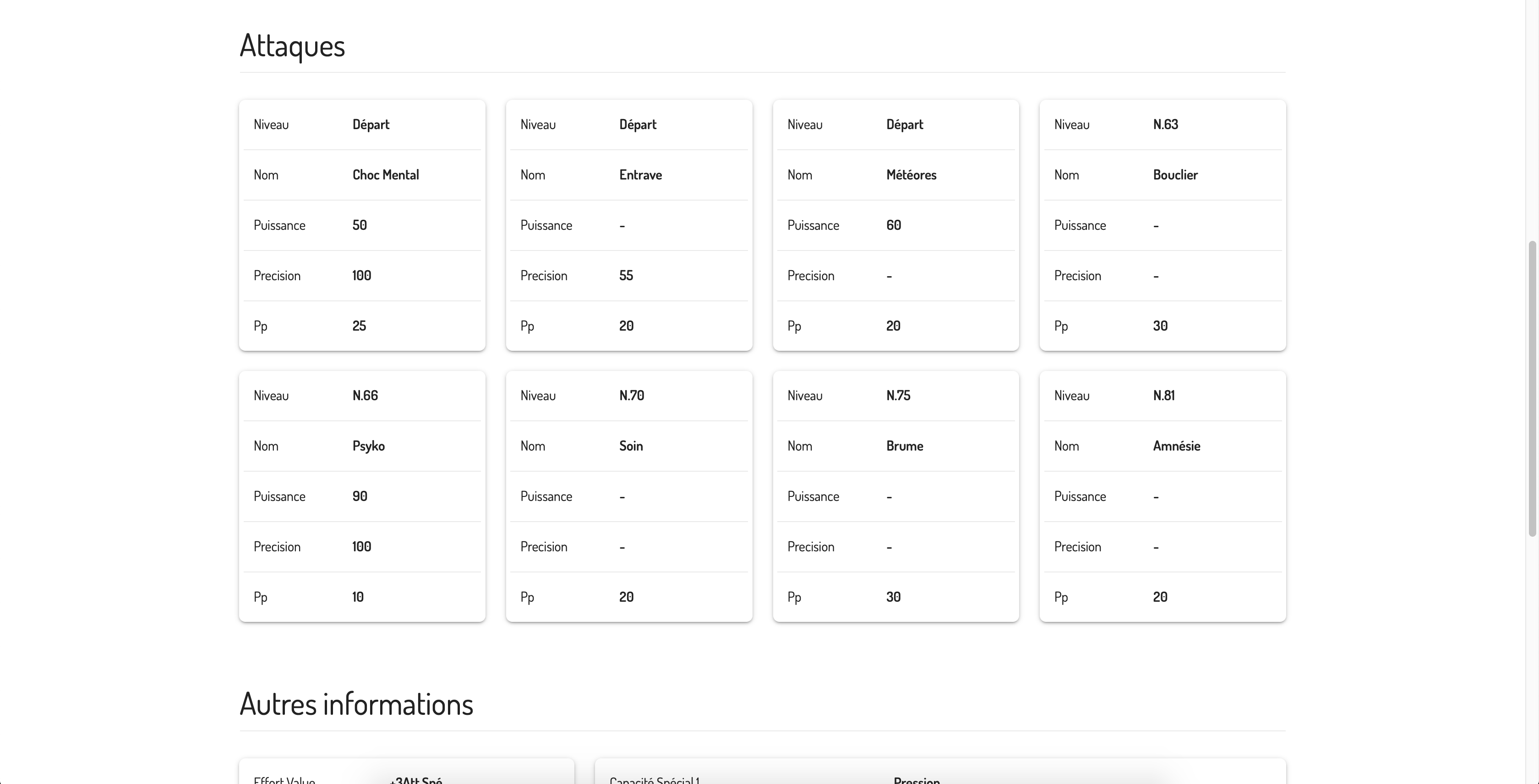
### Pokemon page
### Search a pokemon by ID