https://github.com/qlint/laravel-shop-1
https://github.com/qlint/laravel-shop-1
Last synced: 7 months ago
JSON representation
- Host: GitHub
- URL: https://github.com/qlint/laravel-shop-1
- Owner: qlint
- License: mit
- Created: 2019-01-24T16:37:16.000Z (over 7 years ago)
- Default Branch: master
- Last Pushed: 2019-01-24T16:55:15.000Z (over 7 years ago)
- Last Synced: 2024-12-29T08:13:34.337Z (over 1 year ago)
- Language: PHP
- Size: 13.6 MB
- Stars: 0
- Watchers: 2
- Forks: 0
- Open Issues: 0
-
Metadata Files:
- Readme: README.md
- License: LICENSE
Awesome Lists containing this project
README

# Aimeos shop system
[](https://packagist.org/packages/aimeos/aimeos)
:star: Star us on GitHub — it helps!
[Aimeos](https://aimeos.org/Laravel) is THE professional, full-featured and
high performance e-commerce platform! You can install it within 5 minutes
and can adapt, extend, overwrite and customize anything to your needs.
[](http://laravel.demo.aimeos.org/)
## Table of content
- [Requirements](#requirements)
- [Installation](#installation)
- [Frontend](#frontend)
- [Backend](#backend)
- [Customize](#customize)
- [License](#license)
- [Links](#links)
## Requirements
The Aimeos shop distribution requires:
- Linus/Unix or WAMP/XAMP environment
- PHP >= 7.0.4
- MySQL >= 5.1
- Web server (Apache, Nginx or integrated PHP web server for testing)
If required PHP extensions are missing, `composer` will tell you about the missing
dependencies.
## Installation
To install the Aimeos shop application, you need [composer](https://getcomposer.org).
On the CLI, execute this command for a complete installation including a working setup:
`composer create-project aimeos/aimeos myshop`
You will be asked for the parameters of your database and mail server as well as an
e-mail and password used for creating the administration account.
In a local environment, you can use the integrated PHP web server to test your new Aimeos
installation. Simply execute the following command to start the web server:
```
cd myshop
php artisan serve
```
## Frontend
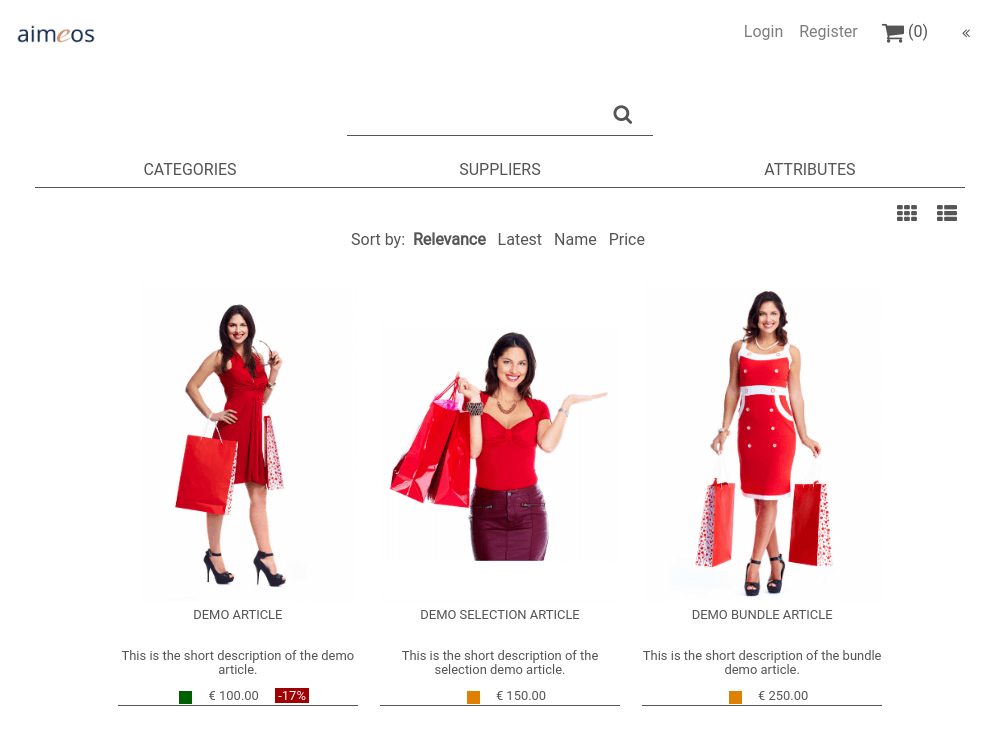
After the installation, you can test the Aimeos shop frontend by calling the URL of your
VHost in your browser. If you use the integrated PHP web server, you should browse
this URL: [http://127.0.0.1:8000](http://127.0.0.1:8000)
[](http://laravel.demo.aimeos.org/)
## Backend
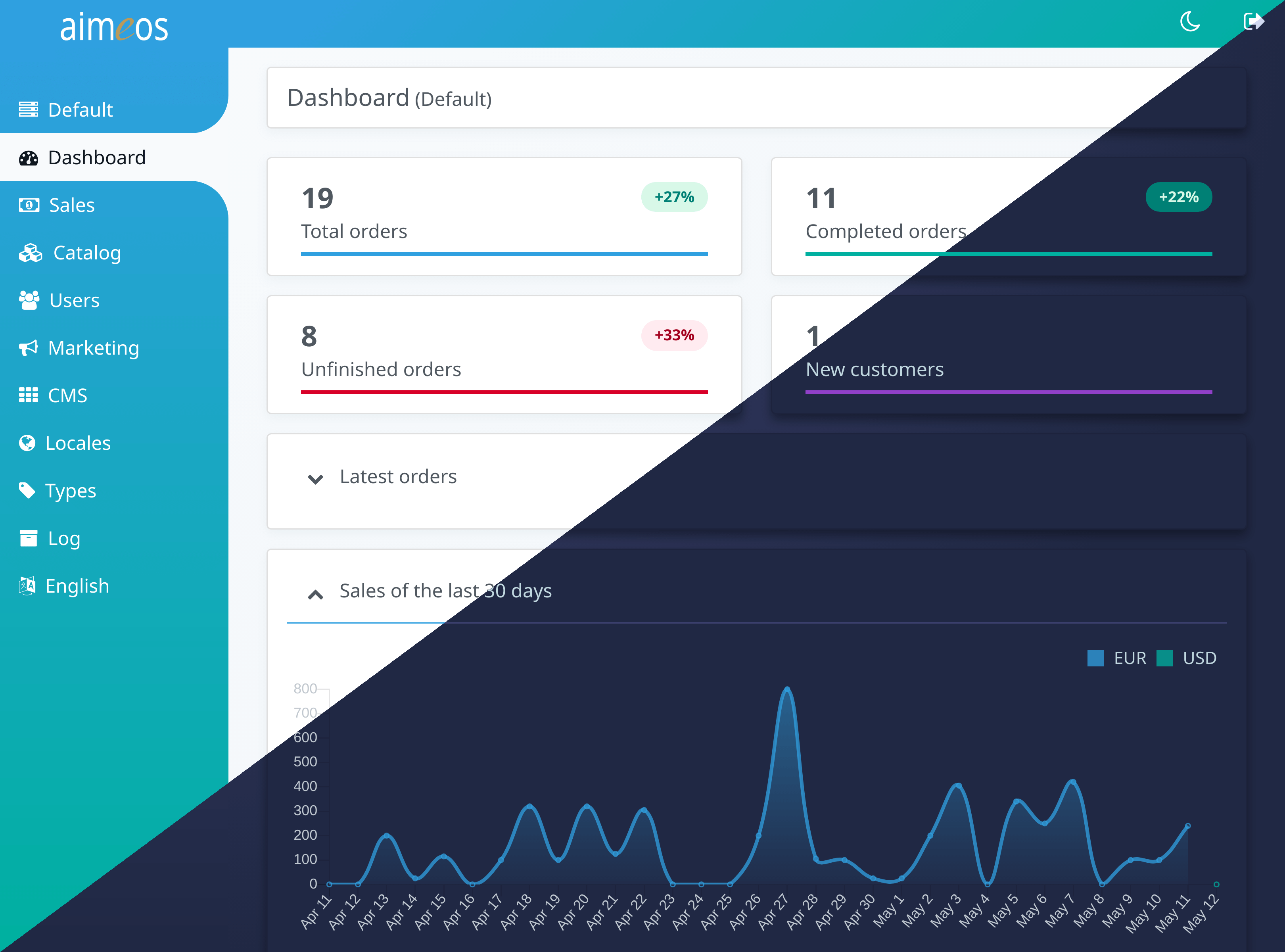
The Aimeos administration interface will be available at `/admin` in your VHost. When using
the integrated PHP web server, call this URL: [http://127.0.0.1:8000/admin](http://127.0.0.1:8000/admin)
[](http://admin.demo.aimeos.org/)
## Customize
Laravel and the Aimeos e-commerce package are extremely flexible and highly customizable.
A lot of documentation for the [Laravel framework](https://laravel.com) and the
[Aimeos e-commerce framework](https://aimeos.org/docs/Laravel) exists. If you have questions
about Aimeos, don't hesitate to ask in our [Aimeos forum](https://aimeos.org/help/).
For more details about Aimeos Laravel integration, please have a look at its
[repository](https://github.com/aimeos/aimeos-laravel).
## License
The Aimeos shop system is licensed under the terms of the MIT and LGPLv3 license and
is available for free.
## Links
* [Web site](https://aimeos.org/Laravel)
* [Documentation](https://aimeos.org/docs/Laravel)
* [Forum](https://aimeos.org/help/laravel-package-f18/)
* [Issue tracker](https://github.com/aimeos/aimeos/issues)
* [Composer packages](https://packagist.org/packages/aimeos/aimeos)
* [Source code](https://github.com/aimeos/aimeos)