https://github.com/queeniecplusplus/dba_review_2021
this is a helper to install MySQL server client app & UI software called MySQLWorkbench
https://github.com/queeniecplusplus/dba_review_2021
macos mysql mysqlworkbench schema table
Last synced: about 2 months ago
JSON representation
this is a helper to install MySQL server client app & UI software called MySQLWorkbench
- Host: GitHub
- URL: https://github.com/queeniecplusplus/dba_review_2021
- Owner: QueenieCplusplus
- Created: 2021-02-24T06:15:02.000Z (over 5 years ago)
- Default Branch: main
- Last Pushed: 2021-02-24T11:44:34.000Z (over 5 years ago)
- Last Synced: 2025-08-28T02:02:28.570Z (10 months ago)
- Topics: macos, mysql, mysqlworkbench, schema, table
- Homepage: https://github.com/QueenieCplusplus/QuickGoThru/blob/master/README.md#backend-溫故-python--php7--nodejs----計畫同步
- Size: 7.07 MB
- Stars: 0
- Watchers: 1
- Forks: 0
- Open Issues: 0
-
Metadata Files:
- Readme: README.md
Awesome Lists containing this project
README
# DBA_Review_2021
this is a helper to install MySQL server client app & UI software called MySQLWorkbench
# Mac OS 系統隱私與安全的設定
請詳截圖 16、17。
# 官方網站的小路徑
倘若下載後,出現 crash 請確認版本號與作業系統版本是否相容! 否則會狂踩到 Crash 的坑 -> (截圖 18)
https://downloads.mysql.com/archives/workbench/ (建議使用版本號 8.0.12 取代 8.0.23)
懶得登入會員,都請直接將頁面往下拉 -> no thanks , just download.
如使用 macOS,請確認隱私權與安全的設定。
# 啟用 MySQL Server
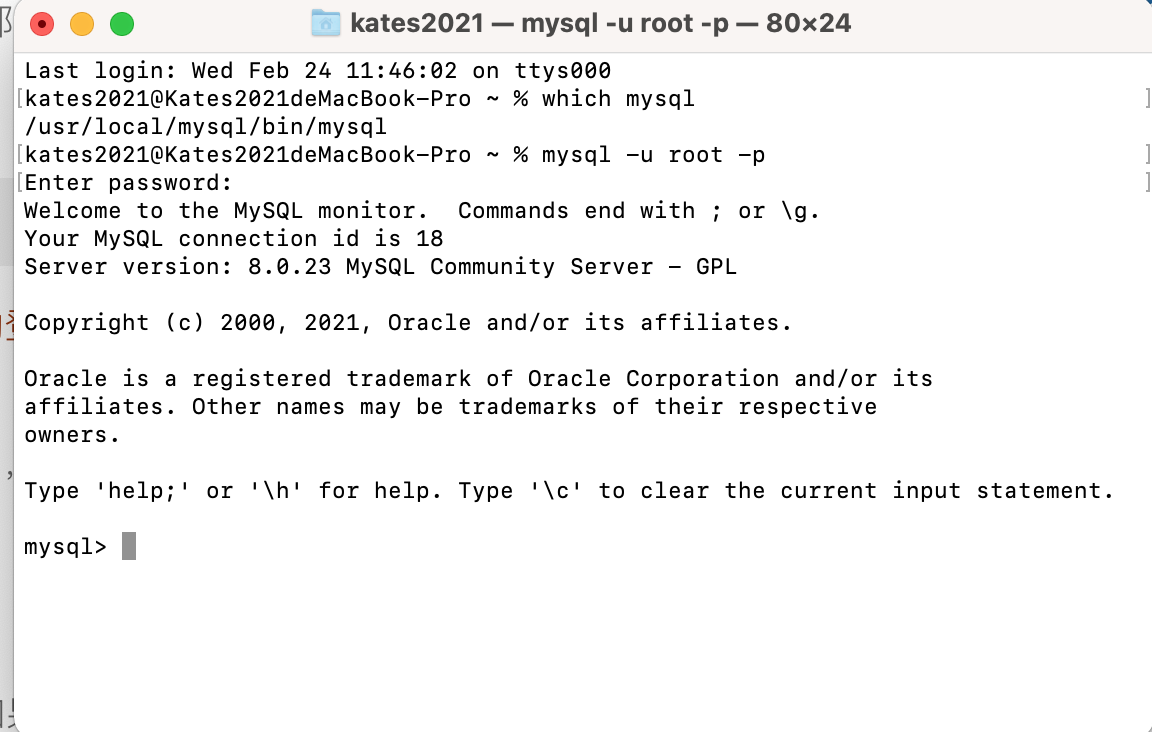
* 關於 MySQL 客戶端軟體,下載完成會預設 root 的密碼,請詳記!!! (截圖 3、6、11)
* 創建 instance 即 DB 實例,切記要勾選下方的 password 進入點,而非上方的,這會影響 MySQLWorkbench 能否連線得到! (截圖 15)
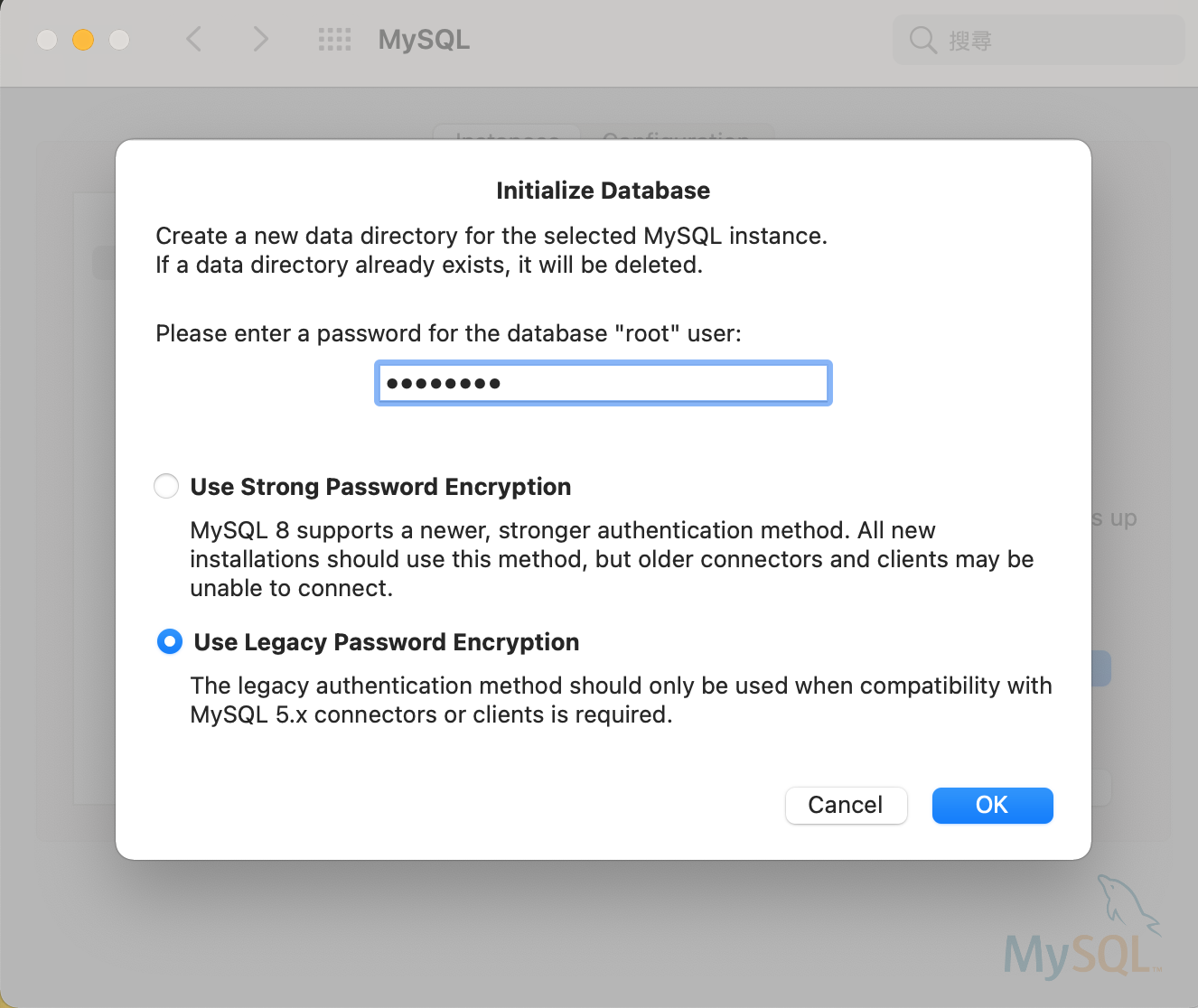
* 至系統偏好設定左下方,能見到 MySQL Client Server,可以啟動 (截圖4、5)
# MySQL Shell
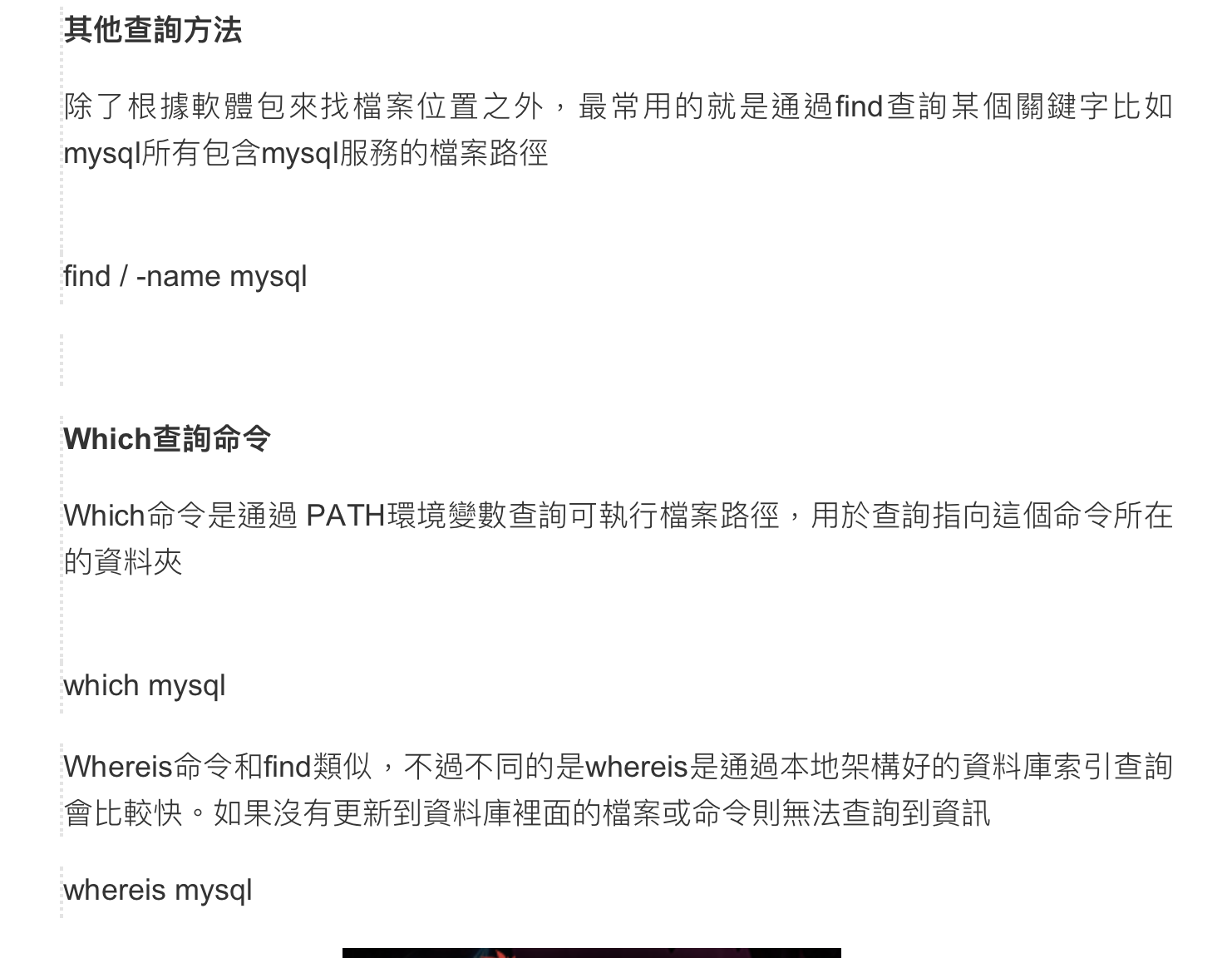
* 確認下載後檔案的路徑
which
whereis
find / -name
* 設定環境變數
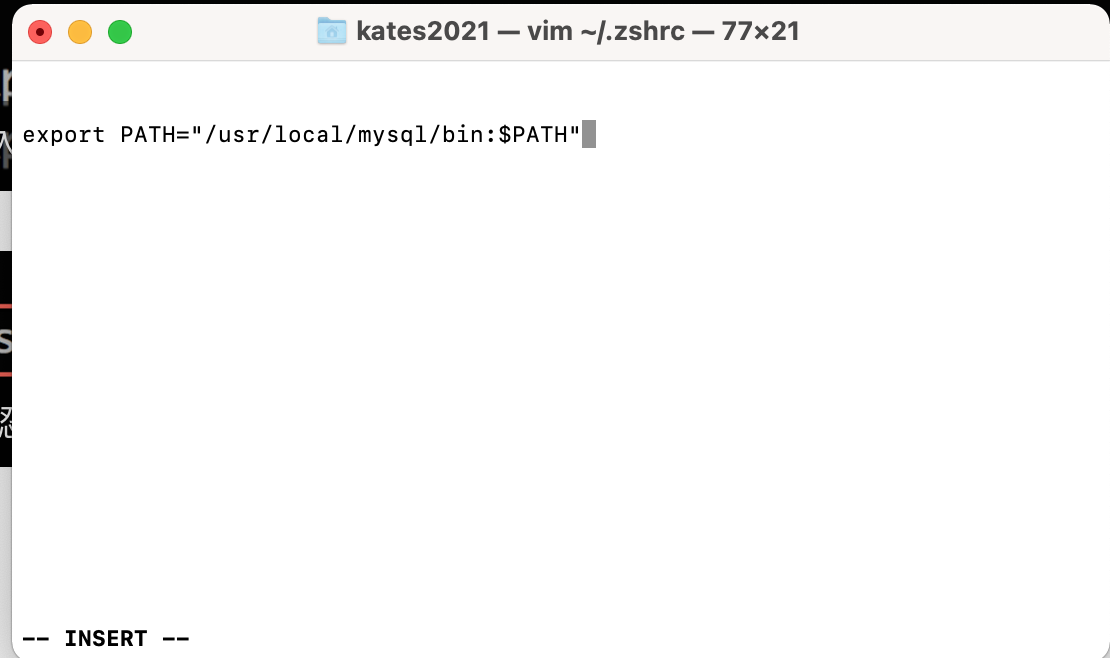
* 確認環境變數
sorce 設定檔 或是 重開 prompt 視窗,兩者均可。
echo $PATH
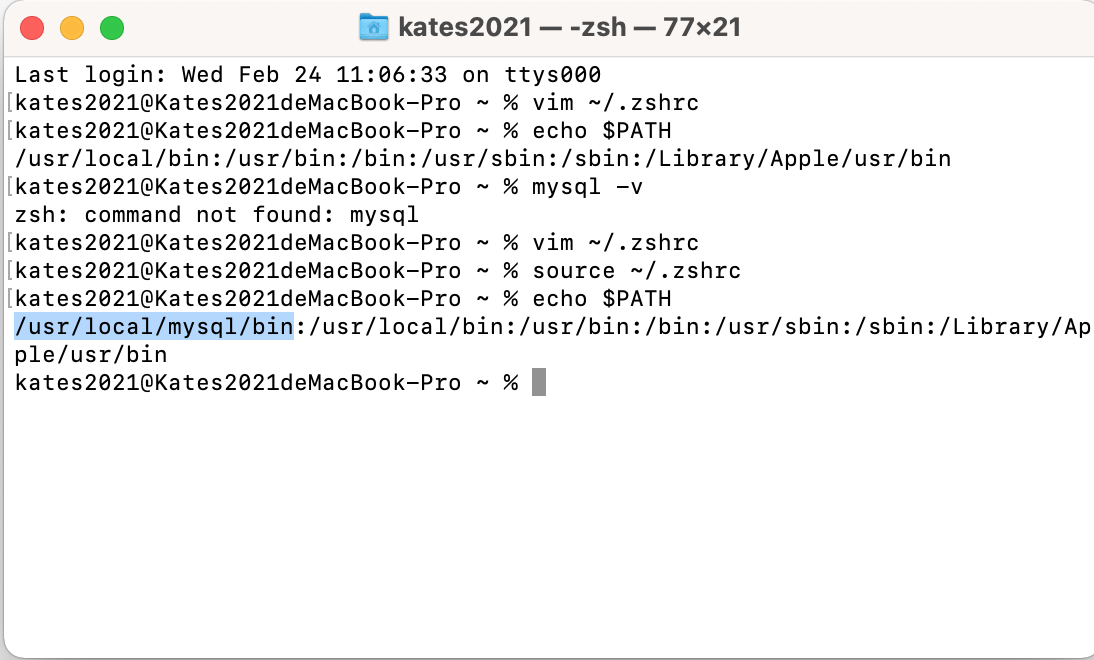
* 之後啟動 shell 就不用在呼叫冗長的 path ,可以直接呼叫 mysql 來取用。另外,溫馨提醒 mysql 的密碼是自定義的,不是輸入系統的密碼。 (截圖 3、6、11)
* 匯入資料的語法。
(截圖 12、13、14)
# MySQL Workbench
* UI 管理介面
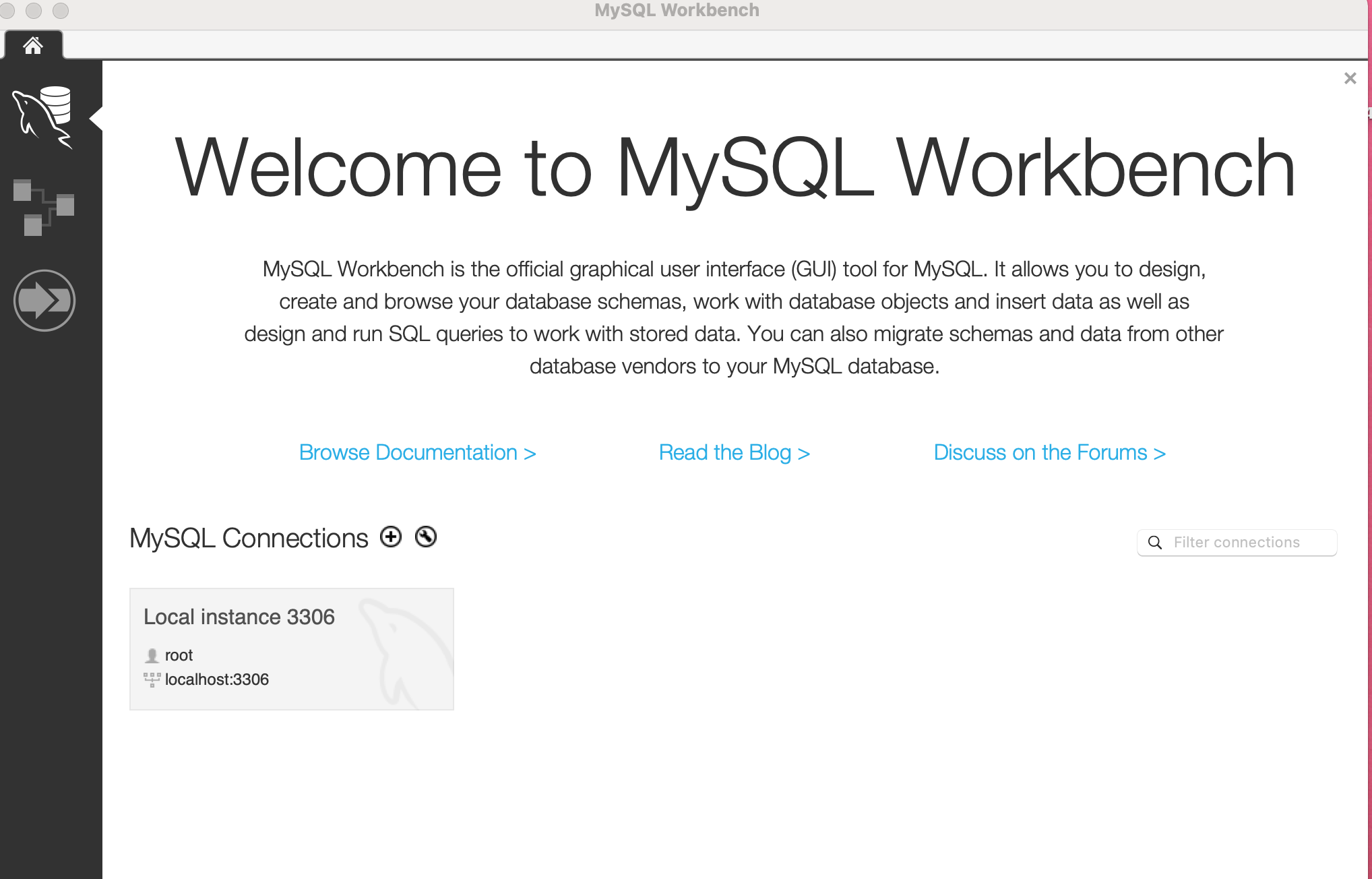
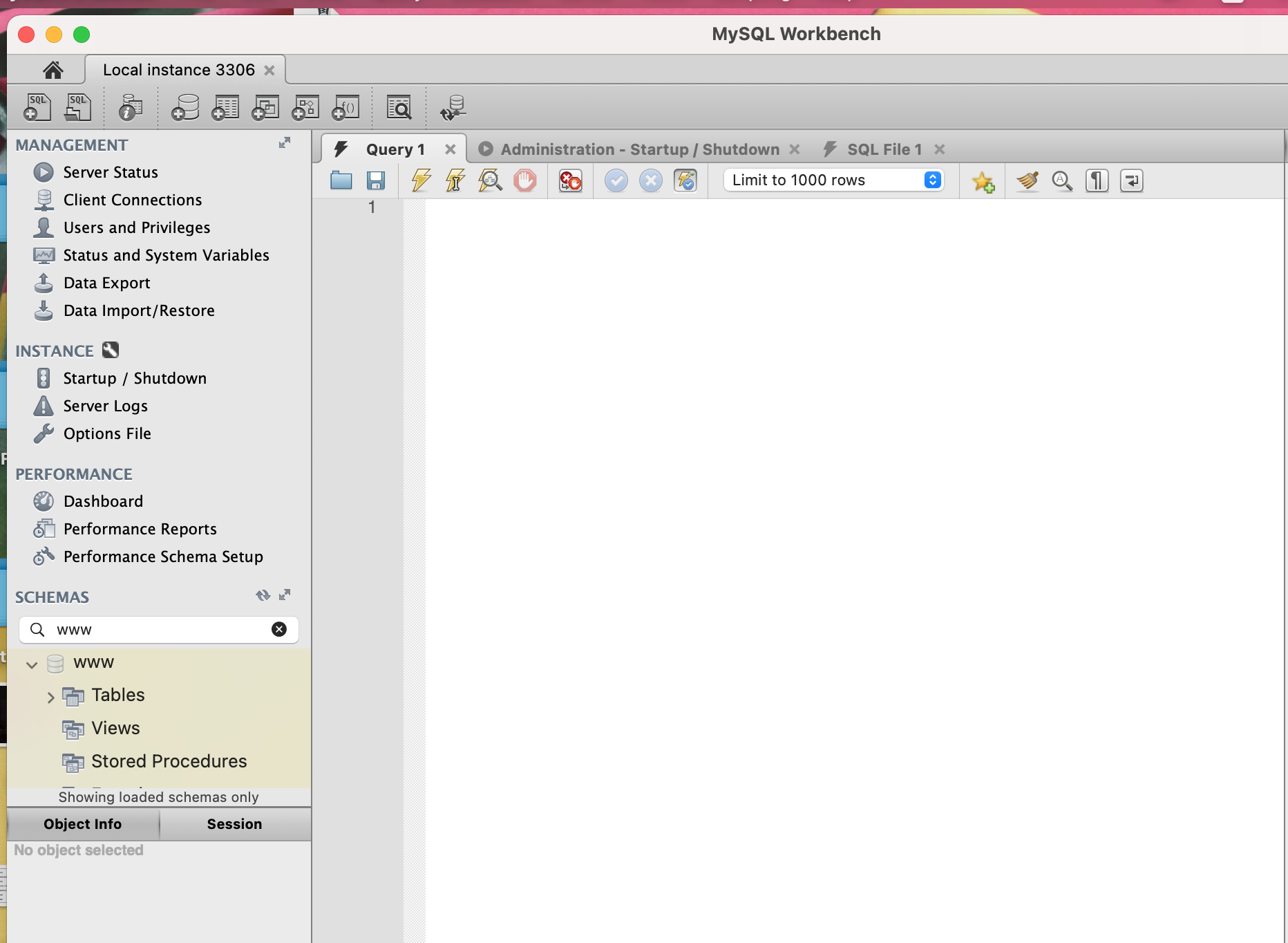
* 匯入測試的資料
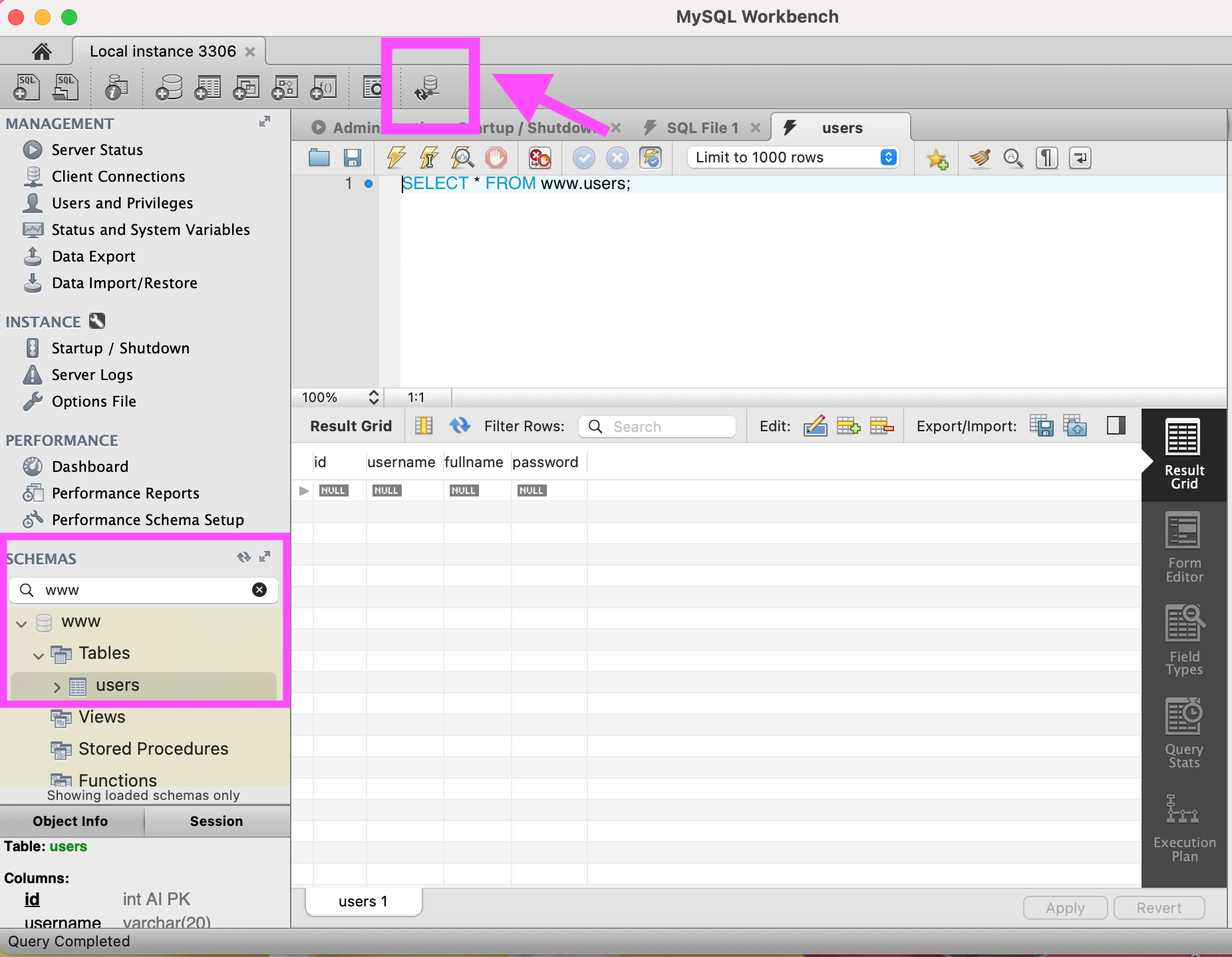
兩軟體安裝完成後,啟動 MySQL Server 並且使用 MySQLWorkbench 匯入測試 sql 腳本,https://github.com/QueenieCplusplus/DBA_Review_2021/blob/main/database.sql
* 匯入的方式,請詳
(截圖 20 ~ 25)
# 更新 MySQL