https://github.com/queeniecplusplus/github_auth
new react login app using Oauth
https://github.com/queeniecplusplus/github_auth
githubauth oauth2
Last synced: 11 months ago
JSON representation
new react login app using Oauth
- Host: GitHub
- URL: https://github.com/queeniecplusplus/github_auth
- Owner: QueenieCplusplus
- Created: 2020-08-07T00:35:41.000Z (almost 6 years ago)
- Default Branch: master
- Last Pushed: 2020-08-08T04:01:17.000Z (almost 6 years ago)
- Last Synced: 2025-01-06T04:25:42.223Z (over 1 year ago)
- Topics: githubauth, oauth2
- Language: JavaScript
- Homepage: https://github.com/QueenieCplusplus/QuickGoThru/blob/master/README.md#gql-schema--resolver
- Size: 448 KB
- Stars: 0
- Watchers: 2
- Forks: 0
- Open Issues: 0
-
Metadata Files:
- Readme: README.md
Awesome Lists containing this project
README
# Github_Auth
new react login app using Oauth
# Oauth 授權程序
1. client server 端(即用戶端或是前端): 使用 url 和 client_id 向 GitHub 申請(request)代碼 code。
2. end user (即使用者)端: 將帳號資訊提供予 client app 使用。
3. GitHub 官方:傳送 code 給用戶端並且轉址 url: http://localhost:3000?code=katesisagoodcoder
4. client server 端(即用戶端或是前端): 傳送 GQL Mutation githubAuth(code)和代碼。
5. API: 使用憑證(包含 client_id、client_secrete、client_code) 向 GitHub 申請 access_token。
6. GitHub 官方:回應存取權杖,於未來可使用。
7. API (後端): 使用存取權杖請求 end user 資訊。
8. GitHub 官方: 回應使用者資訊: name、githubLogin、avatar。
9. API(後端): 使用 AuthPayload 解析 authUser(code) mutation,內含權仗與使用者。
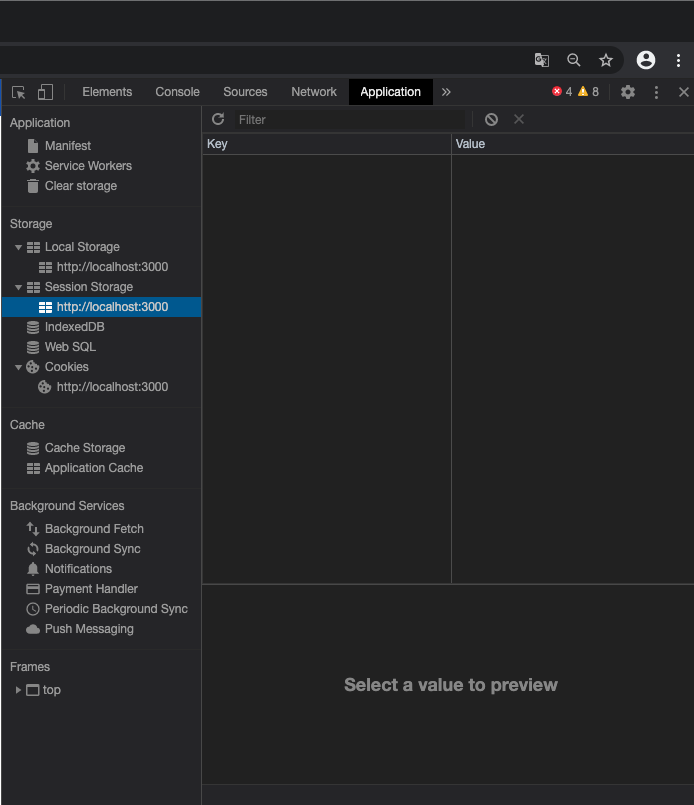
10. client server 端 (前端): 儲存 access_token,未來與 GQL 併行使用。
// Demo
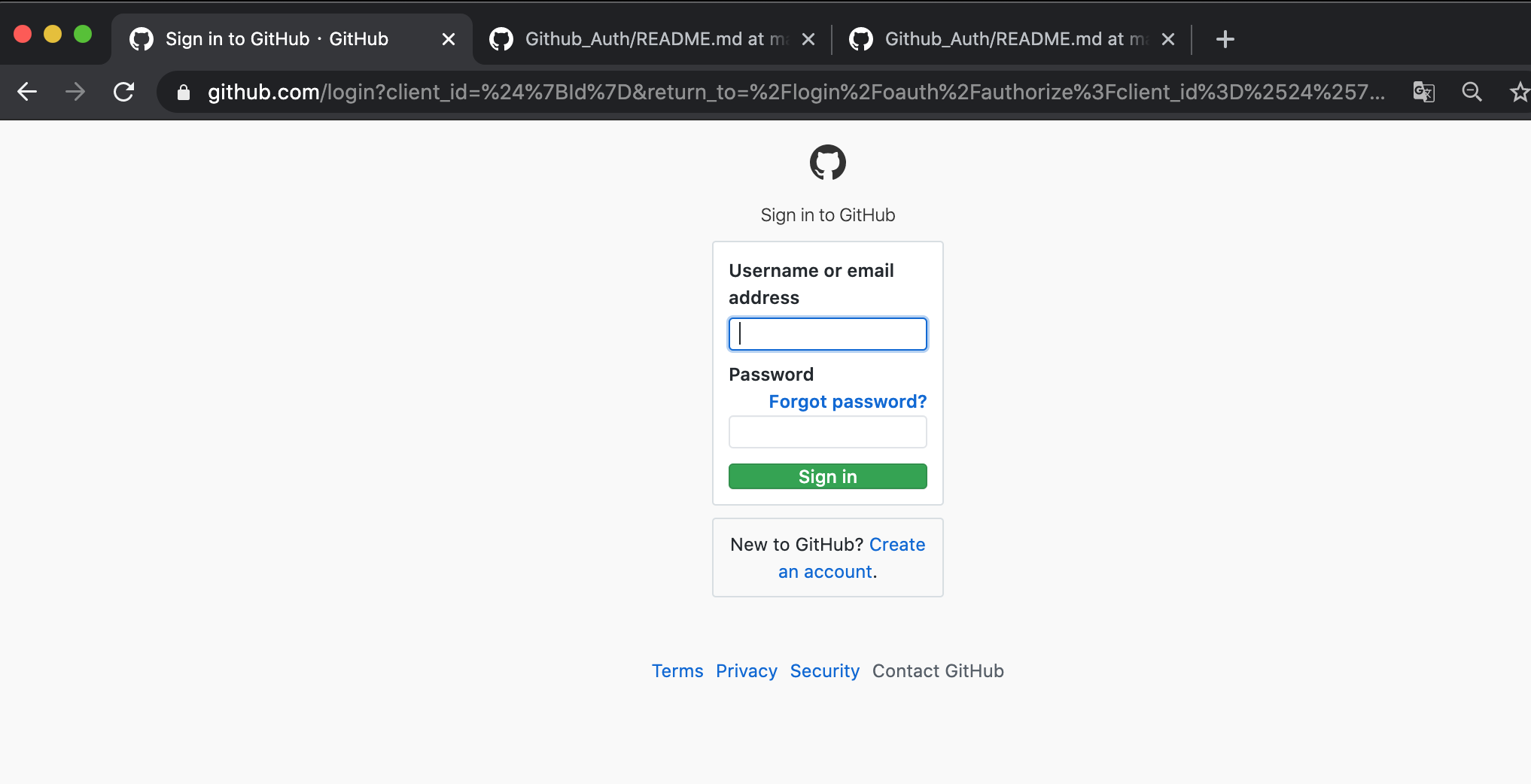
// localStorage
// App.js
import React from 'react';
import './App.css';
import { BrowserRouter } from 'react-router-dom'; // 使用此Router將其他元件包覆起來
import { gql } from 'apollo-boost'
import AuthUser from './AuthUser' //(等待建立)
import User from './User' //(等待建立)
function App() {
return (
);
}
export default App;
// AuthUser.js
window.location.search.match()
window.location.search.replace()
做 button 此按鈕按下後,會將使用者轉址到到 Github Oauth 程序,等待授權完成後,
Github Oauth 會將 code 代碼回傳給瀏覽器展示在 window 視窗前:http://localhost:3000?code=xxxxxxxxx
如果查詢字串裡面有代碼 code,此視窗會將位址解析出來。並且使用 alert() 警示出來。
最後使用 history 特性移除他。(由 React router 送給此元件的,故使用 Props.history)
另外,此代碼其實不是做來警示 User 得,而是要將 code 送回給 GithubAuth 做 Mutation,待續....。
// 2020, 8/07
import React from 'react';
import { withRouter } from 'react-router-dom';
// 另外code file 待做 Mutation 使用 react-apollo 的 {Mutation}
// 和使用 apollo-boost 的 { gql }
// 將更改的 user info 傳回 DB
class AuthUser extends React.Component{
// no constructor due to no father component
state = { signIn: false };
reqCode(){
var Id = "";
window.location = "https://github.com/login/oauth/authorize?client_id=${Id}&scope=user";
}
componentDidMount(){
if(window.location.search.match(/code=/)){
this.setState({signIn: true})
const code = window.location.search.replace("?code=", "")
alert(code)
this.props.history.replace("/")
}
}
render(){
return(
Sign In With Github Auth
)
}
}
export default withRouter(AuthUser);
// User.js (to be continued...)
# { Mutation }
import React from 'react';
import { withRouter } from 'react-router-dom';
import { Mutation } from 'react-apollo';
import { gql } from 'apollo-boost';
// import {ROOT_QUERY} from './App.js'
// 另外code file 待做 Mutation 使用 react-apollo 的 {Mutation}
// 和使用 apollo-boost 的 { gql }
// (1)並將 code 代碼 從警示使用者改為傳送給 githubAuth mutation
const GITHUB_AUTH_MUTATION = gql`
mutation githubAuth($code: String!){
githubAuth(code:$code) {
token
}
}
`
class AuthUser extends React.Component{
// no constructor due to no father component
// this state is set to bool data type
state = { signIn: false };
reqCode(){
var Id = "";
window.location = "https://github.com/login/oauth/authorize?client_id=${Id}&scope=user";
}
componentDidMount(){
if(window.location.search.match(/code=/)){
this.setState({signIn: true})
const code = window.location.search.replace("?code=", "")
//(5) 註解警示訊息,改成將 code 傳回 github 的方法
//alert(code)
this.props.history.replace("/")
this.githubAuthMutation({variables: {code}})
}
}
// (3) 建立 Mutation 元件要綁定 update 的方法
authorizationComplete = (cache, {data}) => {
localStorage.setItem('token',data.githubAuth.token)
this.props.history.replace('/')
this.setState({signIn: false})
}
// (2) 將上面命名為 GITHUB_AUTH_MUTATION 的 const
// 常數包覆的回傳值為 token 的 mutation
// 授權予使用者,呈現 UI 如下。
render(){
return(
// (4) 處理回傳值並且呈現在 UI 上
// Mutation 元件 含有 mutaion 屬性
// 和 update 、 refetchQueries 方法
{mut => {
this.githubAuthMutation = mut
return(
Sign In With Github Auth
)
}}
)
}
}
export default withRouter(AuthUser);
# { withRouter }
https://github.com/QueenieCplusplus/React_withRouter/blob/master/README.md