https://github.com/queeniecplusplus/ios_back_1
ButtonAction & LabelOutlet
https://github.com/queeniecplusplus/ios_back_1
ibaction iboutlet ios ios10 ios11 ios14 swift4 swift5
Last synced: 2 months ago
JSON representation
ButtonAction & LabelOutlet
- Host: GitHub
- URL: https://github.com/queeniecplusplus/ios_back_1
- Owner: QueenieCplusplus
- Created: 2021-01-26T12:04:00.000Z (over 5 years ago)
- Default Branch: main
- Last Pushed: 2021-01-26T12:17:56.000Z (over 5 years ago)
- Last Synced: 2025-12-31T00:33:04.835Z (5 months ago)
- Topics: ibaction, iboutlet, ios, ios10, ios11, ios14, swift4, swift5
- Homepage: https://github.com/QueenieCplusplus/QuickGoThru/blob/master/README.md#apple-ios-swift-溫故愛鳳---計畫復甦
- Size: 902 KB
- Stars: 0
- Watchers: 1
- Forks: 0
- Open Issues: 0
-
Metadata Files:
- Readme: README.md
Awesome Lists containing this project
README
# iOS_Back_1
ButtonAction & LabelOutlet
1. prepare an Apple ID, Apple Devloper's Account and team_name for Project.
2. install xcode 10+ (for iOS 12 beta later) and use swift version 4+.
// ViewController.swift
// the StoryBoard's properties named class shall correspond with controller's name
// KatesiOSApp2021
//
// Created by KatesAndroid on 2021/1/26.
//
import UIKit
import AVFoundation
class MainPage: UIViewController {
@IBOutlet weak var showText: UILabel!
override func viewDidLoad() {
super.viewDidLoad()
// Do any additional setup after loading the view
}
@IBAction func onCick(_ sender: Any) {
showText.text = "I luv mobile app so much, miss you. :)"
}
}
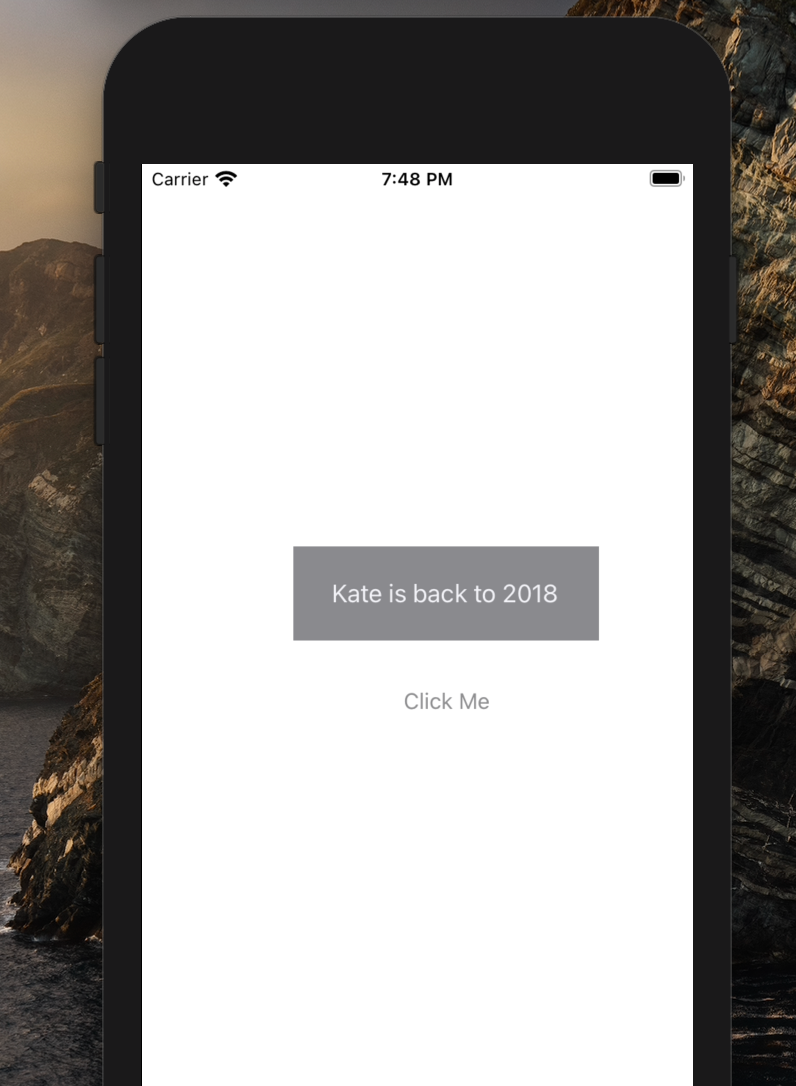
2. snapshot.
3. iOS' hot key.
* UI Object Lib:
cmd + shift + L
* Double View for storyboard and Code:
ctrl + opt + cmd + enter
* drag UI element on Storyboard as Variable in Code:
two fingers on Mac mouse.