https://github.com/queeniecplusplus/ios_back_10_share
using UIActivityViewController
https://github.com/queeniecplusplus/ios_back_10_share
uiactivityviewcontroller uiactivityviewcontroller-swiftui
Last synced: 30 days ago
JSON representation
using UIActivityViewController
- Host: GitHub
- URL: https://github.com/queeniecplusplus/ios_back_10_share
- Owner: QueenieCplusplus
- Created: 2021-01-28T05:47:09.000Z (over 5 years ago)
- Default Branch: main
- Last Pushed: 2021-01-28T05:55:25.000Z (over 5 years ago)
- Last Synced: 2025-01-06T04:25:35.247Z (over 1 year ago)
- Topics: uiactivityviewcontroller, uiactivityviewcontroller-swiftui
- Language: Swift
- Homepage: https://github.com/QueenieCplusplus/iOS_Back_10/blob/main/README.md
- Size: 3.07 MB
- Stars: 0
- Watchers: 2
- Forks: 0
- Open Issues: 0
-
Metadata Files:
- Readme: README.md
Awesome Lists containing this project
README
# iOS_Back_10_Share
using UIActivityViewController
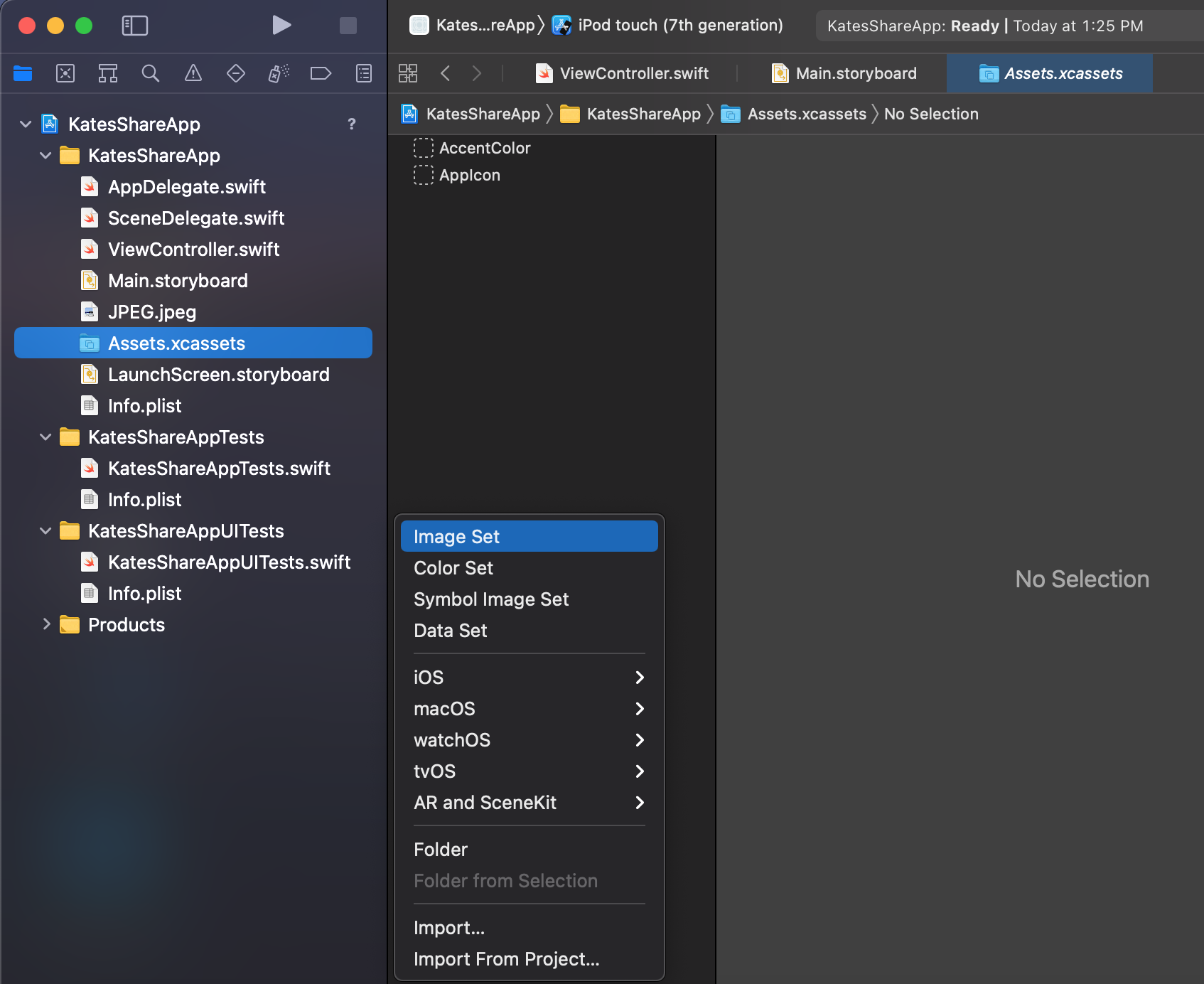
1. image setup.
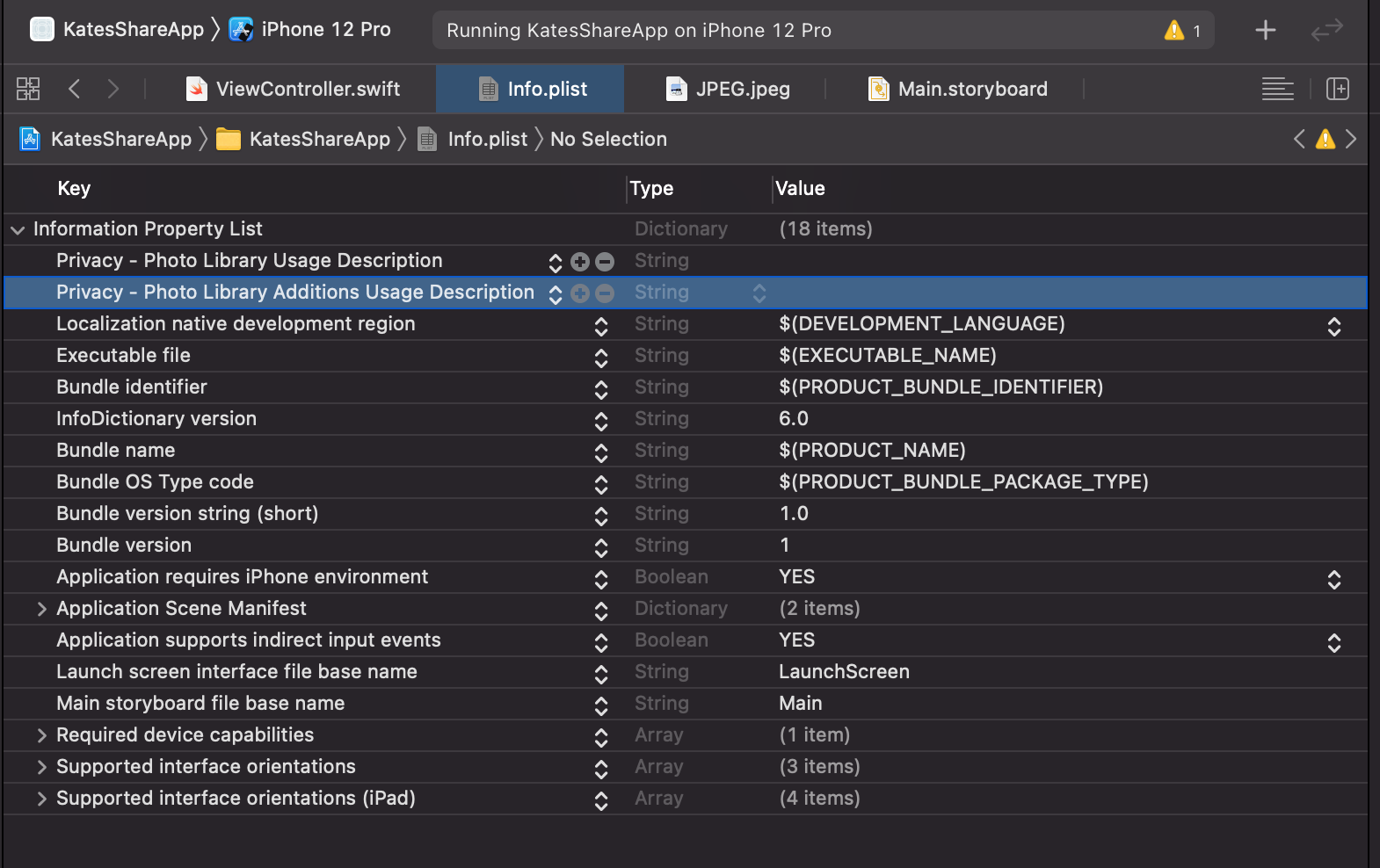
2. info property setup.
3. UI object setup on StoryBoard.
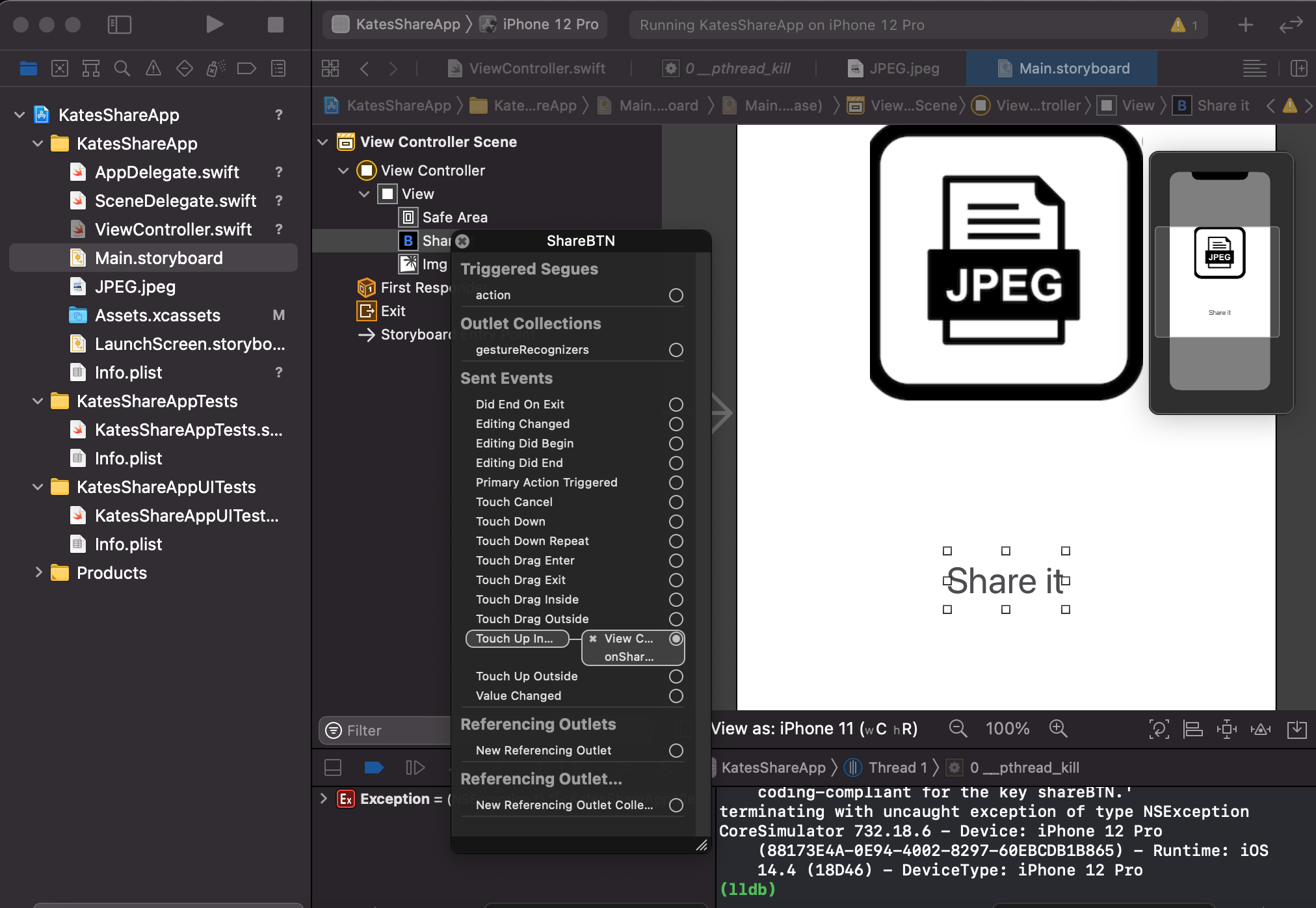
3. code.
// ViewController.swift
// KatesShareApp
//
// Created by KatesAndroid on 2021/1/28 PM 1: 20 ~ 1: 40
//
// to create a share feature.
import UIKit
class ViewController: UIViewController {
@IBOutlet weak var img: UIImageView!
override func viewDidLoad() {
super.viewDidLoad()
}
@IBAction func onShareBtn(_ sender: Any) {
let str = "a image"
let img = UIImage(named: "JPEG.jpeg")
let shareView = UIActivityViewController(activityItems: [str, img!], applicationActivities: nil)
present(shareView, animated: true, completion: nil)
}
}
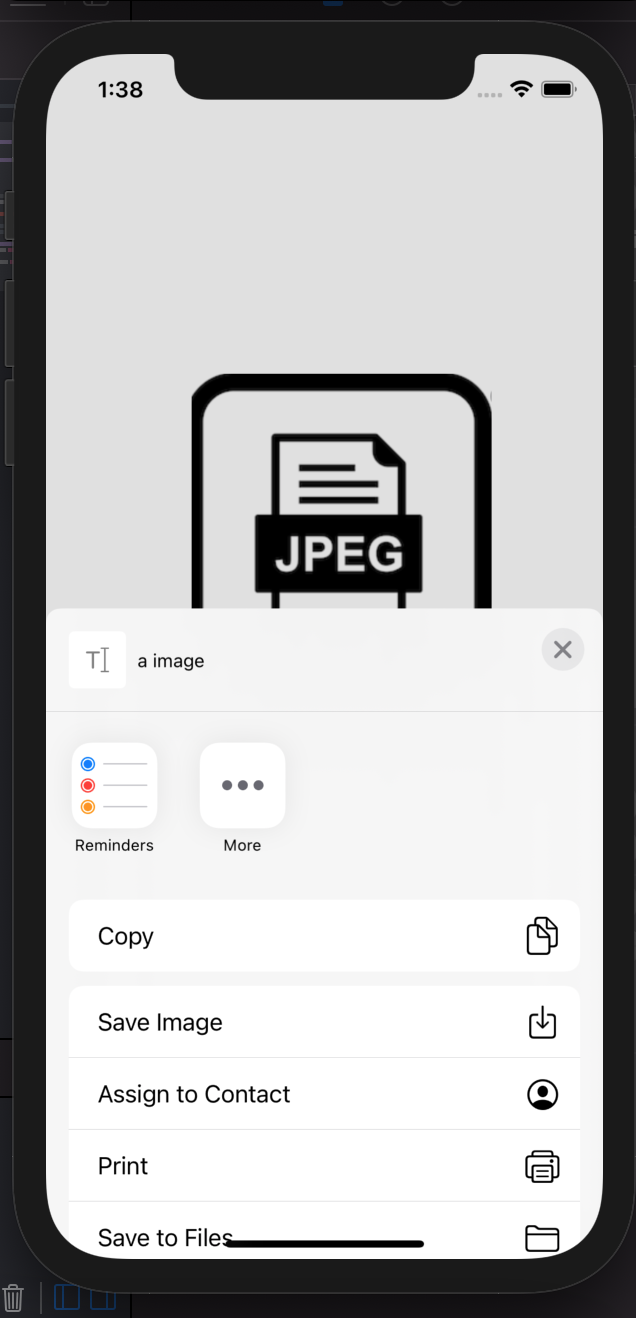
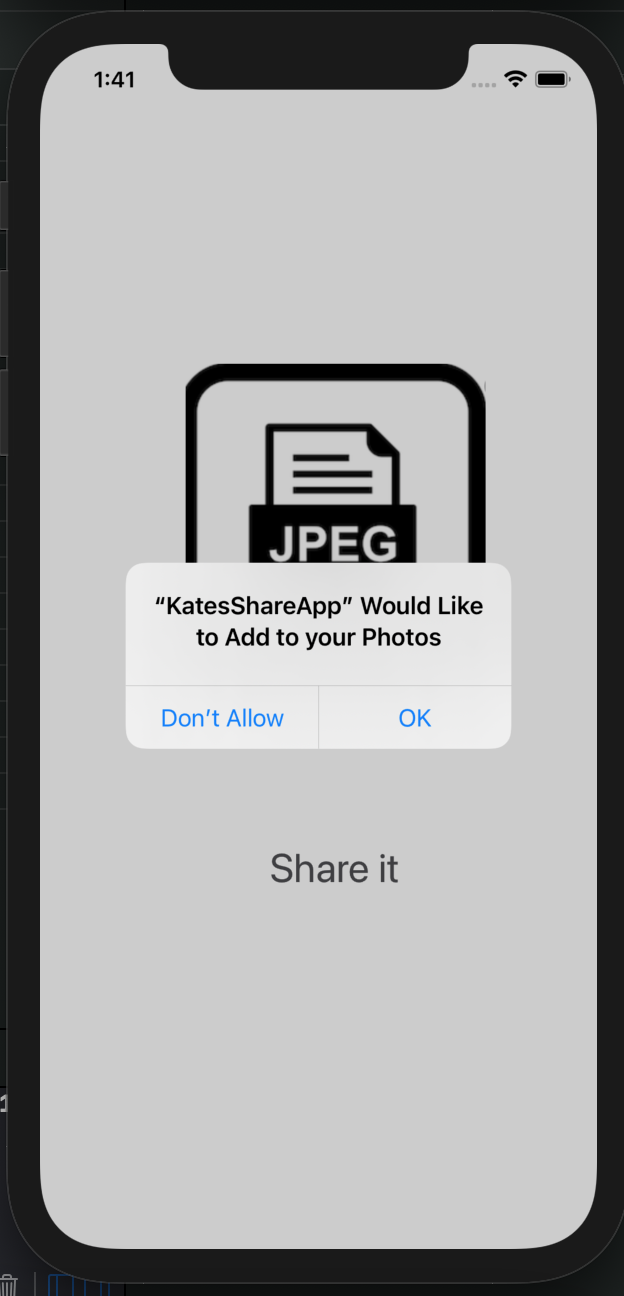
4. output.