https://github.com/queeniecplusplus/ios_back_10_video
Picture in Picture using AVFoundation & AVKit
https://github.com/queeniecplusplus/ios_back_10_video
avfoundation avkit
Last synced: 12 months ago
JSON representation
Picture in Picture using AVFoundation & AVKit
- Host: GitHub
- URL: https://github.com/queeniecplusplus/ios_back_10_video
- Owner: QueenieCplusplus
- Created: 2021-01-28T08:50:06.000Z (over 5 years ago)
- Default Branch: main
- Last Pushed: 2021-01-29T12:13:31.000Z (over 5 years ago)
- Last Synced: 2025-01-06T04:25:36.973Z (over 1 year ago)
- Topics: avfoundation, avkit
- Language: Swift
- Homepage: https://github.com/QueenieCplusplus/iOS_Back_10/blob/main/README.md
- Size: 3.6 MB
- Stars: 0
- Watchers: 2
- Forks: 0
- Open Issues: 0
-
Metadata Files:
- Readme: README.md
Awesome Lists containing this project
README
# iOS_Back_10_Video
Picture in Picture using AVFoundation & AVKit
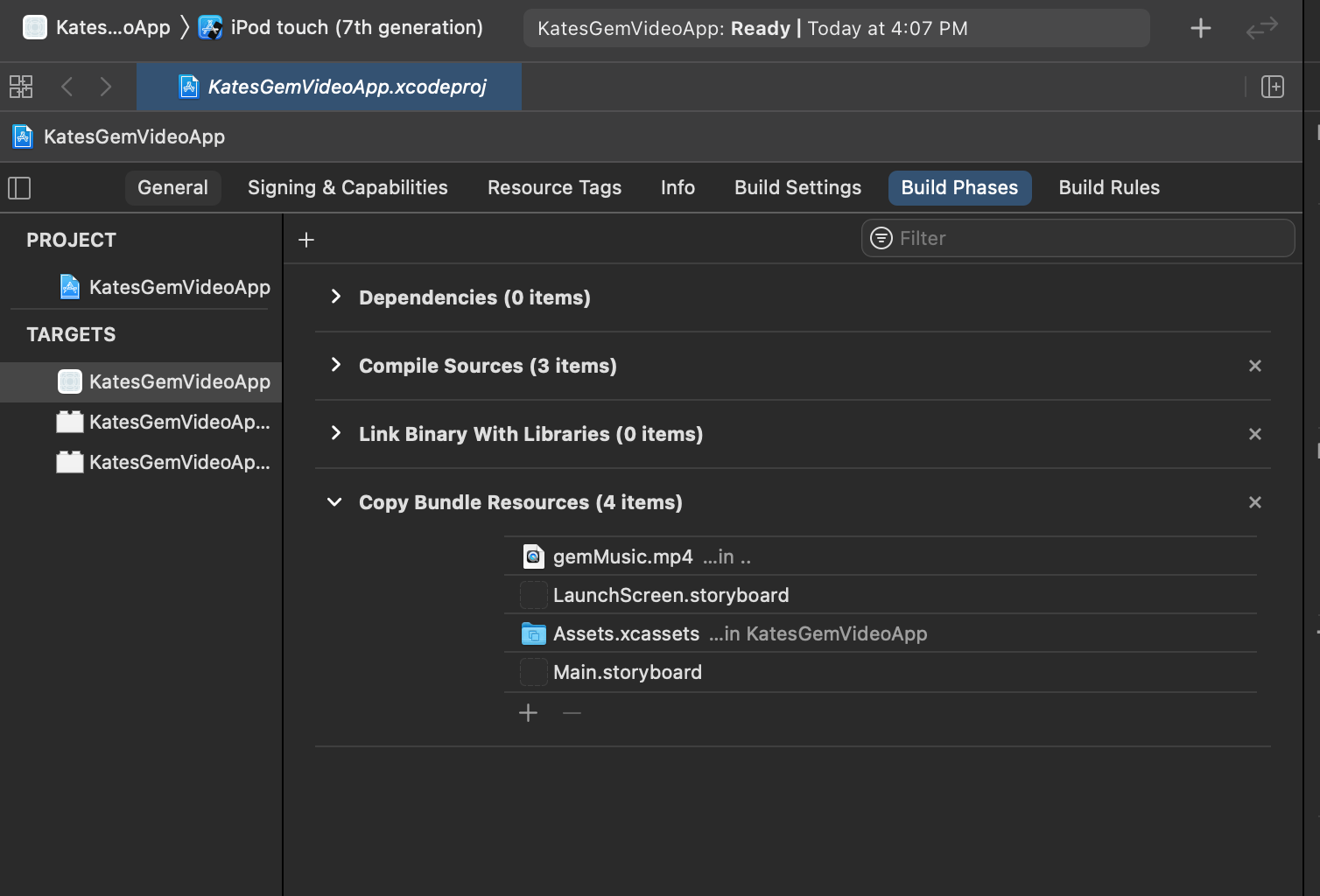
* add mp4 res hereby => Target -> Build Phase -> Copy Bundle Res
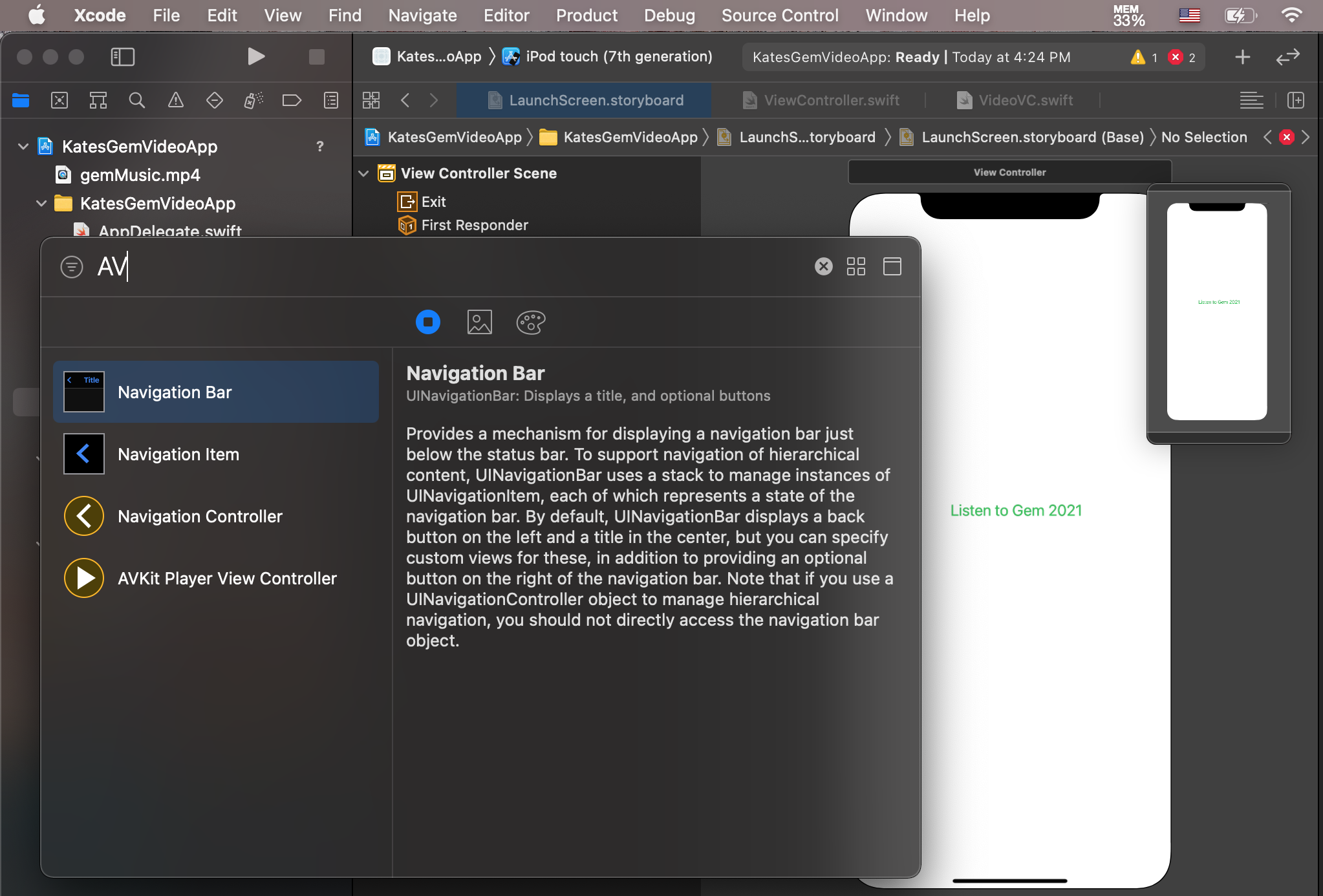
* in Storyboard, using AVKit Player View Controller
* output
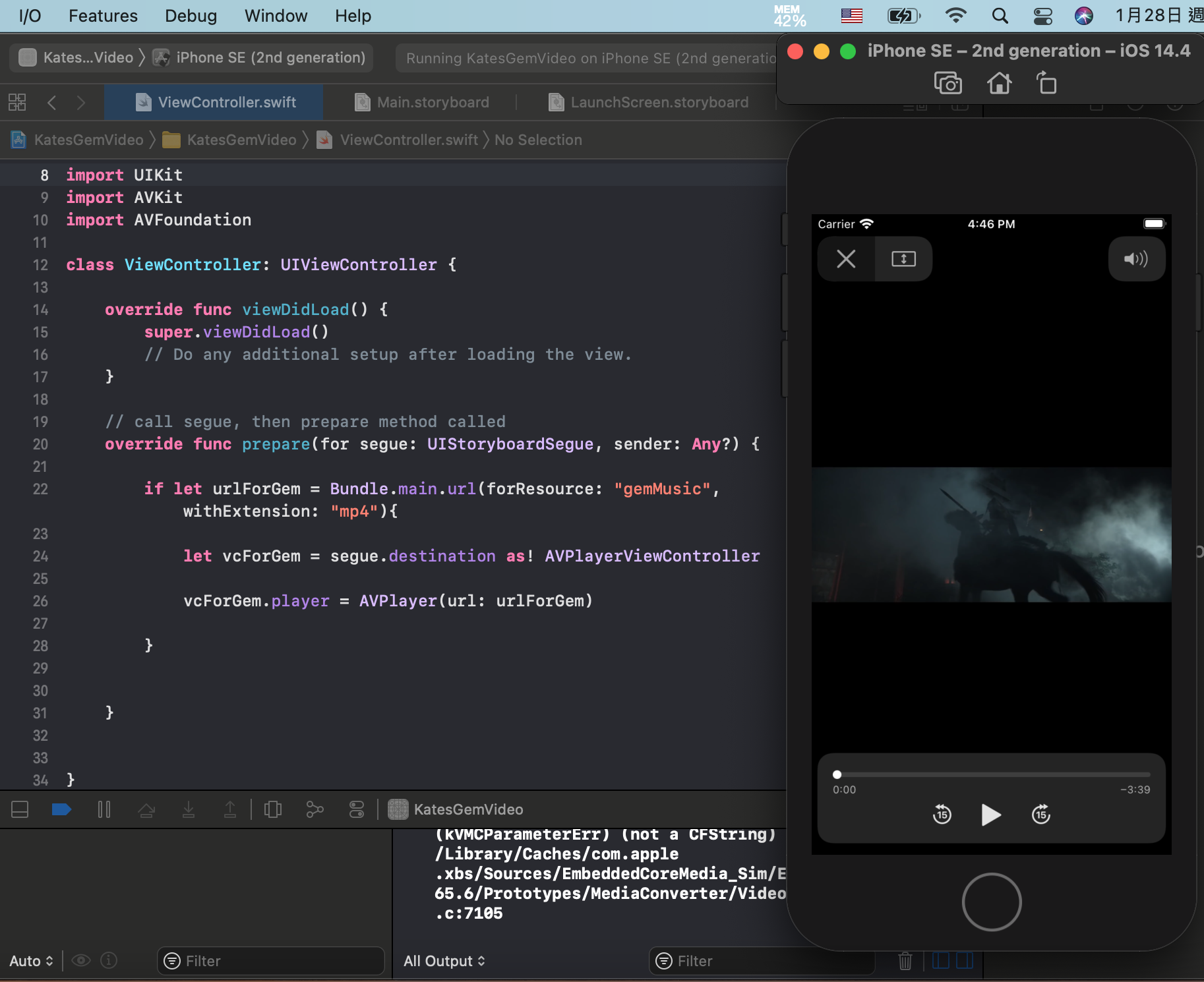
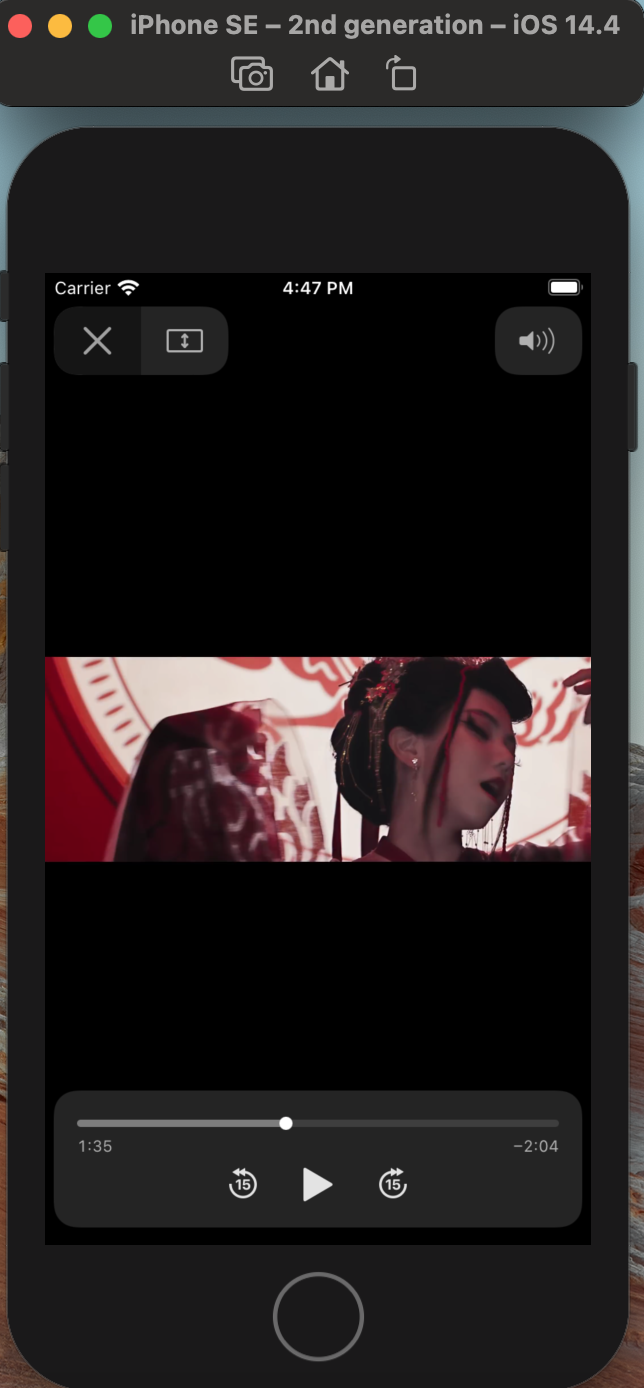
* code see:
//
// ViewController.swift
// KatesGemVideoApp
//
// Created by KatesAndroid on 2021/1/28 PM 4:00 - 5:00
// 深愛鄧紫棋,謝謝您提供美好和有影響力的音樂給世界!
import UIKit
import AVKit
import AVFoundation
class ViewController: UIViewController {
override func viewDidLoad() {
super.viewDidLoad()
// Do any additional setup after loading the view.
}
// call segue, then prepare method called
override func prepare(for segue: UIStoryboardSegue, sender: Any?) {
if let urlForGem = Bundle.main.url(forResource: "gemMusic", withExtension: "mp4"){
let vcForGem = segue.destination as! AVPlayerViewController
vcForGem.player = AVPlayer(url: urlForGem)
}
}
}
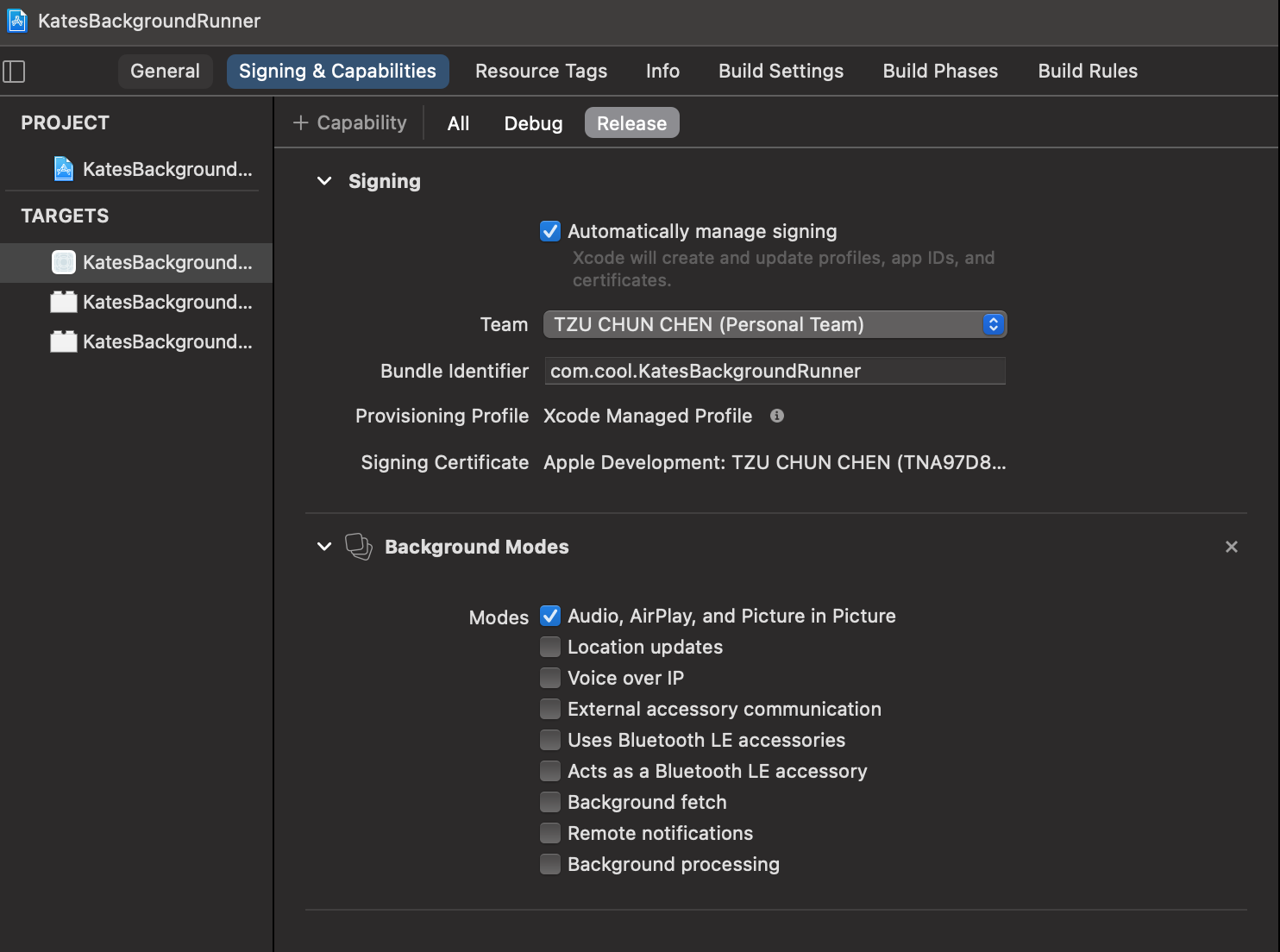
* setup for allowing VideoApp running in Background.