https://github.com/queeniecplusplus/ios_back_15
PN, 本地推播
https://github.com/queeniecplusplus/ios_back_15
push-notifications pushnotifications
Last synced: about 1 month ago
JSON representation
PN, 本地推播
- Host: GitHub
- URL: https://github.com/queeniecplusplus/ios_back_15
- Owner: QueenieCplusplus
- Created: 2021-01-29T01:07:31.000Z (over 5 years ago)
- Default Branch: main
- Last Pushed: 2021-01-29T13:08:31.000Z (over 5 years ago)
- Last Synced: 2025-02-24T04:44:46.201Z (over 1 year ago)
- Topics: push-notifications, pushnotifications
- Language: Swift
- Homepage: https://github.com/QueenieCplusplus/QuickGoThru/blob/master/README.md#apple-ios-swift-溫故愛鳳---計畫復甦
- Size: 2.02 MB
- Stars: 0
- Watchers: 2
- Forks: 0
- Open Issues: 0
-
Metadata Files:
- Readme: README.md
Awesome Lists containing this project
README
# iOS_Back_15
PN, 本地推播
1. code.
class AppDelegate: UIResponder, UIApplicationDelegate, UNUserNotificationCenterDelegate {
func application(_ application: UIApplication, didFinishLaunchingWithOptions launchOptions: [UIApplication.LaunchOptionsKey: Any]?) -> Bool {
// Override point for customization after application launch.
// 推播中心的迸發執行緒
// ask user the autherization
let nc = UNUserNotificationCenter.current()
nc.delegate = self
nc.requestAuthorization(options: [.alert, .sound, .badge]){
(granted, error) in
if granted == false {
print(" 權限不足,Auth is limited.")
}
}
notifyUser()
return true
}
// design the notify body
func notifyUser(){
let txt = UNMutableNotificationContent()
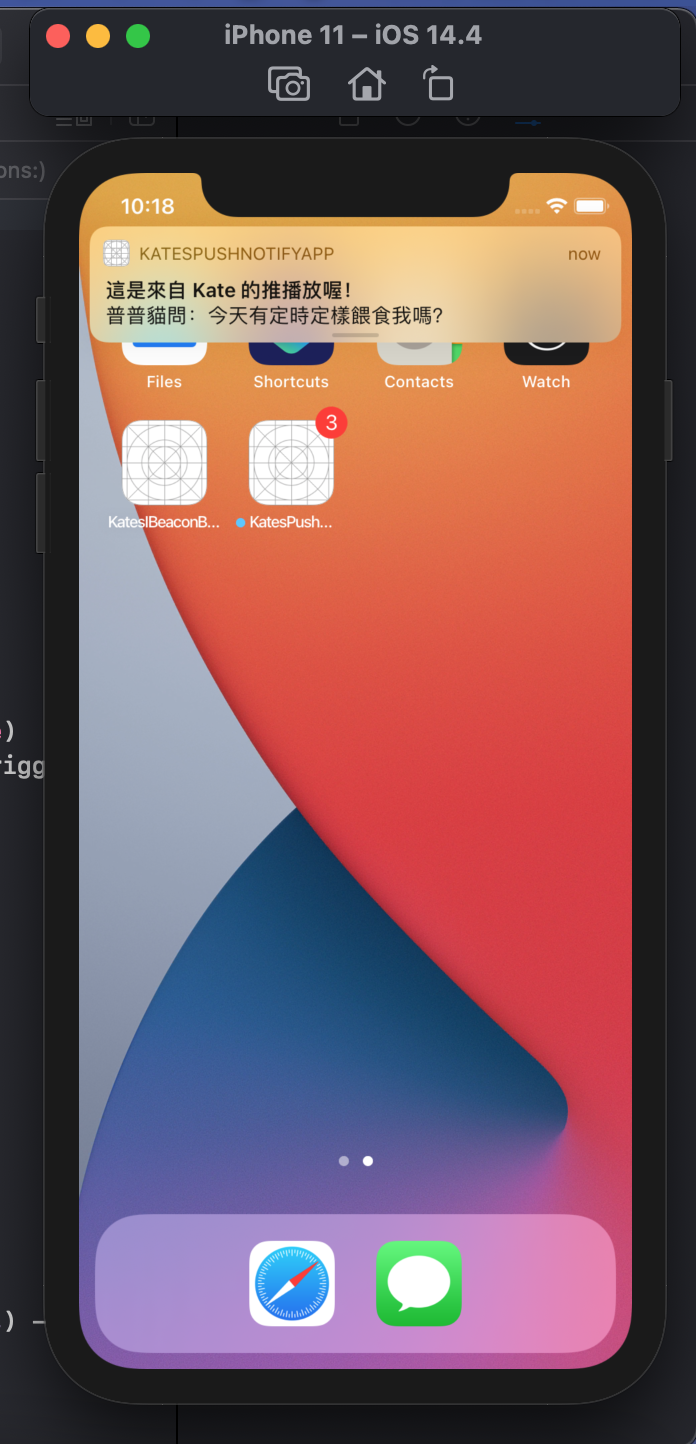
txt.title = "這是來自 Kate 的推播放喔!"
txt.body = "普普貓問:今天有定時定樣餵食我嗎?"
txt.badge = 3
txt.sound = UNNotificationSound.default
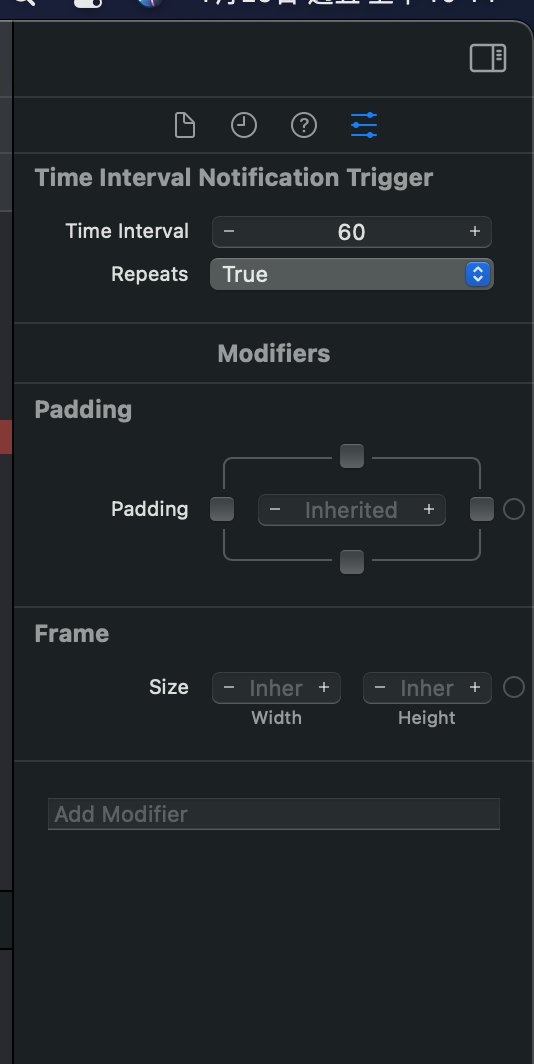
let tg = UNTimeIntervalNotificationTrigger(timeInterval: 61, repeats: true)
let req = UNNotificationRequest(identifier: "mytargetid", content: txt, trigger: tg)
// 推播中心的迸發執行緒
let nc = UNUserNotificationCenter.current()
nc.delegate = self
nc.add(req)
}
// 上方為銀幕鎖上或是 Home 時的推播狀態設定。
// 前景 app 出現本地推播通知要額外實作 userNotificationCenter。
2. ask for auth.

3. time interval and repeat.
版主私心:普普貓每 61 秒提醒一次餵食通知。