https://github.com/quicoto/link-manager
WordPress Theme to manage links
https://github.com/quicoto/link-manager
wordpress wordpress-theme
Last synced: about 2 months ago
JSON representation
WordPress Theme to manage links
- Host: GitHub
- URL: https://github.com/quicoto/link-manager
- Owner: quicoto
- License: mit
- Created: 2021-01-21T21:54:30.000Z (over 5 years ago)
- Default Branch: main
- Last Pushed: 2022-05-03T06:39:36.000Z (about 4 years ago)
- Last Synced: 2025-03-02T04:25:02.180Z (over 1 year ago)
- Topics: wordpress, wordpress-theme
- Language: PHP
- Homepage: https://ricard.dev/links/
- Size: 277 KB
- Stars: 0
- Watchers: 2
- Forks: 0
- Open Issues: 0
-
Metadata Files:
- Readme: README.md
- License: LICENSE
Awesome Lists containing this project
README
# 🔗 Link Manager
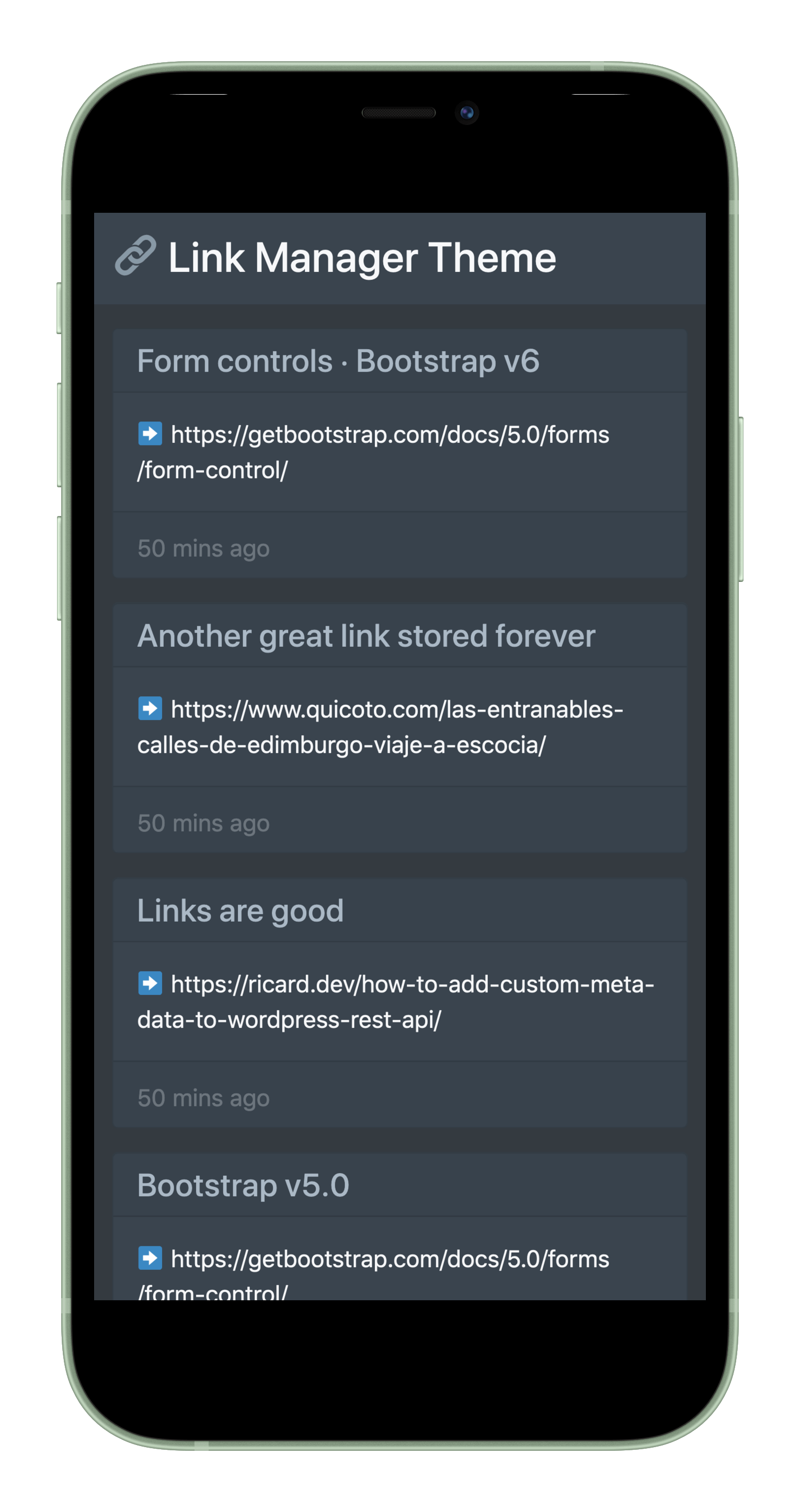
WordPress Theme to manage links.

## 💡 How to set up?
1. Add the theme to your `wp-content/themes` folder
2. Activate the theme
3. Create at least 1 link and add the Custom Field with the value `url`. This way the meta boxes dropdown will have the `url` value for next time you want to create a link.

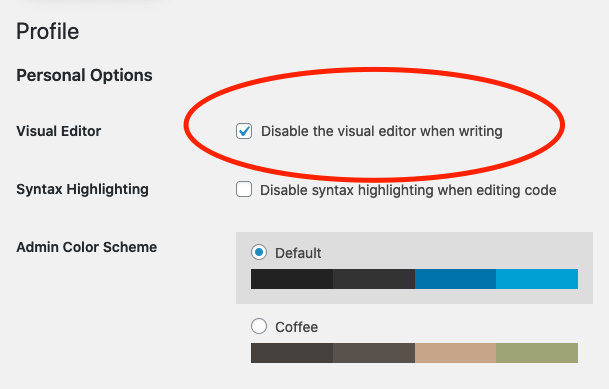
4. Disable the Visual editor in your Profile. So we only use the regular HTML textarea field. Like so:
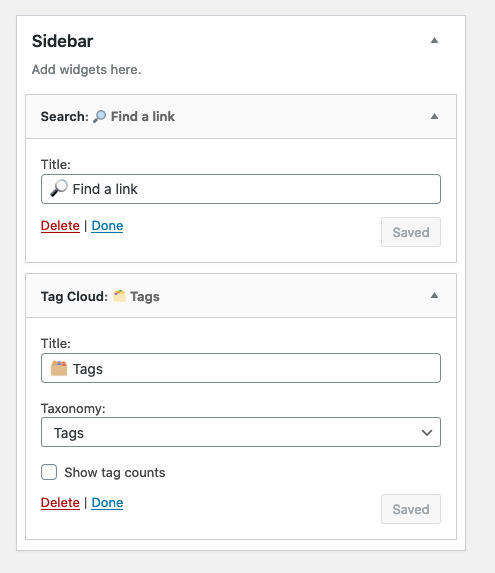
5. Set a Search Widget to the sidebar.
6. Set a Tag Cloud Widget to the sidebar.
Done! 🎉 Now you can go to the next section and make use of the powerful bookmark autofill.
## 🔖 Use the bookmark
Add this bookmark to your browser. Visit any site and hit the bookmark. You'll be redirected to the WordPress Dashboard with the page title and URL prefilled for you:
```javascript
javascript:window.location=`YOUR_SITE/wp-admin/post-new.php?post_type=link&title=${encodeURIComponent(document.title)}&url=${encodeURIComponent(window.location.href)}&description=${document.querySelector('meta[name="description"]')?.content}`
```
## Automatically share links via RSS
The RSS feed has been modified to include all your links.
You can use [IFTT](https://ifttt.com/) or similar service to pull your RSS feed and automatically share the links to your Twitter or Mastodon account.
## Web Share Target API
You can even install this web app to be available for you when sharing via Android.
1. Create a `service-worker.js` at the root of your WordPress installation. Get the content for it from the sample in the themes `assets/service-worker.js`
**Why?**
Google Chrome wants it at the root to match the scope defined in the `site.manifest`
In any case, the Service Worker does nothing. It only tricks Chrome into allowing you to install the app.
2. Visit your Link Manager site on Google Chrome and install the app to your home screen.