https://github.com/ramxcodes/steps-component
This is a simple and interactive multi-step guide built with Vite and React. The project demonstrates how to navigate through different stages using state management in React.🛠️
https://github.com/ramxcodes/steps-component
fun react step-component vite
Last synced: 26 days ago
JSON representation
This is a simple and interactive multi-step guide built with Vite and React. The project demonstrates how to navigate through different stages using state management in React.🛠️
- Host: GitHub
- URL: https://github.com/ramxcodes/steps-component
- Owner: ramxcodes
- Created: 2024-11-05T01:47:06.000Z (over 1 year ago)
- Default Branch: main
- Last Pushed: 2024-11-06T10:21:46.000Z (over 1 year ago)
- Last Synced: 2025-02-05T13:51:16.216Z (over 1 year ago)
- Topics: fun, react, step-component, vite
- Language: JavaScript
- Homepage: https://steps-component-three.vercel.app
- Size: 248 KB
- Stars: 0
- Watchers: 1
- Forks: 0
- Open Issues: 0
-
Metadata Files:
- Readme: README.md
Awesome Lists containing this project
README
## Overview 🚀
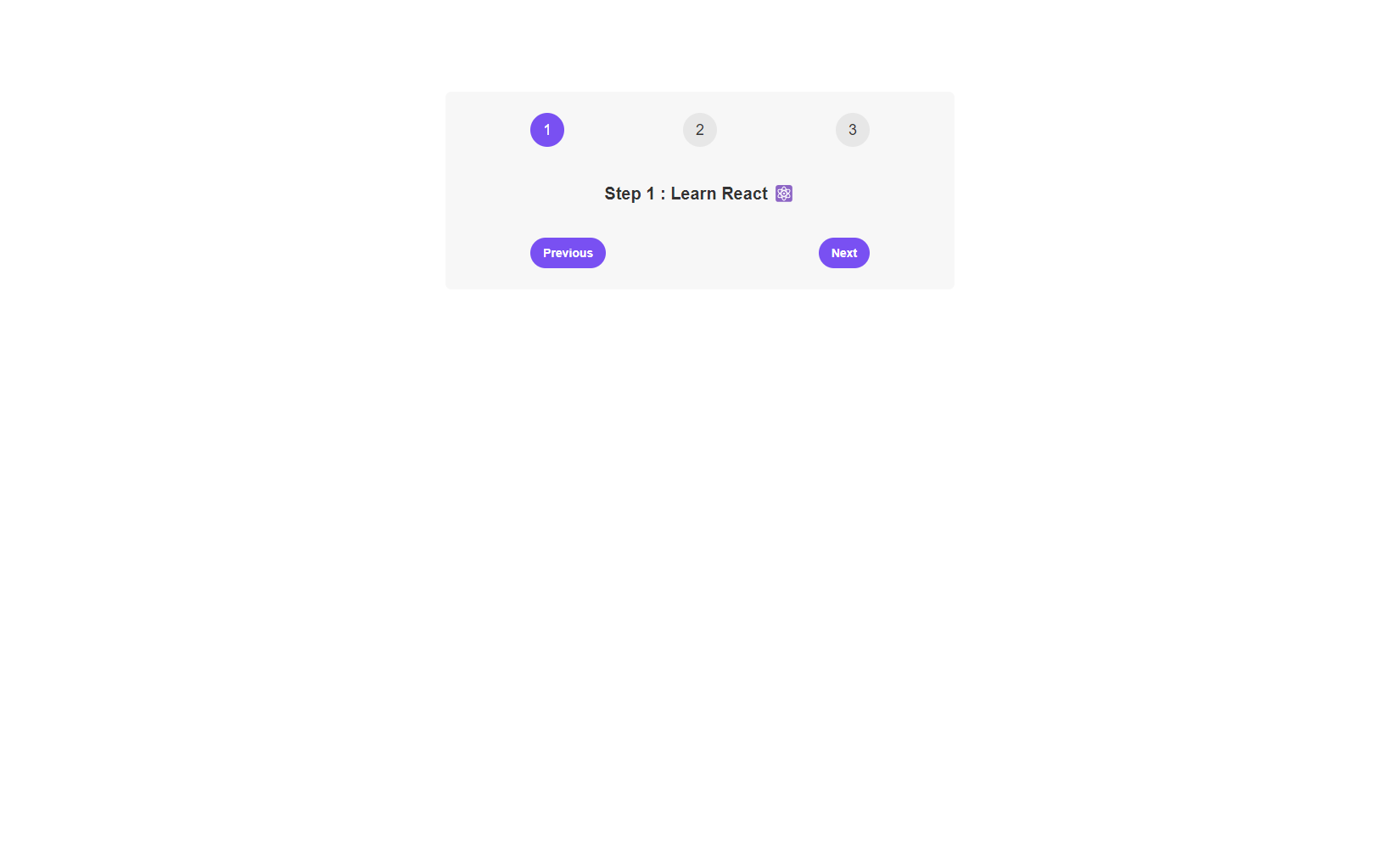
Welcome to the **Steps Component** project! This is a simple and interactive multi-step guide built with Vite and React. The project demonstrates how to navigate through different stages using state management in React.🛠️
## Preview Link 🔗
#### *Live Demo* https://steps-component-three.vercel.app
## Tech & Features 🖥️
### Tech Stack 🛠️
- **Vite**: A fast and lightweight build tool optimized for modern web development ⚡
- **React**: A popular library for building dynamic user interfaces ⚛️
- **CSS**: Styled using basic CSS for clean and minimal design 🎨
### Features ✨
- **Step Navigation**: Users can move between steps using "Previous" and "Next" buttons ⬅️➡️
- **Dynamic Step Highlighting**: The current step is highlighted for visual clarity 🔍
- **Responsive Layout**: The component is built to adapt to different screen sizes 📱💻
## How to Use 🛠️
To get started, follow these simple steps:
1. Clone the repository: 🌀
```bash
git clone https://github.com/ramxcodes/Steps-Component
```
2. Navigate into the project directory: 📁
```bash
cd Steps-Component
```
3. Install dependencies: 📦
```bash
npm install
```
4. Start the development server: 🚀
```bash
npm run dev
```
5. Open your browser and go to: 🌐
```
http://localhost:5173/
```
## Code Overview 🔍
The component is structured with React's `useState` to manage the current step. Below is an overview of the main `App` component:
```javascript
import { useState } from "react";
const messages = [
"Learn React ⚛️",
"Apply for jobs 💼",
"Invest your new income 🤑",
];
function App() {
const [step, setStep] = useState(1);
function handlePrevious() {
if (step > 1) setStep(step - 1);
}
function handleNext() {
if (step < 3) setStep(step + 1);
}
return (
= 1 ? "active" : ""}>1
= 2 ? "active" : ""}>2
= 3 ? "active" : ""}>3
Step {step} : {messages[step - 1]}
Previous
Next
);
}
export default App;
```