https://github.com/raphaelthegreat/android_device_nokia_nb1-twrp
TWRP 10.0 device tree for Nokia 8 Treble devices
https://github.com/raphaelthegreat/android_device_nokia_nb1-twrp
Last synced: 5 months ago
JSON representation
TWRP 10.0 device tree for Nokia 8 Treble devices
- Host: GitHub
- URL: https://github.com/raphaelthegreat/android_device_nokia_nb1-twrp
- Owner: raphaelthegreat
- Created: 2021-09-24T20:16:03.000Z (almost 5 years ago)
- Default Branch: android-10
- Last Pushed: 2021-10-07T16:55:08.000Z (almost 5 years ago)
- Last Synced: 2025-01-17T21:14:20.758Z (over 1 year ago)
- Language: Makefile
- Size: 423 KB
- Stars: 0
- Watchers: 1
- Forks: 0
- Open Issues: 1
-
Metadata Files:
- Readme: README.md
Awesome Lists containing this project
README
# Device Tree for Nokia 8 (Treble)
The Nokia 8 is a high-end Nokia-branded smartphone running the Android operating system
Announced on 16 August 2017 in London, England by HMD Global,[4][5] the phone began sales in Europe in September 2017.
| Basic | Spec Sheet |
| -----------------------:|:------------------------------------------------------------------------------------------------------------------------------ |
| CPU | Octa-core (4x2.5 GHz Kryo & 4x1.8 GHz Kryo) |
| Chipset | Qualcomm MSM8998 Snapdragon 835 (10 nm) |
| GPU | Adreno 540 |
| Memory | 4/6 GB RAM |
| Shipped Android Version | Android 7.1.1 |
| Last Android Version | Android 9.0 |
| Storage | 64/128 GB |
| Battery | Non-removable Li-Ion 3090 mAh battery |
| Display | 1440 x 2560 pixels, 16:9 ratio (~554 ppi density) |
| Camera (Back) | 13 MP, f/2.0, 1/3.1", 1.12µm, PDAF, Laser AF, OIS |
| Camera (Front) | 13 MP, f/2.0, (wide), 1/3.1", 1.12µm, PDAF |
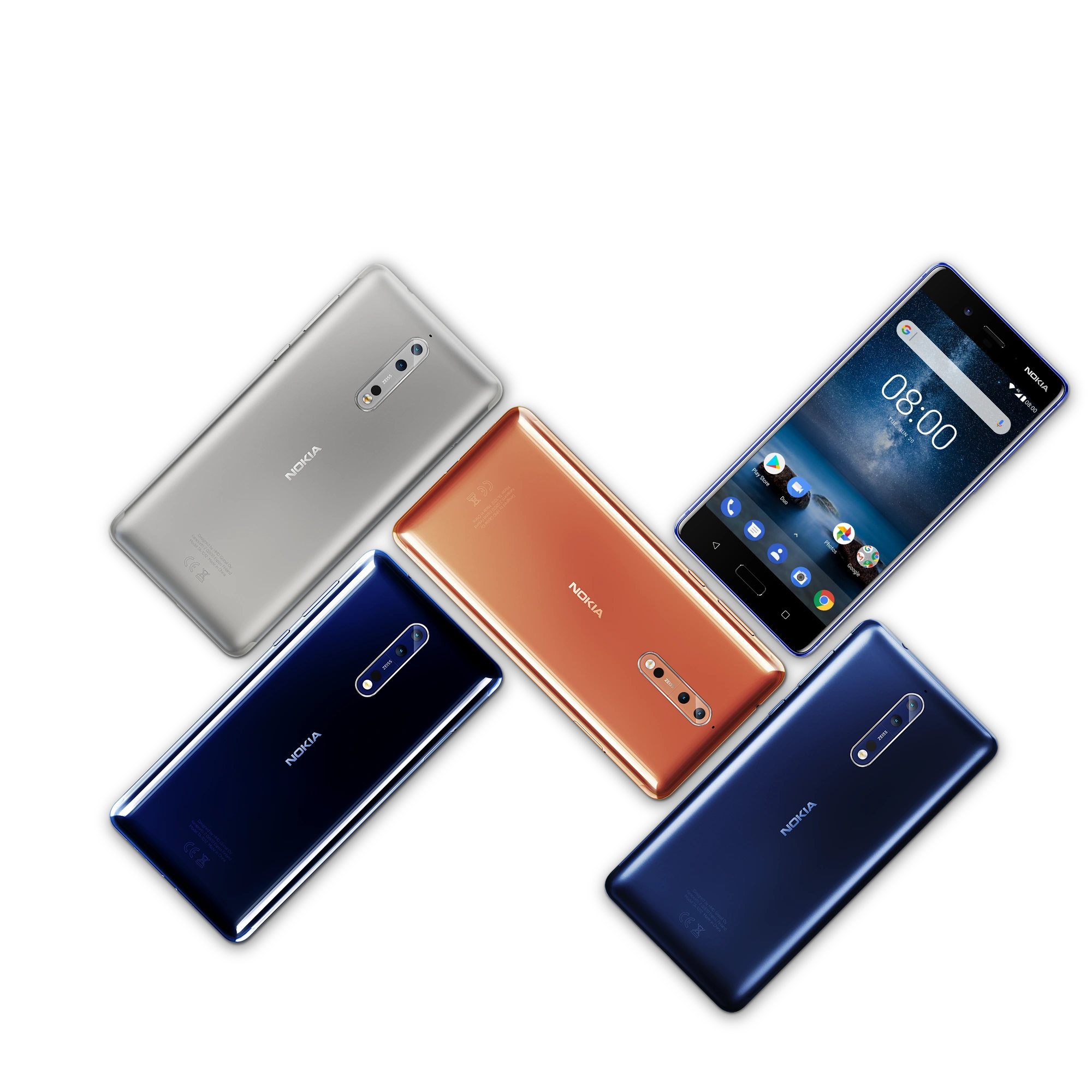
## Device picture
## Kernel
Kernel source:
https://github.com/GPUCode/android_kernel_nokia_msm8998
## Compile
First repo init the TWRP 10.0 tree (and necessary qcom dependencies):
```
mkdir ~/android/twrp-10.0
cd ~/android/twrp-10.0
repo init -u git://github.com/minimal-manifest-twrp/platform_manifest_twrp_omni.git -b twrp-10.0
mkdir -p .repo/local_manifests
curl https://raw.githubusercontent.com/TeamWin/buildtree_manifests/master/min-omni-10.0/qcom.xml > .repo/local_manifests/qcom.xml
```
Then add to a local manifest (if you don't have .repo/local_manifest then make that directory and make a blank file and name it something like twrp.xml):
```xml
```
Now you can sync your source:
```
repo sync
```
To automatically make the twrp installer, you need to import this commit in the build/make path: https://gerrit.omnirom.org/#/c/android_build/+/33182/
Finally execute these:
```
. build/envsetup.sh
export LC_ALL=C
lunch omni_NB1-eng
mka adbd recoveryimage
```