https://github.com/raphamorim/angular-drag-n-drop
Angular Drag and Drop, with no dependency on Jquery or other library.
https://github.com/raphamorim/angular-drag-n-drop
Last synced: about 1 year ago
JSON representation
Angular Drag and Drop, with no dependency on Jquery or other library.
- Host: GitHub
- URL: https://github.com/raphamorim/angular-drag-n-drop
- Owner: raphamorim
- Created: 2014-07-17T22:11:06.000Z (about 12 years ago)
- Default Branch: master
- Last Pushed: 2014-10-21T03:05:17.000Z (almost 12 years ago)
- Last Synced: 2025-04-11T07:40:30.600Z (over 1 year ago)
- Language: JavaScript
- Homepage: http://raphamorim.com/angular-drag-n-drop/
- Size: 773 KB
- Stars: 12
- Watchers: 5
- Forks: 2
- Open Issues: 4
-
Metadata Files:
- Readme: readme.md
Awesome Lists containing this project
README
# Angular Drag'n Drop
> Angular Drag'n Drop uses native HTML5 Drag and Drop, using few directives to control this feature, with no dependency on Jquery.
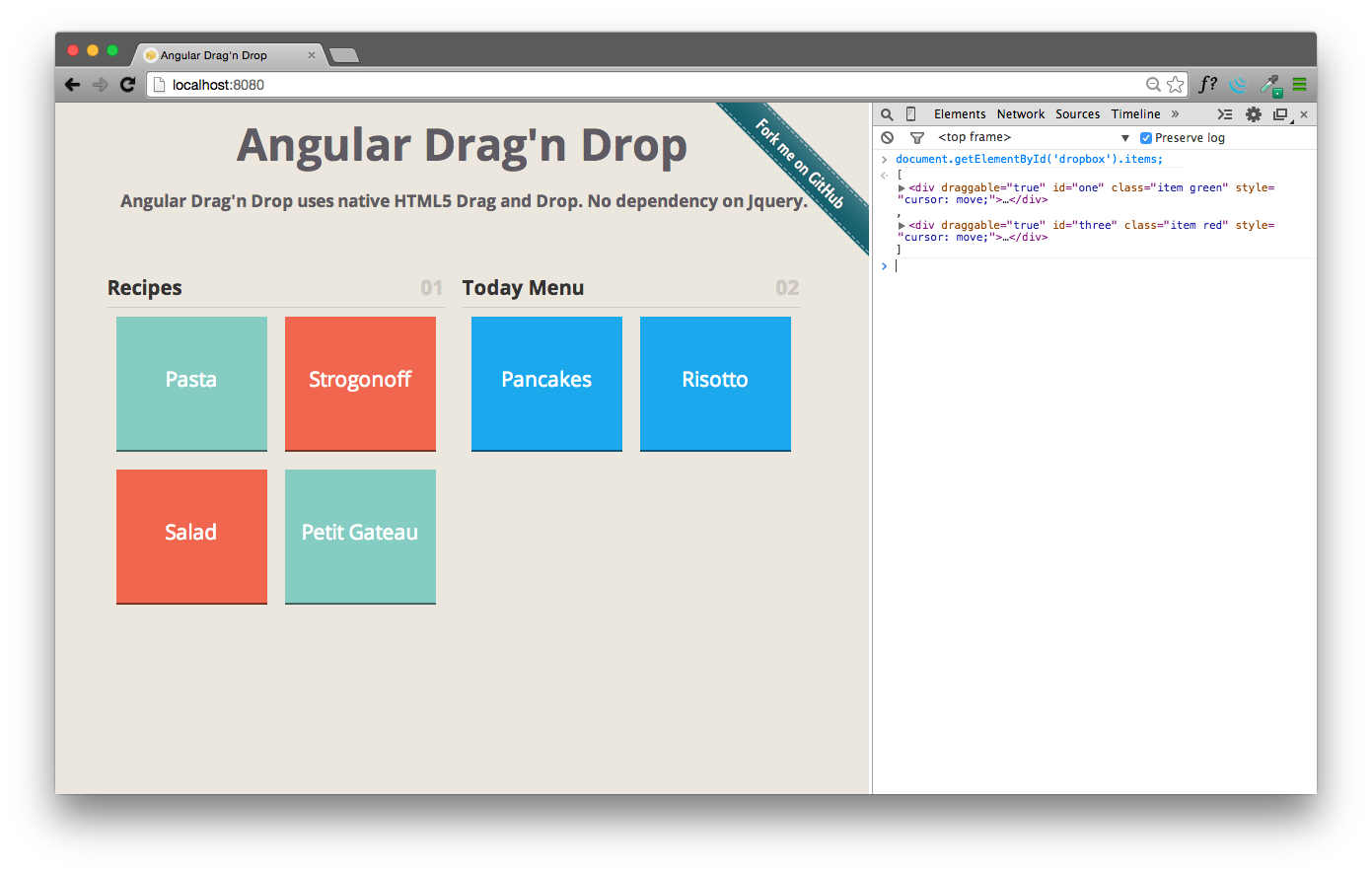
See the documentation: [how it works!](http://raphamorim.com/angular-drag-n-drop/#guide)
## Basic Usage
**[ 1 ]** Get Angular Drag'n Drop using [Download Option](https://github.com/raphamorim/angular-drag-n-drop/archive/master.zip) or via bower. To get using [Bower](http://bower.io/) just run this command:
$ bower install angular-drag-n-drop
**[ 2 ]** Add the source before body tag end:
**[ 3 ]** Start the Drag'n Drop in any element:
**[ 4 ]** For each element allow dragging property, use **draggable** directive:
Indiana Jones
Obi Wan Kenobi
**[ 5 ]** For allow drop in any element, use **droppable** directive:
## Browser Support
 |  |  |  | 
--- | --- | --- | --- | --- |
IE 10+ ✔ | Latest ✔ | Latest ✔ | Latest ✔ | Latest ✔ |
## Contributing
1. Fork it!
2. Create your feature branch: `git checkout -b my-new-feature`
3. Commit your changes: `git commit -m 'Add some feature'``
4. Push to the branch: `git push origin my-new-feature`
5. Submit a pull request :)
## About
**License:** MIT
**Created by** [Raphael Amorim](https://github.com/raphamorim)