https://github.com/raphamorim/astrofish
A intergalactic theme based on Spacemacs Color Scheme
https://github.com/raphamorim/astrofish
Last synced: over 1 year ago
JSON representation
A intergalactic theme based on Spacemacs Color Scheme
- Host: GitHub
- URL: https://github.com/raphamorim/astrofish
- Owner: raphamorim
- Created: 2016-07-18T19:49:33.000Z (about 10 years ago)
- Default Branch: master
- Last Pushed: 2016-08-02T14:49:10.000Z (almost 10 years ago)
- Last Synced: 2025-04-28T15:20:03.705Z (over 1 year ago)
- Language: VimL
- Homepage:
- Size: 497 KB
- Stars: 11
- Watchers: 3
- Forks: 2
- Open Issues: 0
-
Metadata Files:
- Readme: README.md
Awesome Lists containing this project
README
# Astrofish
High recommended: Install [Droid-Sans-Mono](https://raw.githubusercontent.com/raphamorim/astrofish/master/font/droid-sans-mono/DroidSansMono.ttf) in your computer.
Based on [Spacemacs Color Scheme](https://raw.githubusercontent.com/nashamri/spacemacs-theme/screenshots/guide-generic.png)
## Summary
* Editors
* [Vim](#vim)
* Terminal
* [iTerm](#iterm)
* [Terminal.app](#terminalapp)
* [Color Palette](#color-palette)
* [Contributing](#contributing)
* [About](#about)
## Vim
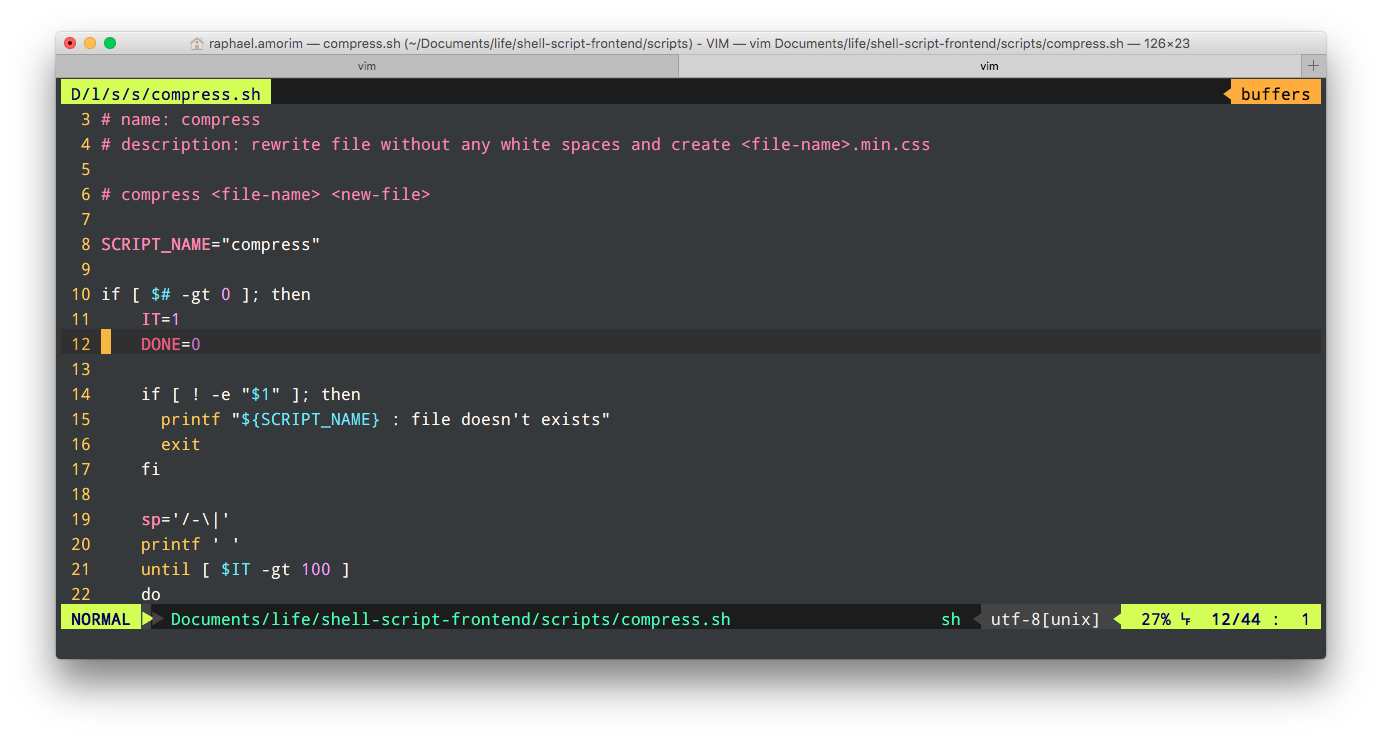
Clone and open this repo, then put `astrofish.vim` file in your `~/.vim/colors/` directory
```bash
git clone https://github.com/raphamorim/astrofish.git && cd astrofish
cp vim/astrofish.vim ~/.vim/colors/
```
Add the following line to your vimrc file:
syntax enable
set number
colorscheme astrofish
## iTerm
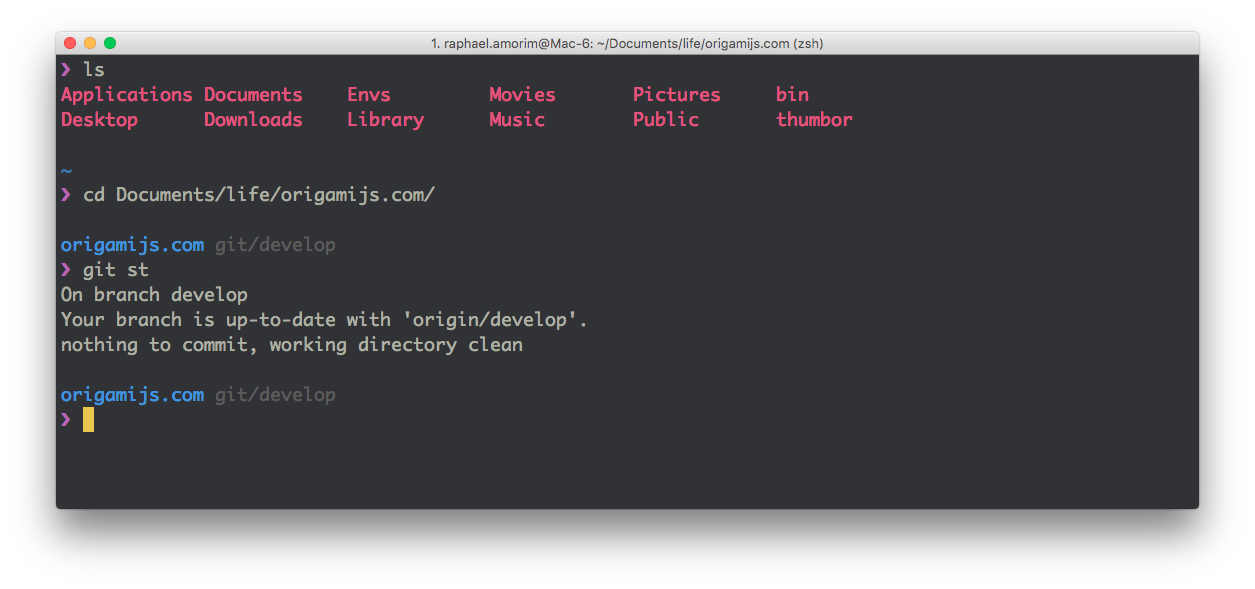
1. Use `git clone git@github.com:raphamorim/astrofish.git` (or use [.zip download][zip] option)
2. iTerm > Settings Tab
3. Go to "Profiles > Colors" tab
4. Click "Color Presets..." to import and select the **iterm/Astrofish.itermcolors** file
## Terminal.app
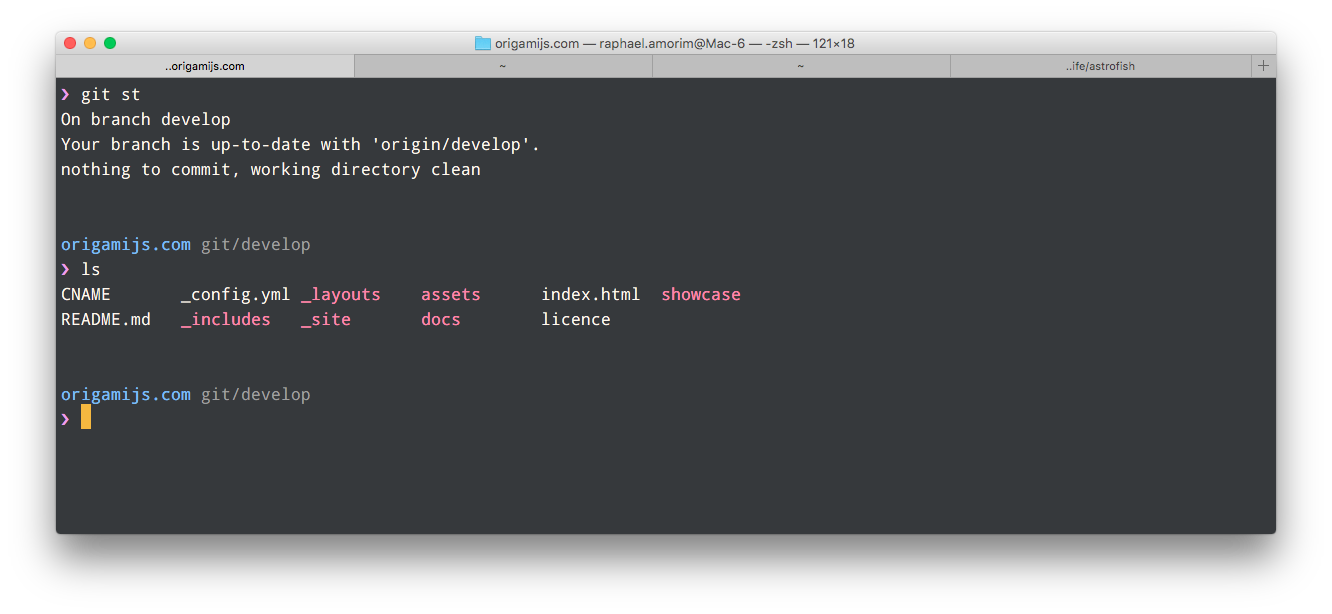
1. Use `git clone git@github.com:raphamorim/astrofish.git` (or use [.zip download][zip] option)
2. Terminal > Settings Tab
3. Click "Gear" icon
4. Click Import and select the **terminal/Astrofish.terminal** file
5. Click Default
[zip]: https://github.com/raphamorim/astrofish/archive/master.zip
## Color Palette
Palette | Hex | RGB | HSL | :art: |
--- | --- |--- |--- |--- |
Background | `#292B2E` | `41 43 46` | `216° 6% 17%` |  |
Current Line | `#212026` | `33 32 38` | `250° 9% 14%` | |
Selection | `#292E34` | `41 46 52` | `213° 12% 18%` |  |
Foreground | `#ADB0A2` | `173 176 162`| `73° 8% 66%` |  |
Comment | `#2A9BA3` | `42 155 163` | `184° 59% 40%` |  |
String | `#2C9372` | `44 147 114` | `161° 54% 37%` |  |
Variable | `#6590DA` | `101 144 218`| `218° 61% 63%` |  |
Function | `#BB6DC4` | `187 109 196`| `294° 42% 60%` |  |
Border | `#5D4D7A` | `93 77 122` | `261° 23% 39%` |  |
Type | `#CC5279` | `204 82 121` | `341° 54% 56%` |  |
Keyword | `#4D92CC` | `77 146 204` | `207° 55% 55%` |  |
## Contributing
Why not use astrofish color scheme in your favorite editor? does not exist?
So what about creating one, is very simple \o/
1. Fork it!
2. Create your feature branch: `git checkout -b my-new-feature`
3. Commit your changes: `git commit -m 'Add some feature'``
4. Push to the branch: `git push origin my-new-feature`
5. Submit a pull request :)
## About
**Credits**: Project inspired by [Lucario Theme](https://github.com/raphamorim/lucario).
**License**: MIT ® [Raphael Amorim](https://github.com/raphamorim).