https://github.com/rbadillap/zeta
An open source registry for shadcn/ui components - built for private and premium projects
https://github.com/rbadillap/zeta
components react registry shadcn-ui
Last synced: 12 months ago
JSON representation
An open source registry for shadcn/ui components - built for private and premium projects
- Host: GitHub
- URL: https://github.com/rbadillap/zeta
- Owner: rbadillap
- Created: 2025-04-28T20:18:33.000Z (about 1 year ago)
- Default Branch: main
- Last Pushed: 2025-05-20T00:42:21.000Z (about 1 year ago)
- Last Synced: 2025-06-26T04:35:51.080Z (about 1 year ago)
- Topics: components, react, registry, shadcn-ui
- Language: TypeScript
- Homepage: https://zeta-registry.vercel.app
- Size: 450 KB
- Stars: 68
- Watchers: 3
- Forks: 6
- Open Issues: 3
-
Metadata Files:
- Readme: README.md
Awesome Lists containing this project
README
# Zeta – Secure shadcn/ui Component Registry
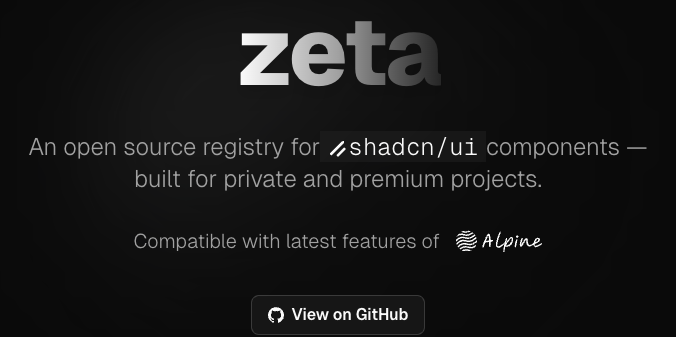
Zeta is an open source registry for [shadcn/ui](https://ui.shadcn.com/) components, designed for secure distribution of private or premium components. It integrates with [Polar.sh](https://docs.polar.sh/features/benefits/license-keys) for automated license key management and validation.
---
## 📚 Documentation
Comprehensive documentation is available in the [`/content/docs`](./content/docs/) directory:
- [Getting Started](./content/docs/getting-started/)
- [Integrations](./content/docs/integrations/)
- [Examples](./content/docs/examples/)
- [Guides](./content/docs/guides/)
- [API Reference](./content/docs/api/)
- [Configuration](./content/docs/configuration/)
- [FAQ](./content/docs/faq.mdx)
- [Troubleshooting](./content/docs/troubleshooting.mdx)
- [Contributing](./content/docs/contributing.mdx)
> **Tip:** If you are using the deployed app, documentation is also available at `/docs`.
---
## Quick Start
For a full setup guide, see [Getting Started](./content/docs/getting-started/).
1. **Create a License Key**
- Use [Polar.sh](https://docs.polar.sh/features/benefits/license-keys) to generate a license key.
2. **Set Up Your Project**
- You can use the shadcn CLI or clone this repository. See [Getting Started](./content/docs/getting-started/) for details.
3. **Configure Environment Variables**
- Copy `.env.example` to `.env` and fill in the required values. See [Configuration](./content/docs/configuration/).
4. **Add and Protect Components**
- Follow the [Component Registry Guide](./content/docs/examples/) to add and protect your components.
5. **Run the Registry Server**
- Start the dev server with `pnpm dev`.
---
## How It Works
1. **Create a license key** in Polar.sh
2. **Set up your registry** (clone this repo or use shadcn CLI)
3. **Configure environment variables** for Polar integration and token signing
4. **Add and protect your components** in the registry
5. **Distribute components** securely—users must provide a valid license key to install
---
## Links & Further Reading
- [Polar.sh License Key Docs](https://docs.polar.sh/features/benefits/license-keys)
- [shadcn Registry Getting Started](https://ui.shadcn.com/docs/registry/getting-started)
- [Zeta Demo](https://zeta-registry.vercel.app#example)
- [Zeta Issues & Discussions](https://github.com/rbadillap/zeta/discussions)
---
## License
[MIT License](LICENSE)