https://github.com/reaperdragon/instagram-mern
An Instagram Clone Built with MERN stack.📷
https://github.com/reaperdragon/instagram-mern
asymmetric-grid-view axios cloudinary css3 expressjs httpstatuscode iconsax instagram-clone jwt-authentication mern-stack mongodb mongoose mvc-architecture nodejs reactjs redux redux-toolkit social-media styled-components
Last synced: 10 months ago
JSON representation
An Instagram Clone Built with MERN stack.📷
- Host: GitHub
- URL: https://github.com/reaperdragon/instagram-mern
- Owner: reaperdragon
- License: mit
- Created: 2022-06-14T08:36:30.000Z (about 4 years ago)
- Default Branch: main
- Last Pushed: 2022-06-24T06:34:32.000Z (almost 4 years ago)
- Last Synced: 2024-07-29T20:52:55.358Z (almost 2 years ago)
- Topics: asymmetric-grid-view, axios, cloudinary, css3, expressjs, httpstatuscode, iconsax, instagram-clone, jwt-authentication, mern-stack, mongodb, mongoose, mvc-architecture, nodejs, reactjs, redux, redux-toolkit, social-media, styled-components
- Language: JavaScript
- Homepage:
- Size: 1.07 MB
- Stars: 3
- Watchers: 1
- Forks: 3
- Open Issues: 0
-
Metadata Files:
- Readme: README.md
- License: LICENSE.md
Awesome Lists containing this project
README
# Instagram Clone
### Built with Node js, Express js, Mongoose(Object Modeling for MondgoDB), React Js.
### Functionalities
- Follow User, UnFollow User.
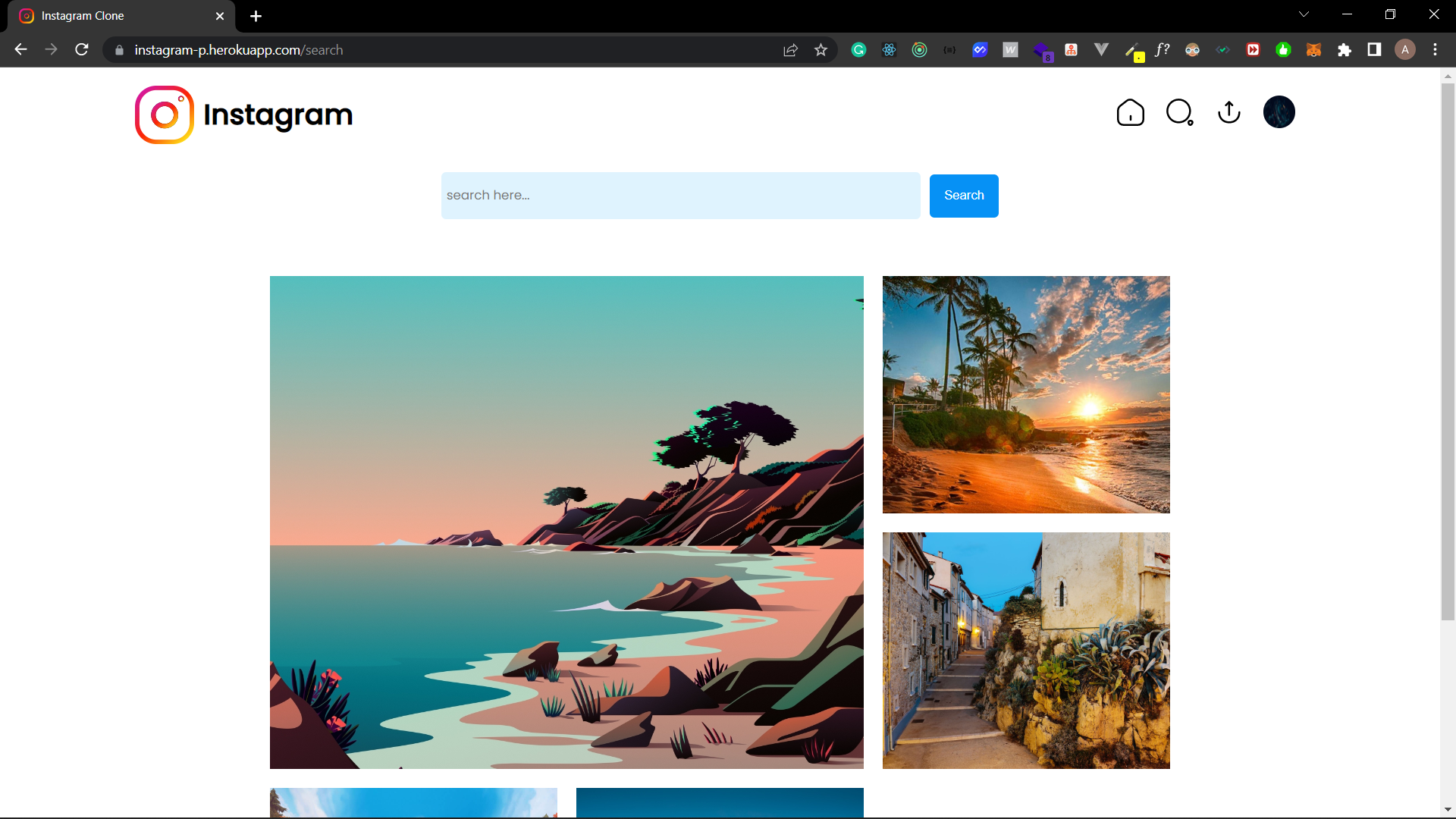
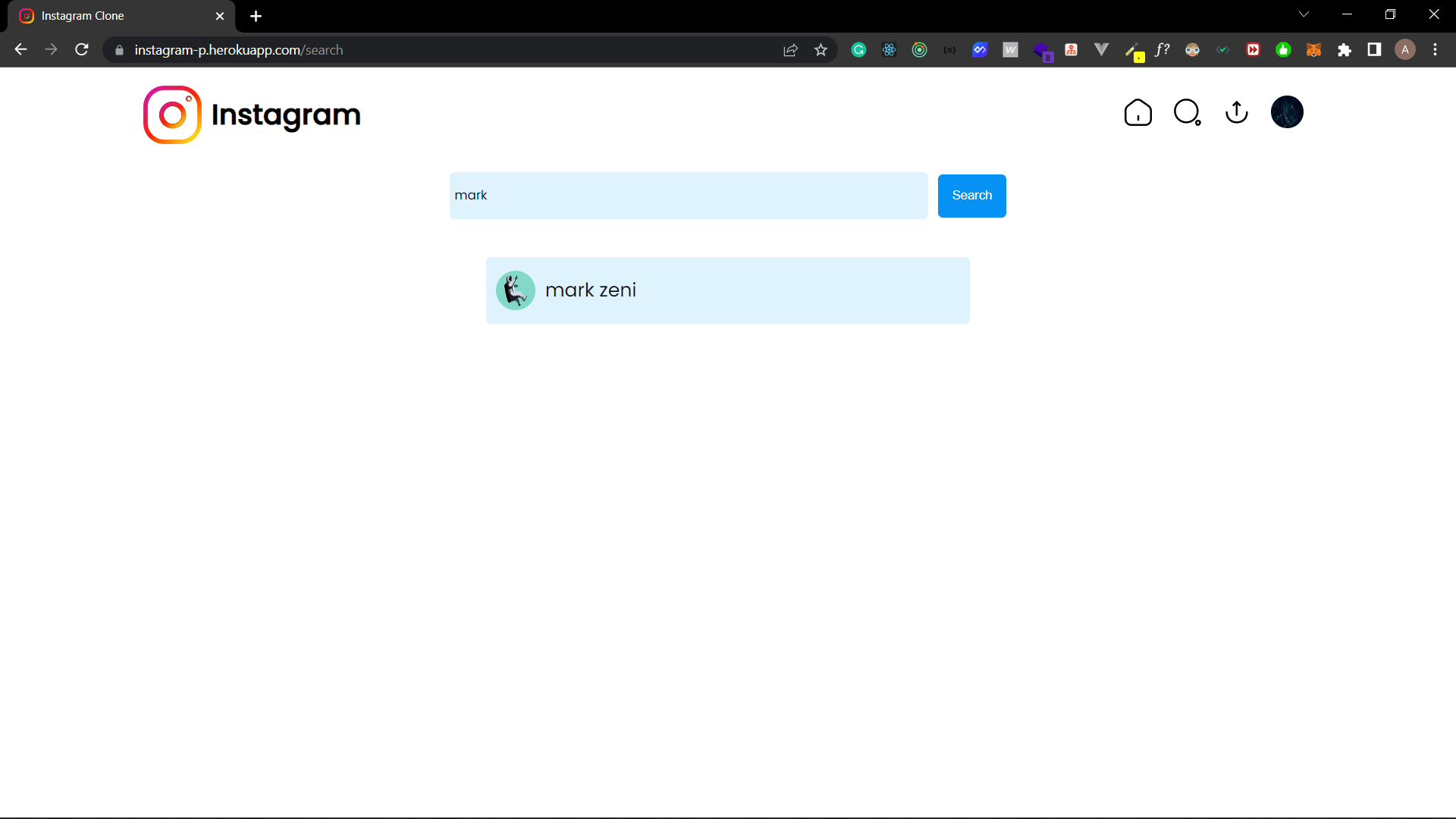
- Search Users.
- Following User Posts.
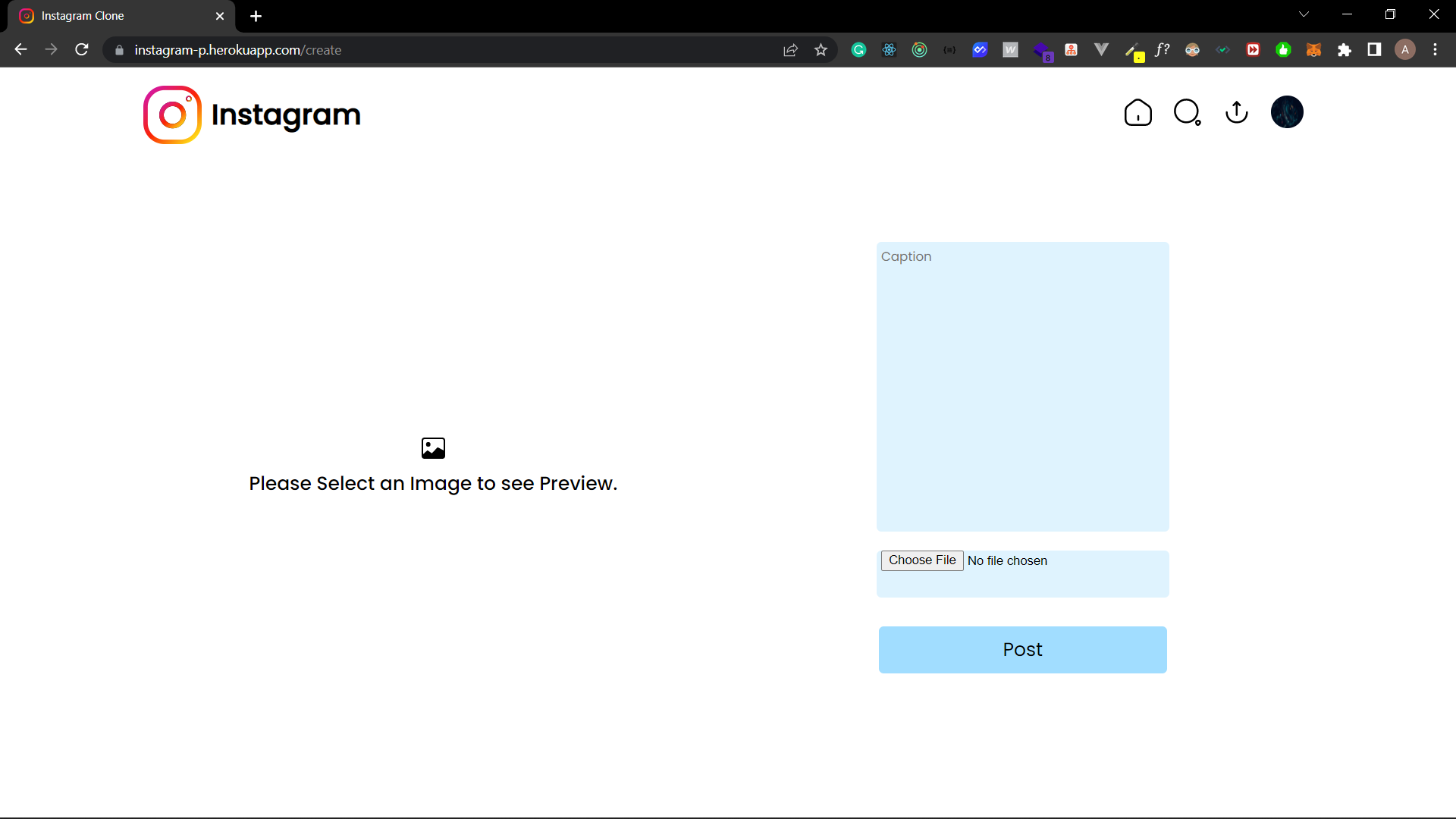
- Create Post.
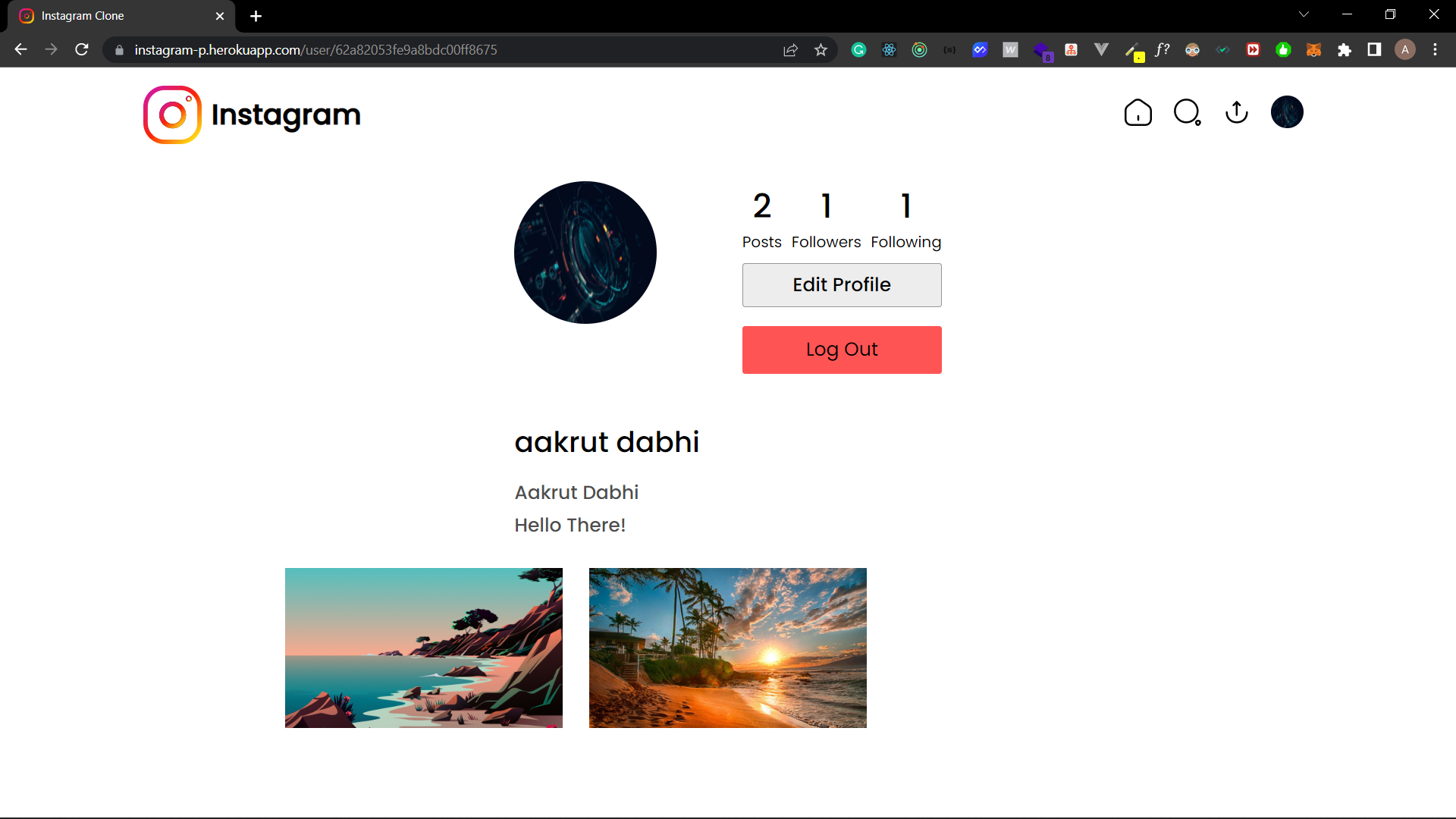
- Update UserProfile.
- JWT Authentication.
- Comment on Post.
- Like UnLike on Posts.
### Tech
- Frontend : [React Js](https://reactjs.org/)
- Backend : [Express js](https://expressjs.com/)
- State Management : [Redux Toolkit](https://redux-toolkit.js.org/)
- Style : [Styled Component](https://styled-components.com/)
- Database : [MongoDB Atlas](https://www.mongodb.com/)
- Routing : [React Router Dom V6](https://reactrouter.com/)
- Icons : [Iconsax React Icons](https://iconsax-react.pages.dev/)
### Installation
#### Clone
- Clone this repo with url `https://github.com/Aakrut/instagram-mern`
##### Setup
> Install npm dependencies using npm install
```
$ npm install && cd client && npm install
```
> Set up a MongoDB database either locally or provision a free database with MongoDB Atlas
> Create a free [Cloudinary account](https://cloudinary.com/)
> Create a .env file in the root directory
> Set up required environment variables.
```
MONGO_URI=Your_MONGO_URL
JWT_SECRET=YOUR_SECRET_KEY
JWT_LIFETIME=TIME
CLOUDINARY_CLOUD_NAME=CLOUD_NAME
CLOUDINARY_API_KEY=API_KEY
CLOUDINARY_API_SECRET=CLOUD_SECRET_KEY
```
> In the root directory run both the backend and the front end with the following command
```
npm start
```
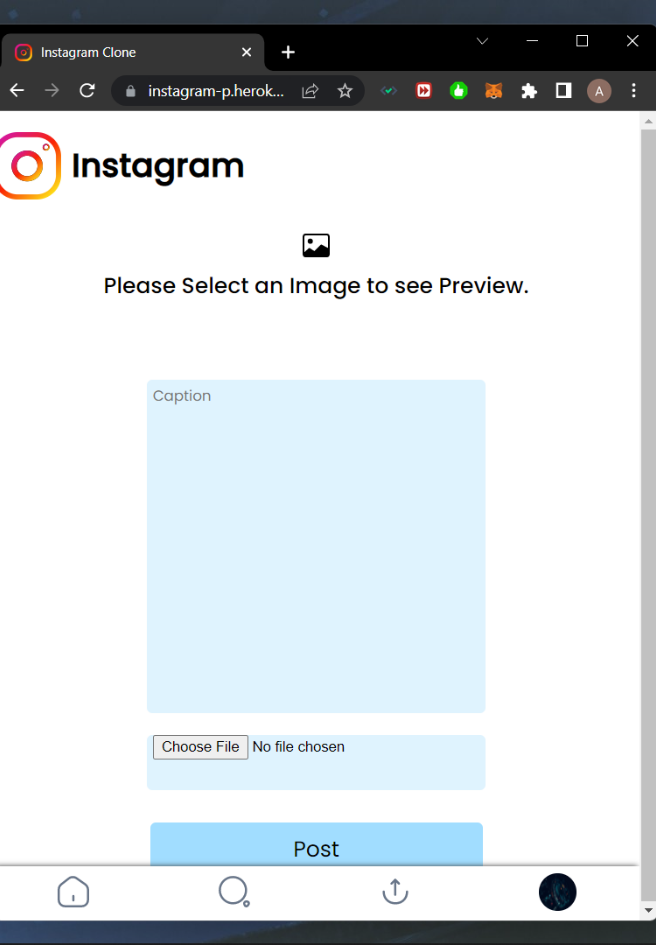
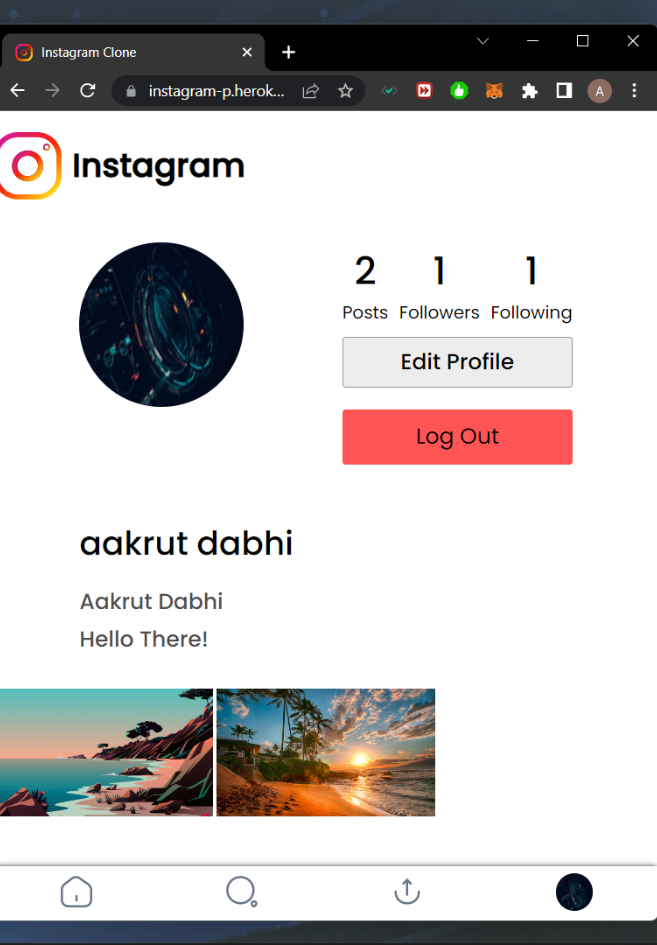
### Screenshots
#### Web



#### Responsive